Almost every fresh screen protector installation finishes with bubbles, and almost everyone’s first instinct is to attack all of them immediately. That instinct wastes effort, because bubbles are not one problem — they are three different problems wearing the same disguise. One kind vanishes by itself, one kind can be pushed out, and one kind will sit there forever unless you fix the cause underneath it.
This is a decision guide rather than a technique guide. It shows you how to identify which bubble you are looking at, gives you honest timelines for the ones that settle alone, and walks through the right fix for each type — including knowing when to stop fixing and simply refit.
Key Takeaways
- Identify before you touch: plain air, dust-centred, or edge lift — each has a completely different fate.
- Plain air bubbles under glass usually settle within 24–48 hours; under film, allow up to a week.
- A bubble with a visible speck in its centre will never disappear on its own — the speck is physically holding the protector up.
- Push bubbles out within the first day, while the adhesive is still mobile enough to move.
- An edge bubble that springs straight back means contamination or case pressure — pressing harder fixes neither.
- After a week, whatever remains is permanent: fix the cause or refit the protector.
The Three Kinds of Bubble
Plain air bubbles are smooth, round or oval, with nothing visible inside them — just a pocket of air trapped as the protector went down. Dust bubbles have a tell-tale dot at their centre: a speck of dust or fibre tenting the protector up, often with faint rings around it like a tiny crater. Edge bubbles sit on the border of the protector — a pale outline where the edge refuses to bond, sometimes called a halo. Look closely under a bright light before deciding anything; the speck in a dust bubble can be tiny, and misdiagnosing it means waiting hopefully for a bubble that is never leaving.
Which Bubbles Disappear on Their Own (and When)
Plain air bubbles under a tempered glass protector usually settle within 24 to 48 hours. The adhesive keeps flowing slowly after fitting, and as it creeps outward it absorbs small pockets of air — many installs look noticeably better the morning after, and better again the day after that. Film protectors are slower: their adhesive settles over three to seven days, and small bubbles can keep shrinking all week. Dust bubbles and edge bubbles, by contrast, have never once disappeared on their own — the dust is a physical obstacle, and an unbonded edge has no adhesive flow left to rescue it. The honest rule: give plain air bubbles their timeline, and not a day more.
- Photograph the bubbles straight after fitting, then compare at 24 and 48 hours. Shrinking bubbles are settling — leave them alone; identical ones are not.
- Warmth helps settling: a phone in normal warm rooms settles faster than one left in a cold car overnight.
Fix 1: Push Out Plain Air Bubbles
For fresh plain air bubbles, work within the first day while the adhesive is mobile. Using a fingertip — or a card wrapped in a microfibre cloth for film — push the bubble in one smooth, steady stroke toward the nearest edge, and out. Work from the centre of the screen outward, one bubble at a time, and finish with a firm pass around the perimeter. Use pushes, not pokes: jabbing at a bubble splits it into two smaller ones. If a bubble keeps retreating into the middle instead of exiting, it is probably a dust bubble in disguise — look again, closer.
Fix 2: The Tape-Lift for Dust Bubbles
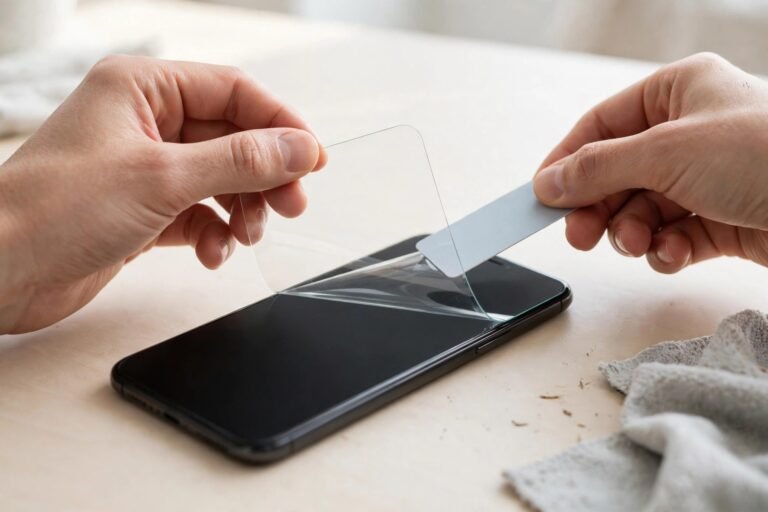
Dust bubbles need surgery, not pressure. Slide a tab of sticky tape under the nearest corner of the protector and lift it only as far as the speck — no further. Dab the speck off the screen or the protector’s sticky side with a dust-removal sticker (or a second piece of tape), then lay the protector back down smoothly and press the area gently. Timing matters: this works best within the first hour or two. The longer the adhesive has cured, the more each lift weakens it and the more new dust every attempt invites, so one careful lift beats three hopeful ones.
Fix 3: Edge Bubbles and the Halo
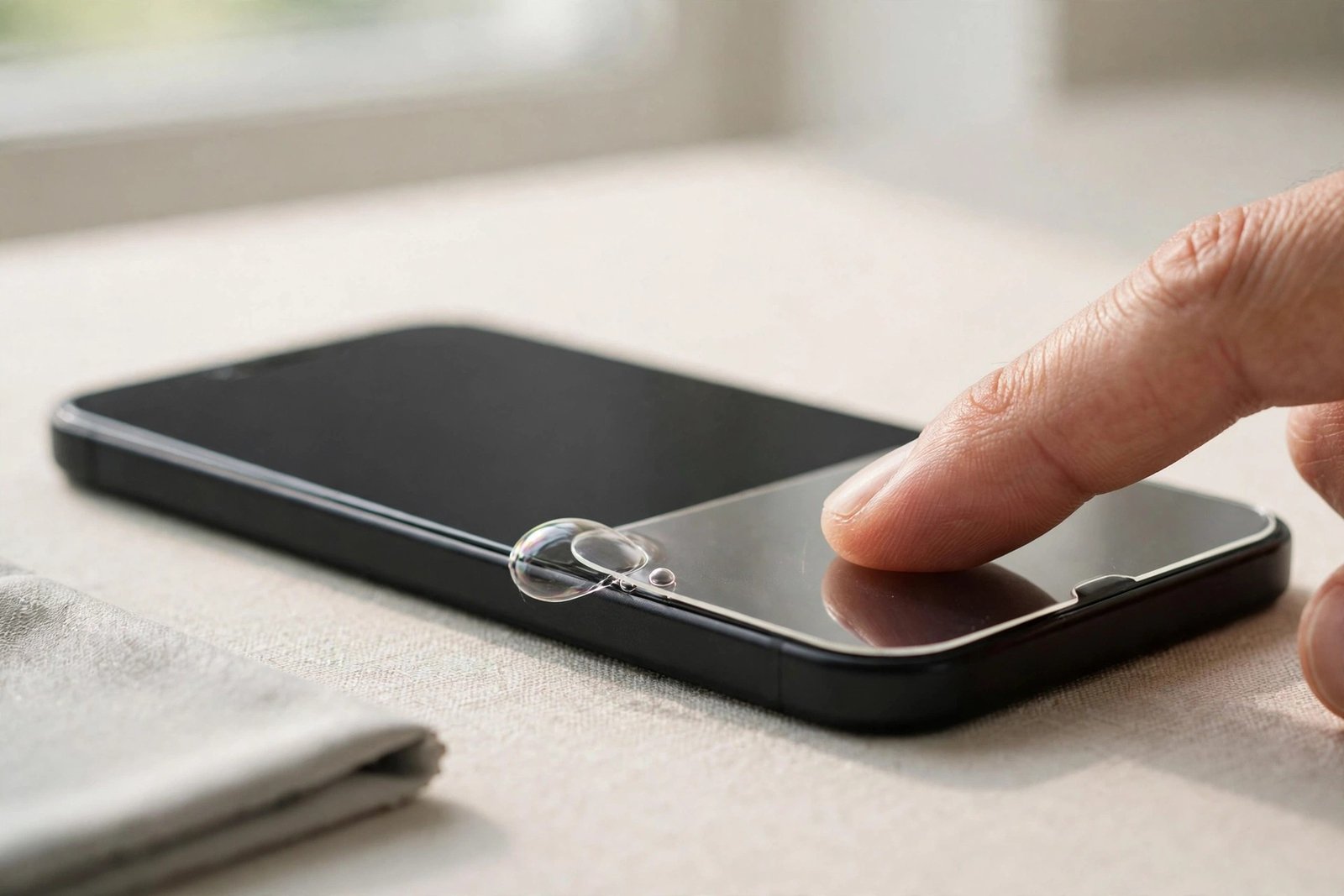
Press each lifting edge down firmly for 30–60 seconds — the warmth and pressure of a fingertip genuinely helps adhesive wet out. Then check the usual culprit: refit your case and watch whether the edge rises as the case goes on. If it does, the case lip is pushing the protector up, and no amount of pressing will win that fight; the cure is a slightly smaller, case-friendly protector or a different case. A halo that runs evenly around all four edges of a phone with a curved screen is a fit limitation rather than a fault — the glass is flat, the screen isn’t, and only a protector cut for that exact model resolves it.
When to Give Up and Refit
After a week, call it. Bubbles that remain are telling you something structural: embedded dust you cannot reach without wrecking the adhesive, an edge the screen’s curve will never accept, or a protector that was slightly the wrong size from the start. Most protectors come in multi-packs for exactly this reason. A fresh protector fitted onto a properly cleaned screen, in a steamed bathroom, will almost always beat a fourth repair attempt on a tired one — and now you know precisely which mistake you are avoiding second time around.
- On a refit, change one thing from the failed install — room, cleaning order or alignment method — rather than repeating the identical routine and hoping.
- Keep the failed protector’s packaging: if bubbles appeared instantly on a clean screen, a photo of it is useful evidence for a replacement claim.
Frequently Asked Questions
How long should I wait before deciding a bubble is permanent?
For tempered glass, 48 hours is a fair trial — if a plain bubble hasn’t visibly shrunk by then, it isn’t going to. For film, give it the full week, checking every couple of days. Dust bubbles need no waiting period at all: the moment you can see a speck at the centre, you already know its verdict.
Can bubbles damage my screen or affect touch?
Bubbles do not damage the screen. A large bubble in the middle can make touch feel slightly less direct in that spot, and edge bubbles can let dust creep underneath over time, which is untidy rather than harmful. The real cost of ignoring them is cosmetic — plus the risk that a lifting edge catches on a pocket one day and starts a full peel.
Why did bubbles appear a day after a perfect install?
Late-appearing bubbles are usually edge bubbles with a slow cause: the case went on after the adhesive had only partly set and nudged an edge, or warmth from charging let the adhesive relax around a speck that was borderline. Treat them by type — check for a speck, check the case, press and hold the edges — rather than assuming the whole install has failed.
Every bubble is a small diagnosis: plain air needs patience, dust needs a lift, and a lifting edge needs its cause found. Read the bubble first, and the fix is usually the easy part.