An iPhone screen protector lives a hard life. It takes every fingerprint, every swipe of a greasy thumb, every trip face-down into a handbag — so the screen underneath doesn’t have to. But a grubby protector dulls the display, drags under your fingers, and makes a good phone look tired. The good news is that cleaning one properly takes two minutes and one cloth — as long as you use the things that clean it, and not the things that quietly ruin it.
This guide is iPhone-specific: the full-coverage panes most iPhones wear, the speaker slot and camera cut-outs where grime quietly gathers, and how to look after the oleophobic coating that keeps fingerprints wiping away easily in the first place.
Key Takeaways
- A dry microfibre cloth handles most cleaning — fingerprints are grease, and grease just needs buffing off.
- For stubborn marks, use a cloth barely dampened with water. Never spray liquid onto the phone itself.
- Grime collects in the speaker slot, around the camera cut-outs, and along the edges — give those a dry pass with the cloth’s corner.
- Window cleaner, bleach, acetone and rough paper strip the oleophobic coating. Once it’s gone, it doesn’t come back.
- A dirty cloth just redistributes grease — wash your microfibre cloths regularly and retire the gritty ones.
- A quick daily buff prevents the build-up that eventually needs a deep clean.
The Daily Routine: Dry Buff First
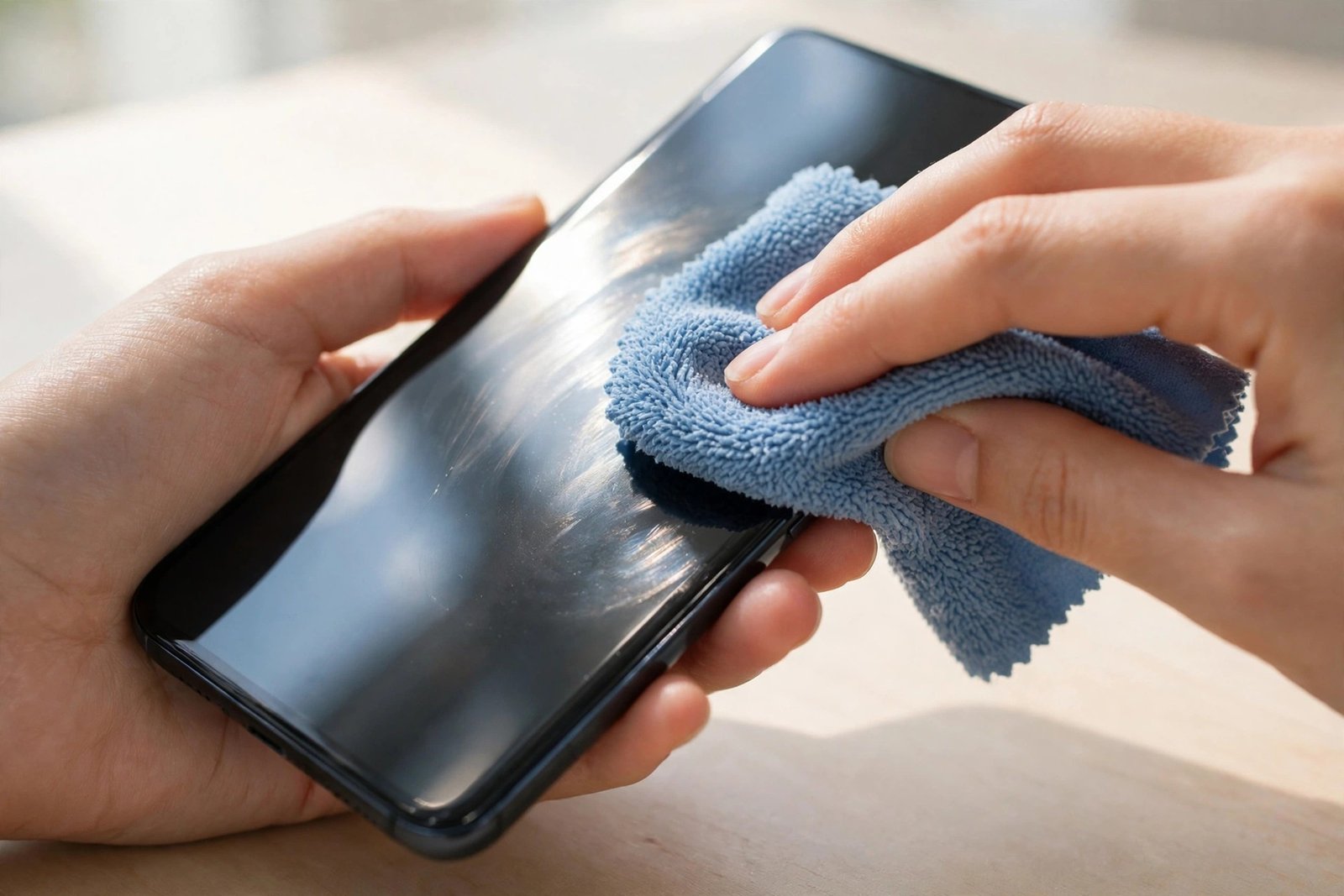
Start dry, always. Take a clean microfibre cloth and buff the screen in small, light circles, finishing with a couple of straight passes along the edges. Skin oil doesn’t need a solvent — it needs fine fibres to lift and hold it, which is exactly what microfibre is for. On most days, this is the entire job, done in under a minute.
Two habits make the difference. First, shake out or inspect the cloth before it touches the screen: one trapped grain of grit dragged across the surface is how protectors collect their fine scratches. Second, use light pressure and let the fibres work — pressing harder mostly flattens the fibres, so they polish less and drag grit more. If the screen still looks smeary after a dry buff, the honest culprit is usually the cloth itself; a grease-loaded cloth just moves the problem around in streaks.
Cut-Outs, Speaker Slot and Edges: Where Grime Hides
Full-coverage iPhone protectors follow the screen closely, which leaves three places a flat buff can’t reach. The earpiece speaker slot at the top collects pocket lint and dust in its mesh. The front camera and sensor area — whether your iPhone has a notch or a pill-shaped cut-out — gathers a ring of grime around its border. And the perimeter, where the protector’s edge meets the case lip, builds up a dark line of compacted dust over time.
Once a week or so, pop the case off and work these spots dry: fold the microfibre cloth to a point and run it gently around the camera border and along the protector’s full edge, then along the case’s inner lip before it goes back on. For the speaker slot, a soft, dry brush — a clean, soft toothbrush kept for the purpose — lifts lint out without pushing it deeper. Lint packed into the edge groove isn’t just untidy; left alone, it slowly works under the border and becomes one of the quiet causes of lifting corners.
- Clean the screen face-down over the cloth on a table rather than holding the phone up — loose dust falls away from the surface instead of settling straight back onto it.
- Keep a spare microfibre cloth where grime happens — desk drawer, car, bedside. The best clean is the one that’s within reach when you notice the smears.
When Dry Isn’t Enough — and What Never to Use
Make-up, sunscreen and sticky fingerprints laugh at a dry cloth. Dampen the cloth — never the phone: run a corner under the tap, wring it until it’s barely damp, wipe the sticky areas, and buff dry immediately with the cloth’s dry side. Liquid should never pool, creep towards the edges, or get near the speaker or charging port. If water still loses, the strongest thing a protector ever needs is a screen-safe cleaner or an alcohol wipe from a fitting kit, applied to the cloth, used sparingly, and buffed off at once.
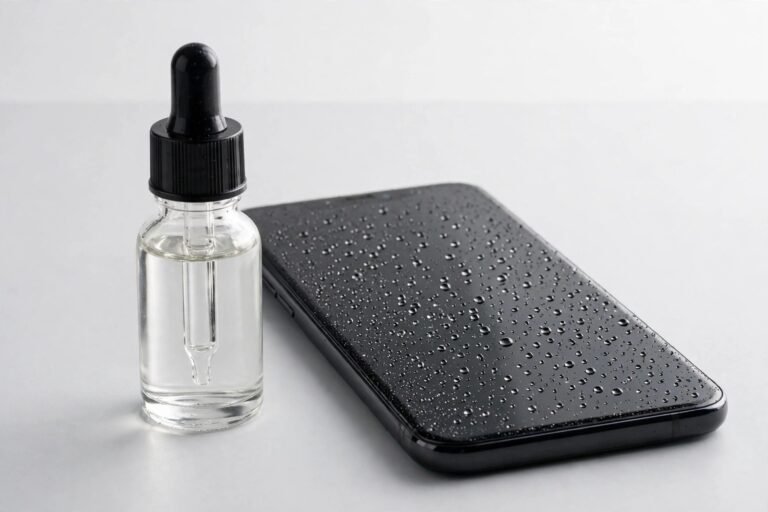
Everything stronger is where damage starts, because glass and film protectors carry a thin oleophobic coating — the layer that makes fingerprints release easily and fingers glide. It is fragile chemistry. Window and glass cleaners often contain ammonia or solvents that attack it; bleach and disinfectant sprays dull it and can discolour edges; acetone can creep under a border and start it lifting; and paper towels, tissues and scouring pads clean by abrading, leaving a haze of micro-scratches. The symptom of a stripped coating is unmistakable: fingerprints suddenly cling and smear instead of wiping, and the screen feels draggy. It can’t be reapplied at home — which is why the gentle routine is worth the small discipline it takes.
- Wash your microfibre cloths in warm water with a drop of washing-up liquid and air-dry them — fabric softener coats the fibres and ruins their absorbency.
- If your protector still looks streaky after a clean, swap the cloth before blaming the screen. Nine times out of ten, the streaks were the cloth’s parting gift.
Frequently Asked Questions
Can I clean it with hand sanitiser or alcohol gel?
Better not. Gels carry moisturisers and fragrances that smear and leave a film of their own, and repeated alcohol exposure wears the oleophobic coating faster than plain water ever would. An alcohol wipe from a fitting kit, used occasionally, is fine — the daily habit should stay water and microfibre.
Why does my screen look streaky even after cleaning?
Almost always the cloth: one already loaded with old grease redistributes it in streaks, and too much water dries unevenly. Wash or swap the cloth, use less water, and finish every clean with a completely dry buffing pass. Streaks are nearly always a last-step problem, not a screen problem.
How often should I clean my iPhone’s protector?
A quick dry buff daily — while the kettle boils is a good anchor — a damp clean whenever something sticky lands on it, and the cut-outs-and-edges pass about weekly. That rhythm means grime never builds into the compacted edge deposits that need real effort, and your coating lasts the protector’s whole life.
One clean cloth, light circles, water only when you must, and nothing from the cleaning cupboard — that’s all an iPhone protector asks to stay looking like bare glass.