
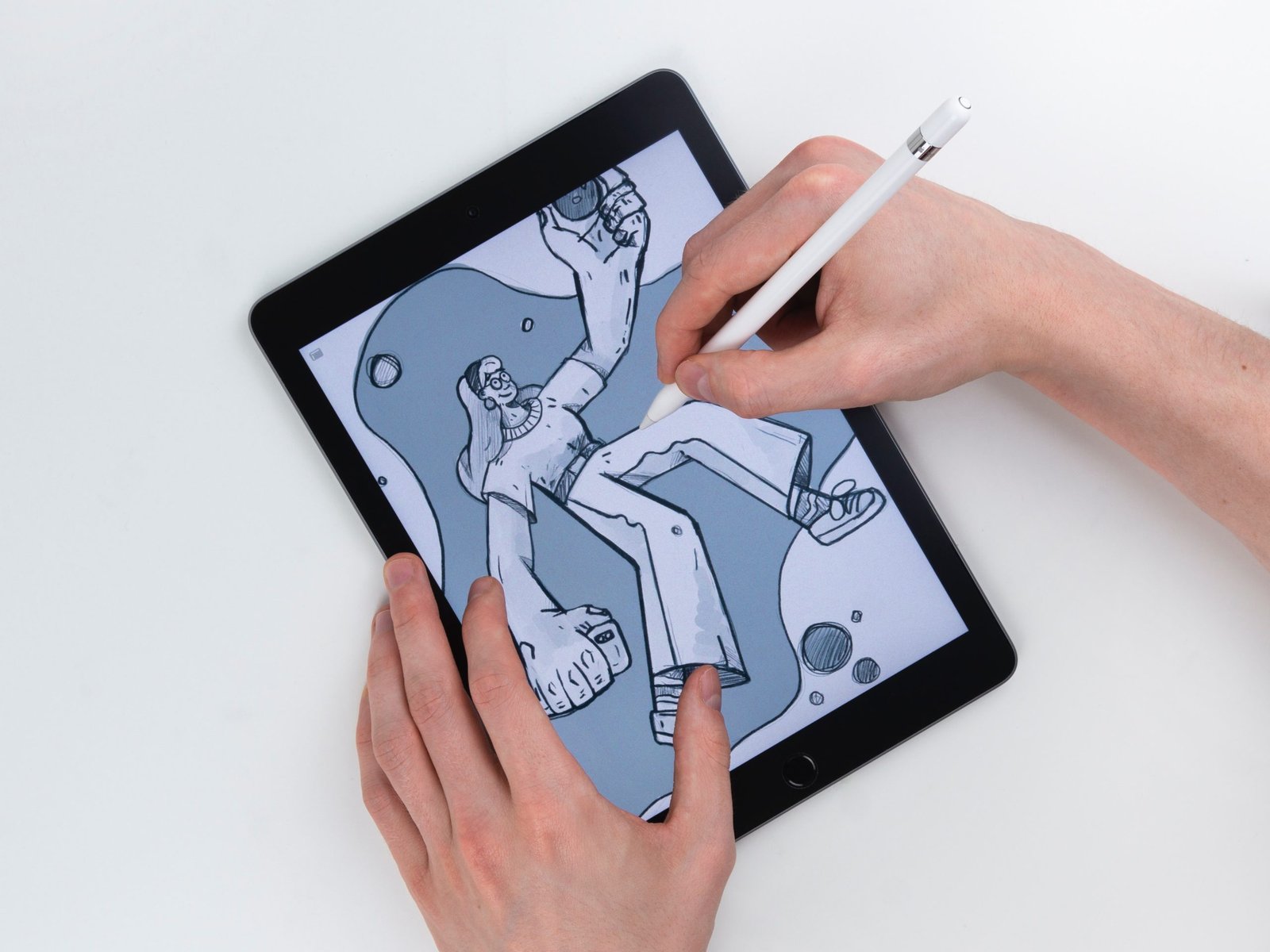
Writing or drawing on bare tablet glass feels like skating on ice — the stylus slides, handwriting gets sloppy, and strokes land off-target. We tested and compared the 10 best paper feel screen protectors for 2026: matte PET films that add real paper-like friction for the Apple Pencil across the iPad Pro 12.9-inch, iPad Pro 11-inch, iPad 10th generation, iPad Air 5th and 4th generations, and iPad 9th generation. Every pick below was chosen for explicit model fitment and verified Amazon availability.
Fitment is model-specific here: each protector below is cut for one specific iPad model and generation — a 12.9-inch film will not fit the 11-inch, and an iPad Air 5 film may not align with the Air 4’s camera placement. Confirm your exact iPad model in Settings > General > About and match it to the assigned tablet named in each review below. No pick here claims to fit multiple incompatible tablets.
Key Takeaways
- Best overall: Paperlike 2.1 2-Pack — the Nanodots texture benchmark for the iPad Pro 12.9-inch.
- Best Pro 12.9 value: ESR Paper-Feel 2-Pack — alignment tray makes the big panel easy to fit.
- Best Pro 11 premium: Paperlike 2.0 2-Pack — authentic paper drag for the 11-inch iPad Pro (2020/21/22).
- Best student pick: ESR Paper-Feel 2-Pack — tray install and honest pencil friction for the iPad 10th gen.
- Best removable pick: ESR Paper-Feel Magnetic Single — snaps on for writing, lifts off for movies on the iPad Air 5.
- Best budget Air 5 pick: KCT Paperfeel 2-Pack — real paper drag at a low price for the iPad Air 5.
- Best Air 4 value: XIRON Paperfeel 2-Pack — bold sketchbook-like texture for the iPad Air 4.
- Best 10.2-inch budget trio: XIRON Like Paper, Ailun Paper Textured, and MOBDIK Paperfeel 2-Packs for the iPad 9th gen.
- Best gentle texture: Ailun Paper Textured 2-Pack — subtle resistance for writers who dislike heavy grain.
- Best for sketchers: MOBDIK Paperfeel 2-Pack — the coarsest grain here for maximum pencil drag.
- Texture trade-off: paper feel softens display sharpness slightly and wears Apple Pencil tips faster — budget for spare tips.
- The fitment rule: match the exact iPad model and generation — films cut for one size never fit another.
- No drop protection: these are PET films for scratch and writing feel, not impact armor like tempered glass.
- Every pick below links to Amazon with our View on Amazon button for the latest price.
Our Top Paper Feel Screen Protectors
Paperlike 2.1 2-Pack
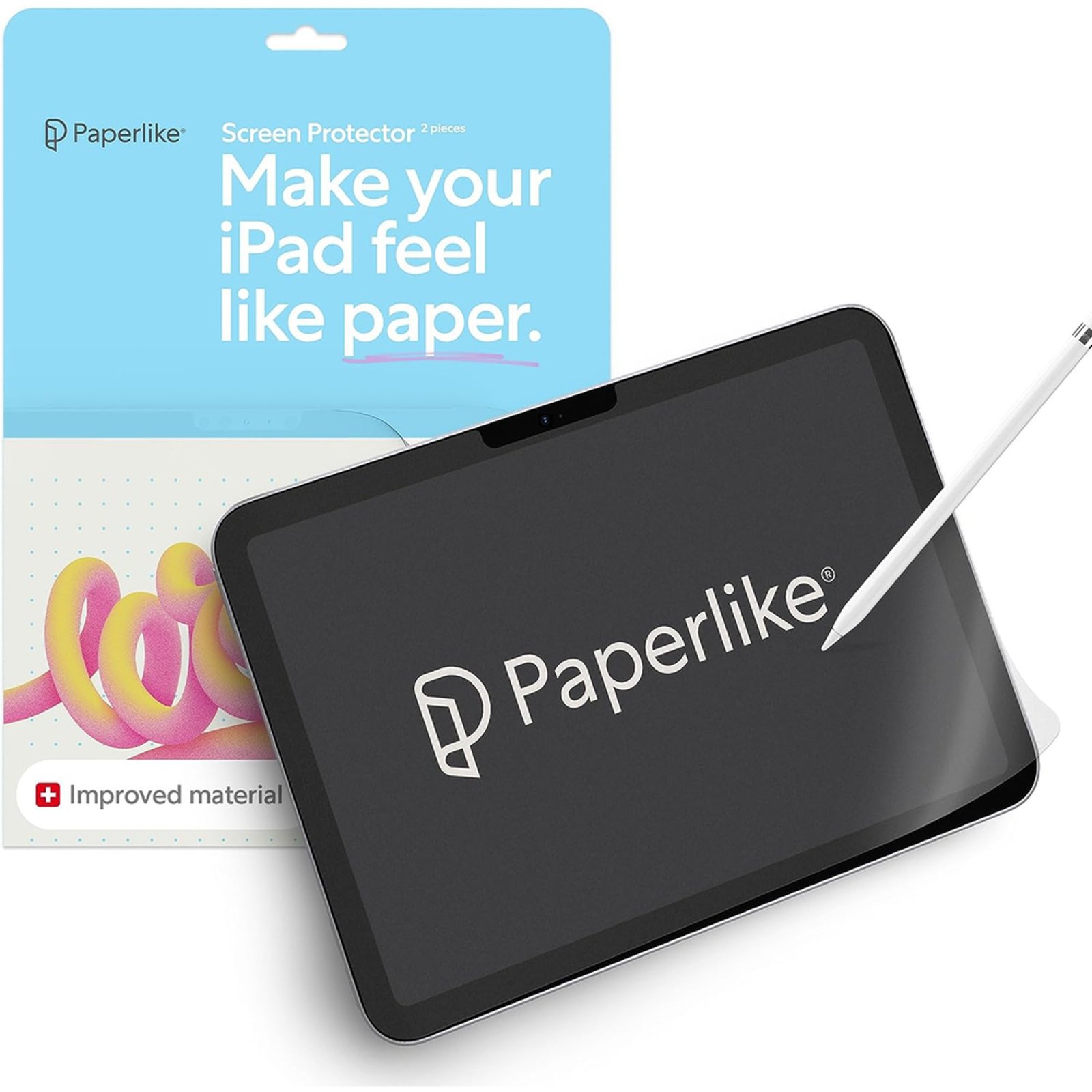
✓ Nanodots microbead texture creates real paper-like friction for the Apple Pencil.
✓ Two films in the box plus a full cleaning and alignment kit for a second try.
✓ Anti-glare matte surface cuts reflections during long writing sessions.
ESR Paper-Feel 2-Pack
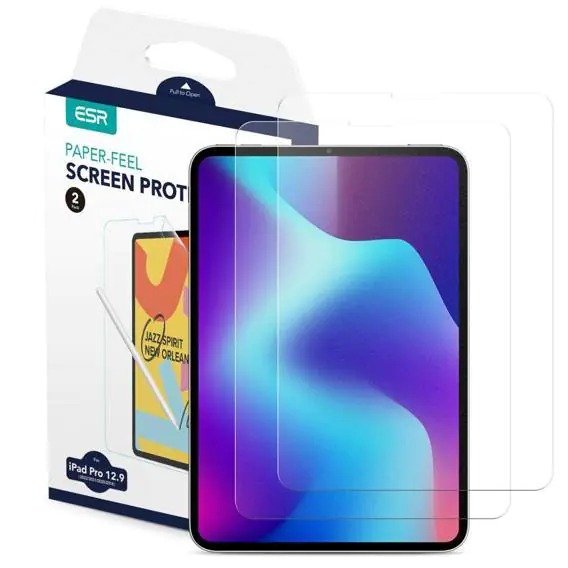
✓ Dedicated alignment tray makes fitting the large 12.9-inch panel much easier.
✓ Two films in the box give a spare if the first install traps dust.
✓ Textured surface adds welcome pencil drag for note-taking and sketching.
Paperlike 2.0 2-Pack
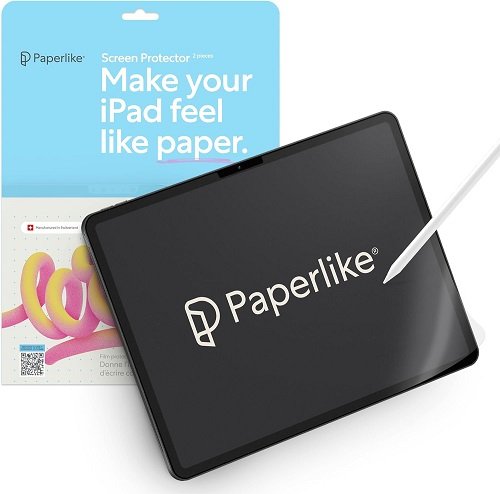
✓ Genuine Nanodots paper texture tuned for Apple Pencil drawing and writing.
✓ Two films per box give a backup for the trickier first installation.
✓ Matte finish reduces glare and resists fingerprints during long sessions.
ESR Paper-Feel 2-Pack
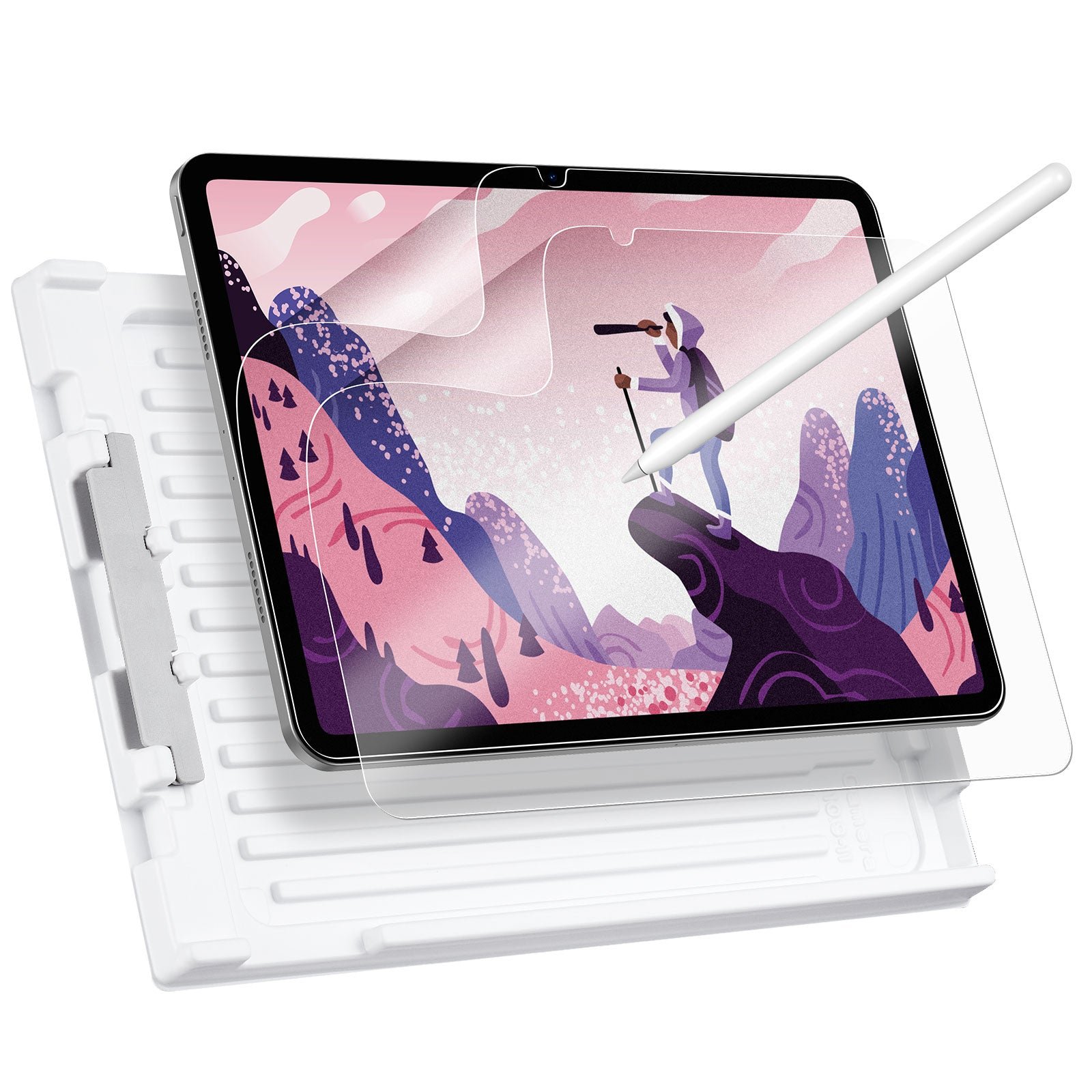
✓ Alignment tray makes a bubble-free install easy on the 10.9-inch display.
✓ Fine paper texture gives the Apple Pencil natural writing resistance.
✓ Two films included, so a dusty first attempt does not waste the purchase.
ESR Paper-Feel Magnetic Single
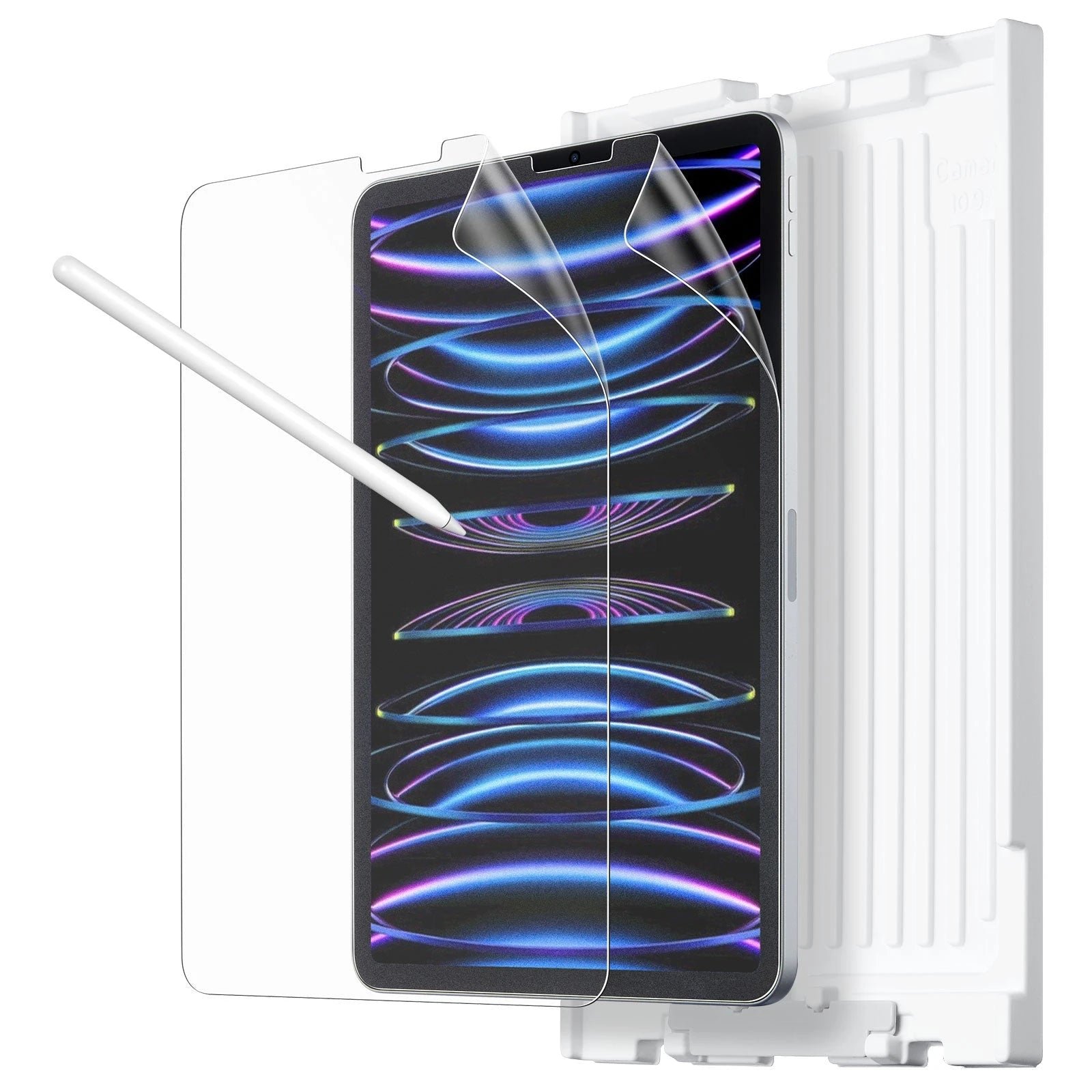
✓ Magnetic attachment snaps on in seconds and lifts off just as fast.
✓ Removable design lets you switch between paper feel and bare glass instantly.
✓ Textured matte surface gives the Apple Pencil satisfying writing resistance.
KCT Paperfeel 2-Pack
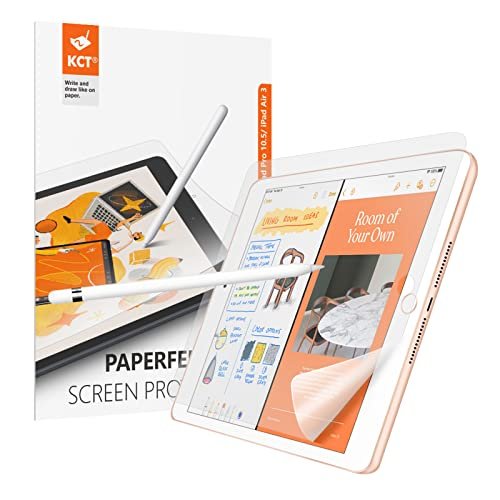
✓ Two films for a budget price, with a spare for a second attempt.
✓ Noticeable paper drag that tames the slippery Apple Pencil glide.
✓ Anti-glare matte finish keeps the screen readable under bright light.
XIRON Paperfeel 2-Pack
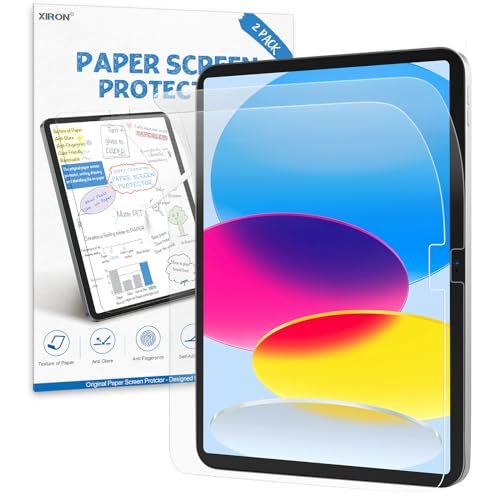
✓ Strong paper grain gives the Apple Pencil confident, controlled strokes.
✓ Two films in the box at a budget price point.
✓ Matte surface cuts glare and resists fingerprints well.
XIRON Like Paper 2-Pack
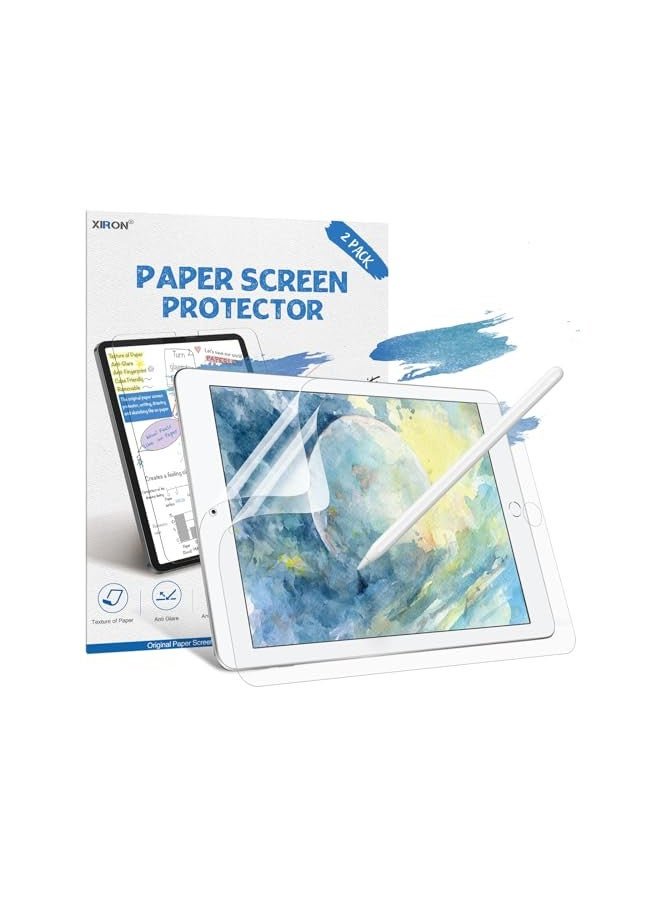
✓ Fits the 10.2-inch iPad 9th generation with a true paper-like writing feel.
✓ High touch sensitivity keeps the Apple Pencil responsive through the film.
✓ Two films per box give a backup for the first installation.
Ailun Paper Textured 2-Pack
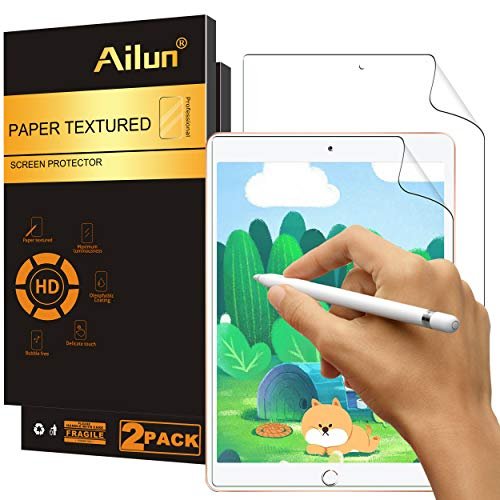
✓ Mild paper texture suits writers who want subtle, not scratchy, resistance.
✓ Two films included for a low price with a full basic install kit.
✓ Anti-glare matte finish keeps the 10.2-inch screen readable in bright rooms.
MOBDIK Paperfeel 2-Pack
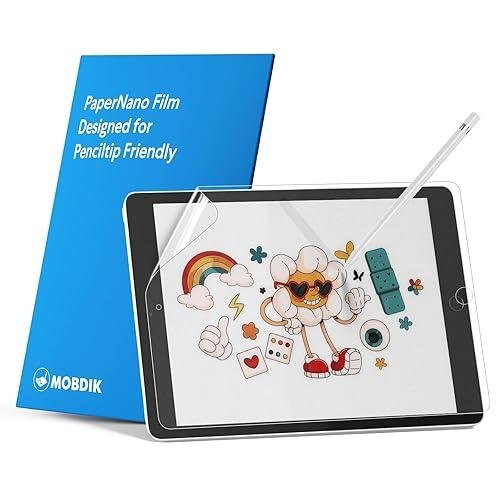
✓ Coarse paperfeel grain gives strong, sketchbook-like pencil resistance.
✓ Two films per pack at a budget price with a complete basic kit.
✓ Anti-glare matte surface handles bright classrooms and offices well.
More Details on Our Top Picks
1. Paperlike 2.1 2-Pack
OUR VERDICT:
The benchmark paper-feel film for the 12.9-inch iPad Pro: genuine paper friction, a 2-pack with a proper install kit, and the best writing control of the lineup.
VIEW ON AMAZONPaperlike practically invented the paper-feel category for iPad, and the 2.1 version remains the reference pick for iPad Pro 12.9 owners who write or draw every day. The Nanodots microbead texture gives the Apple Pencil genuine drag instead of the slippery glide of bare glass, so handwriting feels controlled and sketching strokes land where you expect them. The 12.9-inch canvas pairs naturally with that resistance, giving digital artists and heavy note-takers room to work.
Installation is straightforward thanks to the sticker guide-sheet system and the included wet wipes, dry wipe, and dust absorbers. The kit ships with two films, which matters because matte PET is less forgiving of dust than wet-apply films. A 2H hardness rating is listed for the film itself, so it resists scratches from the pencil and everyday handling, though it will not absorb drops the way tempered glass does.
There are trade-offs to the texture. The microbead surface adds a faint grain over bright whites and wears Apple Pencil tips slightly faster than smooth protectors, so budget for replacement tips. It is also priced above generic paper-feel films. For iPad Pro 12.9 (3rd through 6th generation) users who prioritize writing feel over pixel-perfect gloss, though, it is the most refined paper-feel option in this lineup.
✅ Pros
- Nanodots microbead texture creates real paper-like friction for the Apple Pencil.
- Two films in the box plus a full cleaning and alignment kit for a second try.
- Anti-glare matte surface cuts reflections during long writing sessions.
❌ Cons
- The textured surface wears down Apple Pencil tips a little faster than smooth glass, so keep spare tips handy.
- A slight grain is visible on bright white backgrounds, softening the display a touch.
- Hardness: 2H (per manufacturer spec table)
- Installation: Sticker guide sheets + wet/dry cleaning kit
- Pack Size: 2-pack
- Finish: Matte PET with Nanodots microbead texture
- Price Tier: Premium
2. ESR Paper-Feel 2-Pack
OUR VERDICT:
A mid-priced paper-feel film for the 12.9-inch iPad Pro with ESR's excellent alignment tray, making it the easiest large-format install here.
VIEW ON AMAZONESR's paper-feel protector brings the company's well-regarded installation system to the paper-texture world. The standout is the alignment tray, which removes most of the guesswork from seating a film on the big 12.9-inch iPad Pro display. On a panel this size, manual alignment is where most installations fail, so the tray alone justifies the pick for anyone nervous about bubbles and crooked edges.
The film itself is a matte PET with a fine paper-like grain. Writing with the Apple Pencil gains noticeable friction without the harsh grit of cheaper films, and the matte finish knocks down glare in bright rooms. Touch sensitivity stays responsive, and the Face ID camera area is properly cut so unlocking is unaffected. Two protectors are included, which is sensible at this price.
Expect the usual matte-film compromises: a slight softening of the display and no meaningful impact protection. The tray keeps alignment honest, but dust is still the enemy, so wipe down in a still room. For iPad Pro 12.9 owners who want paper feel without paying the premium-brand price, this is the balanced choice.
✅ Pros
- Dedicated alignment tray makes fitting the large 12.9-inch panel much easier.
- Two films in the box give a spare if the first install traps dust.
- Textured surface adds welcome pencil drag for note-taking and sketching.
❌ Cons
- The matte texture softens screen sharpness slightly compared with clear glass.
- It does not add drop protection the way a tempered glass protector would.
- Hardness: PET film (no rated hardness published)
- Installation: Alignment tray + cleaning kit
- Pack Size: 2-pack
- Finish: Matte PET paper-feel
- Price Tier: Mid
3. Paperlike 2.0 2-Pack
OUR VERDICT:
The authentic Paperlike experience for the 11-inch iPad Pro: Nanodots texture, two films, and the best pencil control in its size class.
VIEW ON AMAZONPaperlike 2.0 is the previous generation of the brand's famous film, and it remains a strong pick for the 11-inch iPad Pro (2020, 2021, and 2022 models). The Nanodots texture delivers the same paper-like drag that made the brand popular: pencil strokes feel anchored, handwriting tightens up, and long note-taking sessions feel less like skating on glass. For artists working on the 11-inch canvas, that resistance is the whole point.
The box includes two films plus the cleaning and sticker-guide installation kit. Installation uses guide stickers rather than a rigid tray, so take the usual precautions against dust. The matte surface scatters reflections and hides fingerprints well, and touch response stays crisp through the film. Colors lose a little punch to the grain, which is the standard trade for any paper-feel product.
Being the older generation, the texture is marginally less refined than Paperlike 2.1, and the price still sits above generic films. Pencil-tip wear is also a factor over months of heavy use. But for iPad Pro 11 owners who want the authentic Paperlike feel, this is the correct model-specific pick.
✅ Pros
- Genuine Nanodots paper texture tuned for Apple Pencil drawing and writing.
- Two films per box give a backup for the trickier first installation.
- Matte finish reduces glare and resists fingerprints during long sessions.
❌ Cons
- It is the previous generation of Paperlike, so the texture is a touch less refined than 2.1.
- Only the sticker-guide method is included, with no rigid alignment tray.
- Hardness: PET film (no rated hardness published)
- Installation: Sticker guide sheets + cleaning kit
- Pack Size: 2-pack
- Finish: Matte PET with Nanodots texture
- Price Tier: Premium
4. ESR Paper-Feel 2-Pack
OUR VERDICT:
The student-friendly paper-feel pick for the iPad 10th gen: ESR's tray install, honest pencil friction, and two films for the price.
VIEW ON AMAZONThe iPad 10th generation is a favorite for students, and ESR's paper-feel film suits that use case well. The headline feature is the alignment tray, which lines the film up on the 10.9-inch display in seconds and squeezes out the usual edge bubbles. For a first-time installer, that tray is worth more than any spec on the box.
Once applied, the matte PET adds a fine paper grain that gives the Apple Pencil real bite. Lecture notes feel natural, and sketching gains the slight drag that keeps lines deliberate. The film is thin enough that touch response and the front camera stay unaffected, and the matte surface keeps overhead classroom lighting from washing out the screen.
Two films ship in the box, which is welcome insurance. Downsides are the standard ones: a hint of grain on bright content and no drop protection. For iPad 10th gen owners who write more than they watch, this is the easy, mid-priced paper-feel pick.
✅ Pros
- Alignment tray makes a bubble-free install easy on the 10.9-inch display.
- Fine paper texture gives the Apple Pencil natural writing resistance.
- Two films included, so a dusty first attempt does not waste the purchase.
❌ Cons
- The matte film dulls the display slightly next to a clear protector.
- It is scratch protection only, with no drop-absorption to speak of.
- Hardness: PET film (no rated hardness published)
- Installation: Alignment tray + cleaning kit
- Pack Size: 2-pack
- Finish: Matte PET paper-feel
- Price Tier: Mid
5. ESR Paper-Feel Magnetic Single
OUR VERDICT:
The only removable pick here: a magnetic paper-feel film for the iPad Air 5 that snaps on for writing and lifts off for a clear screen.
VIEW ON AMAZONESR's magnetic paper-feel protector takes a different approach: instead of adhesive, magnets along the edge hold the film to the iPad Air 5th generation's display. That means installation takes seconds, removal is instant, and there is no sticky residue or trapped-bubble anxiety at all. For anyone who only wants paper texture during drawing or note-taking sessions and a pristine display the rest of the time, this is the most flexible option in the lineup.
The film itself carries the same fine paper grain as ESR's adhesive versions, so the Apple Pencil gets real friction and handwriting feels controlled. The matte surface cuts glare, and because it lifts off, you can enjoy full display clarity for movies and photo work without compromise. The magnetic hold is secure enough for desk and lap use.
The trade-offs are the single-film package and the need to keep the magnetic edges free of dust. It is also a surface film, not impact protection. But as a removable writing surface for the iPad Air 5, it is genuinely unique here.
✅ Pros
- Magnetic attachment snaps on in seconds and lifts off just as fast.
- Removable design lets you switch between paper feel and bare glass instantly.
- Textured matte surface gives the Apple Pencil satisfying writing resistance.
❌ Cons
- It is a single film, so there is no spare if it gets damaged.
- The magnetic edges can collect fine dust that needs periodic wiping.
- Hardness: PET film (no rated hardness published)
- Installation: Magnetic snap-on, fully removable
- Pack Size: 1-pack
- Finish: Matte PET paper-feel, magnetic edge attachment
- Price Tier: Mid
6. KCT Paperfeel 2-Pack
OUR VERDICT:
A budget 2-pack that brings real paper drag to the iPad Air 5, ideal for trying the paper-feel style without spending much.
VIEW ON AMAZONKCT's paperfeel film is the value way into paper texture for the iPad Air 5th generation. The matte PET carries a slightly stronger grain than premium films, which means the Apple Pencil gets plenty of bite. If your main complaint is handwriting that slides around on bare glass, this fixes it for very little money.
The box holds two films with a standard dry-application kit: wipes, dust stickers, and a squeegee card. There is no alignment tray, so work slowly in a dust-free room and the result is clean. The matte finish does a good job against overhead glare, and touch sensitivity remains full.
The coarser grain shows a touch more on bright white pages than premium options, and pencil tips will wear a little faster. But as a budget 2-pack for the iPad Air 5, it delivers the core paper-feel experience without the premium price.
✅ Pros
- Two films for a budget price, with a spare for a second attempt.
- Noticeable paper drag that tames the slippery Apple Pencil glide.
- Anti-glare matte finish keeps the screen readable under bright light.
❌ Cons
- The grain is a little coarser than premium films, so bright whites show texture.
- The manual install kit needs patience on the 10.9-inch panel.
- Hardness: PET film (no rated hardness published)
- Installation: Manual dry application with squeegee + cleaning kit
- Pack Size: 2-pack
- Finish: Matte PET paperfeel
- Price Tier: Budget
7. XIRON Paperfeel 2-Pack
OUR VERDICT:
A bold-textured budget film for the iPad Air 4 with real sketchbook-like drag for the Apple Pencil.
VIEW ON AMAZONXIRON's paper screen protector is aimed squarely at iPad Air 4th generation owners who want maximum writing friction for minimum money. The texture is deliberately pronounced: the Apple Pencil digs in with a feel closer to sketchbook paper than to the subtle grain of premium films. Artists who like resistance will appreciate it immediately.
Two films ship with a basic installation kit of wipes, dust stickers, and a squeegee. Without an alignment tray, the 10.9-inch panel rewards a slow, careful application, but the spare film removes the fear of a first-try failure. Glare drops noticeably and fingerprints barely show on the matte surface.
The stronger grain is visible on bright backgrounds, and it will wear pencil tips faster than smoother films. It is also scratch protection only. For iPad Air 4 users on a budget who prioritize feel over finesse, XIRON delivers.
✅ Pros
- Strong paper grain gives the Apple Pencil confident, controlled strokes.
- Two films in the box at a budget price point.
- Matte surface cuts glare and resists fingerprints well.
❌ Cons
- The texture is stronger than premium films, so whites show visible grain.
- Manual installation on the 10.9-inch screen takes a steady hand.
- Hardness: PET film (no rated hardness published)
- Installation: Manual dry application with squeegee + cleaning kit
- Pack Size: 2-pack
- Finish: Matte PET paper texture
- Price Tier: Budget
8. XIRON Like Paper 2-Pack
OUR VERDICT:
Strong paper texture for the iPad 9th gen at a budget price, with two films and reliable Apple Pencil response.
VIEW ON AMAZONThe 10.2-inch iPad 9th generation remains a workhorse for school and casual sketching, and XIRON's Like Paper film gives it a convincing paper feel. The texture is on the stronger side, so the Apple Pencil meets real resistance instead of skating across glass. For handwriting practice and note-taking, that drag makes a genuine difference.
The package includes two films with wipes, dust stickers, and a squeegee card. Installation is the standard dry-apply routine: clean thoroughly, align carefully, and push bubbles out from the center. Touch sensitivity stays high, and the matte finish keeps classroom lighting from turning the screen into a mirror.
Expect visible grain on bright whites and faster pencil-tip wear than with subtler films. It is scratch protection, not drop protection. For iPad 9th gen owners wanting paper feel on a budget, this is a straightforward pick.
✅ Pros
- Fits the 10.2-inch iPad 9th generation with a true paper-like writing feel.
- High touch sensitivity keeps the Apple Pencil responsive through the film.
- Two films per box give a backup for the first installation.
❌ Cons
- The pronounced texture shows grain on bright white screens.
- It wears Apple Pencil tips faster than smoother matte films.
- Hardness: PET film (no rated hardness published)
- Installation: Manual dry application with squeegee + cleaning kit
- Pack Size: 2-pack
- Finish: Matte PET paper texture
- Price Tier: Budget
9. Ailun Paper Textured 2-Pack
OUR VERDICT:
The subtle-texture budget pick for the iPad 9th gen: gentle paper resistance for writers who dislike heavy grain.
VIEW ON AMAZONAilun takes a gentler approach to paper feel for the iPad 9th generation. The texture is present enough to give the Apple Pencil some purchase, but it stays on the subtle side, which suits writers and note-takers who found stronger films too scratchy. It is a good middle ground between bare glass and heavy grain.
The 2-pack includes the usual wipes, dust stickers, and squeegee card for dry application. The film seats cleanly on the 10.2-inch display with careful alignment, and the matte finish does a solid job against glare while resisting fingerprints. Touch response stays crisp.
The milder grain means less dramatic pencil control than coarser rivals, and bright whites still show a hint of texture. Like all films here, it guards against scratches rather than drops. For iPad 9th gen users who want a light touch of paper feel, Ailun is the gentle option.
✅ Pros
- Mild paper texture suits writers who want subtle, not scratchy, resistance.
- Two films included for a low price with a full basic install kit.
- Anti-glare matte finish keeps the 10.2-inch screen readable in bright rooms.
❌ Cons
- The texture is milder than some rivals, so pencil drag is moderate.
- A faint grain is visible on bright backgrounds.
- Hardness: PET film (no rated hardness published)
- Installation: Manual dry application with squeegee + cleaning kit
- Pack Size: 2-pack
- Finish: Matte PET paper texture
- Price Tier: Budget
10. MOBDIK Paperfeel 2-Pack
OUR VERDICT:
The coarsest budget grain for the iPad 9th gen: maximum pencil drag for sketchers who like real resistance.
VIEW ON AMAZONMOBDIK's paperfeel film rounds out the 10.2-inch options for the iPad 9th generation with the coarsest texture of the budget trio. That grain translates into serious pencil resistance: sketching strokes feel deliberate and handwriting stays put. If subtle films left you wanting more bite, this is the one to try.
Two films come in the box with wipes, dust stickers, and a squeegee for dry application. Work in a still room, align once, and smooth from the center outward. The matte finish kills glare effectively and shrugs off fingerprints, keeping the screen usable under harsh lighting.
The coarse texture is visible on bright content and will wear Apple Pencil tips the fastest of the three 10.2-inch picks. It is scratch protection only. For iPad 9th gen sketchers who want maximum drag on a budget, MOBDIK closes the lineup.
✅ Pros
- Coarse paperfeel grain gives strong, sketchbook-like pencil resistance.
- Two films per pack at a budget price with a complete basic kit.
- Anti-glare matte surface handles bright classrooms and offices well.
❌ Cons
- The grain runs a bit coarse, showing on light backgrounds.
- Pencil tips wear faster on this texture than on smoother films.
- Hardness: PET film (no rated hardness published)
- Installation: Manual dry application with squeegee + cleaning kit
- Pack Size: 2-pack
- Finish: Matte PET paperfeel
- Price Tier: Budget
Factors to Consider When Buying
Grain Level and Pencil Drag
Not all paper feel is equal. Coarse grains like the MOBDIK and XIRON films dig in hard — handwriting tightens up and sketching strokes feel deliberate, but the texture shows on bright whites. Subtle grains like the Ailun keep resistance gentle, closer to premium films such as Paperlike 2.1. If you draw for hours, start coarse; if you mostly take notes, a mid or subtle grain stays comfortable longer.
Display Clarity vs Texture
Every matte film trades a little clarity for friction — the grain scatters light, which is exactly what kills reflections and gives the stylus bite. Paperlike 2.1 is the most refined here, with the least visible grain; budget films show more of it on white pages. None of these picks meaningfully dim the display, but if you edit photos or watch a lot of video, the magnetic ESR pick lifts off in seconds so you get bare-glass clarity back.
Pencil Tip Wear Is Real
Friction works both ways: textured films wear Apple Pencil tips faster than smooth glass. Coarser picks like MOBDIK and XIRON will eat tips quickest; subtler films like Ailun and KCT are kinder. Tips are cheap and replaceable — buy a spare pack with your protector and check the tip monthly if you write or draw daily. A worn flat tip also scratches films, so replace it before it damages the surface.
Installation: Adhesive vs Magnetic
Most picks here use dry adhesive application with wipes, dust stickers, and a squeegee — work in a still room and align slowly. The ESR alignment tray picks (iPad Pro 12.9 and iPad 10th gen) remove most of the guesswork on larger panels. The standout is the ESR Magnetic Single for the iPad Air 5: magnets hold it in place with zero adhesive, so there are no bubbles ever and you can peel it off for full display clarity whenever you like.
Match the Exact iPad Model
Paper-feel films are cut to the millimeter. An iPad Pro 12.9-inch film will not fit the 11-inch, and an iPad Air 5 film may misalign the camera on the Air 4 despite the same 10.9-inch size. Before ordering, confirm your model in Settings > General > About and match it to the assigned tablet in each review. Where a listing names several compatible models, the review names the one we assign — treat that as the safe choice.
Pack Size and Price Tiers
Premium picks (Paperlike 2.1 and 2.0) cost more for the most refined texture; mid picks (ESR) add alignment trays or magnetic mounting; budget picks (KCT, XIRON, Ailun, MOBDIK) deliver the core paper-feel experience for very little. Almost every pick is a 2-pack — the spare film is genuine insurance, because a dust speck on the first try is the most common install failure. The magnetic ESR is the only single, but it never needs reinstalling.
As an Amazon Associate, we earn from qualifying purchases. This comes at no extra cost to you and helps us keep testing and reviewing the latest accessories.