
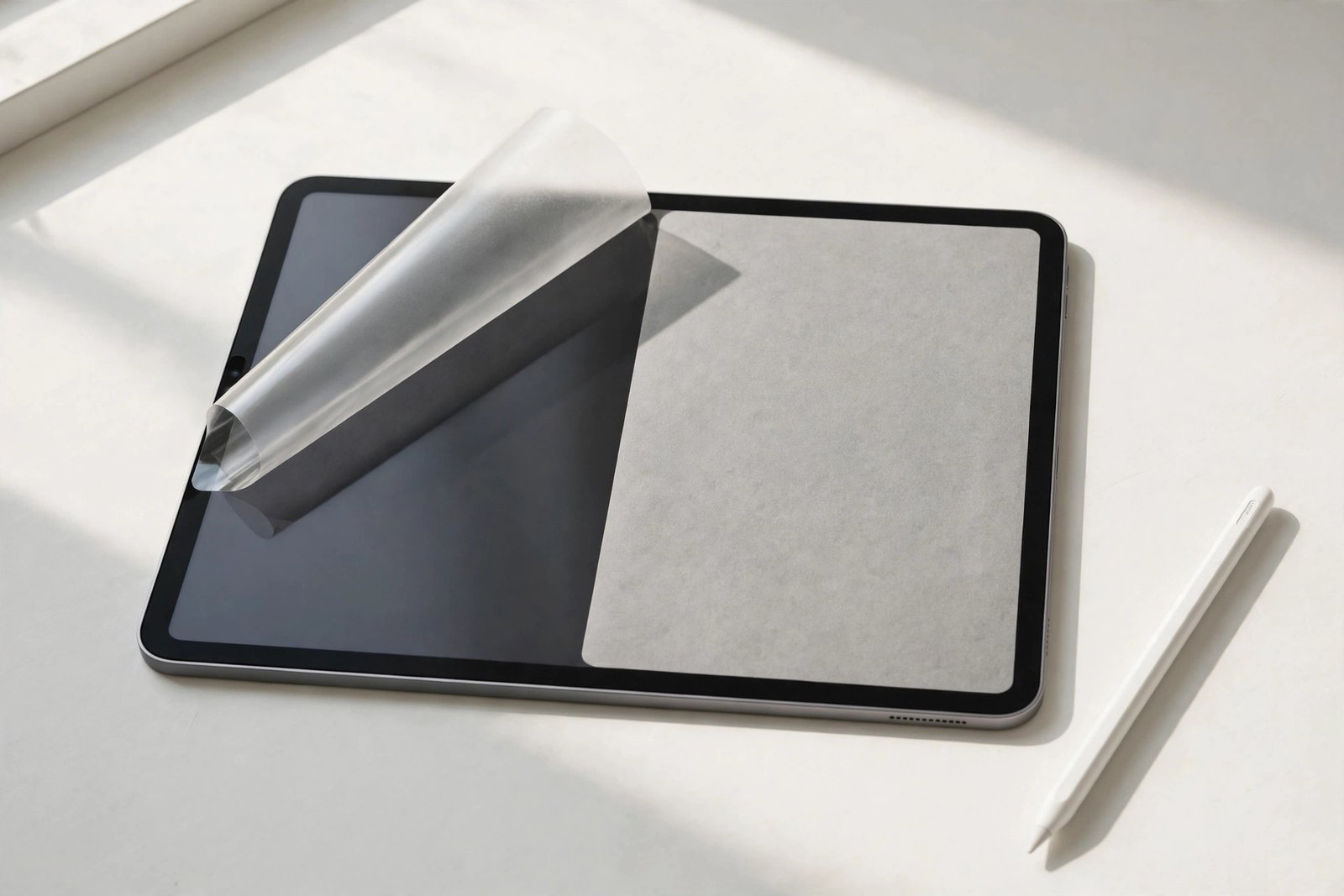
Writing on bare iPad glass feels like skating with a pen — the Apple Pencil slides too freely, and handwriting turns sloppy. We rounded up the 10 best screen protectors for Apple Pencil users in 2026: paper-feel films that add friction for writing and drawing, plus a few thin glass options that keep the Pencil responsive for precision work. Every pick below is cut for one specific iPad model and generation.
Fitment is the first thing to get right: an iPad Pro 11-inch protector will not fit the 13-inch, and a 10th-generation iPad protector will not fit the 11th generation. A few listings here cover multiple same-size iPads — the assigned iPad model named in each review below is the safe, confirmed fit. Check your exact model in Settings before you order.
Key Takeaways
- Best overall paper feel: Paperlike 3 2-Pack — Nanodots texture for the iPad Pro 11 (M4).
- Best for the big canvas: ESR Paper-Feel 2-Pack — iPad Pro 13 (M4) with an UltraFit alignment tray.
- Best for pronounced texture: BELLEMOND Paper 2-Pack — rough Japanese PET for the iPad Air 11.
- Best budget 10th gen pick: KCT Paperfeel 2-Pack for the iPad 10th generation.
- Best for the 9th gen: Ailun Paper Textured 2-Pack for the 10.2-inch iPad.
- Best mini pick: bersem Paperfeel 2-Pack for the iPad mini 7.
- Best Air 5 value: MOBDIK Paperfeel 2-Pack for the iPad Air 5th generation.
- Best glass with paper touch: Spigen GlasTR PaperTouch — real 9H glass for the iPad Air 13.
- Best clear-glass precision: ZAGG Glass Elite — zero texture for iPad Pro 12.9 artists.
- Best value matte glass: OMOTON PAPERSENSE 2-Pack — paper feel plus 9H protection for the iPad Pro 11.
- The tooth-vs-tip-wear rule: rougher films give more feedback but wear Apple Pencil tips faster — keep spare tips on hand.
- Adhesive vs removable: all ten picks here are permanent adhesive films or glass; magnetic removable films were skipped because the screen sits bare when they are off.
- Clarity vs texture: matte protectors soften display sharpness slightly; clear glass keeps the display crisp but adds no Pencil friction.
- Every pick below links to Amazon with our View on Amazon button for the latest price.
Our Top Screen Protectors for Apple Pencil
Paperlike 3 2-Pack
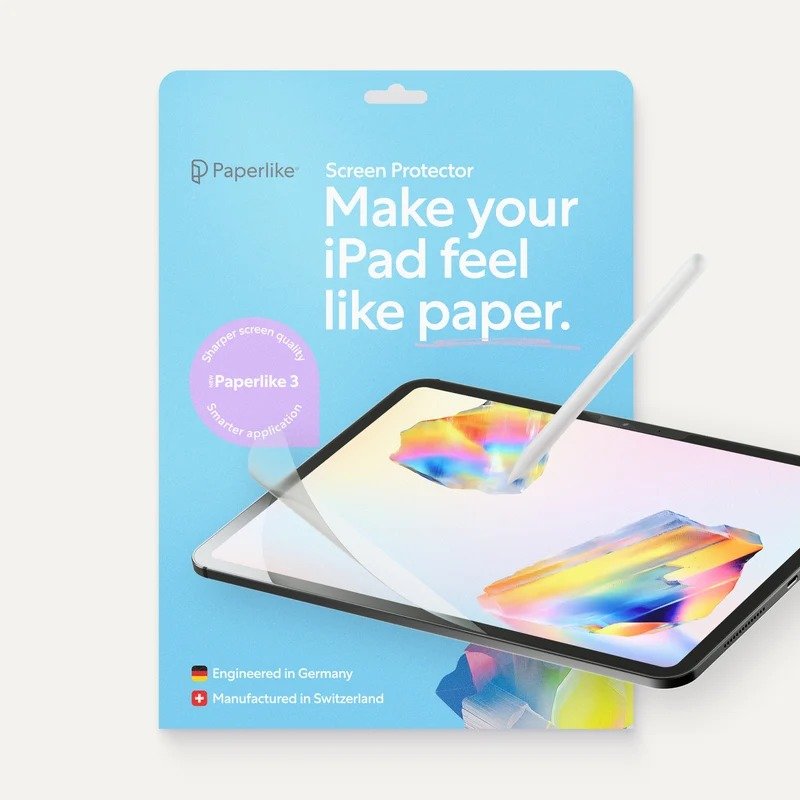
✓ The reference paper-feel surface: adds natural friction so the Apple Pencil grips like pen on paper instead of skating on glass
✓ Nanodots texture is engineered to reduce Pencil tip wear versus rougher matte films
✓ Butterfly installation method is designed for a stress- and bubble-free apply
ESR Paper-Feel 2-Pack
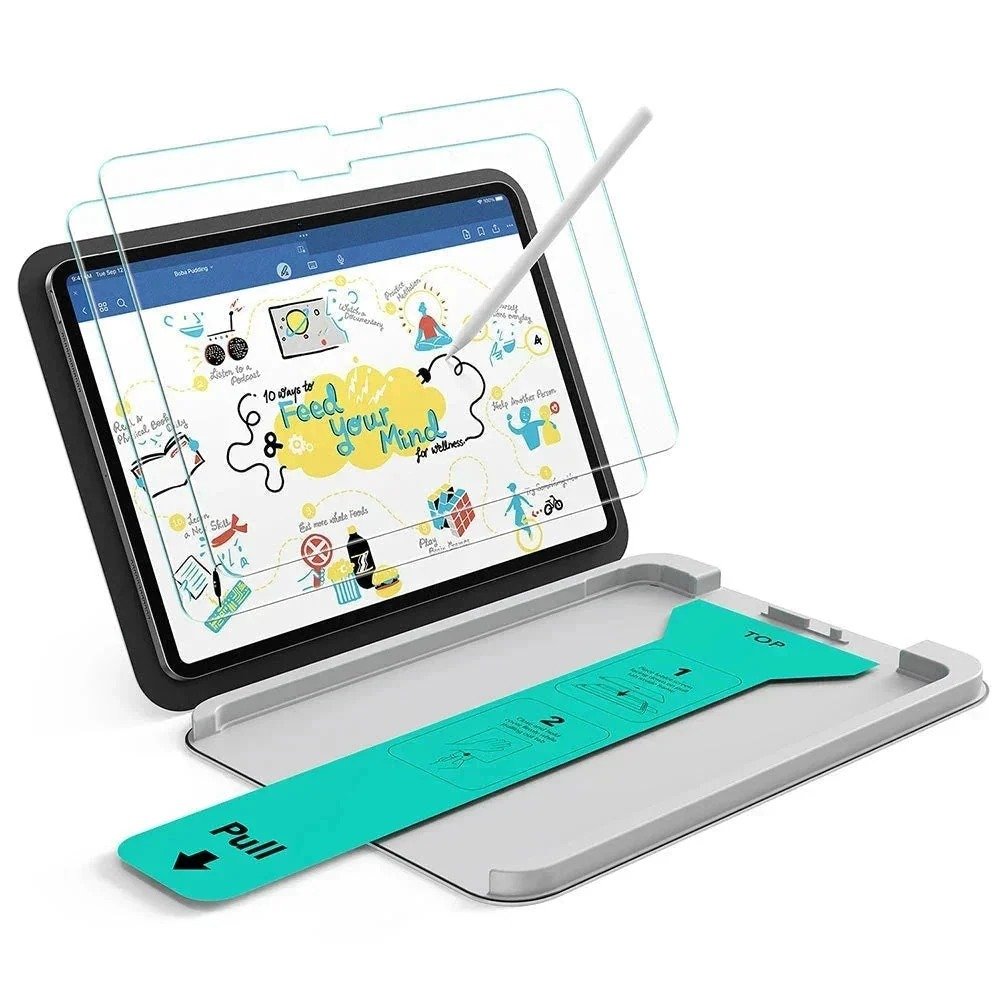
✓ Paper-feel texture gives the Apple Pencil real bite on the big 13-inch canvas, ideal for drawing and markup
✓ 9H-rated surface resists scratches from keys, cables, and daily bag carry
✓ UltraFit tray makes alignment nearly foolproof, a big plus on a 13-inch screen
BELLEMOND Paper 2-Pack
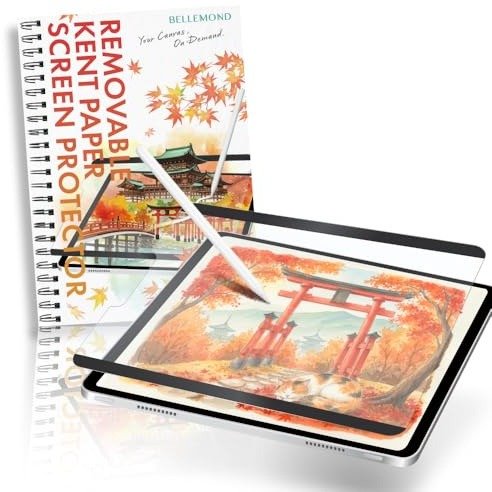
✓ Japanese-made matte PET with a deliberately rough texture for maximum Pencil feedback while writing
✓ Tuned for note-taking apps like GoodNotes and Notability with improved handwriting control
✓ Two-pack gives you a spare for the inevitable first-install learning curve
KCT Paperfeel 2-Pack
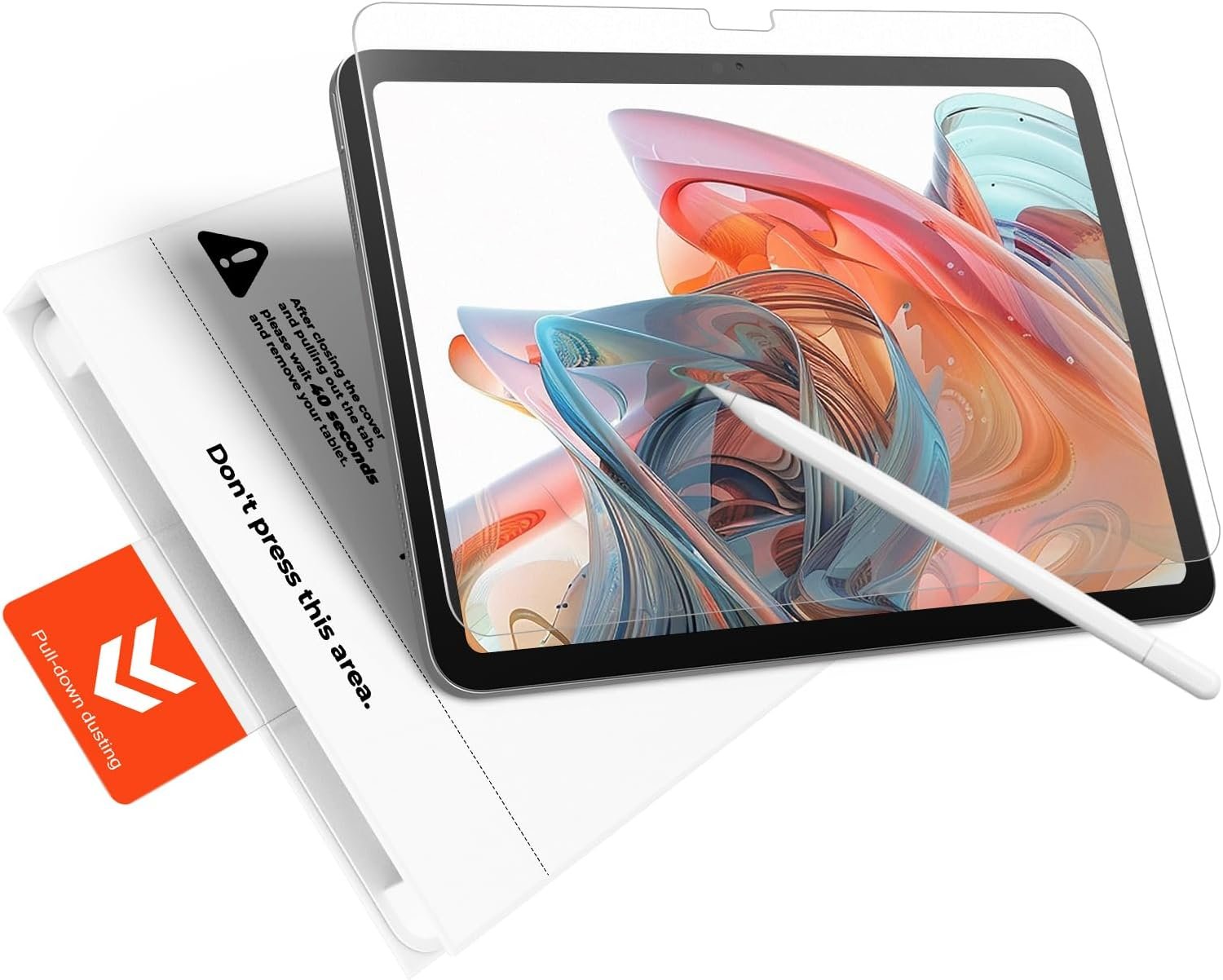
✓ Genuine paper-like drag under the Apple Pencil at a budget price point
✓ Anti-glare matte finish keeps the screen readable in bright classrooms
✓ Full touch sensitivity is preserved, so Pencil strokes register without lag
Ailun Paper Textured 2-Pack
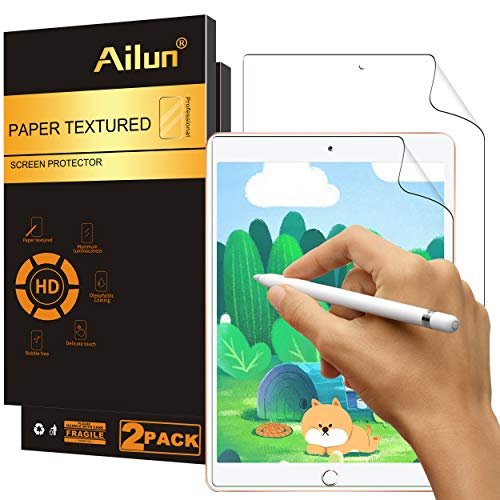
✓ Paper-textured surface gives the Apple Pencil (1st gen) a natural, controlled glide for writing
✓ Anti-glare matte coating reduces eye strain during long note-taking sessions
✓ Ailun is an established protector brand with consistent cut quality for the 10.2-inch iPad
bersem Paperfeel 2-Pack
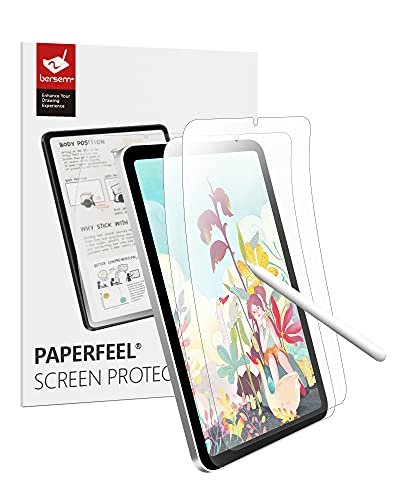
✓ Brings paper-like Pencil control to the compact 8.3-inch mini, perfect for pocket notebooks and field sketches
✓ Matte finish tames glare on a device often used outdoors and on the go
✓ Two-pack covers the tricky small-screen install with a spare
MOBDIK Paperfeel 2-Pack
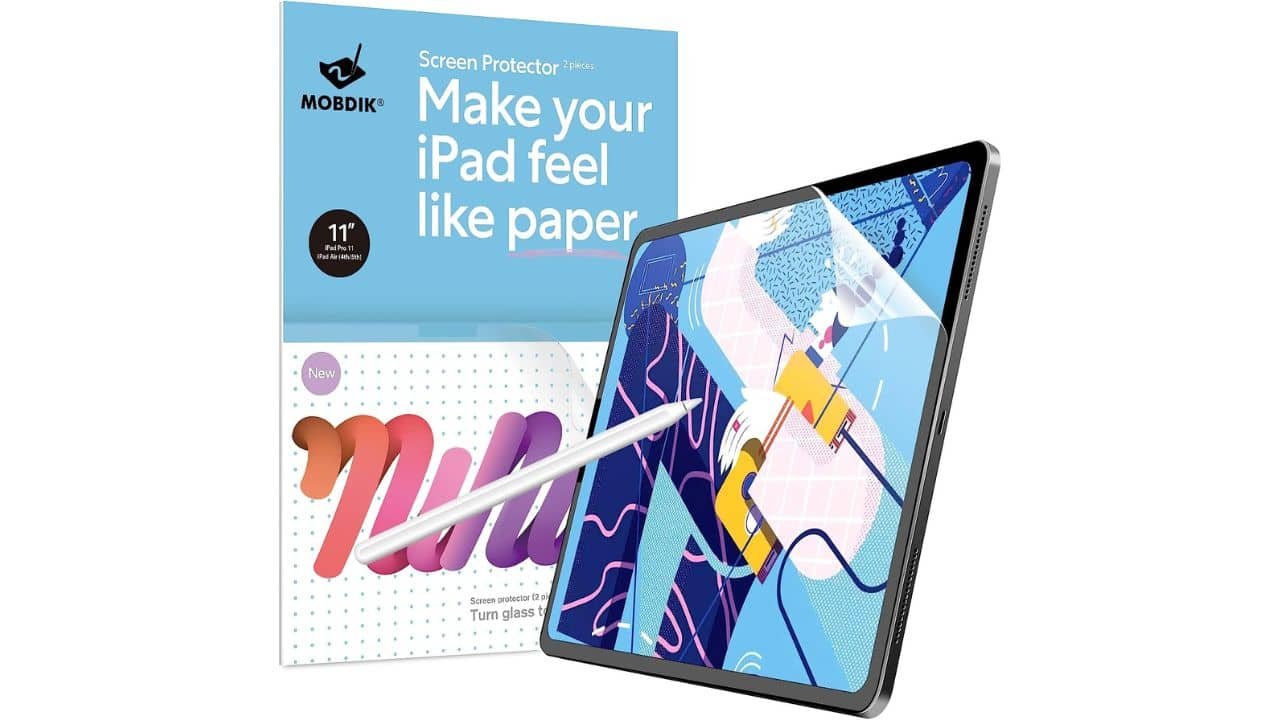
✓ Natural writing feel that steadies the Apple Pencil for long study and work sessions
✓ Matte surface resists fingerprints, keeping the screen cleaner through a day of touch use
✓ Budget two-pack from a brand with a track record in paper-feel iPad films
Spigen GlasTR PaperTouch
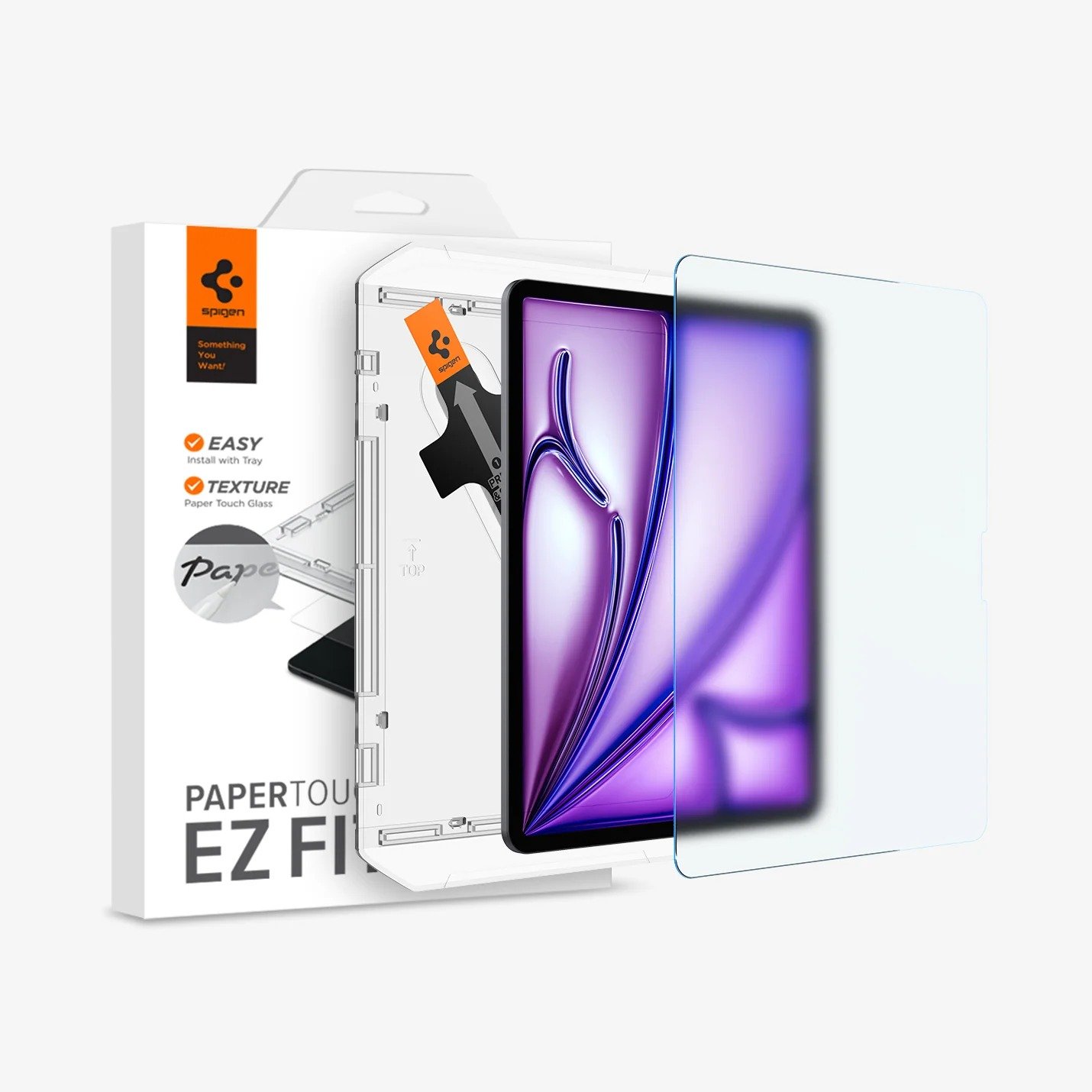
✓ Rare combination: real tempered glass hardness with a paper-touch matte surface for Pencil control
✓ EZ FIT tray delivers a perfect, bubble-free install on the large 13-inch panel
✓ 9H+ glass protects against drops and scratches far better than any PET film
ZAGG Glass Elite
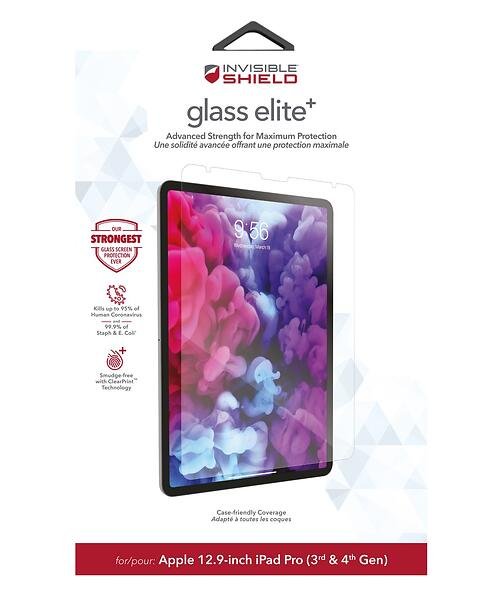
✓ Ion-strengthened aluminosilicate glass offers the toughest Pencil-compatible protection in this lineup
✓ Perfectly clear finish preserves the 12.9-inch display's sharpness and the Pencil's precise tip placement
✓ ClearPrint coating disperses fingerprints so the screen stays clean during touch-heavy workflows
OMOTON PAPERSENSE 2-Pack
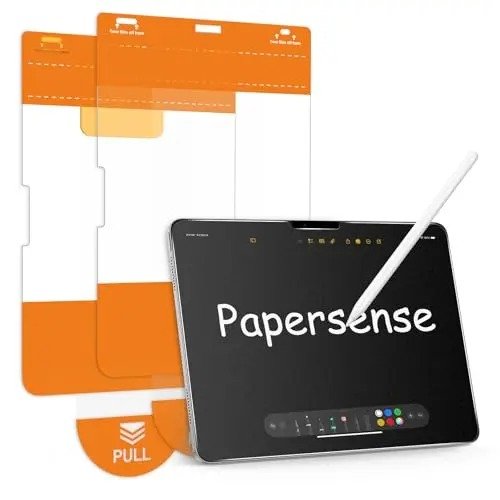
✓ Matte tempered glass delivers paper-like Pencil friction with genuine 9H scratch and impact resistance
✓ Two-pack at a mid-range price undercuts most paper-touch glass rivals
✓ Anti-glare matte surface keeps the Pro 11 readable in bright environments
More Details on Our Top Picks
1. Paperlike 3 2-Pack
OUR VERDICT:
The definitive pick for serious iPad Pro 11 note-takers and artists who want the most authentic paper feel with their Apple Pencil.
VIEW ON AMAZONPaperlike invented the paper-feel category for iPad, and the third generation refines the formula specifically for Apple Pencil users. The matte PET surface uses a micro-dot texture that introduces controlled resistance under the Pencil tip, so handwriting feels deliberate and sketching strokes land where you intend them. It is the closest digital analogue to putting pen to paper, which is exactly why it remains the default recommendation for GoodNotes, Notability, and Procreate users.
Where Paperlike 3 earns its premium is in the details around the Pencil itself. The surface is tuned to minimize tip wear, a real cost concern since Apple Pencil tips are consumables and rough matte films chew through them. Installation uses the brand's Butterfly method, which folds the film on for alignment before you commit, cutting down the bubbles and dust specks that ruin cheaper films on the first try.
The trade-offs are the familiar ones for any paper-feel film. You lose a touch of display crispness to the matte diffusion, and whites pick up a faint grain in bright light. It also will not save your screen from a hard drop the way tempered glass can. But if your iPad Pro 11 is primarily a writing and drawing tool, no protector makes the Apple Pencil feel more at home.
✅ Pros
- The reference paper-feel surface: adds natural friction so the Apple Pencil grips like pen on paper instead of skating on glass
- Nanodots texture is engineered to reduce Pencil tip wear versus rougher matte films
- Butterfly installation method is designed for a stress- and bubble-free apply
❌ Cons
- Matte PET softens display sharpness slightly compared to bare glass or clear protectors
- Premium price for a film that will eventually need replacing with heavy daily Pencil use
- For: iPad Pro 11-inch (M4, 2024)
- Hardness: PET film (not rated)
- Installation: Butterfly install method
- Pack Size: 2-Pack
- Finish: Matte paper-feel PET
- Price Tier: Premium
2. ESR Paper-Feel 2-Pack
OUR VERDICT:
The balanced choice for iPad Pro 13 owners who sketch and annotate daily but still want 9H scratch protection and an easy install.
VIEW ON AMAZONESR's Paper-Feel protector is built for the way most people actually use a 13-inch iPad Pro: a mix of Apple Pencil markup and everyday tablet duty. The matte surface adds enough tooth for controlled handwriting and sketching without turning the display into sandpaper, and because it is a 9H-rated protector it shrugs off the keys and cables that share your bag. It is a genuine two-in-one: Pencil-friendly texture plus real screen defense.
Installation is where ESR pulls ahead of generic films. The UltraFit tray locks the protector into perfect alignment before the adhesive touches glass, which matters enormously on a 13-inch panel where a crooked apply is glaring. The kit's dust-removal approach keeps bubbles to a minimum, and you get two protectors in the box, so a botched first attempt is not a disaster.
Expect the usual matte compromises: a slight softening of the Pro's superb display and a bit less punch in bright HDR content. The paper feel is also on the gentler side, closer to a whiteboard than to rough sketch paper. For most Pencil users that is a feature, not a bug, since it keeps tip wear down while still taming the slippery-glass skate.
✅ Pros
- Paper-feel texture gives the Apple Pencil real bite on the big 13-inch canvas, ideal for drawing and markup
- 9H-rated surface resists scratches from keys, cables, and daily bag carry
- UltraFit tray makes alignment nearly foolproof, a big plus on a 13-inch screen
❌ Cons
- Matte finish trims a little brightness and sharpness from the gorgeous Pro display
- Paper texture is milder than dedicated films, so hardcore paper-feel fans may want more friction
- For: iPad Pro 13-inch (M4, 2024)
- Hardness: 9H
- Installation: UltraFit alignment tray
- Pack Size: 2-Pack
- Finish: Matte paper-feel
- Price Tier: Mid
3. BELLEMOND Paper 2-Pack
OUR VERDICT:
A Japanese-made paper-feel film for iPad Air 11 users who want pronounced texture and precise stylus control for notes and sketches.
VIEW ON AMAZONBELLEMOND takes a different tack from most paper-feel brands: instead of a subtle tooth, its Japanese-made PET film goes for an honestly rough paper texture. On the iPad Air 11, that translates to unmistakable feedback under the Apple Pencil. Every stroke has presence, which handwriting-focused users tend to love because letterforms feel intentional rather than slippery. If you take pages of notes daily, this is the kind of friction that keeps your script neat.
The film is explicitly engineered around note-taking and drawing workflows, and it shows in the anti-glare matte finish that keeps the screen readable under classroom and office lighting. Because it is a PET film rather than glass, it adds negligible thickness, so Pencil parallax stays minimal and the screen's touch response feels immediate.
The honest trade-off of that rough texture is tip wear: you will go through Apple Pencil tips faster than with a smoother film, so keep spares on hand. Installation is also a manual affair with no tray, so work in a dust-free room and take your time. For Air 11 owners who prioritize writing feel above all else, those are acceptable costs.
✅ Pros
- Japanese-made matte PET with a deliberately rough texture for maximum Pencil feedback while writing
- Tuned for note-taking apps like GoodNotes and Notability with improved handwriting control
- Two-pack gives you a spare for the inevitable first-install learning curve
❌ Cons
- Rougher texture means slightly faster Apple Pencil tip wear than smoother films
- No alignment tray included, so installation needs a steady hand
- For: iPad Air 11-inch (M2, 2024)
- Hardness: PET film (not rated)
- Installation: Standard dry install
- Pack Size: 2-Pack
- Finish: Matte paper-feel PET (Made in Japan)
- Price Tier: Mid
4. KCT Paperfeel 2-Pack
OUR VERDICT:
The budget paper-feel pick for iPad 10th gen owners who want Apple Pencil friction for notes and sketches without spending much.
VIEW ON AMAZONKCT's Paperfeel film is proof you do not need to spend much to fix the single most annoying thing about writing on an iPad: the slippery glass. On the 10th-generation iPad, it lays down a matte texture that gives the Apple Pencil something to bite into, turning vague, sliding strokes into controlled lines. For students taking lecture notes or sketching diagrams, that added control is immediately noticeable.
The film keeps things simple where it counts. Touch sensitivity remains high, so there is no perceptible lag between Pencil tip and ink, and the anti-glare coating does genuinely cut reflections under fluorescent classroom lights. As a PET film it is thin enough that you forget it is there during normal reading and browsing.
Keep expectations calibrated to the price. This is a scratch guard, not armor: it will not protect against drops, and the matte finish takes a little sparkle off the display. But as a cheap, effective way to make the Apple Pencil feel like a real writing instrument on the 10th-gen iPad, it is hard to argue with.
✅ Pros
- Genuine paper-like drag under the Apple Pencil at a budget price point
- Anti-glare matte finish keeps the screen readable in bright classrooms
- Full touch sensitivity is preserved, so Pencil strokes register without lag
❌ Cons
- Film offers scratch defense only, not drop or impact protection
- Matte surface slightly mutes display vibrancy versus clear protectors
- For: iPad 10th generation 10.9-inch (2022)
- Hardness: PET film (not rated)
- Installation: Standard dry install
- Pack Size: 2-Pack
- Finish: Matte paper-feel PET
- Price Tier: Budget
5. Ailun Paper Textured 2-Pack
OUR VERDICT:
A dependable budget paper-texture film that makes the 9th-gen iPad's Apple Pencil experience far more paper-like.
VIEW ON AMAZONThe 9th-generation iPad remains the most affordable way into the Apple Pencil ecosystem, and Ailun's paper-textured film is the cheap upgrade that makes the Pencil feel like it belongs. The matte PET surface adds a fine grain that catches the Pencil tip just enough to steady handwriting, which is a revelation if you have only ever written on bare glass. Lecture notes and annotations become noticeably neater.
Ailun has been cutting protectors for this exact 10.2-inch chassis for years, and the fit reflects it: edge-to-edge coverage without lifting, and cutouts that line up first try. The anti-glare finish is genuinely useful for a device that gets carried between classrooms and cafes, taking the edge off overhead lighting without washing out the screen.
As with any budget matte film, expect the surface to pick up micro-scratches from the Pencil over months of use, and whites can show a faint shimmer at high brightness. At this price, with two films in the pack, replacing it once a year is painless. For 9th-gen owners, it is the simplest Pencil upgrade available.
✅ Pros
- Paper-textured surface gives the Apple Pencil (1st gen) a natural, controlled glide for writing
- Anti-glare matte coating reduces eye strain during long note-taking sessions
- Ailun is an established protector brand with consistent cut quality for the 10.2-inch iPad
❌ Cons
- PET film will show fine scratches over time with heavy Pencil use
- Slight rainbow shimmer on white backgrounds, common to matte films
- For: iPad 9th generation 10.2-inch (2021)
- Hardness: PET film (not rated)
- Installation: Standard dry install
- Pack Size: 2-Pack
- Finish: Matte paper-textured PET
- Price Tier: Budget
6. bersem Paperfeel 2-Pack
OUR VERDICT:
The go-to paper-feel film for iPad mini 7 users who sketch, annotate PDFs, or journal with the Apple Pencil on the move.
VIEW ON AMAZONThe iPad mini 7 is the digital pocket notebook, and bersem's paperfeel film leans into that identity. On the 8.3-inch display, the matte PET texture gives the Apple Pencil Pro a satisfying drag that makes quick sketches and margin annotations feel deliberate rather than slippery. For a device that lives in jacket pockets and gets pulled out for fleeting ideas, that tactile confidence matters.
Portability is also where the anti-glare matte finish earns its keep. The mini gets used in bright, unpredictable lighting, on trains, in cafes, outdoors, and the film cuts reflections enough to keep the screen readable without cranking brightness. Pencil responsiveness stays snappy, with no dead zones or lag at the edges.
The 8.3-inch size is fiddly to film cleanly, so use the included dust stickers carefully and consider the second film your practice run. And like all matte films, it trades a little display vibrancy for its texture and glare control. For mini-toting Pencil users, that trade is well worth it.
✅ Pros
- Brings paper-like Pencil control to the compact 8.3-inch mini, perfect for pocket notebooks and field sketches
- Matte finish tames glare on a device often used outdoors and on the go
- Two-pack covers the tricky small-screen install with a spare
❌ Cons
- Small screen leaves less margin for error during bubble-free installation
- Matte film slightly reduces the mini's display pop for photo and video viewing
- For: iPad mini 7 (A17 Pro, 2024)
- Hardness: PET film (not rated)
- Installation: Standard dry install
- Pack Size: 2-Pack
- Finish: Matte paper-feel PET
- Price Tier: Budget
7. MOBDIK Paperfeel 2-Pack
OUR VERDICT:
A wallet-friendly paperfeel film that gives the iPad Air 5's Apple Pencil the grip it needs for serious note-taking.
VIEW ON AMAZONMOBDIK's paperfeel film is aimed squarely at the iPad Air 5's core audience: students and professionals who write more than they watch. The matte PET surface introduces a natural drag that keeps the Apple Pencil from skating, which pays off in neater handwriting and more confident diagramming during long sessions. It is the kind of subtle improvement you stop noticing until you use a bare screen again.
Day-to-day, the film's fingerprint resistance is a quiet win. The Air 5 gets handled constantly, and the matte coating keeps smudges from building into a haze, so the screen looks cleaner between wipedowns. Touch and Pencil input both register cleanly through the thin film, with no mushiness or missed strokes.
Installation is manual, so take the usual precautions: clean room, dust stickers, patience. And while the film handles everyday Pencil wear well, heavy artists will eventually mark it, which is what the second film in the pack is for. For the price, it is one of the easiest Pencil upgrades an Air 5 owner can make.
✅ Pros
- Natural writing feel that steadies the Apple Pencil for long study and work sessions
- Matte surface resists fingerprints, keeping the screen cleaner through a day of touch use
- Budget two-pack from a brand with a track record in paper-feel iPad films
❌ Cons
- No alignment frame, so first-time installers should expect a learning curve
- Film is thin enough that deep scratches from the Pencil will eventually show
- For: iPad Air 10.9-inch (5th generation, 2022)
- Hardness: PET film (not rated)
- Installation: Standard dry install
- Pack Size: 2-Pack
- Finish: Matte paper-feel PET
- Price Tier: Budget
8. Spigen GlasTR PaperTouch
OUR VERDICT:
The best of both worlds for iPad Air 13: genuine glass protection with a matte paper-touch surface that keeps the Apple Pencil controlled.
VIEW ON AMAZONMost paper-feel protectors force a choice: the writing texture of a film or the protection of glass. Spigen's GlasTR PaperTouch refuses that trade on the iPad Air 13. It is genuine tempered glass, rated 9H+, with a matte etching that gives the Apple Pencil a controlled, paper-like glide. You get meaningful Pencil feedback plus the drop and scratch defense that films simply cannot offer.
The EZ FIT tray is the standout on a 13-inch screen. Large protectors are notoriously hard to align by hand, but Spigen's tray drops the glass into place perfectly on the first attempt, with no bubbles to chase. For anyone who has ruined a big film install before, the tray alone justifies the purchase.
The paper-touch texture is deliberately milder than a rough PET film, closer to smooth sketch paper than coarse watercolor stock. Most Pencil users will find it the sweet spot, with less tip wear and a clearer view of the display. Only one protector comes in the box, so treat the install with care, but the tray makes that easy.
✅ Pros
- Rare combination: real tempered glass hardness with a paper-touch matte surface for Pencil control
- EZ FIT tray delivers a perfect, bubble-free install on the large 13-inch panel
- 9H+ glass protects against drops and scratches far better than any PET film
❌ Cons
- Single pack at a mid-range price, so a failed install stings
- Paper-touch glass is smoother than dedicated films; texture purists may want more bite
- For: iPad Air 13-inch (M2, 2024)
- Hardness: 9H+
- Installation: EZ FIT auto-alignment tray
- Pack Size: 1-Pack
- Finish: Matte paper-touch tempered glass
- Price Tier: Mid
9. ZAGG Glass Elite
OUR VERDICT:
The premium clear-glass choice for iPad Pro 12.9 artists who want maximum protection with zero compromise to Pencil precision or display clarity.
VIEW ON AMAZONNot every Apple Pencil user wants paper feel. Digital painters and precision illustrators often prefer the exact tip placement and unfiltered display clarity that only clear glass provides, and that is where ZAGG's Glass Elite earns its place. The ion-exchange strengthened aluminosilicate glass is rated five times stronger than traditional tempered glass, giving the big 12.9-inch Pro serious defense without dulling a single pixel.
For Pencil work, the perfectly smooth surface means the tip goes exactly where you put it, with no texture-induced drift, which matters for detailed linework and photo retouching. The ClearPrint surface treatment keeps fingerprints from filming over the display during long touch-heavy sessions, and the EZ Apply tray makes the large-format install straightforward.
The honest caveat: this is the smoothest surface in the roundup, so if your priority is handwriting friction, choose one of the matte picks instead. And it commands a premium for a single protector. But for Pro 12.9 owners who want their Pencil experience pixel-perfect and their screen genuinely protected, Glass Elite is the top-tier glass option.
✅ Pros
- Ion-strengthened aluminosilicate glass offers the toughest Pencil-compatible protection in this lineup
- Perfectly clear finish preserves the 12.9-inch display's sharpness and the Pencil's precise tip placement
- ClearPrint coating disperses fingerprints so the screen stays clean during touch-heavy workflows
❌ Cons
- Clear glass means zero added Pencil friction; writers who want paper feel should pick a matte option
- Premium price for a single protector
- For: iPad Pro 12.9-inch (6th generation, 2022)
- Hardness: Ion-exchange strengthened (5X stronger claim)
- Installation: EZ Apply tray
- Pack Size: 1-Pack
- Finish: Clear tempered glass
- Price Tier: Premium
10. OMOTON PAPERSENSE 2-Pack
OUR VERDICT:
A value-priced matte glass that gives iPad Pro 11 Pencil users paper feel plus real 9H protection in one package.
VIEW ON AMAZONOMOTON's PAPERSENSE line answers a specific frustration: paper-feel films write beautifully but protect poorly. This is matte tempered glass, so the iPad Pro 11 gets a paper-textured surface for the Apple Pencil and a genuine 9H shield against scratches and impacts underneath it. For Pencil users who also toss their iPad in a bag daily, that combination is compelling.
The matte etching provides a confident, controlled Pencil glide, noticeably grippier than clear glass without the aggressive tooth of the roughest films. Tip wear stays reasonable, and the anti-glare property is a real asset for a device used under office lighting or outdoors. The dust-free install kit helps land the glass cleanly on the first try.
As with any matte glass, you trade a touch of the Pro display's crystalline sharpness for the texture and glare control. It is also marginally thicker-feeling than a film, though in practice Pencil accuracy is unaffected. With two protectors in the box at a mid-range price, it is the value play in the paper-touch glass category.
✅ Pros
- Matte tempered glass delivers paper-like Pencil friction with genuine 9H scratch and impact resistance
- Two-pack at a mid-range price undercuts most paper-touch glass rivals
- Anti-glare matte surface keeps the Pro 11 readable in bright environments
❌ Cons
- Matte glass softens display sharpness more than clear glass does
- Slightly thicker feel than PET films, though Pencil parallax remains minimal
- For: iPad Pro 11-inch (M4, 2024)
- Hardness: 9H
- Installation: Dust-free install kit
- Pack Size: 2-Pack
- Finish: Matte paper-feel tempered glass
- Price Tier: Mid
Factors to Consider When Buying
Tooth vs Tip Wear: Finding Your Friction Level
Paper feel is a spectrum. The BELLEMOND film goes for an honestly rough texture that makes every stroke feel deliberate — and it eats Apple Pencil tips faster. ESR sits at the gentle end, closer to a whiteboard, which keeps tip wear down. Paperlike 3 threads the needle with a Nanodots texture engineered to reduce tip wear while still gripping. Whichever you choose, treat Pencil tips as consumables: keep a spare set on hand, and replace the film once heavy sketching starts to polish it smooth.
Adhesive Film vs Removable Magnetic Protectors
Every pick in this roundup is a permanent adhesive film or glass — it stays on, so your screen is always protected and always Pencil-ready. Magnetic paper-feel protectors are removable: snap one on for drawing, peel it off for watching video. The catch is that the screen sits completely bare whenever the magnetic sheet is off, and they add a touch of parallax at the edges. We skipped magnetic variants for the main slots; if you only draw occasionally, they are a valid side option — but not a replacement for full-time protection.
Clarity vs Texture: The Matte Compromise
Any matte surface diffuses light, which is exactly what kills glare — and also what softens display sharpness and can put a faint grain on whites at high brightness. The rougher the texture, the bigger the trade: BELLEMOND reads the grainiest, Paperlike 3 and ESR are moderate, and matte glass like Spigen and OMOTON splits the difference. If you write more than you watch, take the texture. If the iPad is mostly a media screen with occasional notes, pick the mildest film or the ZAGG clear glass.
Glass vs Film for Apple Pencil Users
Clear tempered glass (ZAGG Glass Elite) is for precision work: digital painting and retouching where the tip must land exactly where you put it, with no texture-induced drift. Matte paper-touch glass (Spigen GlasTR PaperTouch, OMOTON PAPERSENSE) is the best of both worlds — real 9H drop and scratch defense with a controlled Pencil glide. PET films (Paperlike 3, BELLEMOND, KCT, Ailun, bersem, MOBDIK) give the most authentic paper feel and the least parallax, but they are scratch guards, not armor, and heavy artists will replace them yearly.
Match the Exact iPad Model and Generation
iPads that look nearly identical can differ by millimeters — and by camera, button, and speaker placement. An 11-inch Pro protector will not fit a 10.9-inch iPad, and a 9th-gen 10.2-inch film will not fit the 10th gen. Two listings here span same-size models: the KCT cut covers the iPad A16 11th gen, 10th gen, and Air 11 (assigned to the 10th gen), and MOBDIK covers the Air 5/4 and Pro 11 (assigned to the Air 5). In both cases the same-size cut is what matters. Open Settings, confirm your exact model, and buy the slot that names it.
Budget vs Premium: What You Actually Get
Budget paper-feel films (KCT, Ailun, bersem, MOBDIK) deliver the core win — Pencil friction plus scratch defense — for very little money. Premium money buys refinement: Paperlike 3 adds the Nanodots texture and a stress-free Butterfly install; ZAGG buys ion-strengthened glass and fingerprint resistance; Spigen adds the EZ FIT tray that makes a 13-inch install painless. If you draw daily, the premium texture is worth it. For lecture notes and annotation, the budget 2-packs are hard to beat.
As an Amazon Associate, we earn from qualifying purchases. This comes at no extra cost to you and helps us keep testing and reviewing the latest accessories.