

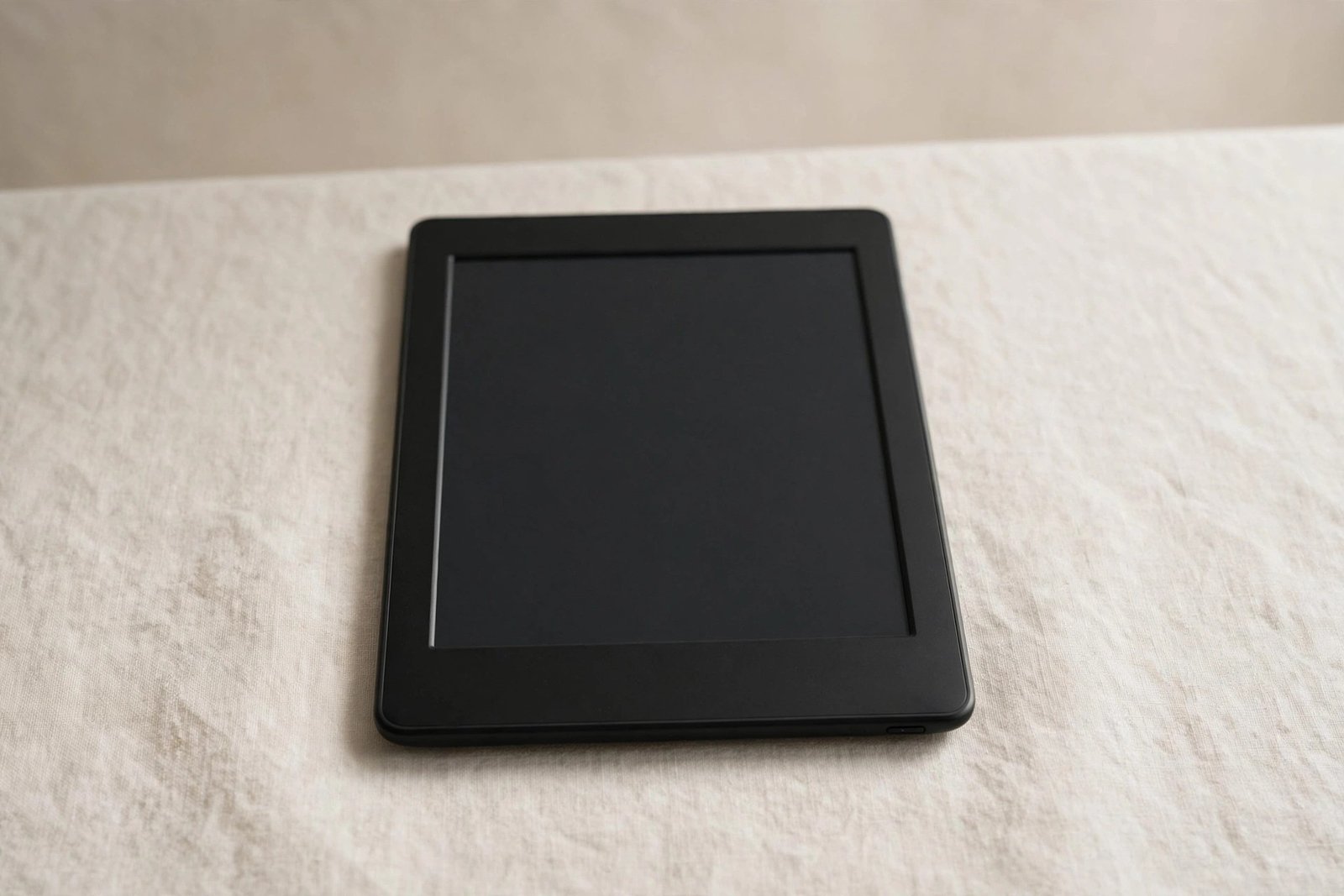
Kindles live a different life from phones. They are not dropped onto pavements, rattled around in pockets with keys, or handled with greasy fingers fifty times a day. They travel in bags, rest on nightstands, and spend long hours being held gently with both hands. So the question of whether a Kindle actually needs a screen protector deserves a different answer from the automatic “yes” most of us give our phones.
The honest answer is: most Kindle owners do not need one — but some definitely benefit. It depends on your model, how you carry it, and what risks your reading habits actually involve. This guide looks at what Kindle screens are made of, the real-world risks they face, when a protector is worthwhile, and what to use instead if you decide against one.
Key Takeaways
- Most Kindle owners do not need a screen protector — E Ink displays are recessed, plastic-topped, and face far less abuse than phone screens.
- A protective case or sleeve is the single best investment: it guards against the drops and bag-crushes that actually damage Kindles.
- Consider a protector if you travel frequently, share the Kindle with children, or carry it loose in a bag with hard objects.
- Matte screen protectors can reduce glare on older Kindle models, but modern Paperwhite and Oasis screens already have effective anti-glare treatments.
- Never use a glass protector designed for phones on a Kindle — the sizes, curves, and touch layers differ, and a poor fit causes more problems than it solves.
What Kindle Screens Are Actually Made Of
Understanding the screen helps explain why the risk profile differs. Kindle E Ink displays are not glass in the phone-screen sense. The E Ink layer itself sits beneath a plastic front panel, and on most models the whole display is slightly recessed behind the bezel rather than sitting flush and exposed. This recess is meaningful protection in itself: when a Kindle slides face-down across a table, the bezel takes the contact, not the display surface.
The plastic surface is softer than hardened phone glass, so it can pick up fine scratches more easily from grit — but it is also far less likely to shatter. Catastrophic screen damage on Kindles almost always comes from flexing or crushing (a heavy bag, sitting on it, a drop onto a corner) rather than surface scratches, and no stick-on protector prevents that kind of structural damage.
The Real Risks to a Kindle
Think about how Kindles actually get damaged. The number one killer is pressure: a Kindle at the bottom of an overstuffed bag, a suitcase with something heavy on top, or an accidental sit. The E Ink panel cracks under bending force, producing the characteristic frozen half-screen or spiderweb of dead pixels. A screen protector does nothing against this — only a rigid case or careful packing helps.
The number two risk is drops onto hard surfaces, particularly corner impacts that flex the device. Again, a case with corner protection is the effective defence. Surface scratches — the thing screen protectors are designed for — rank a distant third for Kindles, because the recessed plastic display simply does not meet abrasive surfaces the way an exposed phone screen does.
- The cheapest effective Kindle protection is a padded sleeve for travel plus a basic flip case for daily use. Together they cost less than most “premium” screen protectors and guard against the damage that actually kills E Ink screens.
When a Screen Protector Does Make Sense
There are genuine cases for fitting one. If your Kindle travels loose in a bag alongside keys, pens, or other hard objects, a matte film protector will absorb the micro-scratches that otherwise accumulate on the plastic display. Parents sharing a Kindle with young children — who treat all screens as touch-and-drag canvases, sometimes with surprising force — will also benefit.
Beach and outdoor readers are another group: fine sand is one of the few things that readily scratches a Kindle’s plastic surface, and a disposable film protector is cheap insurance for a holiday. Similarly, if you read with the Kindle flat on rough surfaces — workshop benches, stone tables, boat decks — a protector earns its place.
One more consideration: resale value. A Kindle with a pristine screen commands a better price second-hand, and a film protector is a cheap way to keep the display flawless if you upgrade models regularly.
What Type to Choose (and What to Avoid)
If you decide a protector is worthwhile, choose a matte PET film made specifically for your Kindle model. Matte films suit E Ink displays: they preserve the paper-like look, add a little glare reduction, and their slight texture is unnoticeable during reading. They are also thin enough not to interfere with the touch layer, which on Kindles sits above the display and is sensitive to thick additions.
Avoid tempered glass protectors marketed for Kindles. They add noticeable weight and thickness to a device prized for being light, they can create a visible gap that traps dust at the edges, and their hardness is unnecessary for a recessed plastic display. Also avoid universal-cut films you trim yourself — the touch bezels on modern Kindles need precise coverage, and a hand-cut edge invariably lifts and collects grime.
- Fit any Kindle protector in a steamy bathroom after running hot water for a few minutes. The humidity settles airborne dust, which is the main cause of bubbles and trapped specks under film protectors — and dust under a Kindle film is especially visible against the pale E Ink background.
What About Glare?
Some readers consider a matte protector primarily for glare reduction. On older basic Kindles this could help noticeably. But the current Paperwhite, Paperwhite Signature, and Oasis models already have well-engineered anti-glare screen treatments, and adding another matte layer on top yields diminishing returns while slightly softening text sharpness. If glare is your main complaint on a modern Kindle, adjusting your reading angle or lighting will do more than any protector.
Frequently Asked Questions
Does a screen protector affect the Kindle’s touch response?
A thin film protector made for your model will not noticeably affect touch or page turns. Thick glass protectors can occasionally make the infrared touch grid less responsive at the edges, which is another reason film is the better choice for Kindles.
Will a screen protector prevent the E Ink screen from cracking?
No. E Ink cracks come from bending or crushing force, and a surface film cannot absorb structural flex. If you are worried about cracks, a rigid case is the only meaningful protection. Think of a screen protector as scratch insurance, not crack insurance.
Do I need to remove the factory film that came on my new Kindle?
Yes — the cling film applied at the factory is packaging, not a screen protector. It is not optically clear, it dulls the display, and it will peel and trap dirt within days. Remove it when you unbox, then decide whether to fit a proper protector based on the guidance above.
For most Kindle owners, a good case beats a screen protector: it guards against the pressure and drops that actually damage E Ink displays, while the recessed plastic screen largely looks after itself. Fit a matte film only if your Kindle faces real scratch risks — travel, kids, sand, or rough surfaces — and skip the glass.


