

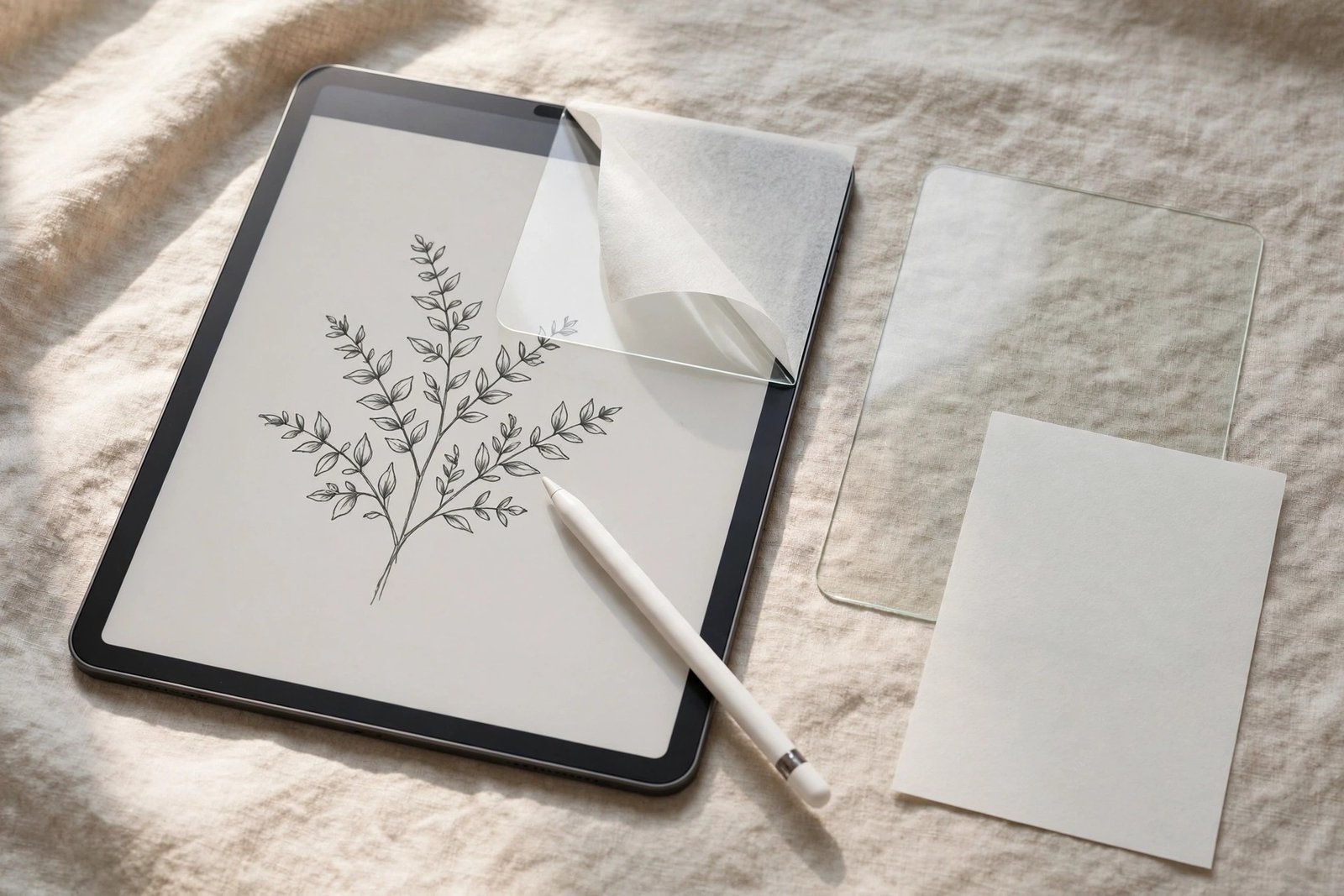
Plenty of iPad artists face a dilemma: tempered glass gives the best protection, but the Apple Pencil skates across it like a puck on ice. The obvious fix — sticking a paperlike film on top of the glass protector — sounds like having it both ways. And unusually for a shortcut, this one actually exists in the real world: some artists do exactly this. But layering two protectors is a compromise with specific consequences, and it is worth understanding them before you commit a film to your glass.
This guide covers how paperlike film behaves when fitted over tempered glass rather than bare display, the combined thickness and what it does to the Pencil, and the removable magnetic alternative that many artists end up preferring once they have tried both.
Key Takeaways
- Yes, paperlike film can be fitted over tempered glass and many artists do it — the film’s adhesive bonds to glass almost as readily as to the display.
- The stack adds roughly 0.4–0.6mm of total thickness, which slightly increases the gap between Pencil tip and display and softens parallax.
- The glass underneath keeps doing its job — impact protection is not reduced by the film on top.
- Alignment matters twice as much: the film must match the glass protector’s cut, not the iPad’s, and their cutouts may differ by a fraction of a millimetre.
- A magnetic removable paperlike protector achieves the same drawing feel with none of the permanence — and comes off for watching video.
- Expect faster Pencil nib wear either way: the paper texture is what you are adding, and it abrades nibs on film just as it does over bare glass.
How the Layering Actually Works
A paperlike protector’s adhesive is designed to wet out onto a smooth glass surface — and a tempered glass protector is a smooth glass surface. In practical terms, fitting the film over glass works exactly like fitting it to the bare display: clean the glass protector’s surface, position the film, squeegee it down. The bond is strong, bubbles behave the same way, and the matte texture delivers the same paper-like drag under the Pencil.
There is one meaningful fitting difference. When you fit film to a bare iPad, you align to the display’s edges and camera. When you fit over glass, your true reference is the glass protector itself — if the glass sits a hair off-centre and you align the film perfectly to the iPad, the film will overhang the glass edge on one side and trap a ridge of air. Align to the glass, accept whatever tiny offset that implies, and the stack sits flat.
Thickness, Parallax, and Pencil Feel
A typical tempered glass protector is around 0.33mm thick and a paperlike film adds roughly another 0.15–0.25mm, so the combined stack puts the Pencil tip about half a millimetre further from the display than a bare screen. Apple Pencil is remarkably tolerant of this — pressure, tilt, and palm rejection all keep working normally — but two subtler effects are real.
The first is parallax: the visible gap between where the tip touches and where the line appears grows slightly, most noticeably when drawing at an angle. Artists who letter or trace precisely may notice it; note-takers and sketchers generally do not. The second is feel: two layers slightly mute the crispness of the texture compared with film directly on glass. The paper effect is still unmistakably there, but the very top of the friction range feels a fraction softer — most people describe it as the difference between fine and medium tooth paper.
- Test the stack before committing: lay the unpeeled film over the glass and draw a few diagonal lines at a shallow angle. If the parallax at that thickness bothers you, it will bother you every day — try the magnetic route instead.
What the Stack Does Not Change
Protection-wise, the layering is genuinely additive. The glass protector continues to absorb impacts exactly as before; the film on top adds a scratch shield for the glass surface itself, which is why the combination wears so well — when the matte film eventually hazes from Pencil use, you replace the cheap film and the glass underneath emerges as new. Over a year of heavy drawing, this can work out cheaper than repeatedly replacing a single paperlike protector fitted to the display.
What neither layer changes is nib wear. The paper texture abrades Apple Pencil tips at the same rate whether or not glass sits beneath it, and a stack gives you no exemption from keeping spare nibs to hand. If anything, treat the pairing as a system: film for feel, glass for protection, nibs as the scheduled consumable.
The Magnetic Alternative
Before committing adhesive, consider the option many artists settle on: a magnetic paperlike protector. These snap onto the iPad’s magnetic bezel over whatever protection you already have — including bare glass or a fitted tempered glass protector — and lift off in a second when you want the full brightness and clarity back for reading, video, or photo work. There is no fitting saga, no bubbles, and no permanence.
The trade-offs are honest ones. A magnetic sheet sits fractionally looser than an adhesive film, so it can shift a hair under vigorous strokes and collects dust at its edges in a bag. It also adds similar thickness to the adhesive stack. But for anyone whose iPad splits its life between drawing and everything else, the ability to remove the texture at will usually outweighs the slightly less planted feel.
- If you layer film over glass, buy the film in the same stated size as the glass protector rather than a “full coverage” variant. Case-friendly cuts on both layers keep the edges from fighting your iPad case.
Frequently Asked Questions
Will the film damage the glass protector when I remove it?
No — paperlike film adhesive releases from glass cleanly, just as it does from a display. Peel slowly from a corner and the glass protector stays fitted; any residue wipes off with a microfibre cloth.
Does stacking affect touch sensitivity or Face ID?
Finger touch works normally through both layers, and Face ID is unaffected provided the film’s camera cutout aligns with the glass protector’s. If Face ID becomes unreliable after layering, the two cutouts are slightly offset — realign or refit the film.
Which should I fit first if I am starting from a bare iPad?
The glass protector first, always — it is the rigid, precisely aligned base layer. Let its adhesive settle for a few hours, clean its surface, then fit the paperlike film over it aligned to the glass.
Film over glass is a legitimate artist’s stack — protection underneath, paper on top — but try the magnetic sheet first if your iPad is a part-time sketchbook: the best protector is the one you can take off.


