

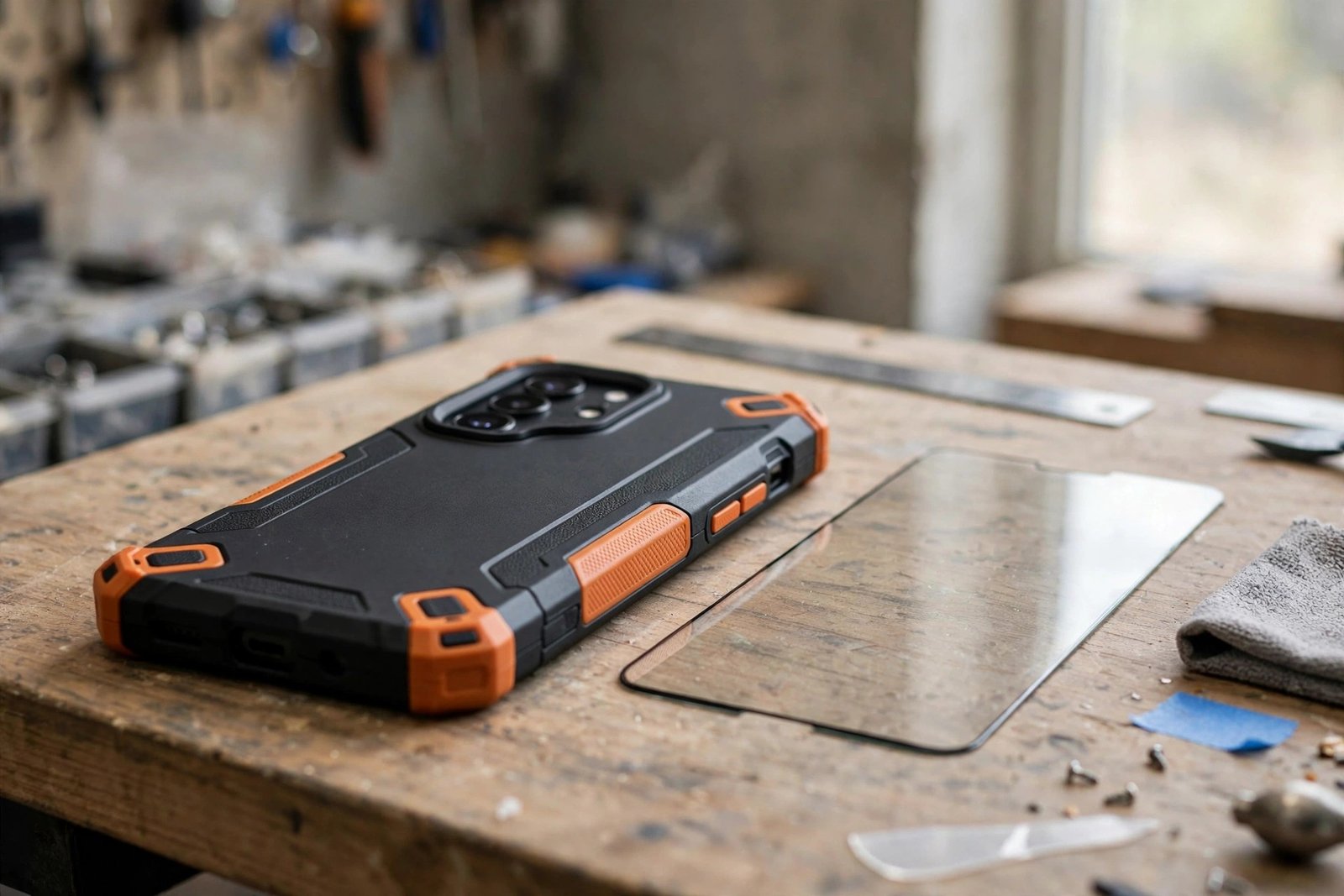
The OtterBox Commuter is one of the most popular protective cases you can buy — slim enough for a pocket, tough enough for a building site. So it’s natural to assume the screen is covered too. It isn’t. If you’ve just ordered one, or you’re about to, it’s worth knowing exactly what the Commuter does and doesn’t include before your phone takes its first knock.
The direct answer: the Commuter Series is sold without a built-in screen protector. Its protection covers the back and edges of the phone, while the screen is left to a separately fitted protector. This guide explains how the Commuter is designed, why owners get confused by older OtterBox models, and how to check any listing so there are no surprises.
Key Takeaways
- The OtterBox Commuter is a “screenless” design — no built-in screen protector is included in the box.
- Its protection comes from a two-layer build — a rubber inner slipcover and a hard outer shell — plus raised edges and port covers.
- Screen protection on a Commuter means fitting a separate protector, which the case is designed to work alongside.
- The confusion comes from older Defender models, which historically shipped with a built-in plastic screen cover.
- Listings change between models and generations — always check the exact product page and box contents before buying.
What the Commuter Actually Protects
The Commuter’s design is a two-piece system: a soft rubber inner layer that absorbs shocks, wrapped in a rigid polycarbonate outer shell that deflects impacts and slides easily in and out of pockets. Flaps cover the charging port to keep out dust and lint, and the edges around the screen and camera rise slightly above the glass, so setting the phone face down doesn’t put the screen itself on the table.
Notice what that raised edge does and doesn’t do. It guards against flat surfaces and adds a little standoff in a face-down drop. It does not cover the glass — a direct hit from a stone, a tool corner or uneven ground can still reach the screen. OtterBox sells the Commuter as a screenless case, and the screen protector side of the equation is deliberately left to a separate product.
Why People Expect One: The Defender Legacy
If you’ve owned OtterBox cases before, your expectation is understandable. The heavy-duty Defender Series historically included a built-in plastic screen protector — a clear membrane moulded into the case’s front shell — and for years that was one of its defining features. Many buyers reasonably assume every rugged OtterBox works the same way.
The range has moved on. Case makers broadly shifted to screenless designs as phone screens grew curved edges and under-display fingerprint sensors arrived, both of which fight with built-in membranes. Many recent Defender versions are also sold without built-in screen coverage, following the same logic as the Commuter. The lesson is that “OtterBox” on the box tells you nothing about screen coverage — the individual model’s listing does.
- Look for the word “screenless” in the listing, and check the “what’s included” or box-contents line. If a screen protector isn’t listed as included, it isn’t in the box — whatever the photos seem to suggest.
Pairing the Commuter with a Protector
The good news is that the Commuter is designed with separate protectors in mind. Its inner edges are shaped to sit alongside a fitted glass protector rather than prising it up — the classic problem with tight cases. Fit the protector first, let the adhesive settle, then install the case, working the rubber layer on gently so it doesn’t catch a corner of the glass.
Choose a case-friendly protector — one cut very slightly smaller than the full screen — for the happiest pairing. Full-coverage edge-to-edge glass under a snug case is where lifting corners usually begin. With the right pairing, the combination is genuinely strong: the case handles drops, corners and ports, the glass handles the screen, and each does the job the other can’t.
- Buying the case and protector together? Fit the protector before the case goes on, and give it a little time to bond. Snapping a fresh case over a just-fitted protector is the most common way to lift a corner on day one.
Frequently Asked Questions
Does any OtterBox case come with a built-in screen protector?
Historically, yes — older Defender Series cases included a built-in plastic screen cover as a signature feature. Most current OtterBox ranges, including the Commuter and many recent Defenders, are screenless designs instead. Because it varies by model and generation, the exact listing for the case you’re buying is the only reliable source.
Will the Commuter’s raised edges protect my screen on their own?
Partly. The raised lip keeps the screen off flat surfaces and helps in a flat face-down drop. It can’t stop a protruding object — gravel, a tool, a furniture corner — from reaching the glass. For full protection, pair the case with a fitted screen protector.
Will a tempered glass protector fit under the Commuter?
Generally, yes — the case is designed to be used with one. A case-friendly protector, cut slightly in from the edges, gives the cleanest fit. If a corner lifts after fitting the case, the protector is usually a fraction too wide rather than the case being at fault.
The Commuter is an excellent case that simply doesn’t include a screen protector — protection for the glass is a separate fitting, and the case is built to welcome it. Check the listing, pair the two, and your phone is covered from every angle.


