So, how do I remove a screen protector that has been sitting on my phone for months? If that’s the question you’re asking, you’ve probably already tried. You’ve dug a fingernail into every corner, found nothing to grip, and started wondering whether the thing has somehow fused itself to the screen. It hasn’t — but a protector that went on last spring has had months of pocket warmth and pressure to settle in, and it will not give up its first corner easily.
I’m going to walk you through every first-corner trick I know, ranked from the gentlest to the strongest, so you can start politely and only escalate as far as you actually need to. Almost every “stuck fast” protector surrenders to one of the first three.
Key Takeaways
- Work the tricks in order — gentlest first. Most panes let go before you reach the strong ones.
- Warmth is your friend. A few minutes of normal use, or a warm room, softens months-old adhesive noticeably.
- You’re only fighting for the first millimetre of lift. Once a corner rises, the rest is patience.
- Keep every tool flat against the screen. Digging and levering is where scratches happen.
- If the pane is cracked, tape over the whole face first so it comes away as one sheet.
- Peel low and slow, folding the protector back over itself — never upwards and fast.
First, Understand What You’re Up Against
A freshly fitted protector peels easily because its adhesive is young. A protector that has lived on your phone for six months has been pressed flat thousands of times — in pockets, under cases, against car mounts — and its edges have effectively sealed themselves to the glass. The bond isn’t stronger than the screen; it’s just seamless. There is no gap for your nail to find, which is why the usual advice fails.
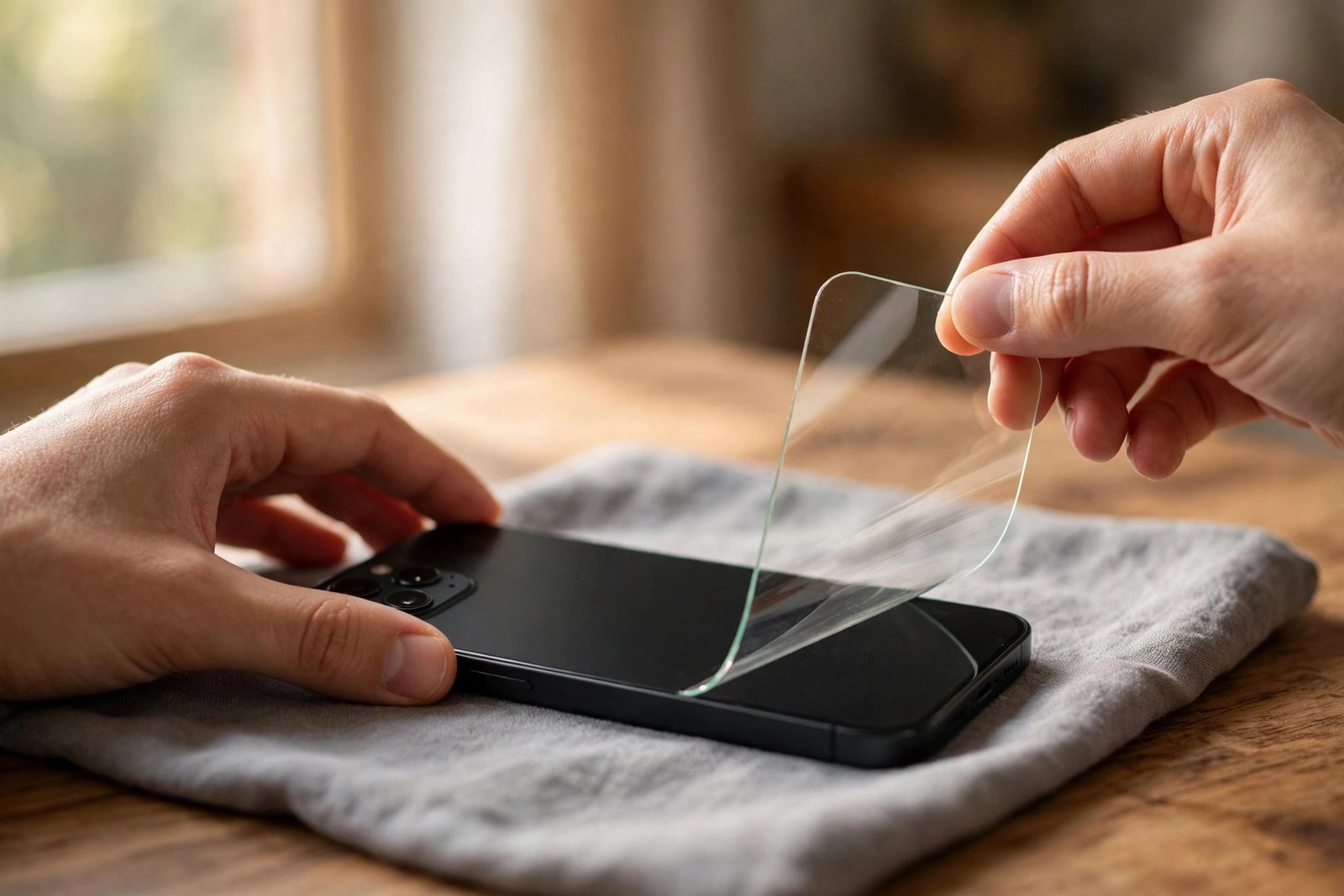
The solution is to manufacture that gap. Every trick below does the same job in a different way: it creates the first tiny lift at one corner, after which a flat tool can slide in and the peel becomes routine. Take your case off before you start, work on a soft cloth so the phone doesn’t slide, and give the screen a gentle warm-up — ten minutes of ordinary use is enough to make old adhesive noticeably more cooperative.
The Tricks, Ranked Gentlest to Strongest
- 1. The fingernail press. Press your nail flat into the seam at each corner in turn — not prising, just pressing inwards. Months-old panes often have one corner, usually near the charging port, that is a fraction looser than the rest.
- 2. The tape tab. Fold a loop of strong sticky tape, press it firmly onto one corner of the protector’s face, rub it down for ten seconds, then pull low and back towards that corner. The tape grips a whole patch of glass, so it out-pulls any fingernail.
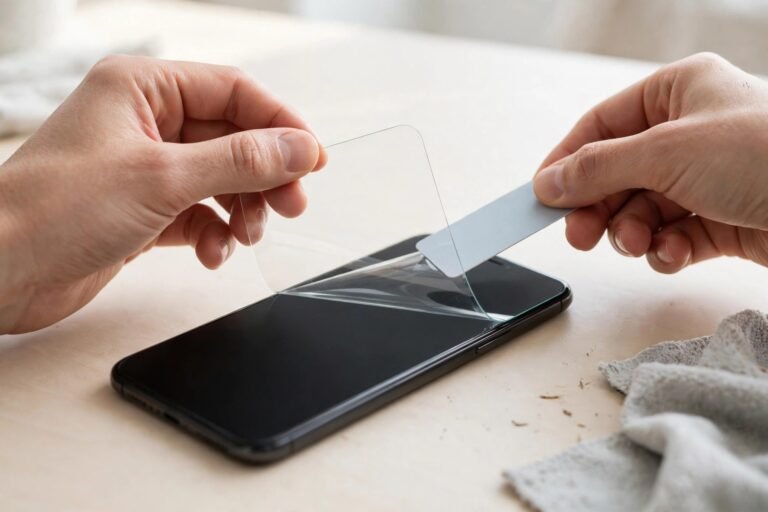
- 3. The plastic card slide. Ease the thin edge of a bank card or loyalty card into the seam and slide it flat underneath. Once it’s in, leave it parked as a wedge — you’ve won your starting gap.
- 4. The warmth round. Warm the screen gently — lowest hairdryer setting, moving, a hand’s width away, for under a minute — then repeat trick 1 or 2 immediately. Warm adhesive re-hardens as it cools, so have your tools ready first.
- 5. The floss saw. Work a length of dental floss under a corner with a gentle back-and-forth sawing motion, flat against the screen. Floss is far softer than glass, so it slices through the softened adhesive without any risk to the display — this is the trick that defeats genuinely sealed panes.
- Test all four corners before escalating. Panes are rarely stuck evenly — one corner nearly always gives before the others.
- Combine tricks: warmth (4) followed immediately by the tape tab (2) succeeds on panes that resist either one alone.
Once the Corner Is Up: The Peel Itself
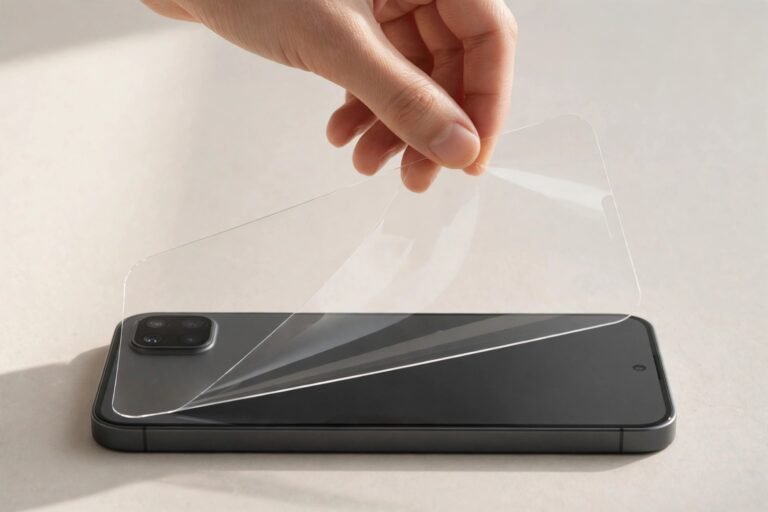
Congratulations — the hard part is over. Now slide your card flat into the gap to hold it open, then peel low and slow, folding the protector back over itself rather than lifting it towards the ceiling. Support the freed section with your free hand so the glass can’t flex and snap halfway. If resistance builds up in one patch, don’t pull through it: warm that spot, or work it with the floss, and carry on.
Expect the bare screen underneath to show the protector’s history — greasy outlines where the edges sat, and sticky residue patches. That’s normal for a pane of this age. Buff it with a dry microfibre cloth, dab stubborn flecks up with a loop of sticky tape, and check the screen under a bright light before the new protector goes anywhere near it.
- If the protector starts coming away in fragments, stop and tape over the whole remaining pane, pressing the tape into every piece — it will lift the rest as one sheet.
- Drop each removed piece straight into the bin. A sticky, sharp-edged pane left on the table is an accident waiting for an elbow.
Frequently Asked Questions
Why won’t any corner lift at all?
Because months of pressure have sealed the edges flush to the screen, leaving no seam for a nail to find. That’s precisely what the stronger tricks are for: warmth softens the bond, and the floss saw creates a gap rather than looking for one. Start at trick 4 and you’ll get in.
Could I damage my screen doing this?
Not with anything on this list. Tape, plastic cards and floss are all softer than your screen’s glass. The real risks come from metal tools, blades and levering upwards — none of which you need. Keep everything flat, keep the force gentle, and the screen is safe.
The protector cracked as it came off. Is that a problem?
Only a tidiness one. Old, well-bonded tempered glass sometimes snaps mid-peel, especially if it flexes. Tape over what’s left, peel the remainder slowly, then check the screen carefully for loose slivers and wipe it down before fitting the replacement.
Stuck fast doesn’t mean stuck forever: warm it, work the corners in order, and let the gentlest trick that works do the job.