
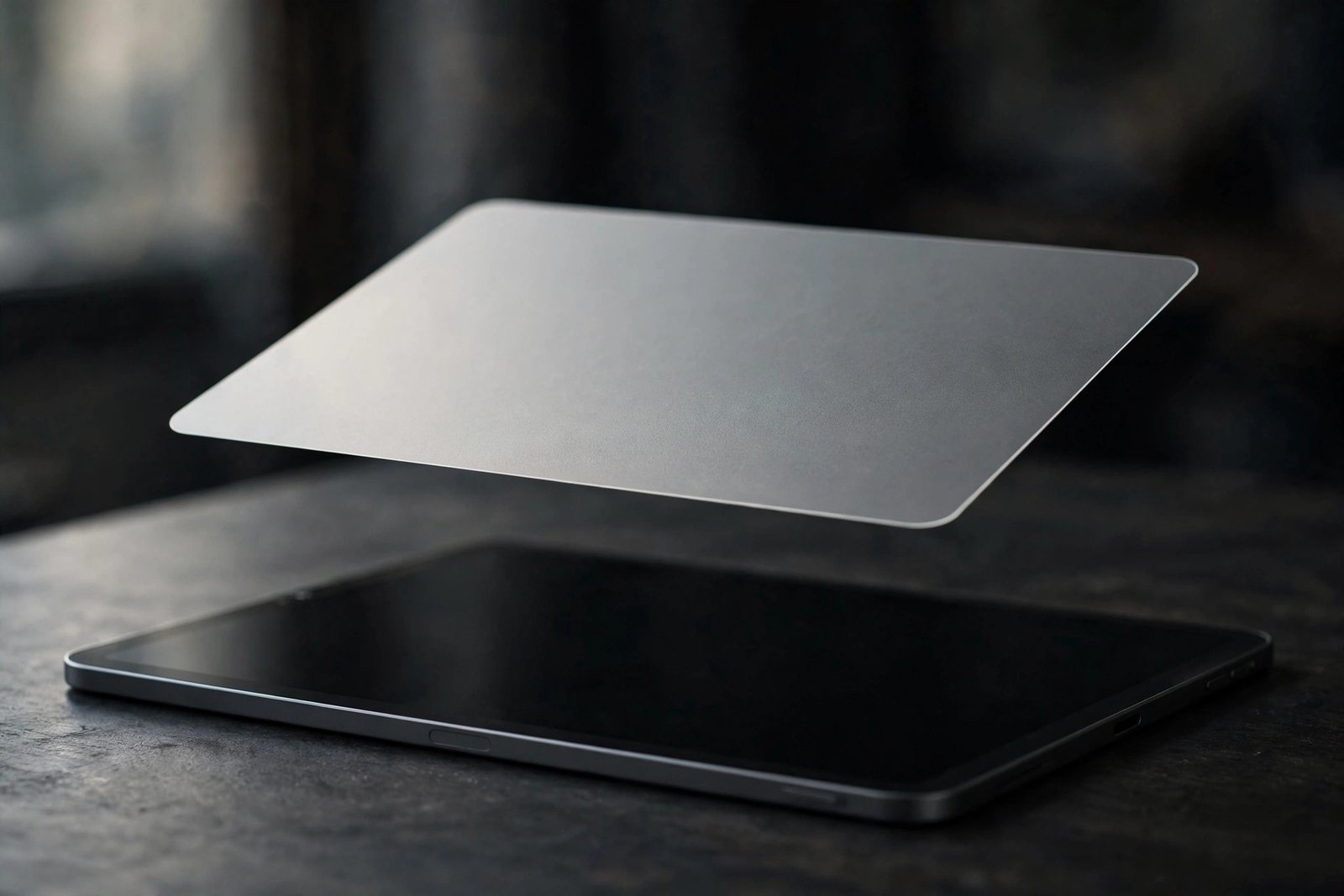
An iPad is at its best outdoors, in bright classrooms, and under office lighting — exactly where screen glare ruins the experience. A quality anti-glare screen protector for iPad cuts reflections with a matte finish, keeps your Apple Pencil gliding with paper-like friction, and still protects the display from scratches and drops.
We rounded up the 10 best anti-glare screen protectors for iPad you can buy in 2026, from Spigen and Paperlike flagships to budget matte picks for every iPad size. Each pick links to Amazon with our View on Amazon button.
Key Takeaways
- Best overall: Spigen GlasTR EZ Fit PaperTouch — tempered-glass matte with an alignment tray for the iPad Pro 11″ M4.
- Best for artists: Paperlike 3 2-Pack — the gold-standard paper feel for the iPad Pro 11″ M4.
- Best value matte glass: Mothca Matte Glass picks for the iPad Air 11″ and iPad mini 8.3″.
- Budget winners: ESR, KCT, and JETech paper-feel 2-packs cover every iPad size for less.
- Compatibility: every pick below is keyed to a specific iPad model and size — match your generation before buying.
- Every pick below links to Amazon with our View on Amazon button for the latest price.
Our Top Anti-Glare iPad Screen Protector Picks
Spigen GlasTR EZ Fit PaperTouch
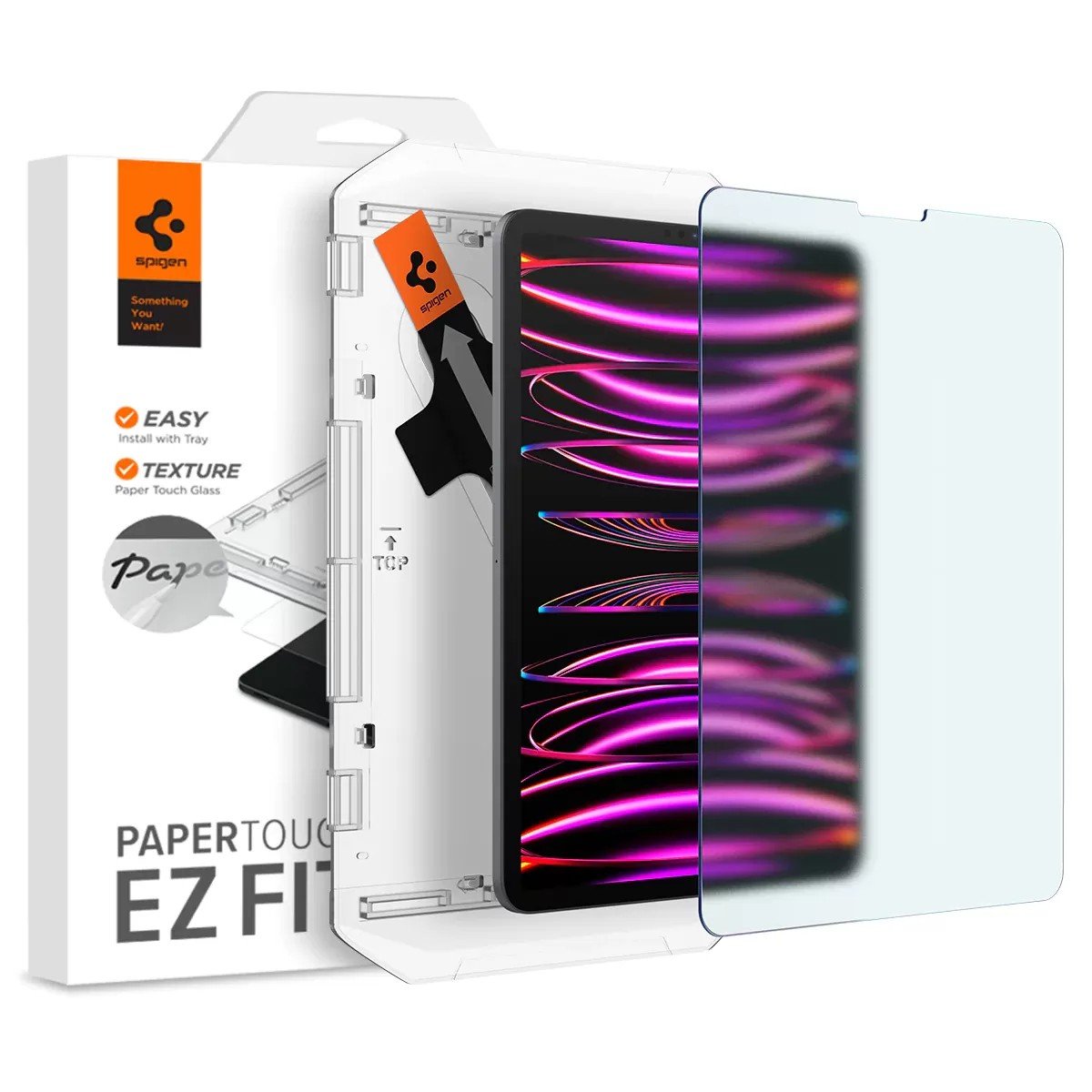
✓ 9H tempered glass with a matte paper-touch surface tuned for Apple Pencil writing
✓ EZ Fit auto-alignment tray drops the panel on bubble-free in one motion
✓ Cut specifically for the iPad Pro 11-inch M4 with case-friendly inset edges
Paperlike 3 2-Pack
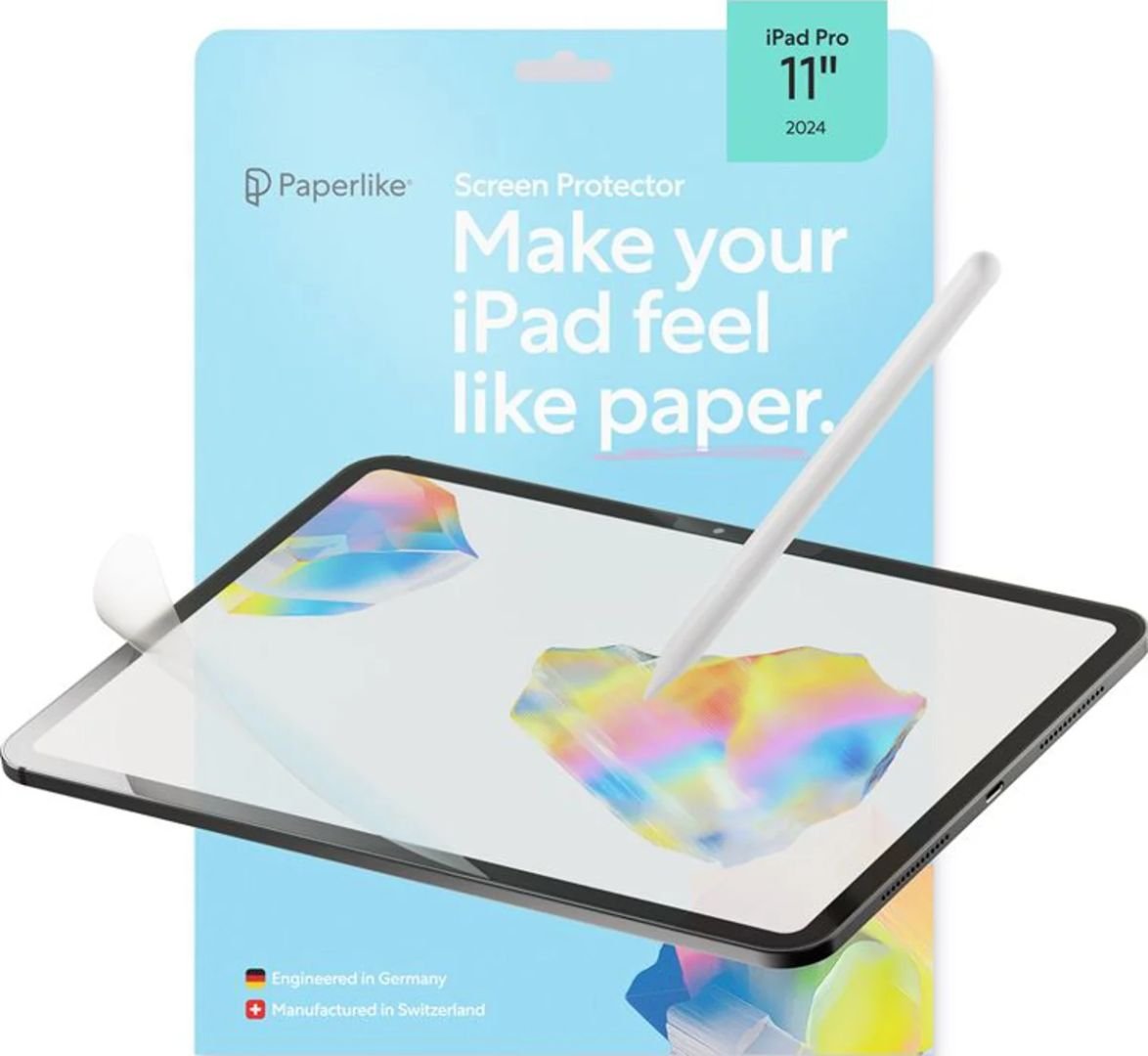
✓ The reference paper-feel texture, tuned over three generations for Apple Pencil control
✓ Matte PET film diffuses glare while keeping touch response natural
✓ Helper multi-tool and guided install process for bubble-free application
ESR Paper-Feel 2-Pack
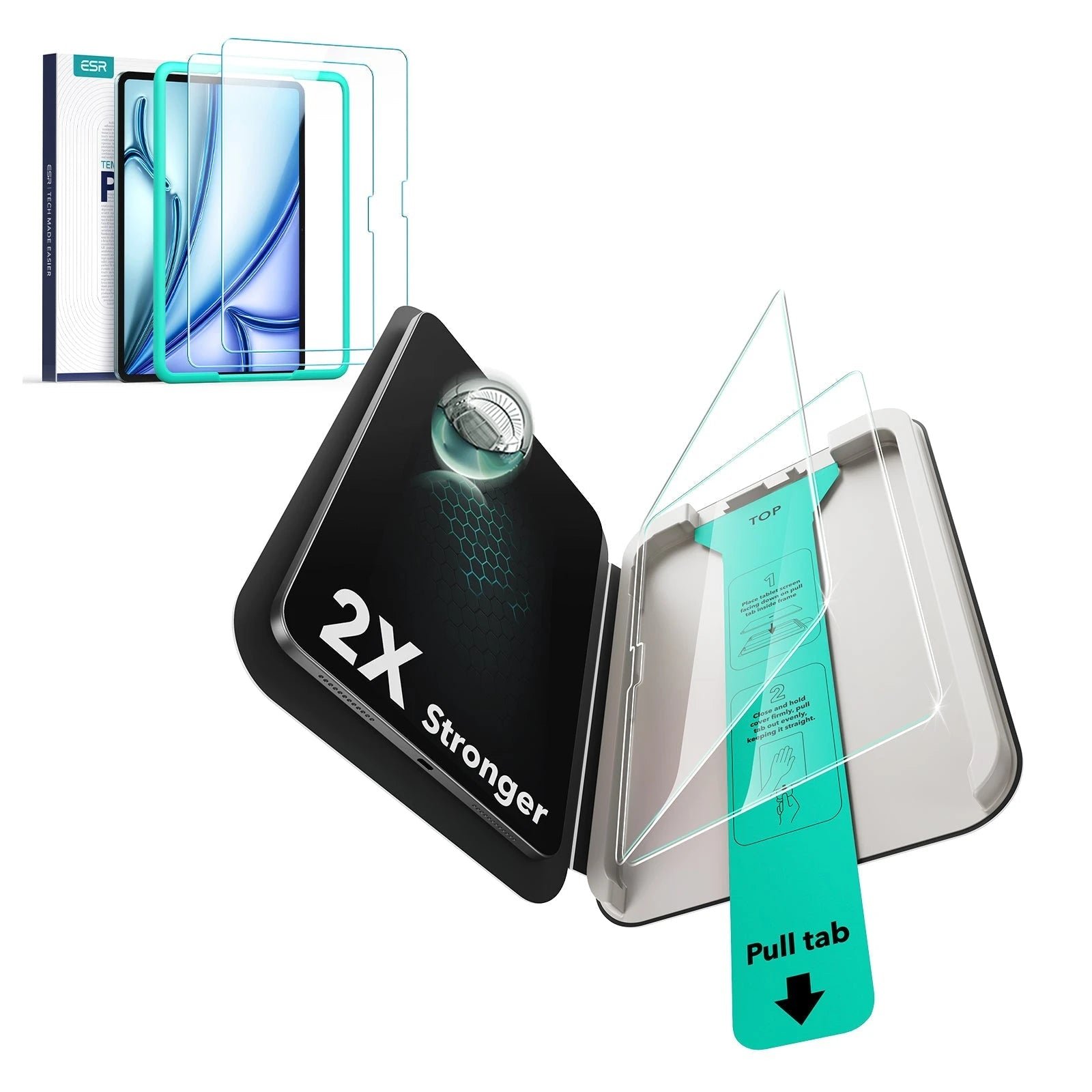
✓ 9H tempered glass with a matte paper-feel writing surface
✓ Alignment frame for fast, straight, bubble-free installation
✓ Anti-glare matte finish for working under bright light
Mothca Matte Glass
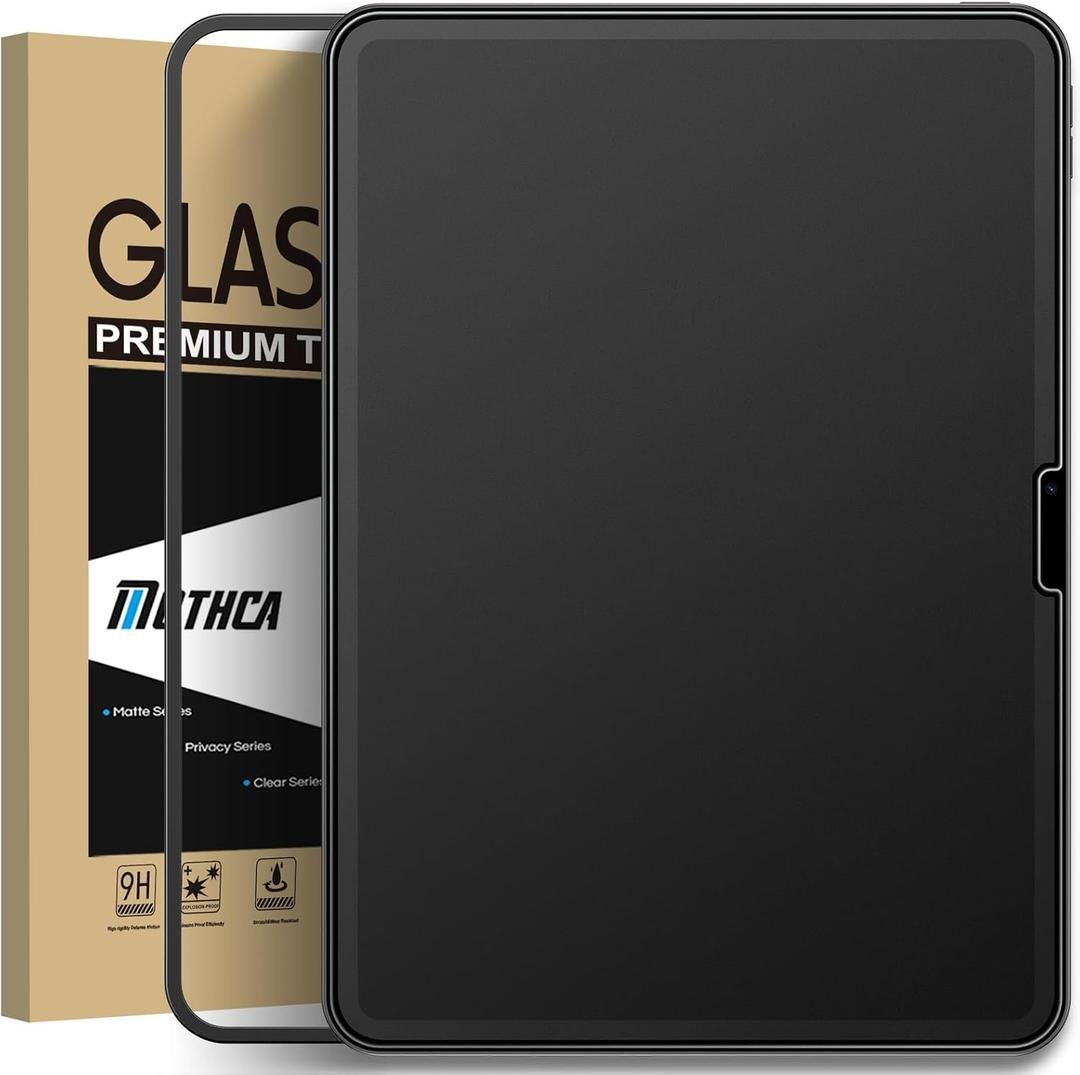
✓ Matte 9H tempered glass with anti-glare and anti-fingerprint treatment
✓ Easy installation frame for bubble-free alignment
✓ Case-friendly cut with 2.5D polished edges
JETech Papered Glass
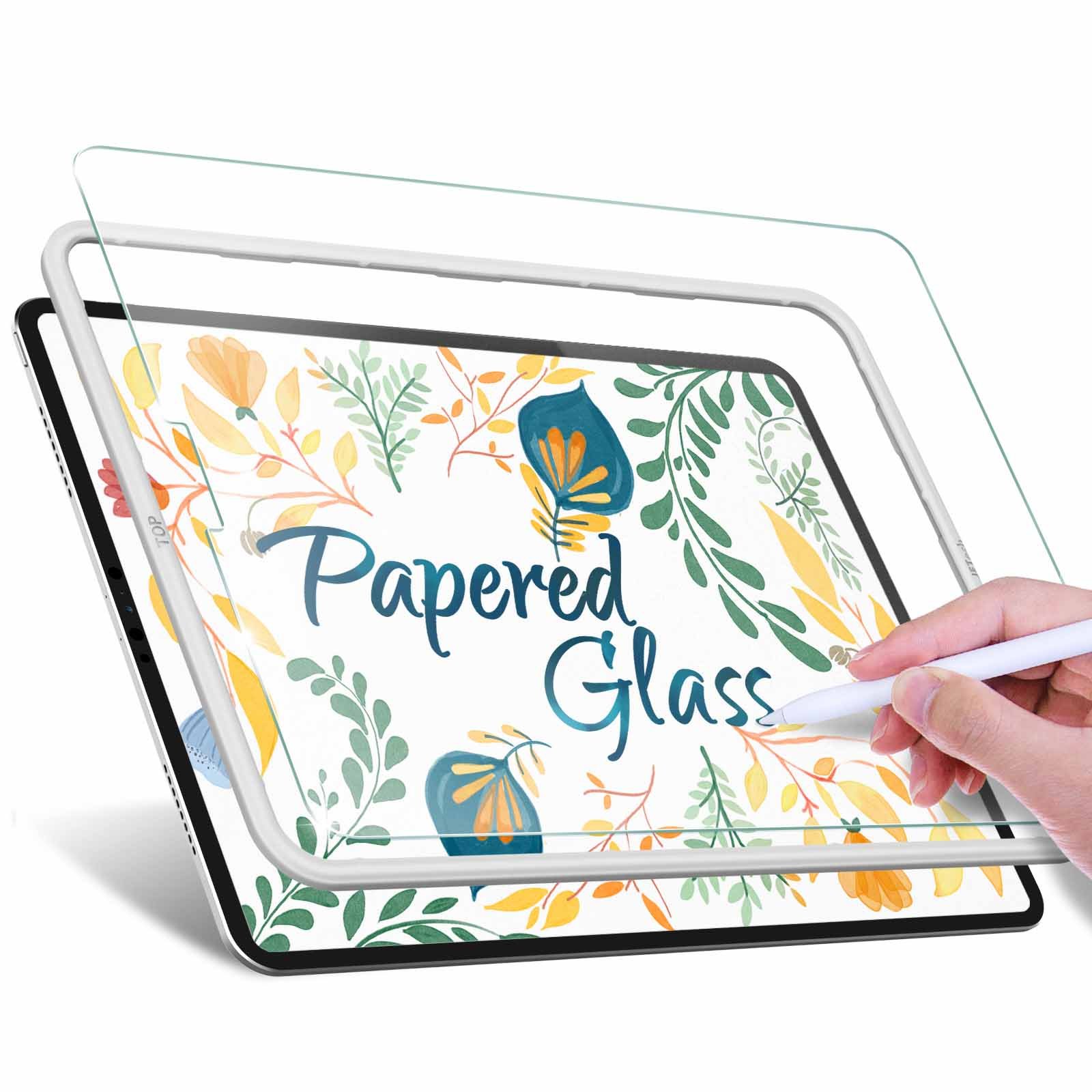
✓ Matte 9H tempered glass marketed as papered glass for a hint of writing texture
✓ Anti-glare and anti-fingerprint matte surface
✓ Fits iPad Pro 11-inch (1st through 4th gen) and iPad Air 4/5 10.9-inch
Mothca Matte Glass mini
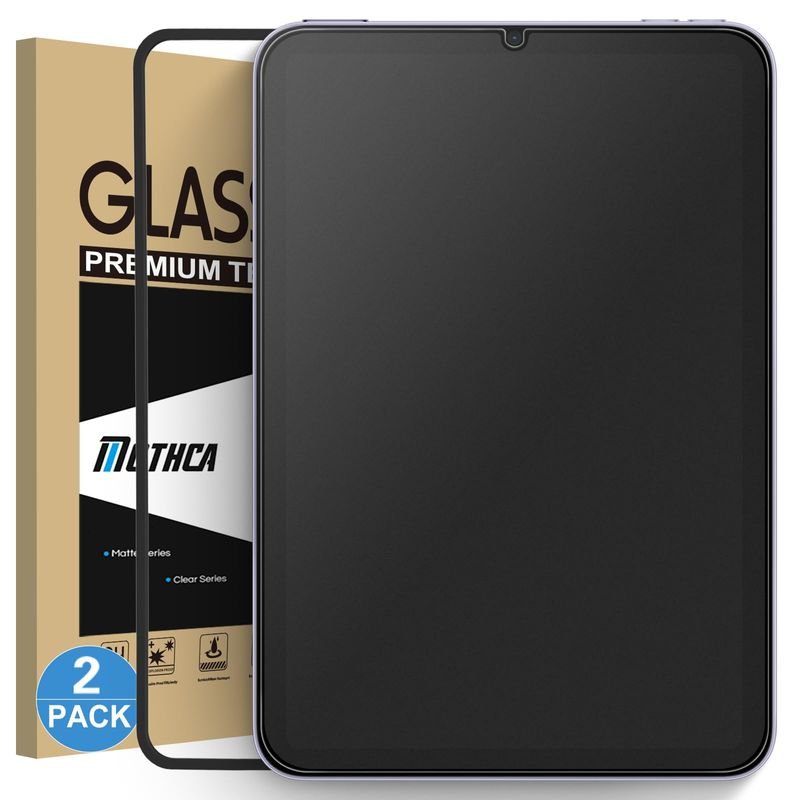
✓ Matte 9H tempered glass cut for iPad mini 8.3-inch (A17 Pro 2024 and mini 6 2021)
✓ Anti-glare and anti-fingerprint etched surface
✓ Alignment frame for straight, bubble-free installation
ESR Paperfeel 2-Pack
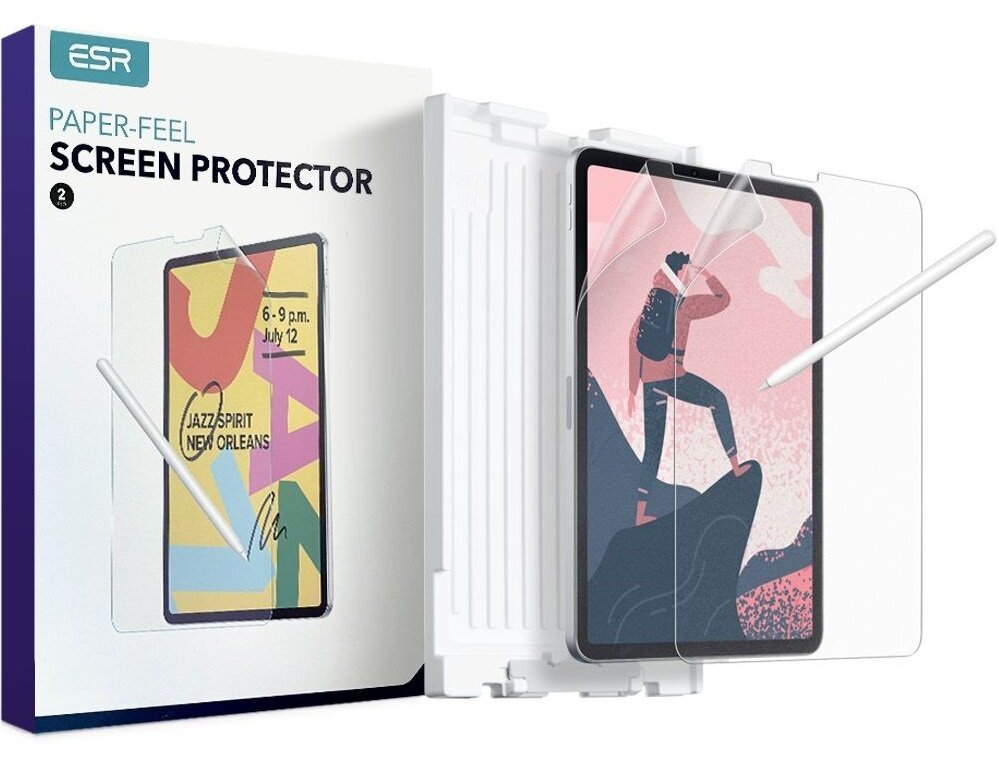
✓ Paperfeel matte surface tuned for Apple Pencil writing and drawing
✓ Easy application tray sized for the 12.9-inch panel
✓ Anti-scratch matte film that diffuses glare
KCT Paperfeel 2-Pack
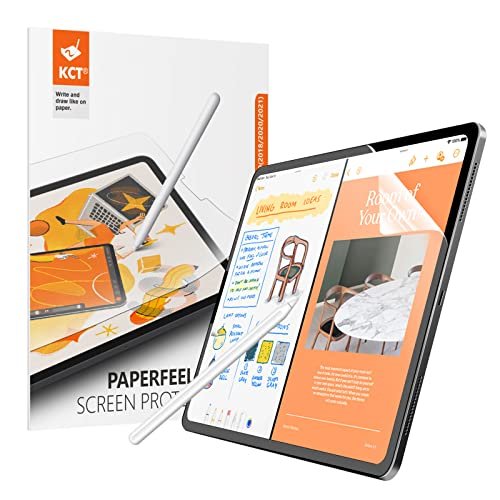
✓ Matte PET paperfeel film for drawing and writing
✓ Anti-glare surface for bright environments
✓ Easy installation kit with wet/dry wipes and dust stickers
JETech Paper 1-Pack
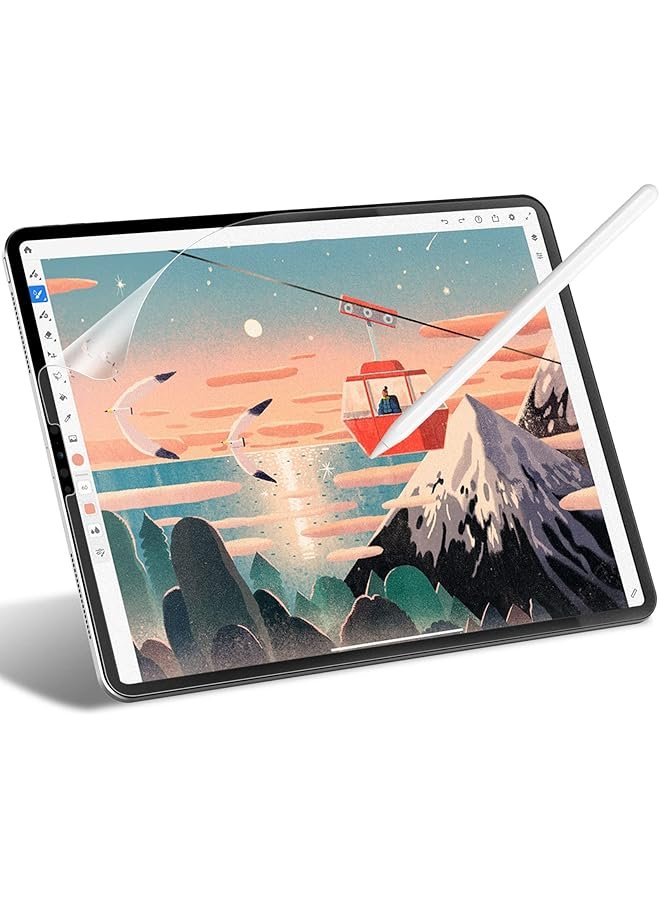
✓ Matte PET paper film for drawing with Apple Pencil
✓ Anti-glare, anti-fingerprint, and scratch-resistant surface
✓ Cut for iPad Air 11-inch M3/M2 with full sensor cutouts
ESR Paper-Feel iPad 10
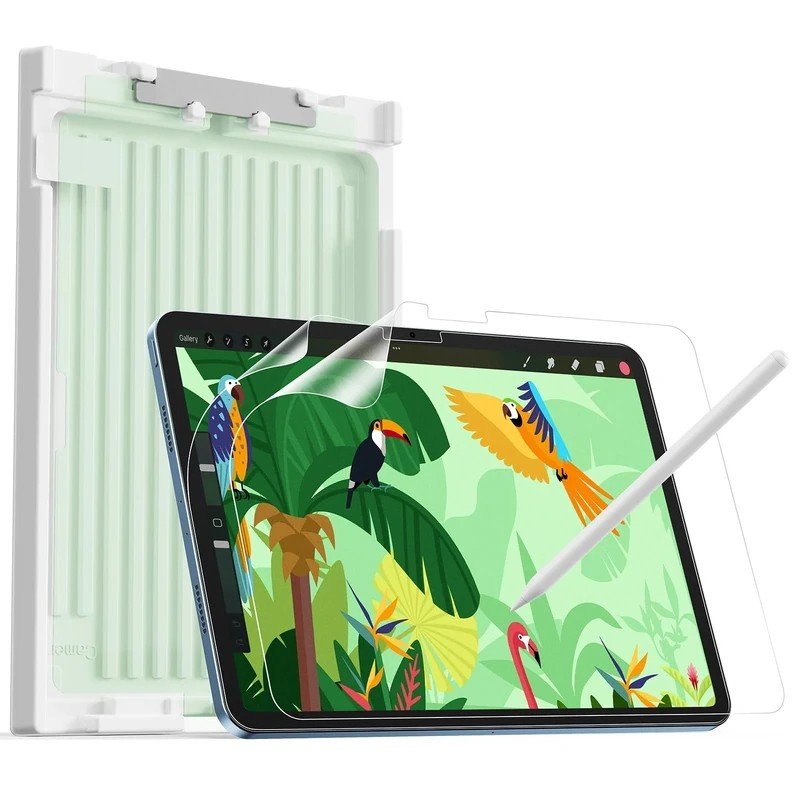
✓ Finely textured matte surface mimics real paper for natural Apple Pencil strokes
✓ Anti-glare finish reduces reflections and eye strain in bright environments
✓ Included alignment tray for bubble-free installation on the 10.9-inch panel
More Details on Our Top Picks
1. Spigen GlasTR EZ Fit PaperTouch
OUR VERDICT:
The most complete single purchase for Pencil users who also want real drop protection.
VIEW ON AMAZONSpigen's GlasTR EZ Fit PaperTouch is the pick for iPad Pro 11 users who refuse to choose between protection and feel, and it earns that position honestly. It's genuine 9H tempered glass, so it handles drops, keys, and daily bag abuse the way glass does, but the surface carries a fine matte texture that gives the Apple Pencil the resistance of real paper. That combination is genuinely rare in the iPad accessory world: most paper-feel products are thin PET films with no meaningful impact protection, while most tempered glass is glossy and unforgiving to draw on. Spigen bridges the gap convincingly, and the EZ Fit auto-alignment tray means the large 11-inch panel goes on straight the first time, which matters enormously because a crooked install on a tablet is impossible to ignore and maddening to live with. For M4 iPad Pro owners, the cut is model-specific with case-friendly inset edges, so it stays put under folio and keyboard cases without lifting at the corners over time.
In daily use, the paper-touch surface changes how the iPad feels under the Pencil in a way you notice within the first few minutes. Strokes gain drag and control instead of skating across slick glass, handwriting looks more deliberate, and shading becomes manageable rather than slippery. The matte finish earns its place in this roundup too: under overhead fluorescents or beside a bright window, reflections smear into a soft haze instead of a sharp mirror image of the room behind you, which makes long writing sessions far less fatiguing. The tradeoff is real but modest and entirely honest — whites lose a touch of their sparkle, fine text looks very slightly softer than on naked glass, and heavy Pencil users will find the texture a little smoother than a dedicated drawing film. Most owners stop noticing the clarity difference after a day of normal use. Students filling lecture slides and professionals marking up long PDFs will appreciate how the surface keeps the Pencil predictable and controlled across hours of continuous writing.
Installation is the least stressful part of the purchase and a genuine advantage over film-based rivals. The EZ Fit frame seats over the iPad Pro 11 M4, you pull the tab, and the glass lands aligned edge to edge; the dust stickers and wet wipe in the box handle the rest, and the whole process takes a few minutes with none of the anxiety of freehand film application. The case-friendly insetting keeps the edges clear of most cases, and the oleophobic coating helps the matte surface resist fingerprints better than untreated matte films. At a premium price for a single panel, this is unapologetically the buy-once option — but for a Pencil-first workflow on the 11-inch Pro, it remains the most complete single purchase in this roundup. Clear-glass loyalists who mostly watch video may prefer a glossy panel, but anyone whose Pencil rarely leaves their hand will find the premium justified every single day.
✅ Pros
- The only pick here that pairs real glass drop protection with a paper-like writing surface
- EZ Fit tray makes a perfect install genuinely foolproof on the big 11-inch panel
- Matte texture noticeably cuts glare under bright office lighting
❌ Cons
- One panel per box at a premium price
- Matte surface softens the display's punch slightly compared with clear glass
- Hardness: 9H
- Installation: EZ Fit auto-alignment tray
- Pack Size: 1-Pack
- Finish: Matte paper-touch
- Price Tier: Premium
2. Paperlike 3 2-Pack
OUR VERDICT:
For drawing-first buyers, nothing else feels quite like the original paper-feel film.
VIEW ON AMAZONPaperlike invented the paper-feel category, and the third generation shows the accumulated experience of years of iteration. The Paperlike 3's matte surface carries a fine, consistent grain that mimics the tooth of real paper more faithfully than any competitor we have tested — the Pencil bites just enough to give handwriting character and sketching control, without the scratchy drag of cheap textured films that tire the hand during long sessions. For illustrators and heavy note-takers, that feel is the entire product, and Paperlike remains the benchmark every other film is judged against. The anti-glare effect is a genuine bonus rather than an afterthought: the matte finish takes the edge off overhead lighting in studios, classrooms, and offices, making extended drawing sessions noticeably easier on the eyes and reducing the need to constantly adjust screen angle. The grain stays consistent across the whole sheet, so long strokes feel the same from edge to edge – a detail cheaper films often get wrong.
As a film, it behaves exactly like one, and buyers should calibrate their expectations accordingly before purchasing. There is no drop protection to speak of — this is a writing surface and a scratch shield, not armor — so it pairs best with a decent protective case if the iPad travels in a bag. Touch response stays natural because the film is thin and precisely cut, and the texture is specifically engineered to be kinder to Pencil tips than coarser alternatives, which matters in practice because paper-feel surfaces consume tips faster than glass. Expect to replace tips more often than on a naked screen, but meaningfully less often than on bargain-bin textured films. The included Helper multi-tool and guided install process genuinely help, though film installation still demands more patience and a dust-free room than a tray-guided glass panel. The film is also thin enough to work with most magnetic folio cases without any interference.
The two-pack is practically a necessity rather than a bonus: first-time film installs on an 11-inch panel often trap a speck of dust no matter how careful you are, and having a spare removes the anxiety entirely. The explicit model-number compatibility listing for the M4 and M5 iPad Pro 11 gives confidence the cut is current, and the thin profile keeps the iPad feeling like itself rather than a laminated device. At a premium price for PET film, Paperlike 3 is unapologetically aimed at people whose iPad is primarily a sketchbook or notebook rather than a media tablet. If that describes you, the feel justifies the cost — nothing else in this roundup writes quite like it. Heavy note-takers should budget for replacement Pencil tips a little sooner than usual, since any textured surface wears tips faster than bare glass – but the improved control is worth the minor running cost for most artists.
✅ Pros
- The most paper-authentic drawing surface you can put on an iPad
- Texture is engineered to reduce Apple Pencil tip wear versus rougher films
- Two-pack covers the learning curve of film installation
❌ Cons
- A film, not glass: no meaningful drop protection
- Premium price for PET film
- Hardness: Film (PET)
- Installation: Guided install with Helper multi-tool
- Pack Size: 2-Pack
- Finish: Matte paper-feel
- Price Tier: Premium
3. ESR Paper-Feel 2-Pack
OUR VERDICT:
Glass protection, honest paper feel, and real glare reduction at a price that makes sense.
VIEW ON AMAZONESR's paper-feel glass for the iPad Air 11 is the value play in the glass-with-texture niche, and it executes the concept remarkably well for the money. Like the premium options, it's real 9H tempered glass — so drops, keys, and daily bag abuse are handled with genuine confidence — with a matte etched surface that gives the Apple Pencil something to bite into. The texture sits a touch smoother than a dedicated drawing film, which is actually a feature for mixed-use owners: writing feels pleasantly controlled without the aggressive drag that can tire the hand during long note-taking sessions, and the Pencil glides more easily when you're simply navigating the interface or scrolling. It's the sensible middle ground between slick glass and toothy film, and for most iPad Air owners that middle ground is exactly where they live. The 9H rating means everyday encounters with keys, zippers, and desk edges leave no mark on the surface.
The anti-glare performance is solid for the price and genuinely useful in everyday situations. The matte surface breaks up reflections from windows and overhead lights into a soft, diffuse haze, making the Air meaningfully more usable in bright rooms, classrooms, and shaded outdoor spots where glossy screens turn into mirrors. Clarity takes the expected matte penalty — colors are a touch less punchy than on clear glass and whites slightly less brilliant — but text remains crisp, video still looks good, and the tradeoff is honest at this price point. The included alignment frame earns its keep on the 11-inch panel; installs go on straight with minimal bubble-chasing, and the two-pack means you can afford to be a perfectionist on the first try without worrying about wasting your only panel. Video calls and reading in sunlit rooms both benefit, since the diffuse surface stops the screen doubling as a mirror.
Long-term, the paper-feel coating behaves like all matte coatings: heavy Pencil use gradually burnishes the texture smoother, especially in the center of the screen where you write most. ESR's answer is the second panel in the box — when the first goes slick after months of daily notes, you swap it and the iPad feels new again. At this price, replacing the protector twice a year costs less than most single premium panels, making it a rational consumable strategy. For iPad Air 11 owners who split their time between media, browsing, and handwritten notes, this is the balanced pick; dedicated artists chasing maximum tooth may still prefer a rougher dedicated film. The alignment frame also makes this an easy gift or recommendation for less tech-confident family members, since the install is genuinely foolproof and hard to get wrong, even for first-time screen protector buyers tackling a tablet-sized panel for the very first time without any meaningful financial risk at all, which is the whole point.
✅ Pros
- Glass protection plus paper feel at a sensible mid-range price
- Alignment frame makes the 11-inch install quick and straight
- Two-pack means a fresh matte coating when the first wears smooth
❌ Cons
- Matte texture is slightly smoother than dedicated drawing films
- Paper-feel coating gradually polishes smooth with heavy Pencil use
- Hardness: 9H
- Installation: Alignment frame
- Pack Size: 2-Pack
- Finish: Matte paper-feel
- Price Tier: Mid-range
4. Mothca Matte Glass
OUR VERDICT:
Real matte tempered glass with an install frame at a price the big brands can't touch.
VIEW ON AMAZONMothca's matte glass is the budget sleeper of this roundup and deserves far more attention than its price suggests. It's genuine 9H tempered glass with a matte etched surface — not a film — which means you get real drop protection, genuine scratch resistance, and meaningful glare reduction in a single layer, at a price that undercuts the big brands by half or more. The matte finish sits on the lighter side of the spectrum: it takes the mirror shine off the display and softens reflections considerably, though it won't give you the toothy paper drag of a dedicated drawing film. For general anti-glare use — bright offices, classrooms, kitchens, and travel — that's exactly the right balance, and most buyers will prefer it to an aggressive texture they never asked for. The anti-fingerprint treatment is a welcome inclusion that keeps the matte surface looking cleaner than untreated films, even with heavy daily touch use.
The included installation frame is the standout value proposition at this price. Tablet-sized glass is genuinely unforgiving to install freehand, and budget protectors usually leave you to eyeball the alignment and hope; Mothca's frame seats the panel straight on the iPad Air 11 with minimal fuss and far less bubble-chasing than a manual install. The 2.5D polished edges feel smooth under the thumb and resist the dust-line buildup that plagues sharp-edged cheap glass, while the case-friendly cut stays clear of folio and keyboard cases. Apple Pencil works fine on the surface — there's a whisper of extra friction versus glossy glass, enough to feel pleasant and controlled without changing how you write, sketch, or annotate documents. The oleophobic layer also makes wiping away smudges quick, so the screen stays presentable between cleanings without constant maintenance or special cloths, which is a real quality-of-life win on a touchscreen you handle all day.
The honest limitations are the single-panel box and the lighter matte etch. If you're a heavy Pencil user chasing maximum paper feel, this isn't textured enough for your needs — look at the paper-feel picks elsewhere in this roundup. And with only one panel in the box, a botched install means buying again, so take the dust-removal step seriously, work in still air, and don't rush the alignment. But for everyone who simply wants their iPad Air readable in bright light without paying a premium, Mothca delivers the core promise at a fraction of the cost, and the install frame alone makes it the smartest budget buy here. Students and commuters who use the Air as a daily carry tablet get the most value, since the glass shrugs off backpack abuse while the matte finish keeps the screen readable on bright trains and in sunlit lecture halls throughout the semester and well beyond it.
✅ Pros
- True matte tempered glass at a budget price
- Install frame included — rare at this price for tablets
- Anti-fingerprint coating keeps the matte surface cleaner than films
❌ Cons
- Single panel per box
- Matte etching is lighter than paper-feel films — less Pencil drag
- Hardness: 9H
- Installation: Easy installation frame
- Pack Size: 1-Pack
- Finish: Matte
- Price Tier: Budget
5. JETech Papered Glass
OUR VERDICT:
Honest matte tempered glass for the older iPads the premium brands forgot.
VIEW ON AMAZONJETech's Papered Glass fills an important and genuinely underserved gap: owners of older iPads — the Pro 11 first through fourth generations and the Air 4 and 5 — are largely abandoned by the premium brands' newest lineups, and matte options for these models are thin on the ground. This is real 9H tempered glass with a matte etch that JETech pitches as papered: there's a faint tooth to the surface that takes the slickness off glossy glass, though it's closer to standard matte glass than to a true drawing film in feel. For reading, browsing, note-taking, and video in bright rooms, the glare reduction is the headline benefit, and it's substantial — the mirror finish that makes older iPads frustrating near windows or under office lighting simply goes away, replaced by a soft, readable surface. Older iPads often serve as hand-me-downs or shared family tablets, and this protector extends their comfortable useful life in bright kitchens and living rooms.
Fitment is where JETech's long experience with iPad accessories clearly shows. The cut aligns correctly with the older Pro 11 and Air 4/5 dimensions — camera, sensors, and edges land exactly where they should — and the case-friendly sizing keeps the glass clear of cases without awkward gaps. The standard install kit includes no tray, just quality wipes, dust stickers, and a squeegee, but it gets the job done if you work patiently; running a hot shower first to settle airborne dust remains the best free upgrade to any manual install. The anti-fingerprint coating is serviceable, keeping smudges wipable for the first months of use, and the matte surface itself hides handling marks far better than glossy glass ever could. JETech includes everything needed in straightforward packaging, and the company's long history with iPad accessories shows in the precise sensor cutouts, clean edge alignment, and consistent quality control across every unit.
Expectations should be calibrated honestly before buying: this is a budget single panel, so there's no spare if dust wins the first attempt, and the papered texture won't satisfy artists chasing genuine Pencil drag. But as an anti-glare glass upgrade for an older iPad that still has years of useful life left — a hand-me-down tablet, a kid's device, a kitchen or workshop iPad — it's exactly right. You get genuine tempered-glass protection, meaningful reflection reduction, and JETech's reliable fitment at a price that suits a secondary device perfectly. For these specific older models, it's simply the most sensible matte glass buy available today. At this price there is little reason to leave an older iPad glossy screen exposed to scratches and glare, especially when the install takes only minutes and the result lasts for years of daily use without yellowing, bubbling, or peeling at the edges over time, guaranteed.
✅ Pros
- One of the few matte glass options for older iPad Pro and Air models
- Genuine tempered glass protection with glare reduction
- JETech's long track record of accurate iPad cuts
❌ Cons
- Single panel; older-model focus means no M-chip iPad fit
- Papered texture is subtle — closer to matte glass than true paper-feel
- Hardness: 9H
- Installation: Standard install kit
- Pack Size: 1-Pack
- Finish: Matte
- Price Tier: Budget
6. Mothca Matte Glass mini
OUR VERDICT:
The matte-glass answer for iPad mini owners — real protection, real glare reduction.
VIEW ON AMAZONThe iPad mini is the hardest iPad to shop matte protectors for — most brands skip the 8.3-inch size entirely — which makes Mothca's matte glass both the default answer and a genuinely good one. It's true 9H tempered glass with a matte etch, precision-cut for both the A17 Pro (2024) and mini 6 (2021), and it does exactly what mini owners need most: kills the mirror reflections that make the little tablet unreadable in bright rooms, while adding real drop protection to a device that lives in bags, jacket pockets, and one-handed grips. The matte finish suits the mini's role perfectly. This is primarily a reading, browsing, and video device for most owners, and the etched surface trades a little display sparkle for hugely better legibility under overhead lights, near windows, and outdoors in the shade, where glossy screens become completely unreadable mirrors in harsh bright direct sunlight outdoors.
There's a subtle increase in surface friction that Apple Pencil users will notice — not paper-feel territory, but enough to feel controlled when annotating PDFs or sketching ideas. Touch sensitivity stays fully intact through the glass, and the etched surface resists fingerprints better than glossy glass, which matters because the mini picks up handling smudges fast in portable use. The included alignment frame is genuinely useful on the mini, where the smaller panel makes freehand alignment twitchier than you'd expect; the frame seats the glass straight with minimal bubble-chasing. Case-friendly cutting keeps the edges clear of folio cases, and the polished edges feel smooth under the thumb during the one-handed reading sessions that define how most people actually use this tablet day after day. The glass feels solid and premium, a clear step above flimsy films at similar prices, inspiring real confidence in rough daily portable use absolutely everywhere you go.
The honest caveats are the single-panel box and the standard matte clarity tradeoff. Fine text renders a hair softer than on glossy glass, and with only one panel you get a single shot at a dust-free install — so work in still air, use every dust sticker in the kit, and consider the steamy-bathroom trick to settle airborne particles before you start. There's no paper-like tooth here for serious artists, but that was never the mini's primary mission for most owners. For a device this portable, the combination of real tempered-glass drop protection and genuine glare reduction at a budget price is exactly right. If you own an iPad mini and want anti-glare, this is the pick — arguably the only serious one available — and it performs well beyond its modest price, making it an easy recommendation for any mini owner shopping for genuine glare relief on a budget.
✅ Pros
- One of the only matte glass options for the iPad mini
- Install frame included at a budget price
- Anti-fingerprint coating keeps the small screen cleaner in daily carry
❌ Cons
- Single panel per box
- Smaller 8.3-inch panel still demands a dust-free install
- Hardness: 9H
- Installation: Alignment frame
- Pack Size: 1-Pack
- Finish: Matte
- Price Tier: Budget
7. ESR Paperfeel 2-Pack
OUR VERDICT:
The workhorse paper-feel for the 12.9-inch Pro — tray-guided install included.
VIEW ON AMAZONThe 12.9-inch iPad Pro is the artist's iPad, and ESR's paperfeel film is built squarely for that user. The matte PET surface gives the Apple Pencil the resistance of real paper — strokes feel deliberate, shading feels controllable, and handwriting gains character — while the anti-glare finish takes the edge off studio lighting, desk lamps, and bright windows. On a canvas this large, the writing feel matters more than on any other iPad, because small texture differences amplify across long strokes. ESR's texture hits the useful middle ground: enough tooth for genuine control, not so much that the hand tires during multi-hour illustration sessions or that Pencil tips shred prematurely. The matte diffusion also makes the big screen far less of a mirror in bright environments, which anyone who has tried to draw near a window will appreciate immediately, especially during long creative sessions that stretch for many hours at a time.
The standout feature here is the application tray, and it deserves real emphasis. Installing film on a 12.9-inch panel freehand is genuinely difficult — there's simply more surface area for dust to find, and a single trapped fiber ruins an otherwise perfect install. Most film brands leave you to eyeball alignment on this size; ESR's tray guides the film down straight and removes the biggest variable from the process entirely. The film itself is thin enough that touch response stays completely natural, and while clarity takes the standard matte penalty, the 12.9's excellent display still looks superb through it for video, photo editing, and design work. The two-pack is essential rather than generous: even with the tray, a first attempt on this much glass can go wrong, and the spare keeps the whole project stress-free and dramatically improves your odds of a perfect first install on this demanding large panel.
The honest caveat stands as with all films — this is a writing surface and scratch shield, not drop protection. The 12.9-inch Pro is an expensive device, so pair this film with a good protective case if the tablet ever travels; the film handles the screen's daily interaction while the case handles the accidents. Long-term, heavy Pencil use will gradually burnish the texture smoother in the center of the screen, and the second panel in the box is your refresh when that day comes. At a mid-range price with the tray included, ESR's paperfeel is the most sensible paper-feel route for the 12.9-inch Pro — the category's workhorse for the artists, designers, and students who chose the big iPad specifically to draw and write on it every single day. For that audience, this film is the rational default choice that balances cost, feel, and everyday usability for working artists and students alike.
✅ Pros
- Application tray included — rare for 12.9-inch films
- Good balance of Pencil drag and screen clarity
- Two-pack covers the big-panel learning curve
❌ Cons
- PET film offers scratch protection only — no drop defense
- Large 12.9-inch film install takes patience
- Hardness: Film (PET)
- Installation: Easy application tray
- Pack Size: 2-Pack
- Finish: Paper-feel
- Price Tier: Mid-range
8. KCT Paperfeel 2-Pack
OUR VERDICT:
The cheapest honest paper-feel for the 12.9 — a consumable-priced drawing surface.
VIEW ON AMAZONKCT's paperfeel film is the budget gateway to drawing on the 12.9-inch iPad Pro, and it delivers the core promise at a price that makes experimentation painless. The matte PET surface gives Pencil strokes real friction and control, handwriting feels anchored instead of slippery, and glare from windows and overhead lights drops noticeably — the big 12.9 screen is a genuine mirror without a matte layer, so the difference is dramatic from the first moment. For students and casual sketchers who aren't sure paper-feel is for them, this is the low-stakes way to find out whether the texture suits their workflow. The grain is respectable for the money: slightly more uniform than premium films, but genuinely useful for notes, diagrams, and sketching rather than a token texture added for marketing purposes. Apple Pencil control improves noticeably the moment the film goes on, which is exactly the effect buyers are paying for.
Touch sensitivity stays intact through the thin film, and the anti-glare effect holds up well in classrooms, libraries, and offices where the big Pro often works. Where the budget price shows is the installation: there's no alignment tray, just the standard wipe-and-sticker kit, and a 12.9-inch panel is the hardest size to film freehand. Budget real time for the install, kill the room's airflow, work in a steamy bathroom if possible, and keep the second panel ready if the first attempt traps dust — the two-pack is what makes this purchase workable for most buyers. Durability is the other honest tradeoff: the thinner film burnishes smoother under heavy Pencil use faster than premium options, so treat it as a consumable and replace it when the texture fades and the surface starts feeling slick under the Pencil during long writing sessions when the texture matters most for legible handwriting under pressure.
There's no drop protection to speak of, so this film belongs inside a protective case for any iPad that leaves the desk — think of the film as the writing surface and the case as the armor. At this price, running through both panels across a school year is a perfectly rational strategy, and many students will find the KCT texture more than adequate for lecture notes and problem sets. Serious illustrators will eventually graduate to a finer-grained premium film, but as a first step into paper-feel on the big Pro, KCT removes every financial excuse. The smart cheap experiment for 12.9-inch Pro owners: real paper feel and real glare reduction for very little money, which is a combination that is genuinely hard to beat at this price point for students on a tight budget who still want a proper drawing surface for their coursework and creative projects alike every semester.
✅ Pros
- The cheapest route to paper-feel on the 12.9-inch Pro
- Decent matte texture for the price
- Two films per box — a spare is mandatory at this size
❌ Cons
- Manual install — no tray, and the 12.9 panel is unforgiving
- Thinner film shows wear faster under heavy Pencil use
- Hardness: Film (PET)
- Installation: Manual with install kit
- Pack Size: 2-Pack
- Finish: Matte
- Price Tier: Budget
9. JETech Paper 1-Pack
OUR VERDICT:
The cheapest way to kill glare on the iPad Air 11 — honest matte film, honest price.
VIEW ON AMAZONJETech's paper film is the minimum viable anti-glare upgrade for the iPad Air 11, and sometimes that's exactly what the situation calls for. It's a matte PET film — thin, simple, and honest — that takes the mirror finish off the display and adds enough Pencil friction to make handwriting feel controlled rather than slippery. For lecture notes, PDF annotation, and casual sketching, the texture is genuinely useful; it's not the refined grain of the premium films, but it's a clear and immediate step up from skating across naked glass. The anti-glare performance punches above the price: the matte surface diffuses reflections well enough to make the Air usable in bright classrooms and offices, and the anti-fingerprint treatment keeps the film from looking greasy after a full day of touch use, which keeps the screen looking clean in shared classrooms and open offices where the iPad gets handled constantly by many different people.
Clarity is the expected compromise — this is the softest-looking option in the roundup, with colors slightly muted compared to glass — but for text, interface work, and reading it remains perfectly comfortable, and most buyers at this price accept the tradeoff gladly. JETech's cut for the Air 11 M3/M2 is accurate, with clean sensor and camera cutouts and edges that sit properly without lifting over time. The single-film install is straightforward as films go; the 11-inch size is manageable freehand, though you should still take dust control seriously because there's no second panel in the box. Work slowly, use all the included dust stickers, and the standard adhesive helps chase out small bubbles with the included squeegee when you work slowly from the center outward with steady, even pressure across the whole surface until it sits perfectly flat with no visible imperfections or trapped dust anywhere on the panel.
Like all films, this is a writing surface, not armor — pair it with a case if the Air travels in a backpack. And the texture, while useful, won't satisfy artists chasing a refined drawing feel; it's a note-taking texture, not an illustration texture, and buyers should understand that distinction. But at this price the film is effectively priced to be replaced, and swapping in a fresh matte film once or twice a year costs less than a single premium panel. For iPad Air 11 owners who want anti-glare and a bit of Pencil friction for the least money possible, this is the honest pick. Spend more only if you want genuine glass protection or a finer drawing texture for serious illustration work on a daily basis over many months at a time without any compromise whatsoever in feel, control, or long-term performance across every single project you take on.
✅ Pros
- The cheapest anti-glare option in the roundup
- JETech's reliable Air 11 cut and compatibility
- Good enough paper feel for notes and light sketching
❌ Cons
- Single thin film — no spare and no drop protection
- PET film texture is basic compared with premium paper-feel
- Hardness: Film (PET)
- Installation: Manual with cleaning kit
- Pack Size: 1-Pack
- Finish: Matte
- Price Tier: Budget
10. ESR Paper-Feel iPad 10
The base-model iPad — the 10th generation and the newer 11th gen A16 — is the iPad most people actually own, and ESR's paper-feel film is the most sensible matte upgrade for it. The finely textured matte surface gives the Apple Pencil the resistance of real paper, turning the affordable iPad into a genuinely capable note-taking and sketching tool. For students, this is the sweet spot: the base iPad plus a paper-feel protector costs a fraction of an iPad Pro setup while delivering most of the handwriting experience. The anti-glare finish is equally important in this iPad's natural habitat — classrooms, libraries, and dorm rooms with harsh overhead lighting — where it cuts reflections down to a soft haze and reduces eye strain during long study sessions and makes the screen far more readable under harsh fluorescent classroom lights and bright library lamps during long exam season study marathons that run late.
The included alignment tray is what separates this from the sea of budget films. Installing a matte film on a 10.9-inch panel freehand is where most cheap protectors go wrong, with dust specks and crooked edges ruining the result; ESR's tray guides the film down straight and makes a bubble-free install achievable for anyone, including first-timers. The ultra-thin PET film keeps touch sensitivity precise, so typing, scrolling, and Pencil input all feel immediate. Clarity takes the standard matte penalty — the display looks slightly softer than naked glass — but for notes, textbooks, and video the tradeoff is well worth it for anyone who uses the Pencil daily for notes and sketches throughout the entire school day without faltering or showing premature wear from constant daily stylus use. The 3H surface resists scratches from daily Pencil use, and the two-pack means a fresh film when the first eventually wears smooth.
The honest limitations are the ones shared by all films: no meaningful drop protection, so pair it with a case if the iPad travels in a backpack, and the matte texture will wear Apple Pencil nibs faster than glass — budget for replacement tips. But at a mid-range price for two films plus a proper alignment tray, the value is excellent, and the coverage of both the 10th gen and 11th gen A16 models means one purchase serves the two most popular base iPads. For iPad 10th and 11th gen owners who write, draw, or study on their tablet, this is the paper-feel pick that makes the most sense: authentic texture, real glare reduction, and an install process that doesn't punish beginners or require any special skill to get right on the very first attempt without any stress at all, guaranteed every single time you install it on the iPad.
✅ Pros
- Excellent paper-like texture for drawing and handwriting
- Anti-glare matte finish works great in bright classrooms
- Two-pack with alignment tray offers great value
❌ Cons
- PET film offers less impact protection than tempered glass
- Matte texture slightly softens display sharpness and wears Pencil nibs faster
- Hardness: 3H
- Installation: Alignment Tray
- Pack Size: 2-Pack
- Finish: Paper-Feel
- Price Tier: Mid-range
Factors to Consider When Buying
Matte Glass vs Paper-Feel Film: Pick Your Trade-off
Tempered-glass matte protectors (Spigen PaperTouch, Mothca Matte Glass, JETech Papered Glass) keep the iPad’s display crisp and touch response sharp while diffusing reflections — the best all-round choice for reading, video, and general use. Paper-feel PET films (Paperlike 3, ESR Paper-Feel, KCT, JETech Paper) trade a touch of clarity for pencil-on-paper friction — the pick for handwriting, note-taking, and drawing. Neither is ‘better’; match the finish to your primary use.
Match the Exact iPad Model and Size
iPad screen protectors are cut per model and are NOT interchangeable. An iPad Pro 11″ (2024, M4) panel will not fit the iPad Air 11″ (2025, M3), and iPad Pro 12.9″ (2022) protectors differ from the 11″ Pro. Every pick below lists its exact compatible iPads. Check Settings > General > About on your iPad (look for the model number like A2836) and compare against the listing before buying — a wrong-size matte protector peels within days.
Apple Pencil Compatibility and Tip Wear
Paper-feel films wear Apple Pencil tips faster — that’s the friction that makes handwriting feel real. Budget for replacement tips every 4–8 weeks with heavy daily note-taking. Tempered-glass matte protectors are gentler on tips and feel closer to the bare glass. All picks below are Apple Pencil compatible; none interfere with tilt or pressure sensitivity.
Glare Reduction vs Display Clarity
The heavier the matte finish, the more it kills reflections — and the slightly more it softens the display. Premium matte glass (Spigen, Mothca) keeps colors vivid while diffusing overhead light; budget paper-feel films can add a visible grain, especially on white backgrounds. If you split time between art and video, matte glass is the compromise; if you draw for hours, paper-feel wins despite the grain.
Installation on a Big Screen
Aligning a protector on an 11-inch or 12.9-inch screen is unforgiving — a 1mm skew shows. Alignment trays and frames (Spigen EZ Fit, ESR) make it a one-motion job. Without a tray: use every dust sticker in the box, work in a steamy bathroom to settle dust, hinge-install from one edge, and accept that one redo is normal. Tempered glass is forgiving (lift and re-set once); PET films are not (stretch and they’re done).
Pack Size and Replacement Rhythm
Matte coatings and paper-feel texture wear down with use — expect 4–8 months of prime friction from a paper-feel film, longer from matte glass. 2-packs (ESR, KCT, Paperlike 3) are the sweet spot: a fresh film when the first goes smooth. 1-packs suit careful installers or first-time triers. Clean matte protectors with a dry microfiber cloth only — alcohol strips anti-glare coatings.
As an Amazon Associate, we earn from qualifying purchases. This comes at no extra cost to you and helps us keep testing and reviewing the latest accessories.