

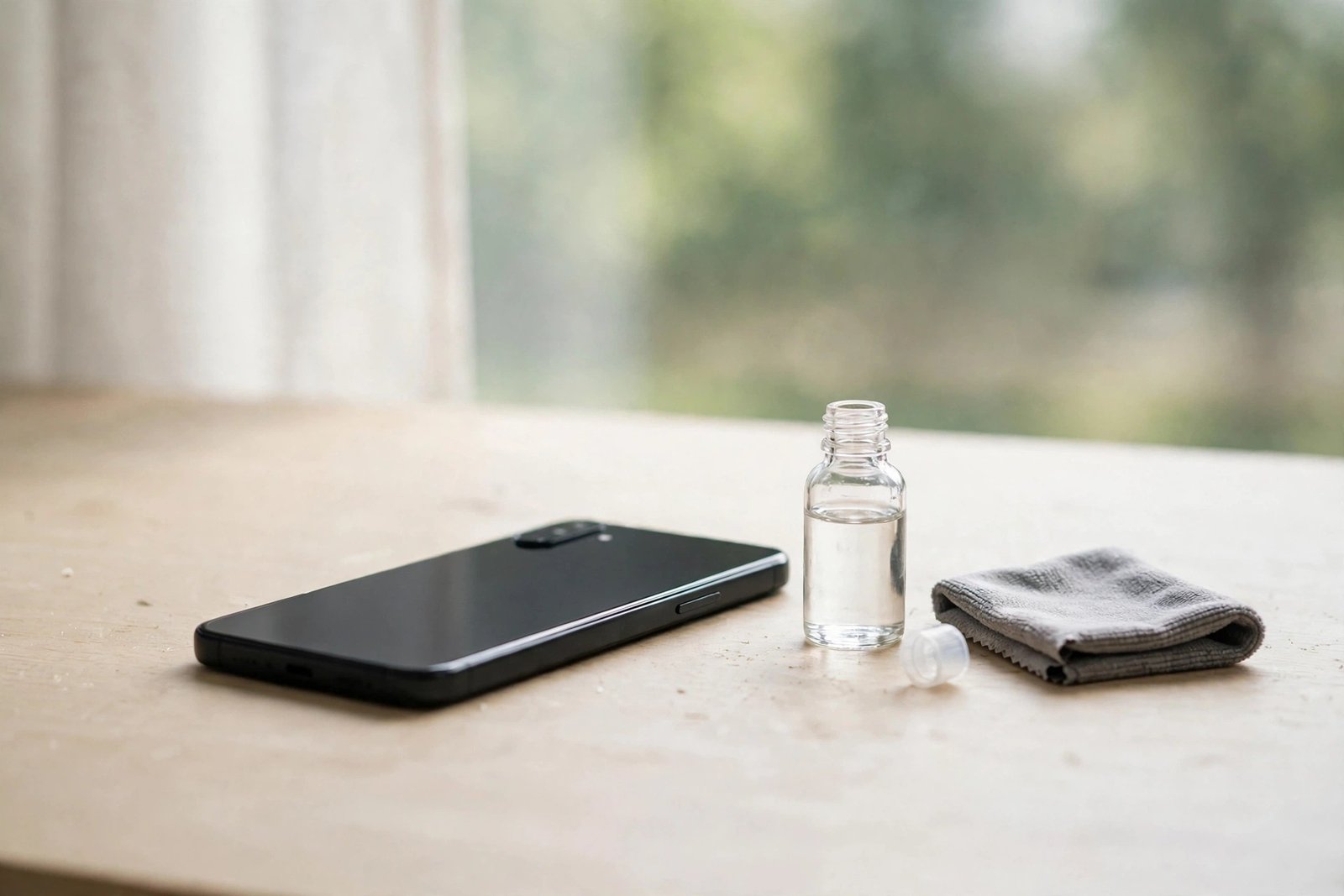
If you’ve been searching for a way to polish scratches out of your liquid glass screen protector, here’s the honest answer up front: there is nothing there to polish. Liquid glass is not a sheet of glass at all. It is an ultra-thin nano-coating, and that single fact changes everything about what you can — and cannot — do when marks appear on your screen.
That doesn’t mean you’re out of options. It means the options are different from the ones that work on tempered glass. This guide explains what a liquid glass coating actually is, why scratches appear even when you’ve applied one, and the realistic ways to deal with them.
Key Takeaways
- A liquid glass protector is a microscopically thin nano-coating, not a physical layer of glass — there is no material thick enough to buff or polish.
- Visible “scratches” are usually either worn patches in the coating or marks in the actual screen glass underneath.
- Toothpaste, baking soda and polishing compounds do not work on nano-coatings — they strip the coating further and can damage the screen’s oleophobic layer.
- The realistic fix for a worn coating is reapplying a fresh coating once the old one has worn away.
- If the glass itself is scratched, only professional repair or screen replacement truly removes the damage.
What a Liquid Glass Protector Actually Is
Liquid glass products are based on silicon dioxide (SiO₂) — the same basic ingredient as glass — suspended in a solvent. You wipe it onto the screen, the solvent evaporates, and the SiO₂ bonds to the surface, filling in microscopic pores and leaving a hardened layer. The catch is the thickness: the finished coating is measured in nanometres, making it hundreds of times thinner than a tempered glass protector, which is typically around 0.3 mm thick.
Polishing works by physically removing material — you grind the surface down until it sits level with the bottom of the scratch. With a nano-coating, there is simply no depth of material to remove. By the time any abrasive has done anything at all, it has removed the entire coating and started working on your screen itself. This is why every polishing hack that circulates online fails on liquid glass, and often leaves the screen looking worse than before.
Why Scratches Appear Anyway
Liquid glass coatings are marketed as adding hardness to the screen, and a fresh coating does offer some resistance to fine scuffs. But coatings wear unevenly. The areas your thumbs swipe most, the spots that rub against a case lip, and the edges that meet keys and coins in a pocket lose their coating first. When light catches those worn patches at an angle, they show up as hazy streaks and fine lines that look exactly like scratches.
The second possibility is less welcome: the mark is in the actual display glass. A nano-coating adds very little impact protection and limited scratch protection, so grit, sand and harder materials can still mark the glass beneath. Sand is a common culprit — quartz particles are harder than most phone glass and will scratch straight through a coating as though it weren’t there. If a mark is deep enough to catch a fingernail, it is almost certainly in the glass itself, not the coating.
- To tell coating wear from glass damage, clean the screen thoroughly and view it under a bright light at several angles. Coating wear looks like a dull, hazy patch that follows your swipe patterns; a true scratch is a sharp, defined line that stays visible from every angle and may catch your fingernail.
Why Polishing Hacks Make Things Worse
Toothpaste, baking soda paste, car polish and “scratch remover” compounds all work the same way: mild abrasion. On a nano-coated screen, that abrasion strips the remaining coating in the area you rub, leaving an obvious dull patch with a different finish from the rest of the screen. It also attacks the factory oleophobic coating — the fingerprint-resistant layer your screen shipped with — so the polished area starts attracting smudges and feeling rough under your thumb.
Heavier compounds carry a worse risk: they can cloud the glass permanently or, on some displays, damage anti-reflective treatments. What began as a faint line can become a visible cloudy rectangle that no amount of cleaning will fix. If a video or forum post promises that an abrasive “fills in” scratches on liquid glass, it is describing something these coatings physically cannot do.
Your Realistic Options
If the damage is worn coating, the fix is straightforward: reapply. Most liquid glass coatings are designed to be topped up periodically, because manufacturers expect them to wear down over months of use. Clean the screen meticulously first — reapplying over grease and grit seals contaminants under the new layer — then apply the fresh coating exactly as directed and allow the full curing time before using the phone. The hazy patches disappear because the surface is uniformly coated again.
If the scratch is in the glass itself, your choices are to live with it, cover it, or repair it. Many people find that fitting a tempered glass protector over a lightly scratched screen makes fine scratches far less visible, because the protector’s adhesive fills the grooves and refracts light more evenly. For deep scratches or cracks, the only true removal is a professional screen replacement — no coating, polish or home remedy restores damaged glass. Whether that cost is worthwhile depends on the phone’s age and value, which is worth weighing honestly before paying for a repair.
- If you rely on a liquid coating, treat it as a consumable, not a permanent shield. Reapply it on a schedule — many makers suggest every few months to a year — and keep the phone away from sand and grit, which defeat any coating regardless of brand.
Frequently Asked Questions
Can toothpaste remove scratches from a liquid glass protector?
No. Toothpaste is a mild abrasive, and abrasion removes material. A liquid glass coating is only nanometres thick, so toothpaste simply strips the coating (and the screen’s oleophobic layer) without levelling anything, usually leaving a dull patch behind.
Does reapplying liquid glass fill in scratches?
It can make very fine surface marks less visible by restoring a uniform coated surface, and it fully resolves haziness caused by coating wear. It does not repair genuine scratches or cracks in the display glass itself — those require the screen to be replaced.
How do I stop scratches appearing in the first place?
Keep the phone in a case with a raised lip, avoid pockets and bags shared with keys, coins and especially sand, and reapply the coating before it wears through. If scratch protection is your main concern, a tempered glass protector offers a physical sacrificial layer that a coating simply cannot match.
You can’t polish what isn’t there — but a fresh coating, a realistic eye on the damage, and better habits will keep a liquid-glass screen looking its best.


