

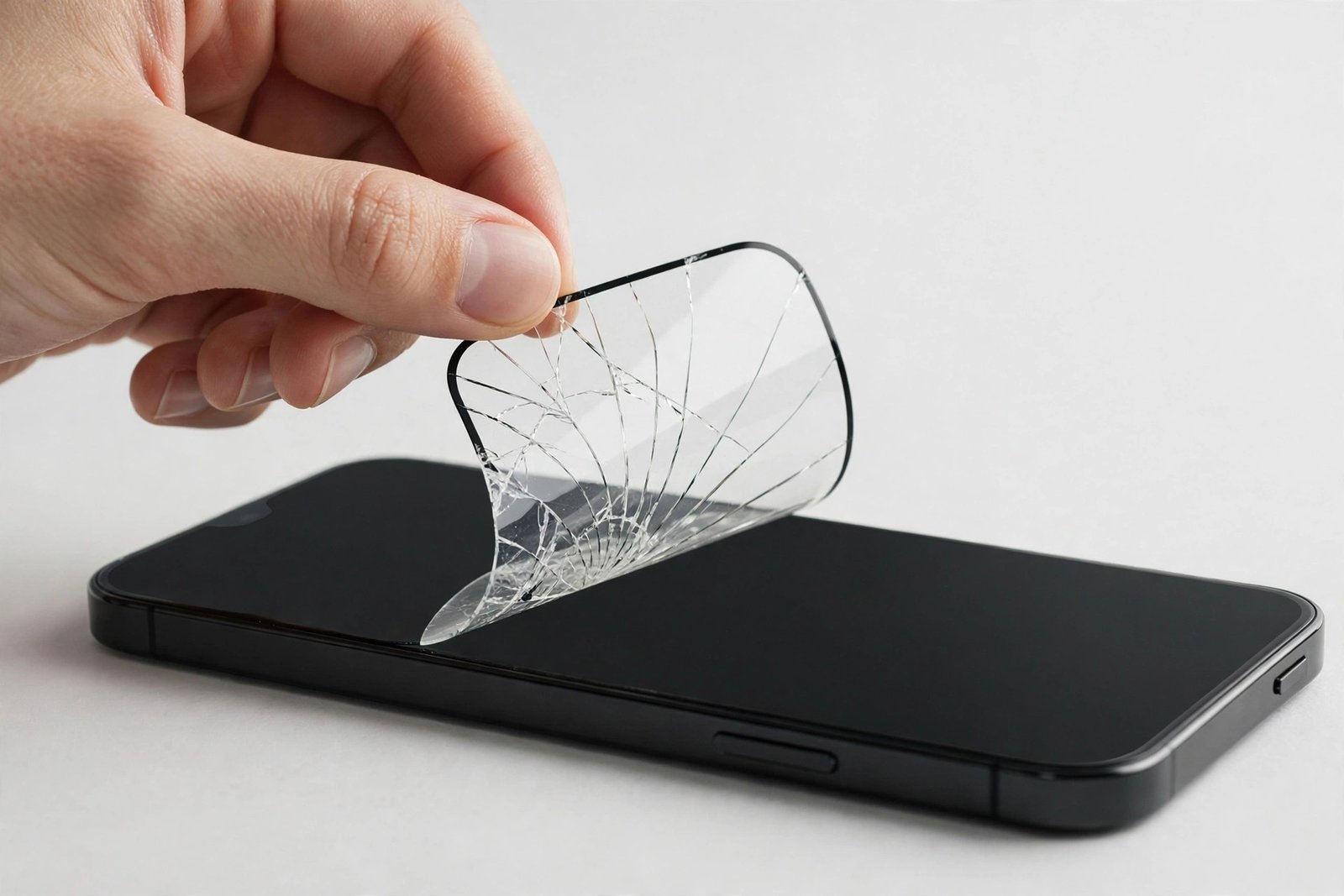
There it is: a crack spiderwebbing across your screen protector. The phone still works, the display underneath looks fine, and a little voice suggests you could just live with it for a while. After all, replacing it means ordering a new one, cleaning the screen, and doing the whole fiddly installation again. So the question sits there, unanswered, every time you pick up the phone: do I actually need to replace this?
The honest answer depends on the crack — its severity, its stability, and what you ask of your phone. This guide gives you a clear decision framework: when a cracked protector is a cosmetic nuisance you can live with briefly, when it is an urgent safety issue, and the simple test that tells the two apart in ten seconds.
Key Takeaways
- Yes, you should replace a cracked protector — but “immediately” versus “this week” depends on the crack’s severity.
- A cracked protector has spent its impact protection: it cannot absorb another drop the way an intact one can.
- Replace urgently if fragments are lifting, pieces are missing, or sharp edges are exposed.
- A single stable hairline crack with nothing moving is safe to live with for a few days while a replacement arrives.
- Covering the crack with clear packing tape is an effective stopgap that stabilises fragments and smooths sharp edges.
Why Replacement Is the Right Call
Start with the fundamental point: a screen protector is a single-use safety device, like a bike helmet or an airbag. Its drop protection works by fracturing sacrificially — absorbing impact energy in the act of breaking. Once fractured, that capacity is spent. A cracked protector still guards against scratches, but against the next drop — the one that actually threatens your display — it offers little more than a bare screen would.
There is also a slow-burn problem. Cracks propagate: the stress concentrated at a crack tip means everyday flexing, temperature changes, and pocket pressure gradually extend the fracture. A small crack today is a spiderweb next week and a lifting fragment the week after. Replacing early is replacing cheaply — before the crack reaches the edge and starts shedding pieces.
The Ten-Second Test: Urgent or Can Wait?
Run your fingernail gently across the cracked area. If everything feels flat and stable — no edges catching, nothing shifting under pressure — the protector is holding together and the situation is “replace this week.” The adhesive is still doing its job of immobilising the fragments, and the display beneath is not at risk from the cracks themselves.
If your nail catches on raised edges, if you can feel fragments shift or lift, or if any piece is missing entirely, the situation is “replace immediately.” Moving fragments can trap grit against the display and scratch it; missing pieces leave the screen exposed with sharp broken perimeters; raised edges can cut fingers and snag on fabric, peeling the protector further. Do not wait for the replacement to arrive before stabilising it — tape it now (see below).
- Photograph the crack the day it happens. If you need to claim on a protector warranty (many brands include breakage replacement), the photo is your evidence — and comparing photos over days shows you whether the crack is spreading, which settles the “can it wait” question objectively.
The Tape Stopgap: Doing It Right
While you wait for the replacement, clear packing tape is your best friend. Lay strips smoothly across the cracked area, pressing gently to follow the surface. The tape does three jobs: it immobilises fragments so nothing shifts or lifts, it smooths sharp edges so the phone is safe to handle and pocket, and it keeps dust and moisture out of the fracture lines. A taped crack is dramatically safer than an exposed one, and touch responsiveness through the tape is usually unaffected for the few days you need it.
What not to do: do not peel the cracked protector off “just to see” and then go without — a bare screen while you wait for delivery is the worst outcome. Do not try to glue the crack; adhesives wick under the protector and damage the display’s oleophobic coating. And do not ignore a crack because the phone “still works” — the working phone is exactly what the spent protector can no longer defend.
Replacing It: Making the Swap Painless
When the replacement arrives, removal of the old protector deserves care. Tape over the entire cracked surface first — one overlapping layer of packing tape — then lift slowly from a corner. The tape keeps every fragment bonded to the sheet instead of scattering shards. Clean the display thoroughly (wet wipe, dry cloth, dust sticker), because the old protector has been shedding micro-debris onto the screen for days.
This is also the moment to learn from the incident. If the protector cracked from a modest drop, consider whether your case’s front lip is adequate — many cracked protectors are really a case problem in disguise. And if you have been buying singles, switch to a multi-pack: the spare in the drawer turns the next crack from a week-long saga into a ten-minute evening task.
- Keep one spare protector in the phone box or desk drawer at all times, not in an online basket. The gap between “crack” and “replacement fitted” is the most dangerous period in a screen protector’s life — a spare on hand closes it to minutes.
Frequently Asked Questions
How long can I use a cracked screen protector?
A stable hairline crack: a few days to a week while the replacement arrives, taped for safety. Anything lifting, shifting, or missing pieces: replace immediately — that is not a “live with it” situation. In no case should a cracked protector become the long-term status quo.
Will the crack spread to my actual screen?
No — cracks do not transfer from the protector to the display beneath. The display is a separate, tougher piece of glass bonded under the protector’s adhesive. The crack spreading you see is within the protector only. The display is at risk from the next impact, not from the existing crack.
Is a cracked protector better than no protector?
Yes — provided it is stable. A cracked-but-intact protector still blocks scratches and absorbs minor knocks, which is more than a bare screen gets. The exception is a protector with lifting fragments or missing pieces, which can actively scratch the display — that one should come off (carefully, taped) even before the replacement arrives.
So yes — replace it. This week if the crack is stable, today if it is not. The protector gave its life for your screen; the least you can do is give it a successor.


