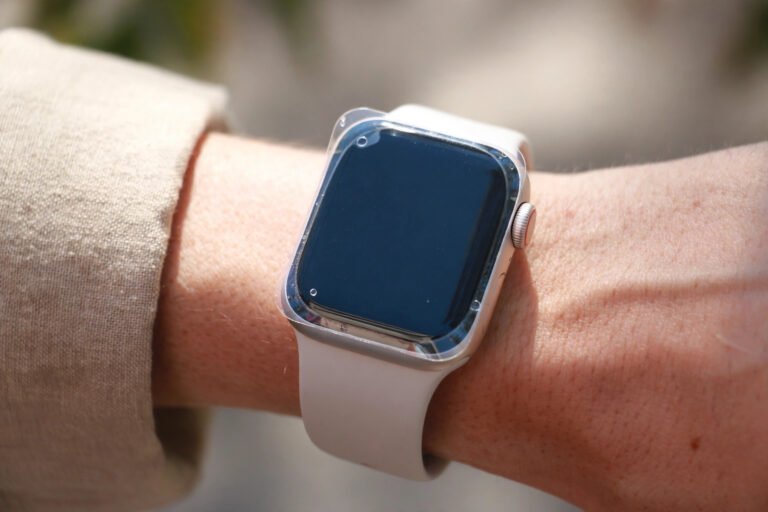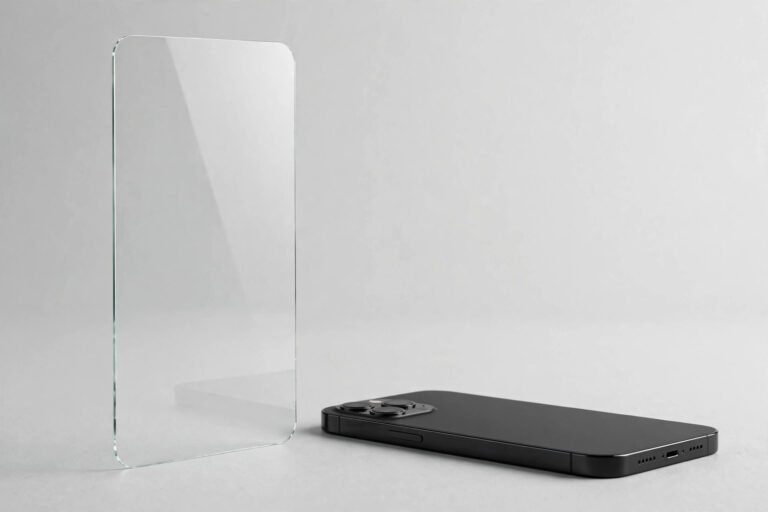

A screen protector does an unsung job: it takes every smudge, crumb of grit, and stray key-scratch so your display does not have to. Yet the protector itself needs looking after. A film of fingerprints and dust does not just dull your screen — it harbours bacteria, blurs fine text, and can make taps and swipes feel sluggish.
The good news is that cleaning a screen protector safely takes under a minute and needs nothing exotic. The bad news is that the wrong cloth or liquid can permanently damage its oleophobic coating or leave micro-scratches. Here is the safe way: what to use, what to avoid, a step-by-step method, and when cleaning alone is no longer enough.
Key Takeaways
- Always use a clean, dry microfibre cloth first — most dust and smudges lift off without any liquid at all.
- If you need moisture, use distilled water or a small amount of 70% isopropyl alcohol; never soak the protector.
- Never use paper towels, tissues, window cleaner, or abrasive pads — they scratch the surface and strip the oleophobic coating.
- Wipe in straight, gentle strokes from the centre outward, and dry immediately so no liquid pools around the edges.
- Clean once or twice a week in normal use, and replace the protector when scratches or edge lift no longer respond to cleaning.
Why Cleaning Your Screen Protector Matters
Your phone screen is one of the most-touched surfaces in your life, and the protector is the layer absorbing all of that contact: pocket lint, cooking grease, sunscreen, and fine dust. Left alone, this build-up dulls the display, reduces touch accuracy, and creates a greasy film that attracts even more grime.
Regular cleaning also extends the life of the protector. Grit left on the surface acts like sandpaper every time you wipe carelessly, deepening fine scratches. A quick, careful clean removes that grit before it does damage.
What to Use: Safe Cleaning Supplies
A clean microfibre cloth
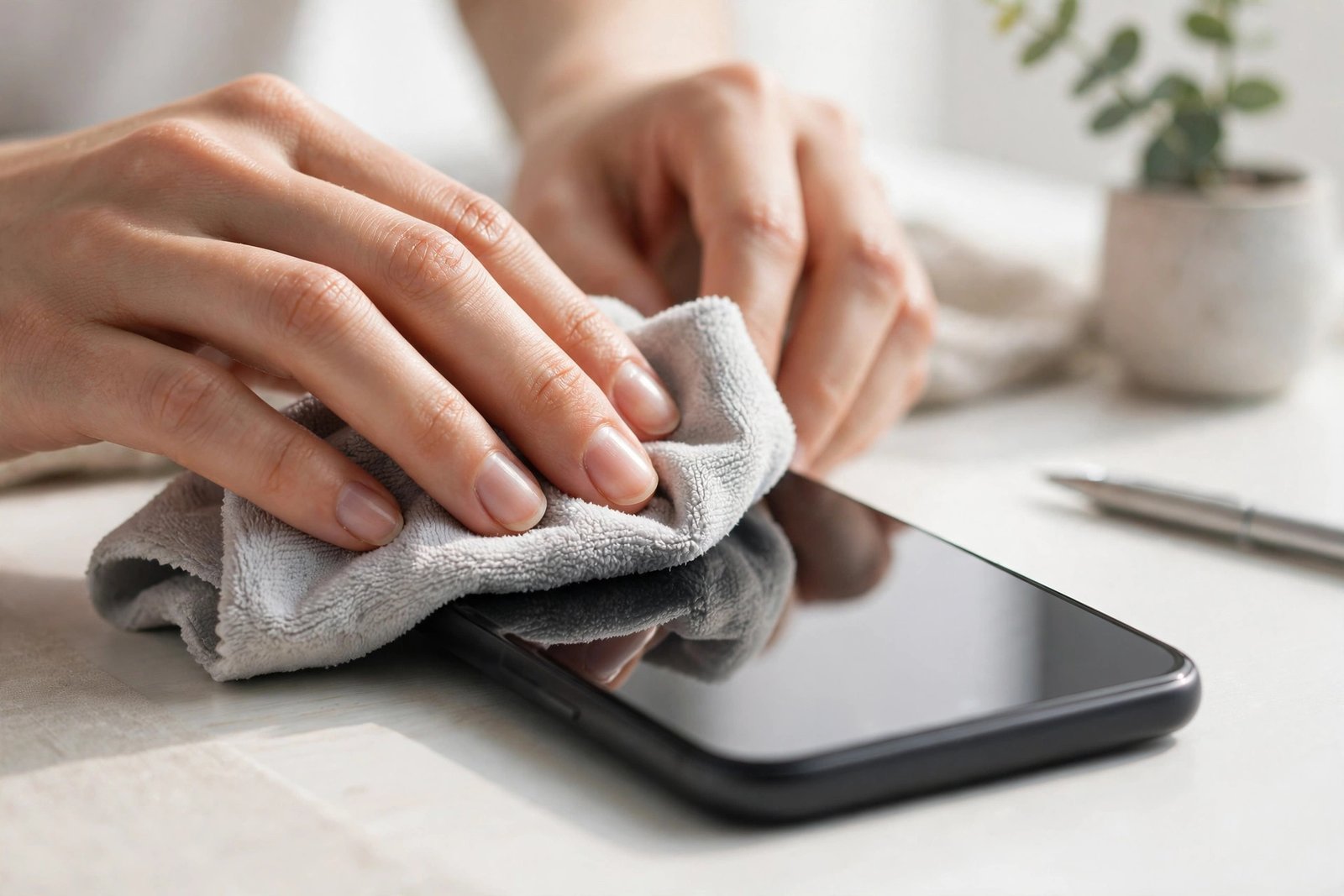
This is the single most important tool. A soft, lint-free microfibre cloth — the kind supplied with spectacles or camera lenses — lifts dust and light smudges without scratching. Keep a dedicated one for your devices and wash it regularly, because a dirty cloth just redistributes grime and embedded grit.
Distilled water
For smudges that dry wiping will not shift, a cloth very lightly dampened with distilled water is the gentlest effective option. Tap water can leave mineral spots as it dries. Dampen the cloth, never the screen — the cloth should feel barely moist.
70% isopropyl alcohol, used sparingly
Isopropyl alcohol at 70% cuts through greasy fingerprints faster than water, and it is widely regarded as safe for occasional use on tempered glass and PET or TPU films. Apply a tiny amount to the cloth — not the protector — and wipe gently. Because alcohol gradually wears down the oleophobic (fingerprint-resistant) coating, reserve it for stubborn grease rather than everyday cleaning.
- A lens-cleaning blower brush or a strip of painter’s tape pressed lightly across the surface lifts dust before you wipe, so no grit gets dragged across the protector.
What NOT to Use
Paper towels, tissues, and toilet paper feel soft but their fibres are surprisingly abrasive — repeated use leaves a haze of micro-scratches. Window and kitchen cleaners usually contain ammonia or aggressive surfactants that cloud plastic films and strip oleophobic coatings. Abrasive pads, scouring sponges, and baking-soda pastes visibly scratch any protector, while strong solvents such as acetone, bleach, or undiluted vinegar dull the surface and attack the adhesive edges.
The rule is simple: if you would not rub it on spectacles, do not rub it on your screen protector.
The Safe Step-by-Step Cleaning Method
Step 1 — Wash your hands
Clean hands mean you are not transferring fresh grease onto the surface you are about to clean.
Step 2 — Power off and dry-wipe
Turn the screen off so smudges show clearly against the dark display. With a clean microfibre cloth, wipe gently in straight strokes from the centre toward the edges. For most daily cleaning, this dry wipe alone is enough.
Step 3 — Tackle stubborn smudges
If oily fingerprints remain, lightly dampen a corner of the microfibre cloth with distilled water or a small amount of 70% isopropyl alcohol. Wipe in gentle, straight lines — avoid circular scrubbing, which concentrates pressure in one spot. Then buff dry with a dry section of the cloth.
Step 4 — Dry thoroughly and check the edges
Finish with a final dry pass to remove any moisture film. Pay attention to the edges and any camera or speaker cutouts, where liquid can pool and creep underneath — blot these spots rather than pushing moisture into them. If your protector has a removable case, take it off first so trapped grime can be wiped away too.
How Often Should You Clean It?
For typical daily use, a quick dry wipe every couple of days and a damp clean once a week keeps the protector clear and responsive. In dusty environments, or if you cook often or apply sunscreen before using your phone, clean with a damp cloth every few days. A nightly dry wipe before charging takes ten seconds and prevents the slow build-up that becomes hard to remove.
- Keep a small microfibre cloth in your bag or jacket pocket. A quick wipe on the go prevents grit sitting on the protector all day, which is what turns minor dust into lasting scratches.
Cleaning Around Edges and Camera Cutouts
Dust and lint collect where the protector meets the device frame and around camera or speaker openings. A dry cotton bud or the corner of a microfibre cloth folded to a point reaches these grooves. For tightly packed debris, press a short strip of low-tack painter’s tape over the spot and lift it away. Never slide anything sharp under the protector’s edge — prying at the adhesive invites dust underneath and can cause the edge to lift permanently.
Frequently Asked Questions
Will cleaning damage the oleophobic coating?
Gentle cleaning with a microfibre cloth and distilled water will not. The coating degrades slowly over months of normal use regardless, and frequent alcohol cleaning does accelerate that wear slightly — which is why alcohol is best reserved for occasional stubborn grease.
Can I clean under the screen protector if dust gets trapped?
Generally, no — lifting a tempered glass or film protector to clean underneath risks cracking it, stretching the film, or trapping more dust when you reseat it. Dust specks near the edge can sometimes be coaxed out with tape without lifting the protector, but a bubble of dust in the middle usually means it is time to replace it.
Is it safe to clean a privacy or matte screen protector the same way?
Yes, with one extra caution: matte and privacy finishes have a textured micro-surface that traps fibres and shows streaks more readily. Use a fresh microfibre cloth, wipe in one direction rather than circles, and avoid excess liquid — streaks on these finishes are usually just dried moisture and disappear with a final dry buff.
When Cleaning Means It Is Time to Replace
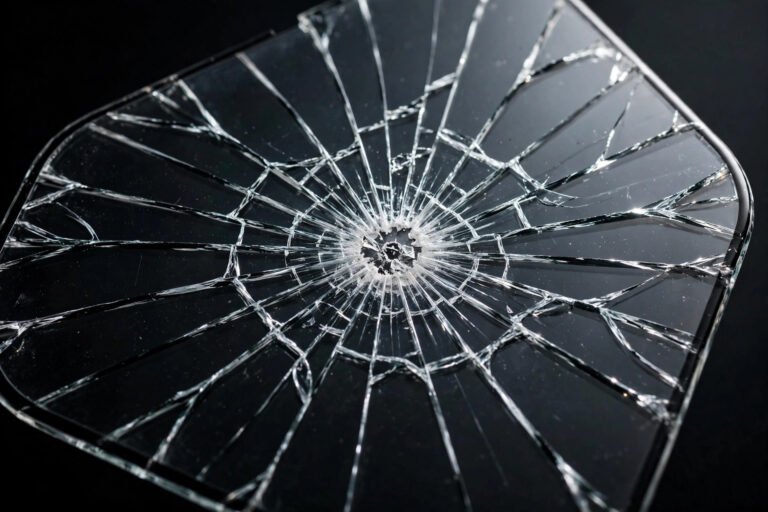
No amount of cleaning fixes a protector that has reached the end of its life. The tell-tale signs: scratches still visible after a proper clean, a rough or draggy surface where the oleophobic coating has worn away, edges that have lifted and collect lint regardless of cleaning, or cracks and chips that compromise protection. Replacing a worn protector is cheap insurance — it is doing exactly the job you bought it for.
A clean screen protector stays clearer and lasts longer — so keep a microfibre cloth handy, avoid harsh chemicals, and give it a quick wipe every few days. When scratches or lifting survive your best cleaning, fit a fresh one.