

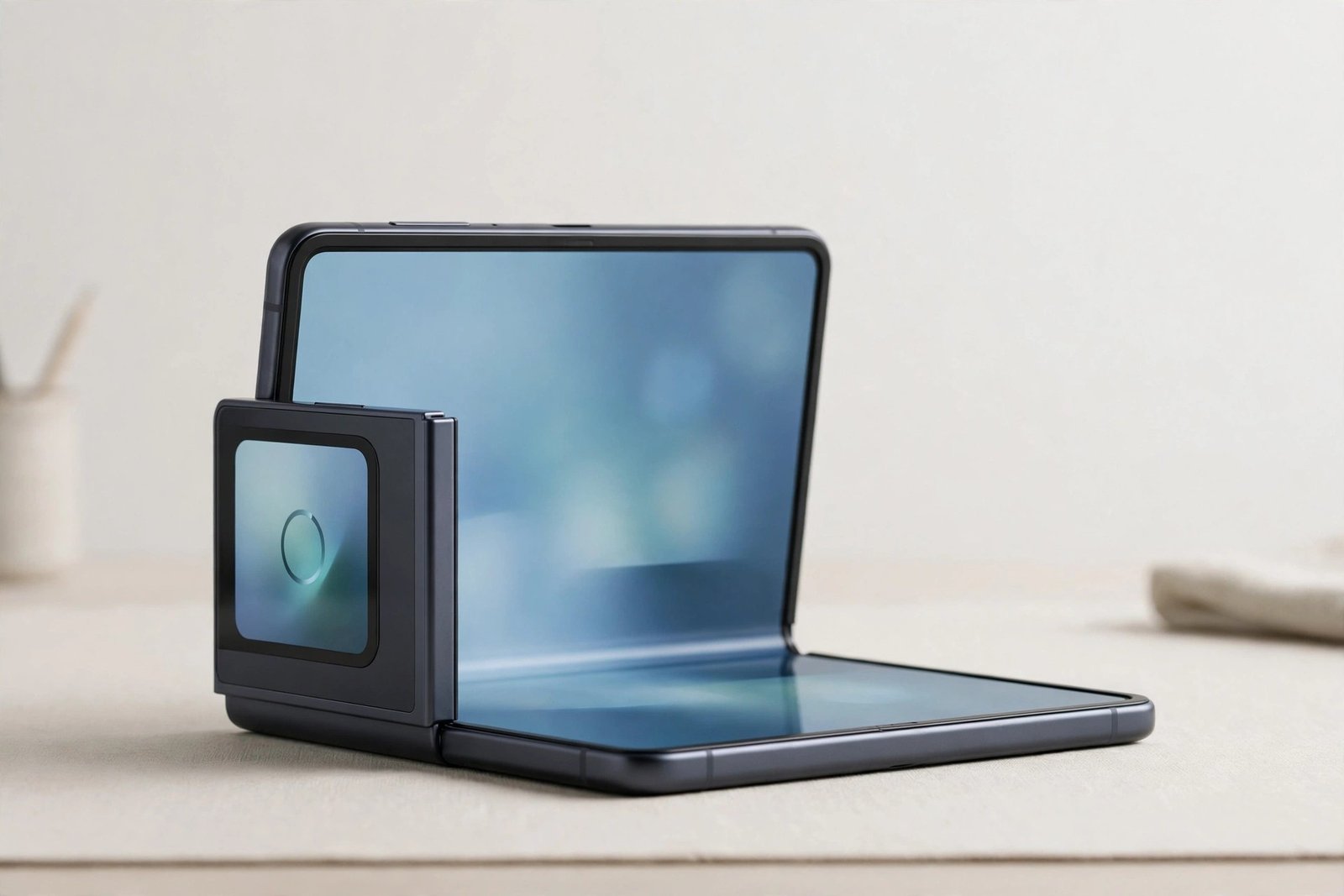
Unbox most phones and the screen arrives bare — any protection is up to you. Foldables are different. If you’ve just bought a Galaxy Z Flip 5, you may have noticed the inner screen already seems to have something on it, and wondered whether that’s a protector, whether it counts, and whether you should add your own.
The short answer: yes, the Z Flip 5 comes with a screen protector already fitted to its foldable inner display — and unlike a normal phone, you are not supposed to remove it or add another one on top. This guide explains how protection works on a foldable, what the factory film does, and how the outer cover screen differs.
Key Takeaways
- The Z Flip 5’s inner foldable screen ships with a factory-applied protective film already fitted.
- That film is part of the display assembly — do not peel it off, and don’t fit another protector over it.
- Removing the film can damage the ultra-thin foldable display beneath and may affect your warranty position.
- When the film wears out, replacement is a job for the manufacturer’s service route, not a home fitting.
- The outer cover screen is conventional glass, and that one can take a standard protector if you want extra cover.
The Film You Can See Is Meant to Be There
The foldable inner display on the Z Flip 5 is made from an ultra-thin glass layer bonded with a soft protective film on top. That film is applied in the factory, under controlled conditions, as part of the screen itself rather than as an optional accessory. It’s what your fingernails, stylus-free fingertips and the hinge-side crease interact with every day.
Because the surface has to flex thousands of times along the crease, it cannot be hard glass like a normal phone screen. The soft film protects the delicate layer beneath from scratches and spreads pressure, but it is also a wear item: over a long period of use it can develop marks, begin to lift near the crease, or bubble. All of that is expected behaviour for a foldable — not a sign you should peel it off and start again.
Why You Must Not Remove It — or Add Your Own
Samsung’s guidance for its foldables has been consistent: do not remove the factory film, and do not apply any additional protector, film or adhesive to the inner screen. The bond between the film and the ultra-thin glass is strong enough that peeling it can lift or crack the display layer itself. Extra adhesive from a third-party protector can cause the same problem when it’s eventually removed, and the added thickness can interfere with how the screen folds.
There’s a warranty angle too. Damage caused by removing the film or by unofficial protectors is the kind of thing manufacturers generally treat as user damage rather than a defect. On a phone where the screen is the single most expensive component, that is a risk with no real upside — the factory film is already doing the job a protector would do.
- Treat the inner screen gently in ways that cost nothing: use fingertips, never fingernails or sharp objects, keep grit out of the fold before closing the phone, and never press hard along the crease. Most foldable screen wear starts with pressure and trapped particles, not age.
When the Film Wears Out: The Service Route
Eventually — typically after a long period of daily folding — the factory film may lift at the crease, develop a visible line, or pick up damage. At that point the correct move is to contact Samsung support or an authorised service centre and have the film replaced by them. They have the correct film, the alignment equipment and the dust-controlled environment the job needs, and having it done through the official route keeps your warranty position clean.
Replacement terms and any associated costs vary by region and over time, so check the current position with Samsung in your country rather than relying on what another owner was offered. What doesn’t vary is the advice itself: a lifting film is a service appointment, not a DIY peel-and-replace.
The Cover Screen Is a Separate Story
The Z Flip 5’s outer cover screen — the small display you use while the phone is closed — is a conventional rigid glass panel. It doesn’t flex, it isn’t bonded to a factory film in the same way, and it faces its own risks from keys, tables and drops. A standard tempered glass protector sized for the cover screen is a perfectly reasonable addition there, and many cases also add a raised lip around it. Just keep any protector and its adhesive strictly on the outside of the phone — the restriction applies to the foldable inner display.
- If your inner film starts lifting at the crease, book the service replacement promptly and avoid repeatedly opening and closing the phone in the meantime. A lifted edge lets dust creep underneath, and dust under a flexing screen does real damage quickly.
Frequently Asked Questions
Can I peel the film off and use the phone without it?
No — don’t. The film is bonded to the ultra-thin foldable display, and peeling it can damage or crack that layer. The phone is designed to be used with the film in place, and Samsung advises against removing it yourself under any circumstances.
Can I put a tempered glass protector on the inner screen for extra protection?
No. The inner screen has to bend along the crease, and rigid glass cannot do that. Even flexible third-party films are advised against — their adhesive can damage the factory film and display when removed, and the extra layer can affect the fold.
How will I know when the factory film needs replacing?
Watch for lifting or bubbling along the crease, a whitening line down the fold, or scratches and marks that catch your fingertip. Any of those is your cue to arrange a replacement through Samsung’s service route rather than attempting anything yourself.
Yes, your Z Flip 5 arrived protected — foldables simply play by different rules. The inner film is part of the screen, not an accessory: leave it alone, protect the cover screen if you like, and let the service centre handle the film when its turn comes.


