

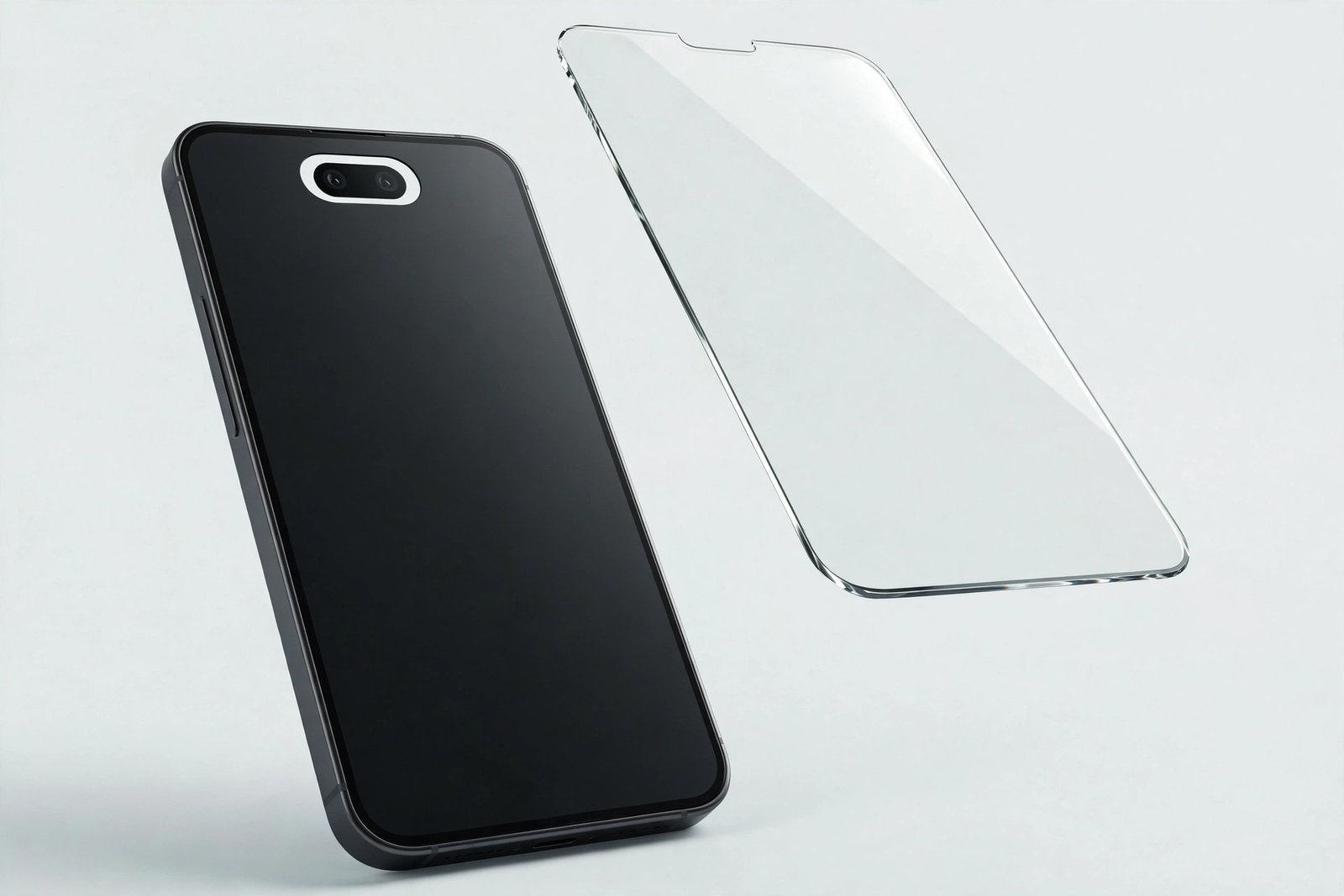
This is the cross-fit question that causes the most confusion in the iPhone 14 family. The standard iPhone 14 and the iPhone 14 Pro both have 6.1-inch displays, sit side by side in the same line-up, and were released on the same day. It’s natural to assume their screen protectors are interchangeable — and natural to be caught out, because in this case the assumption is wrong in one specific, important way.
The short answer: the glass outline is essentially the same, but the area at the top of the screen is completely different. This guide explains what differs, what happens if you fit a standard iPhone 14 protector to a 14 Pro, and how to buy the right one first time.
Key Takeaways
- The iPhone 14 and 14 Pro share 6.1-inch displays and near-identical body dimensions — the glass panels are the same basic outline.
- The difference is at the top: the iPhone 14 has a notch, while the 14 Pro has the Dynamic Island — a pill-shaped cut-out in a different place.
- A notch-cut iPhone 14 protector on a 14 Pro can cover or crowd the front camera and Face ID sensors around the Dynamic Island.
- Many protectors are sold as “iPhone 14 / 14 Pro” because they use an open or universal top design — those genuinely fit both.
- If a protector has a notch-shaped cut-out or a printed border traced for the notch, it is for the standard 14 only. Buy one labelled for the 14 Pro.
Same Size, Same Shell — Mostly
Start with what’s genuinely shared. The iPhone 14 measures about 146.7 × 71.5 × 7.8 mm; the iPhone 14 Pro about 147.5 × 71.5 × 7.85 mm. Both have flat 6.1-inch displays with the same width and very similar front glass outlines. A sheet of glass cut for one will physically lie flat on the other, adhere properly, and align at the edges and corners. This is why so many listings combine the two models, and why — unlike many cross-generation pairings — this one isn’t automatically a mistake.
Where protector fitting is concerned, almost everything about these two phones is compatible. The exception is a few square centimetres at the top centre of the screen — and unfortunately, that happens to be where the front camera, the Face ID sensors, and the earpiece all live.
The Real Difference: Notch vs Dynamic Island
The standard iPhone 14 kept the (narrower) notch: a black intrusion from the top edge housing the front camera and Face ID components, with the earpiece speaker in a slit at the frame’s edge. Protectors for it are typically cut to wrap around or sit just below that notch.
The iPhone 14 Pro replaced the notch with the Dynamic Island — a pill-shaped black area that floats slightly below the top edge, with live screen above and around it. The front camera sits within that pill, and the Face ID sensors sit beside it, hidden under the display surface. A protector for the Pro must either leave this whole zone open or cover it with plain, sensor-friendly glass in exactly the right place. Fit a notch-shaped protector instead, and its cut-out — shaped for a notch that starts at the very top edge — lands in the wrong position relative to the Island: the opening may be too high, the glass border may cross the camera’s field of view, and Face ID can become unreliable if glass and its adhesive overlap a sensor area they weren’t designed for.
- Before fitting any protector to a 14 Pro, hold it over the screen with the backing still on and look at the top: the Dynamic Island zone should be either fully open or fully covered by plain glass — never half-covered by a cut-out edge crossing the camera.
Why So Many Listings Say “14 / 14 Pro”
If the top of the screen differs, how can one protector fit both? Because many modern protectors sidestep the problem entirely. Designs with a wide open top — a simple U-shape or a straight edge that stops below the sensor zone on both models — have nothing that needs to align precisely with either the notch or the Island. Full-coverage designs without any cut-out also exist: a plain sheet of glass over the whole front, which works because the front camera shoots through clear glass happily and the Pro’s under-display sensors are designed to see through the display stack anyway.
So the honest rule is about design, not just model names. A combined “iPhone 14 / 14 Pro” protector from a reputable maker is engineered to suit both tops and is safe to buy for either phone. The protectors to avoid on a Pro are the ones visibly shaped for the notch — a moulded notch cut-out, or a black printed frame that traces the notch outline. That printed border, fitted to a Pro, would paint a notch-shaped frame around a phone that doesn’t have one and can intrude into the Island’s active area.
What About the Other Way Round?
A 14 Pro protector on a standard iPhone 14 is the safer direction of the swap. Pro protectors are usually open-topped or plain full-coverage sheets, and on a standard 14 they simply leave the notch area uncovered or cover it with plain glass — the camera and Face ID components on the standard model sit in the notch, exposed to the front, and generally work through a plain glass sheet, though a protector covering the notch can very slightly soften front-camera images in some lighting. Fit and adhesion are fine. It’s usable — but since protectors labelled for the standard 14 are just as cheap and are cut exactly for it, there’s still no reason to choose the Pro version on purpose.
- After fitting any protector to a 14 Pro, test Face ID and the front camera immediately, before the adhesive fully sets. If Face ID is flaky, the protector is overlapping a sensor area — lift, realign, or switch to a Pro-specific design while repositioning is still possible.
Frequently Asked Questions
Will an iPhone 14 protector block the Dynamic Island?
A plain or open-top one won’t affect it — the Island is a display feature and works under clear glass. The risk is with notch-shaped protectors: their cut-out or printed border can cross the Island area and the camera beside it, which looks wrong and can interfere with the front camera and Face ID.
Do iPhone 14 and 14 Pro cases affect protector choice?
The phones’ camera bumps differ significantly — the Pro’s is much larger — so their cases are not interchangeable, even though the screens are near-identical. Whichever phone you have, choose a “case-friendly” protector cut slightly inside the edges so your case’s lip doesn’t lift it.
Is a protector still needed on the 14 Pro’s Ceramic Shield?
Yes, for the same reason as any model: Ceramic Shield improves drop resistance but the surface still scratches from keys, grit, and everyday contact. The protector takes that wear and can be replaced cheaply — the screen underneath it cannot.
The iPhone 14 and 14 Pro share a body but not a forehead. Match the protector to the top of your screen — notch or Dynamic Island — and the rest of the fit takes care of itself.


