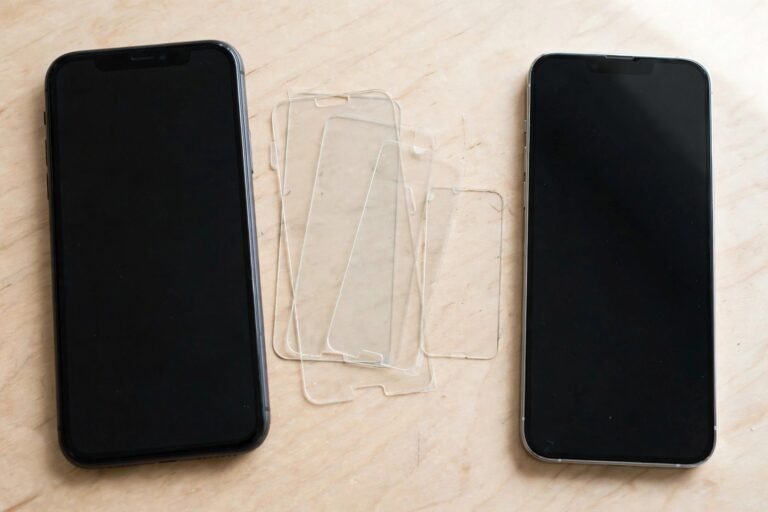
Cases with a built-in screen cover — the classic Otterbox Defender style — protect brilliantly and clean terribly. Pocket dust works its way inside, moisture fogs the inner surface, and within a few weeks you are looking at your phone through a smeary plastic window. The good news is that these covers are washable. With lukewarm water, a drop of mild soap and a little patience, you can get a built-in screen protector looking clear again without clouding or scratching it.
The secret is treating the cover as what it is: a thin sheet of clear plastic, not glass. Plastic rewards gentle handling and punishes harsh chemicals, so this guide sticks to the safe method — a proper wash, a complete dry, and a dust-free refit — and flags the common cleaning shortcuts that permanently fog these covers.
Key Takeaways
- Remove the case from the phone first — a built-in cover can only be cleaned properly from both sides.
- Wash with lukewarm water and a drop of mild washing-up liquid, using your fingers or a soft microfibre cloth.
- Never use alcohol, solvents, glass cleaner or antibacterial sprays on the plastic cover — they can cloud and craze it permanently.
- Let the case air-dry completely before refitting. Trapped moisture causes fogging, water spots and rainbow patches.
- Clean the phone screen at the same time, so you are not sealing dust between the screen and the cover.
- Check your case maker’s care guidance first — if it conflicts with anything here, follow the manufacturer and check current terms for warranty-safe cleaning.
Step 1: Strip the Case Down
Take the phone out of the case completely. Most Defender-style cases separate into a two-piece polycarbonate shell — the front frame carrying the built-in screen cover, and the back shell — plus an outer silicone slipcover. Separate all the pieces. The silicone layer can go in the same wash; the holster or belt clip, if you have one, usually just needs a wipe.
Before any water is involved, brush or blow the loose dust off the inside of the screen cover. Dry grit dragged across plastic under a cloth is what causes those fine swirl scratches, so removing it first matters more than the wash itself.
Step 2: Wash in Lukewarm Soapy Water
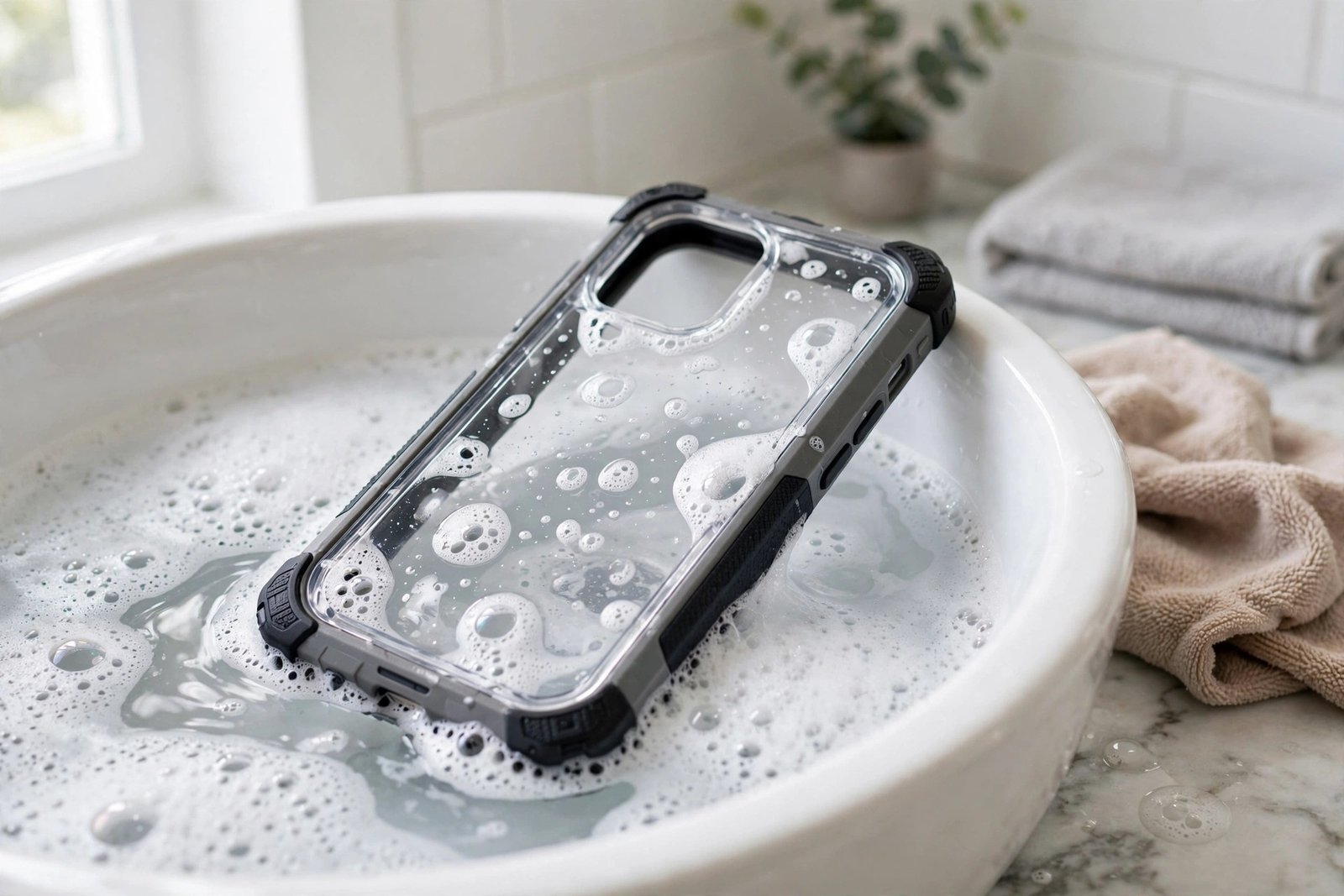
Fill a basin with lukewarm water — never hot, which can warp thin plastic — and add a drop or two of mild washing-up liquid. Wash the front frame and its built-in cover inside and out, using clean fingertips or a soft microfibre cloth in gentle strokes. Pay attention to the inside surface of the cover and the corners of the frame, where grease and dust paste themselves into a film. Rinse everything thoroughly under the tap so no soap residue remains to dry into smears.
Avoid anything abrasive: no scouring pads, no paper towels (they are surprisingly scratchy on plastic), and no brushes with stiff bristles. If a greasy patch resists, soak the frame for ten minutes and try again rather than scrubbing harder.
- Keep a dedicated microfibre cloth just for the screen cover, washed without fabric softener. Softener leaves a residue that smears plastic, and a cloth that has polished shoes or cars will carry grit that scratches it.
Step 3: Dry Completely, Then Refit Dust-Free
Shake off the excess water and let every piece air-dry fully — an hour is not excessive, and overnight is ideal if you wash the case in the evening. This step is where most people undo their good work. Refit the case while the inside of the cover is still even slightly damp and you will trap moisture against the screen, producing fogging, dried water spots and interference patterns that look like oil slicks. Do not use a hairdryer on a hot setting; warm air from a distance is fine, but plain patience is safer.
While the case dries, clean the phone itself with a dry microfibre cloth. Then reassemble in a low-dust room, holding the frame by its edges and keeping your fingers off the inside of the cover. Snap the shell together, check the cover sits evenly, and finish with a quick wipe of the outside.
- If rainbow-coloured patches (sometimes called Newton’s rings) appear between the cover and the screen, the usual cause is trapped moisture or an uneven fit. Take the case off, let it dry again thoroughly, and refit — they almost always disappear.
Frequently Asked Questions
Can I clean the built-in cover with alcohol wipes?
It is best avoided. Isopropyl alcohol and many antibacterial or glass-cleaning sprays can cloud, craze or embrittle the clear plastic used in built-in covers, and the damage is permanent. Lukewarm water with a drop of mild soap cleans just as well for everyday grime. Always check the case maker’s current care guidance before using any chemical cleaner.
How often should I wash the case?
Whenever you can see dust or moisture building up on the inside of the cover, or the screen starts to look hazy — for most people in dusty jobs or outdoor work, that works out to every few weeks. A full wash is also worth doing any time the case has been dropped in mud, sand or water, since grit trapped inside will scratch the phone’s screen over time.
The cover is already scratched and cloudy. Can cleaning fix it?
Cleaning removes dirt, not damage. Fine scratches and chemical clouding in the plastic itself will not wash out, and polishing compounds usually make plastic covers worse. If the cover is genuinely worn out, the practical options are a replacement front frame or a new case — check the manufacturer’s current terms, as some cover damage may fall under warranty.
Wash it gently, dry it completely, and never let a solvent near it — a built-in screen cover looked after this way stays clear for the life of the case.