Your screen protector picks up everything your day throws at it — fingerprints, pocket lint, make-up, coffee splashes and a general film of grime that slowly dulls the display. The obvious fix is to give it a clean, but that raises a fair question: can you clean a screen protector without damaging it? The short answer is yes — as long as you use the right cloth, go easy on the liquid, and keep harsh chemicals well away.
The longer answer is that a protector is not just a sheet of glass or plastic. It has a surface coating that resists fingerprints and an adhesive layer holding it to your screen, and careless cleaning can wear through the first or creep under the second. This guide explains how to clean both glass and film protectors safely, what cleaning actually does to those coatings and edges, and when a protector is dirty in a way no cloth can fix.
Key Takeaways
- Yes, you can clean it — a soft microfibre cloth, barely dampened with water, handles almost all everyday dirt safely.
- Keep liquid away from the edges: moisture that wicks under the protector lifts the adhesive and causes creeping bubbles.
- Skip harsh chemicals — ammonia-based cleaners, bleach and solvents strip the fingerprint-resistant coating and can cloud film.
- Never use paper towels or tissues: their fibres are abrasive enough to scratch film and dull glass coatings over time.
- Glass tolerates cleaning far better than film — film scratches and clouds more easily, so it needs a lighter touch.
- Dirt under the protector can’t be wiped away; that needs a careful lift-and-clean or a fresh protector.
The Short Answer: Yes, If You’re Gentle
The outer face of a screen protector is designed to be touched, wiped and handled all day, so ordinary cleaning does it no harm at all. A quick buff with a dry microfibre cloth removes most fingerprints and smears, and it is safe to do as often as you like. For most people, that dry wipe is the only cleaning their protector ever needs.
Damage comes from just two things: abrasion and chemistry. A gritty or coarse cloth dragged across the surface works like very fine sandpaper, and strong solvents attack the coatings that make the protector feel smooth. Avoid both, and cleaning is not just safe — it keeps the protector clear, responsive and pleasant to use.
How to Clean a Screen Protector Safely
Start by locking the screen or switching the phone off. A dark screen makes smudges far easier to see, and it stops you opening apps with your wiping. Then make a dry pass first: brush the whole surface lightly with the microfibre cloth to lift loose dust and grit. This matters, because wiping a dusty screen with a damp cloth just drags the grit across it.
Next, dampen the cloth — never the screen itself — and wring it out until it is almost dry. Wipe in small circles with light pressure, working across the whole surface. Buff immediately with the dry part of the cloth to remove any streaks. Finish by running a dry corner of the cloth around the edges to pick up any moisture sitting there before it can creep underneath.
- A steamy bathroom after a shower is a great place for a deeper clean — the humid air stops dust resettling on the screen while you work.
- Keep two cloths on rotation: one for the damp pass, one kept completely dry for buffing. A single damp cloth just moves the grime around.
What Cleaning Does to Coatings and Edges
Most protectors carry an oleophobic coating — a thin layer that makes fingerprints bead up and wipe away easily instead of smearing. The coating wears down with age no matter what you do, but alcohol, ammonia and solvents strip it far faster. The tell-tale sign of a worn coating is a protector that suddenly smears every fingerprint instead of letting you wipe it clean.
The edges are the other weak point. A protector is held on by its adhesive layer, and liquid that reaches the edge can wick underneath by capillary action, showing up later as a pale lifting line or a slow, creeping bubble. This is why the cloth should be damp rather than wet, and why a fitted protector should never be held under a running tap or soaked: repeated soaking is the usual cause of edges that give up months before they should.
Glass vs Film: Different Rules
Tempered glass has a hard surface that shrugs off cloth wiping and resists scratching, so it is the more forgiving of the two. For stubborn greasy marks, a cloth dipped in water with a single drop of mild washing-up liquid — then wrung nearly dry — is perfectly safe. Even so, keep solvents away from glass for the coating’s sake, not the glass itself.
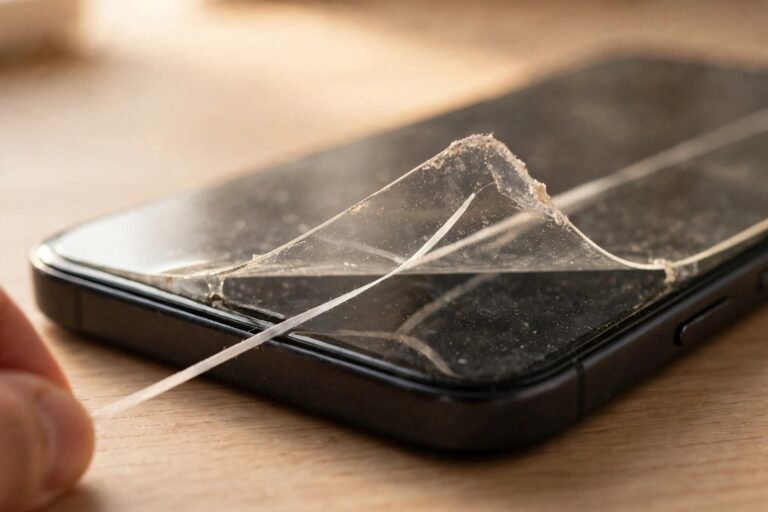
Film protectors are softer and need a gentler hand. Even a microfibre cloth can leave hairline marks in film if you press hard or wipe across trapped grit, so use lighter pressure and minimal liquid. If a film protector looks cloudy or scuffed after cleaning, that is surface wear rather than dirt — and wear cannot be wiped away. It is simply a sign the film is nearing replacement.
- For greasy marks on glass, put one drop of mild washing-up liquid in a bowl of water, dip the cloth, wring it nearly dry, and wipe — never apply soapy water directly to the screen.
- If a mark survives two gentle cleans, stop scrubbing. It is either under the protector or in the coating, and more pressure will only make things worse.
Frequently Asked Questions
Can I use alcohol wipes or hand sanitiser on my screen protector?
On tempered glass, an occasional alcohol wipe will not destroy the protector, but repeated use wears away the oleophobic coating, after which fingerprints smear instead of wiping off. On film, avoid alcohol altogether — it can cloud the surface. For routine cleaning, a barely damp microfibre cloth does the same job without the downside.
Why does my protector still look dirty after cleaning?
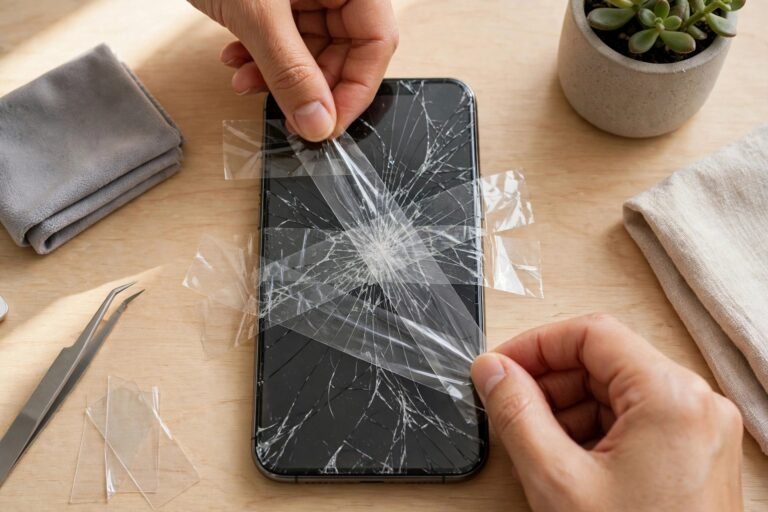
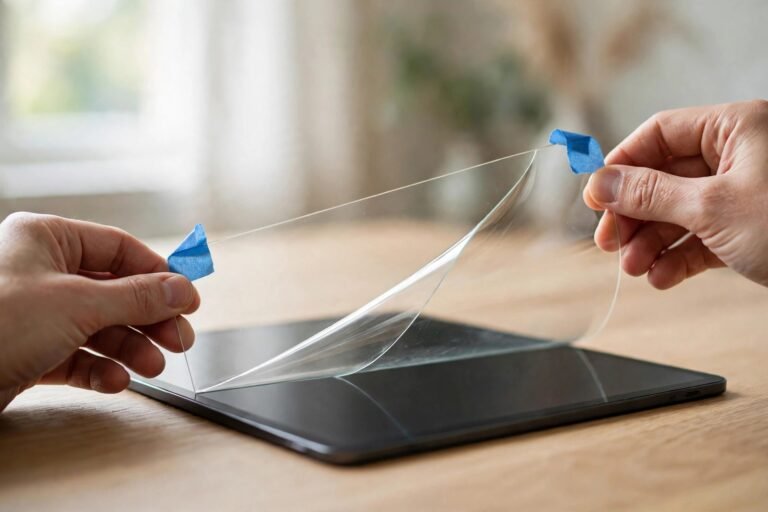
There are two likely causes. The dirt may be underneath the protector — specks that don’t move when you wipe over them need the corner lifted with tape and the speck dabbed away with a dust-removal sticker, or a fresh protector. Or the surface itself may be worn: a tired coating and hairline scratches hold onto grime, and no amount of wiping will make the protector look new again.
How often should I clean my screen protector?
Little and often is the right rhythm. A quick dry wipe whenever the screen looks smudged does no harm at all. Save the damp clean for roughly once a week, or whenever greasy marks stop responding to the dry cloth — it is the liquid, not the wiping, that gradually wears edges and coatings.
A screen protector is meant to be cleaned — gently, with a soft cloth and barely any water. Treat the edges and coating with respect, and the protector under your cloth will stay clear for as long as it stays stuck.