Removing a screen protector from a phone is a one-handed job. Removing one from an iPad is not. The pane is four or five times larger, it flexes far more as you lift it, and a big sheet of tempered glass that bends too far in the middle can crack halfway through the peel. The good news is that size also works in your favour: you have more edge to grip, more room for tape tabs, and no need to rush.
This guide covers the two-handed method that suits a large tablet screen: setting up on a flat table, adding tape handles so you never have to dig at a corner, peeling slowly with both hands, and handling the differences between a rigid glass pane and a floppy film sheet on a surface this big.
Key Takeaways
- Work on a flat table, never on your lap — a large pane needs support underneath the whole way through the peel.
- Use tape tabs as handles on two corners so you can grip and lift without prying at the glass with your nails.
- Peel with both hands, one leading and one supporting, keeping the pane as flat as possible so it cannot flex and crack.
- Film protectors roll off; glass protectors must be lifted in one slow, level sheet.
- Remove the case first — its lip overlaps the protector’s edges on a tablet just as it does on a phone.
Set Up: Flat Table, Case Off, Room to Work
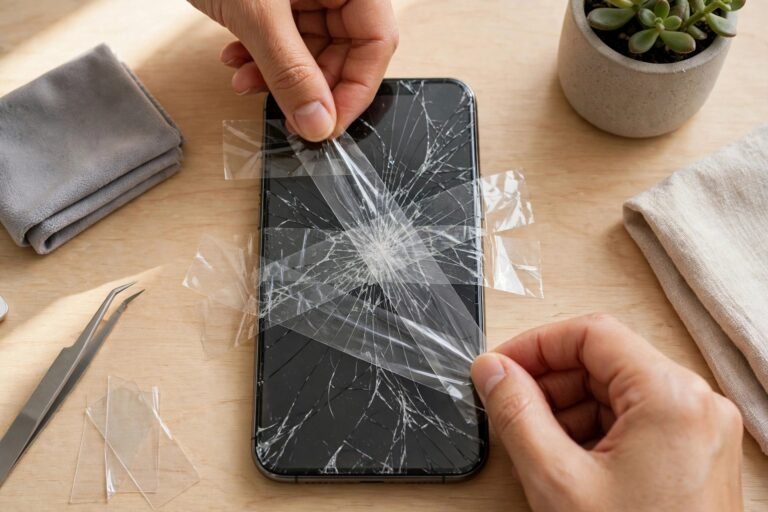
Clear a table and lay the iPad face up on a soft cloth or tea towel. The cloth stops the tablet sliding as you pull and protects the back if it shifts. Take off the case or folio cover completely — a case lip sitting over the protector’s edge will resist the peel, and on a large pane that resistance is spread over a much longer edge, so the protector can suddenly spring free and flex. Wash your hands, too; you will be gripping smooth glass, and greasy fingers slip at the worst moment.
If the protector has been fitted for a long time, warmth helps here just as it does on a phone. Use the iPad for ten minutes, or simply hold your palms flat on the glass for a while. Adhesive that is warm releases noticeably more willingly than adhesive that is cold, and on a big pane anything that lowers the resistance lowers the flex as well.
Tape Tabs: Handles for a Pane Too Big to Pinch
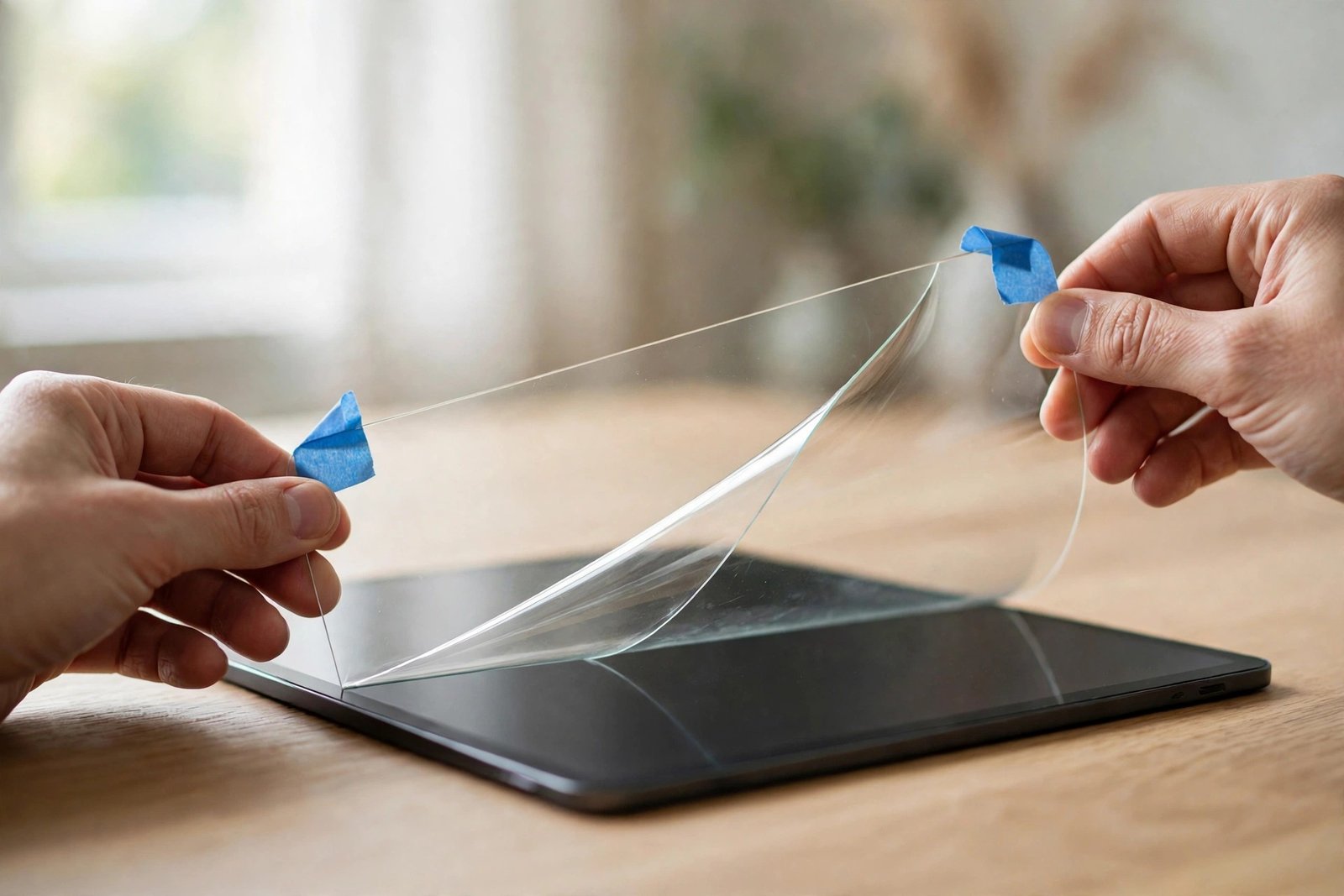
On a phone you can pinch a lifted corner between finger and thumb. On an iPad the corners are further from your grip and the pane is heavier, so give yourself handles instead. Stick a generous piece of strong tape to the top face of one corner, press it down firmly, and leave a tail of tape hanging off the edge to pull on. Do the same on the adjacent corner if you want a two-handed start.
Then ease a fingernail or the flat edge of a plastic card into the seam at that corner — sideways along the edge, never digging down towards the screen. You only need a few millimetres of lift. Once the corner is up, pull the tape tab gently and let the tab do the work your fingernails would otherwise have to do along the whole first edge.
- Fold the end of each tape tab back on itself to make a non-sticky grip — a plain tape tail will stick to your fingers mid-peel.
- If one corner is already lifting slightly, start there. A corner that has given up on its own saves you the hardest few millimetres.
The Two-Handed Peel
With the first edge free, move to the long side. Grip the lifted edge with one hand and peel slowly, folding the pane back over itself at a low angle. Your other hand is the support crew: slide it along just behind the peel line, pressing the still-attached part of the pane flat against the screen so the lifting section never has to span a long, unsupported distance. That unsupported span is where big panes crack.
Work along the long edge until the whole side releases, then turn the iPad a quarter turn if that gives you a better angle, and continue across the short edge. Keep the pace boring. If resistance builds at one spot, pause, hold your position, and warm that area with your palm rather than pulling harder. A tempered glass pane this size will come away in one sheet if you never ask it to bend sharply.
Film vs Glass on a Big Screen
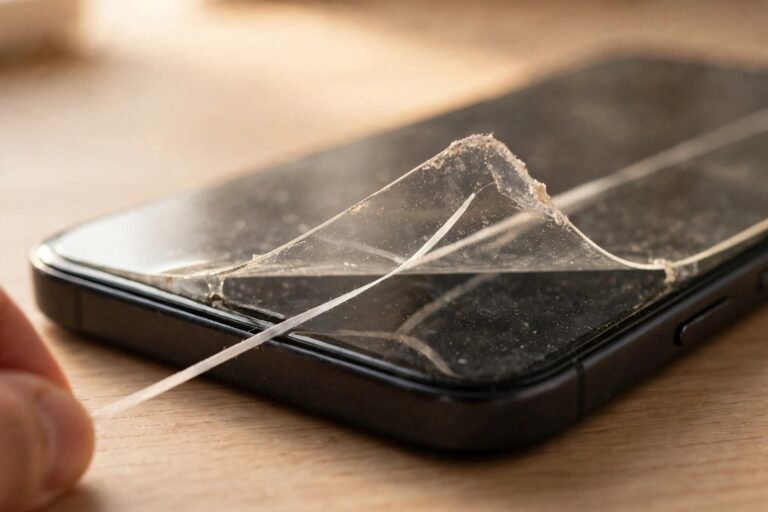
A film protector on an iPad behaves completely differently. It is light and floppy, so instead of lifting it like a pane, you roll it back over itself as you peel, almost like opening a tin. Film rarely cracks, but it does love to tear at the corners or leave shreds if you haul on it, and its adhesive often leaves more residue behind. Slow, steady tension is still the answer — just expect the sheet to curl rather than stay flat.
Whatever came off, clean the screen before the replacement goes on. Residue rolls up under a clean fingertip in small circles, and the rest wipes away with a barely damp microfibre cloth followed by a dry buff. Hold the iPad under a lamp at an angle for a final check: a screen this large hides fine dust and the odd hair remarkably well, and the moment before fitting the new protector is the one chance you get to spot them.
- Lay the removed glass pane adhesive-side up on the table, out of the way. A big sheet left sticky-side down will glue itself to whatever it touches.
- Fit the new protector straight after cleaning — a bare tablet screen left on a desk gathers dust across its whole large surface surprisingly fast.
Frequently Asked Questions
My iPad’s glass protector cracked while I was peeling it. What went wrong?
Almost always, the pane flexed too far in the middle because too much of it was unsupported during the peel. A large sheet of tempered glass tolerates a gentle curve but not a fold. Next time, support the pane with your free hand just behind the peel line and lift in smaller stages. If the current one has cracked mid-removal, tape over the cracked area before continuing so the pieces stay together.
Can I remove an iPad protector by myself, or do I need a second person?
One person is fine, including on the largest 12.9-inch models, as long as the iPad is lying flat on a table rather than being held. Your two hands do different jobs — one peels, one supports — and the table carries the weight. A second pair of hands only helps if the pane is already cracked and needs holding together while it comes off.
The corners of my film protector keep tearing instead of lifting. Any trick?
Yes — stop pulling on the corner itself. Stick a wide piece of tape across the corner so the pull is spread over a larger area of film, then peel using the tape as the handle, keeping the angle low. Film tears where force concentrates on a tiny point; spreading that force over a taped patch removes the weak spot entirely.
Big pane, flat table, two hands, no hurry. Treat the iPad’s protector like a sheet of glass rather than a phone accessory, and it will come away in one clean piece.