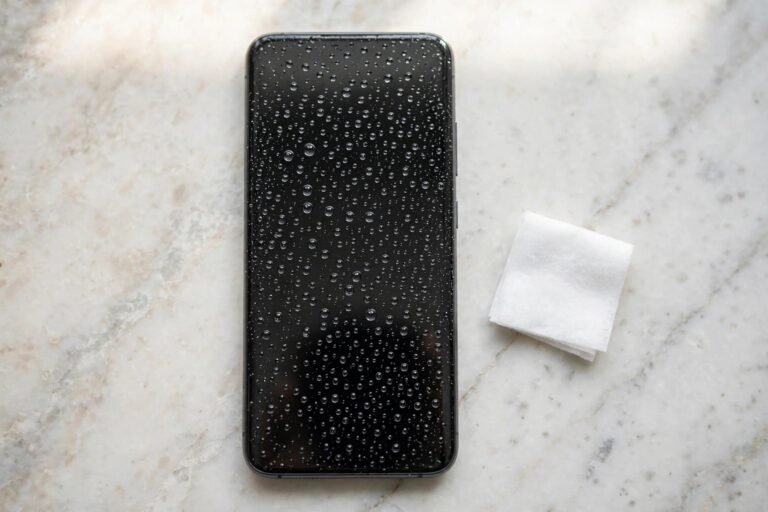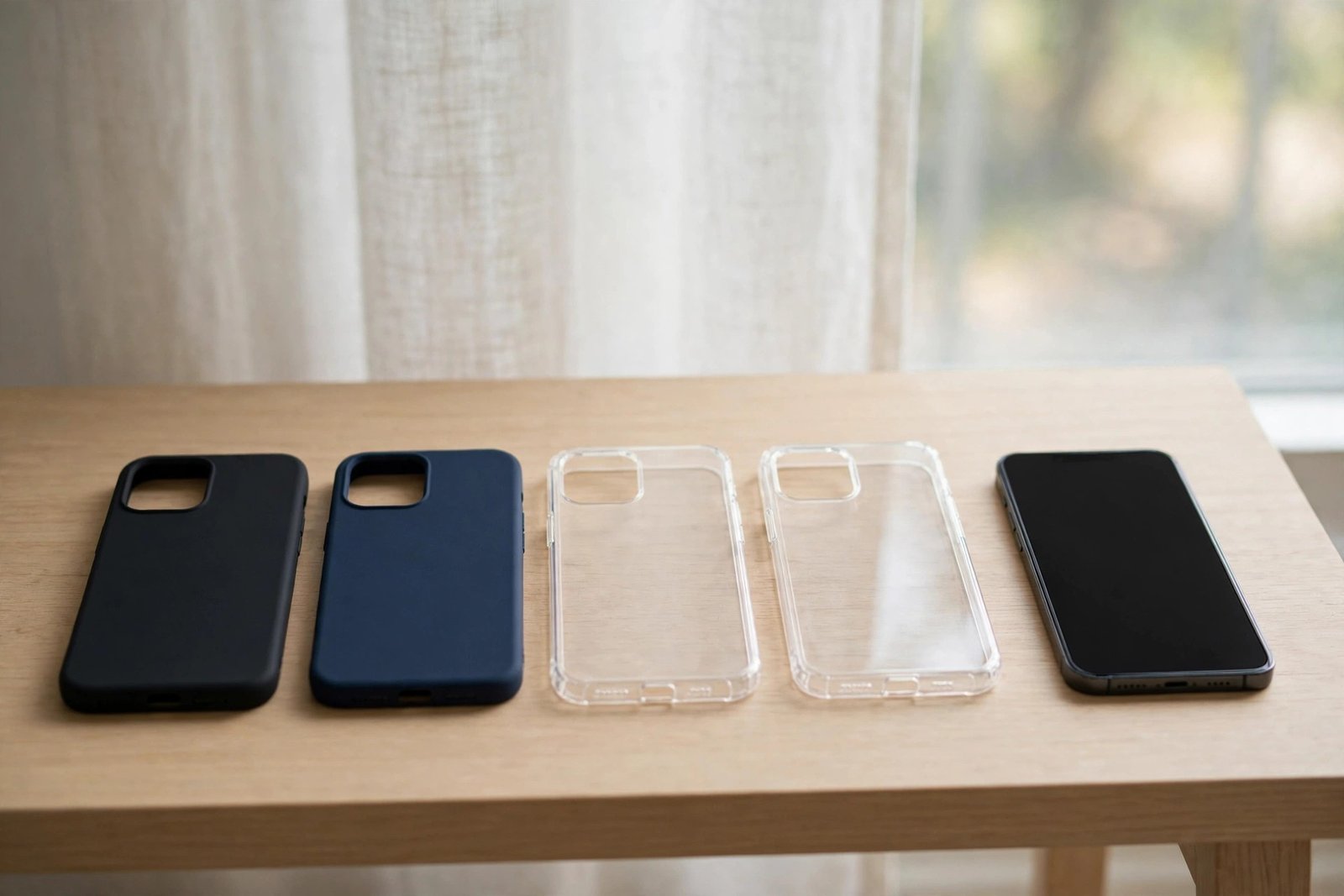
It sounds like a simple question — does an OtterBox come with a screen protector? — but the honest answer is “it depends which OtterBox”. The brand sells everything from slim, lightweight cases to heavy-duty armour, and screen protection is built into a few older designs, sold separately for most, and simply absent from the majority of the current range.
This guide walks through the main OtterBox lines as they stand today, explains the difference between a case with a built-in cover, a case bundled with glass, and a case on its own, and shows you how to tell exactly what you are getting before you spend anything.
Key Takeaways
- Most current OtterBox cases are case-only: they protect the back and edges and include no screen protection at all.
- The Defender line historically had a built-in screen cover, but current Defender models are screenless.
- OtterBox sells its own glass protectors separately — its Amplify and Alpha Glass lines — designed to pair with its cases.
- Some retailers sell bundles of a case plus glass in one package, but that is the retailer’s bundle, not the standard box contents.
- Always check the “what’s included” details on the listing: if a protector is in the box, it will be stated explicitly.
The Quick Answer
For most OtterBox cases you can buy today, the answer is no — the box contains a case, and nothing else. Screen protection is treated as a completely separate purchase. The exceptions are a small number of older designs with built-in covers, and special bundles put together by individual retailers. The safest working assumption is this: if a listing does not say a screen protector is included, it is not.
That surprises people because OtterBox built its reputation on total, wrap-around protection. But the brand’s thinking has shifted with phone design: rather than deciding for you, it now sells the case and the screen protection as two separate choices, so you can pair any case with glass, film, or a bare screen.
Which OtterBox Lines Include Screen Protection?
The Defender is the famous name here. For years, Defender cases carried a clear plastic membrane built into the front frame — genuine, included screen protection. As phones gained curved screens and under-display fingerprint readers, OtterBox moved the Defender to a screenless design, and current versions include no cover at all. Older Defenders for older phones are the main place you will still find a built-in screen.
The rest of the current range — lines such as Symmetry, Commuter and the various style-focused series — are case-only designs. They have never relied on built-in screens; they protect the back, corners and edges, raise a lip around the display, and leave the glass itself to you. A raised lip helps in a face-down drop onto a flat surface, but it is not screen protection in the fitted sense.
- Product photos can mislead: listings often show a case fitted over a phone that already has a protector on it. Judge by the written “what’s included” list, never by the picture.
- Found a deal that looks too complete? A case-plus-glass bundle from a retailer will say “bundle” or “kit” in the title — the standard retail box never includes glass.
Glass Sold Separately: OtterBox’s Own Protectors
OtterBox does make screen protectors — it just does not put them in the case box. Its glass lines, sold under names such as Amplify and Alpha Glass, are standalone products, cut to work neatly with OtterBox cases so the case edges do not lift the glass. Buying the same brand for both is a reasonable way to guarantee a good fit, though it is by no means compulsory.
Selling protection separately also means you choose the finish: clear glass, anti-glare, privacy-tinted, or a flexible film. Third-party protectors work just as well with OtterBox cases provided you pick a “case-friendly” size — glass cut a fraction smaller than the screen, leaving room for the case’s edges to grip the phone rather than the protector.
Case-Only vs Bundled: How to Tell Before You Buy
Before ordering, run through three quick checks. First, read the box contents or “what’s included” section of the listing — included protectors are always listed by name. Second, look for the word “screenless” in the description, which settles the matter instantly. Third, be suspicious of marketplace listings with vague titles: “OtterBox case with screen protector” in a third-party listing usually means the seller has paired a case with an unbranded glass sheet, not that OtterBox bundled them.
If you genuinely want everything in one purchase, look deliberately for a retailer bundle or kit — several large retailers package an OtterBox case with the matching OtterBox glass at a combined price. That is a legitimate way to get both, as long as you understand the bundle was assembled by the shop, not the manufacturer.
- Order of fitting matters with bundles: glass first, case second. Let the protector’s adhesive settle for half an hour before clipping the case over it.
- Keep the glass packaging until the case is on — if the case edges lift the protector, the case-friendly replacement is usually exchanged without argument.
Frequently Asked Questions
Does the OtterBox Symmetry come with a screen protector?
No. The Symmetry is a case-only line — the box contains the case and nothing else. If you want screen protection with a Symmetry, you add a glass or film protector as a separate purchase, ideally a case-friendly size so the case does not lift its edges.
Does OtterBox make its own screen protectors?
Yes. OtterBox sells glass protectors under its Amplify and Alpha Glass lines, designed to fit alongside its cases. They are separate products with their own packaging — which is precisely why a standard OtterBox case box never contains one.
The photo showed a screen protector on the phone — is it included?
Almost certainly not. Lifestyle and product photos routinely show a case fitted to a phone that already wears a protector, because that is how the combination looks in real use. The written box-contents list is the only reliable guide: if a protector is included, it will be named there.
Think of OtterBox as selling two halves of one system: the case in one box, the screen protection in another. Buy both if you want full coverage — just never assume the second box is hiding inside the first.