

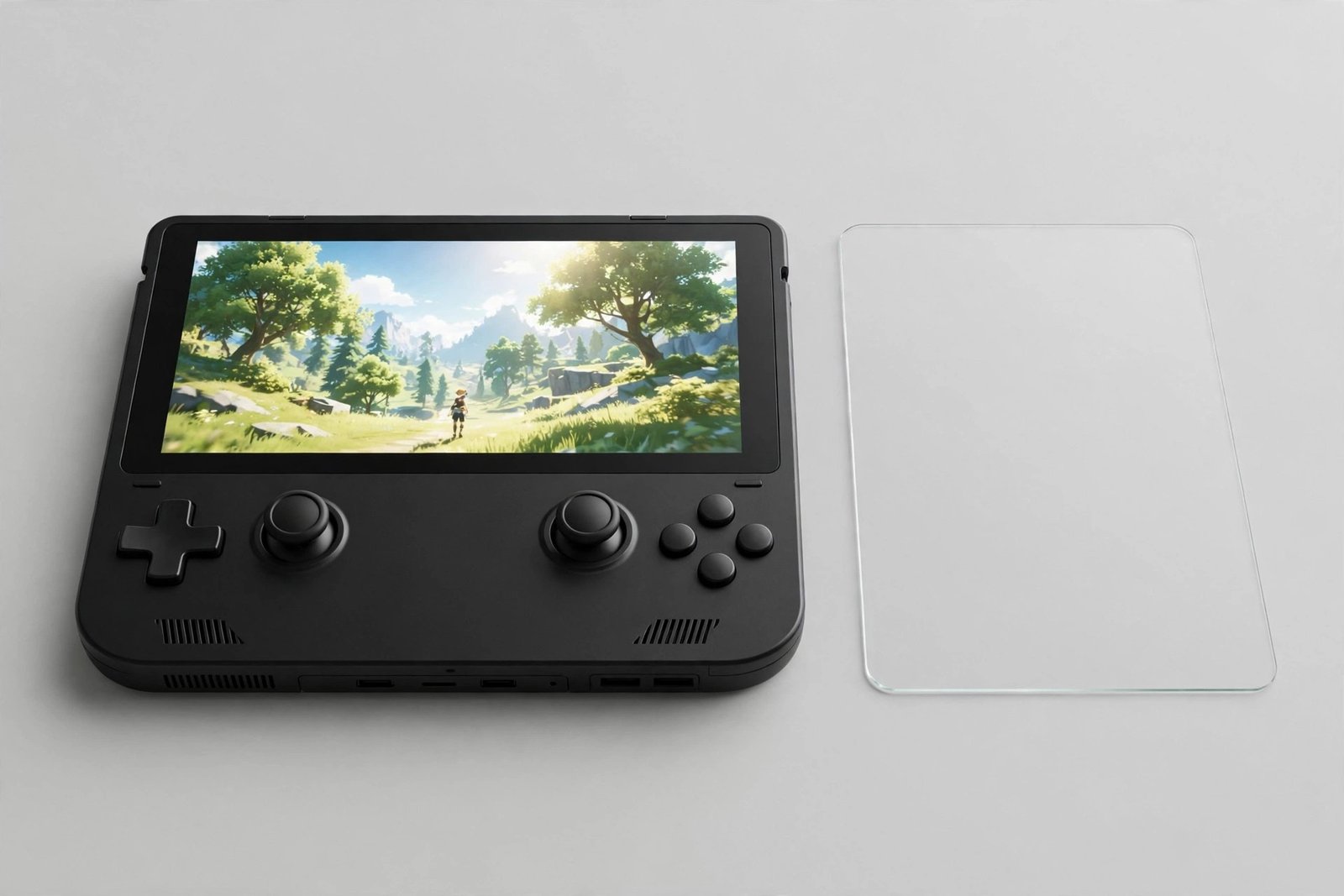
If you have just unboxed a Steam Deck — or are about to — one question comes up fast: does it already have a screen protector on it, or do you need to fit one yourself? Given that this is a handheld gaming device that travels in backpacks, gets gripped for hours, and costs several hundred pounds, the answer matters. Fortunately, Valve’s position is clear — though the anti-glare models cause some confusion.
This guide covers exactly what each Steam Deck model ships with, why the etched-glass versions are not protectors, and whether you should add your own screen protection on top.
Key Takeaways
- No Steam Deck model ships with a fitted screen protector — what you see in the box is the bare display glass.
- The premium models’ anti-glare etched glass (512GB LCD, 1TB OLED) is a display finish, not a protective layer — it can still scratch.
- A tempered glass protector is a sensible addition for any Deck, given its size, travel habits, and repair cost.
- On etched-glass models, a clear protector preserves the anti-glare effect better than a matte one, which can dull the image twice over.
- Buy a protector cut specifically for the Steam Deck — its 7- and 7.4-inch displays are unique sizes no phone protector will cover.
What Ships in the Box: Model by Model
Valve’s approach is the same across the range: the Deck leaves the factory with bare display glass and no protector fitted. The standard LCD models (64GB, 256GB) and the standard OLED model (512GB) have a conventional glossy display finish. If you peel nothing, see no edge line, and feel smooth glass — that is because there is nothing to peel. The confusion comes from the premium models.
The Anti-Glare Etched Glass Is Not a Protector
The top-tier models — the 512GB LCD and the 1TB OLED — ship with what Valve calls “premium anti-glare etched glass.” This is a real and valuable feature: the outer surface of the display glass is micro-etched to diffuse reflections, which dramatically cuts glare in bright rooms and outdoors. But etching is a surface finish, not a protective layer. It has no meaningful impact resistance, and it can scratch like any glass — arguably, the frosted texture makes fine scratches more visible, not less.
This is the single most common misconception among Deck owners: assuming the matte-looking screen is somehow armoured. It is not. If you own an etched-glass model, you are a candidate for a protector for exactly the same reasons as every other Deck owner.
- Check which model you own in Settings > System on the Deck (or look at your order receipt) before buying. The difference between glossy and etched glass changes which protector finish you should choose.
Should You Add Your Own Protector?
For most owners, yes. The Steam Deck is a large, heavy, slippery device that gets carried in bags alongside chargers and dongles, set down on tables of unknown cleanliness, and handed to friends mid-game. Its display is also expensive and fiddly to replace compared with a phone screen. A tempered glass protector — cut for the Deck’s exact 7- or 7.4-inch display — absorbs the drops and shrugs off the scratches, and costs a small fraction of a repair.
There is one genuine trade-off: the Deck’s display is a touchscreen, and any added layer sits between your thumb and the panel. Quality protectors are thin enough that touch response, haptics feel, and the trackpads’ capacitive sensing are unaffected in practice. Cheap, thick glass can dull the touch feel slightly — another reason to buy from an established brand with Deck-specific reviews.
Choosing the Right Protector for Your Deck
For glossy-screen models, the choice is straightforward: a clear tempered glass protector preserves the display exactly as it is. If you play in bright environments, a matte anti-glare protector is a legitimate alternative — it trades a little sharpness for much less reflection.
For etched-glass models, choose clear glass. Stacking a matte protector on top of an already-etched display doubles the diffusion: the image gets noticeably softer, colours wash out, and you gain almost nothing in glare reduction since the etching already handles that. Clear glass protects the etching while leaving its anti-glare job to the display itself. This is one of those cases where less is genuinely more.
- Fit the protector before the Deck’s first trip — the display picks up its first micro-scratches surprisingly fast in bags and on desks. And use the included alignment frame if the kit has one: the Deck’s large display is much harder to align freehand than a phone screen.
Frequently Asked Questions
Is the film on my new Steam Deck a screen protector?
If you found a thin plastic film on the display out of the box, that is transit packaging, not a protector — it is meant to be peeled off and discarded. No Steam Deck ships with a fitted, leave-it-on screen protector.
Will a screen protector damage the anti-glare etching?
No — a quality protector’s adhesive is formulated for display glass and comes off cleanly. The risk runs the other way: peeling a cheap protector with aggressive adhesive could theoretically stress any surface, so buy reputable brands and replace gently.
Does a protector affect the Deck’s touchscreen?
A well-made tempered glass protector has no noticeable effect on touch accuracy or responsiveness. If touch feels worse after fitting, the protector is likely misaligned or too thick — reposition or replace it.
The Steam Deck ships ready to play — not ready to be protected. Ten minutes with a Deck-sized glass protector is the cheapest insurance policy in handheld gaming.


