So the protector went on crooked, or you lifted a corner to chase a speck and now the whole thing is sitting in your hand. The natural question — can I just put it back? — has an encouraging answer: usually, yes. A protector that has been off the phone for a few minutes and kept clean can be refitted successfully, and this guide shows how.
It also shows the limits. A refit lives or dies on the state of the sticky side: dab it clean with tape, work fast, and accept that a protector which has been lying around, bent or dropped adhesive-side down is beyond rescuing. Knowing which situation you’re in is half the job.
Key Takeaways
- A freshly lifted protector can usually be refitted once — if it was kept clean.
- Never touch, wash or rub the sticky side; clean it only by dabbing with tape.
- Work quickly: every minute off the phone, the adhesive is collecting dust.
- Park a waiting protector sticky-side up on its own backing sheet, never on a table.
- A protector that was dropped, bent or off for hours is a write-off — fit a fresh one.
When a Refit Is Worth Attempting
A refit is realistic when three things are true: the protector came off within the last few minutes, it has been held by its edges or parked safely the whole time, and the reason for lifting it was small — a crooked landing, one speck of dust, a bubble that wouldn’t shift. In those conditions the adhesive is still lively and the sticky side is nearly as clean as it was in the packet.
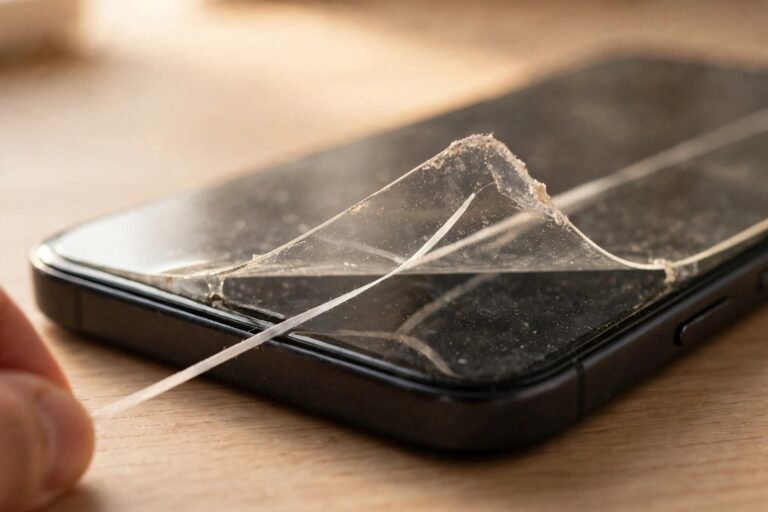
It is not realistic when the protector has been off for an hour on a desk, was peeled yesterday, or has visible lint, hairs or fingerprints across the sticky side. Adhesive doesn’t recover from that, and a refit will show every contamination as a bubble that cannot be pressed out. In that case, cut your losses and fit the spare — most packs include one for exactly this moment.
Step 1: Lift It Slowly and Keep It Clean
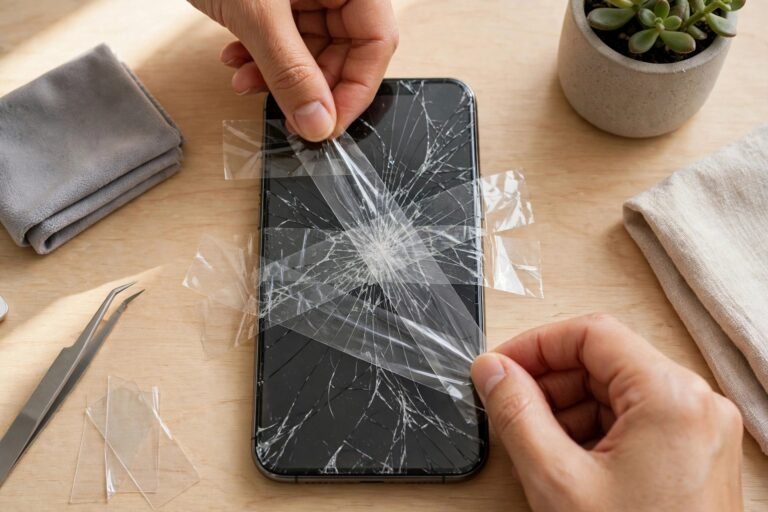
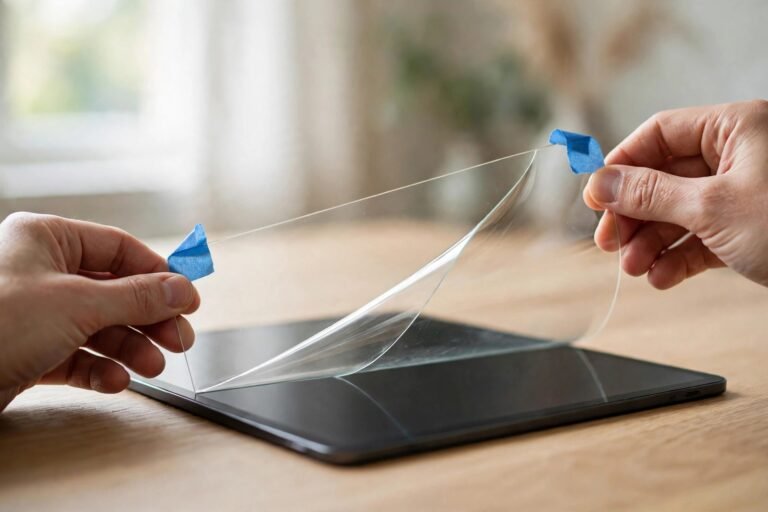
If the protector is still on the phone, lift it the gentle way: stick a piece of tape to one corner as a handle, raise that corner slowly, and peel the pane back at a low angle, keeping it as flat as possible. Tempered glass that is bent during removal can crack or take a permanent bow, and a bowed pane will never sit flat again no matter how clean it is.
The moment it is free, your only job is protecting the sticky side. Hold the protector by its edges with that side facing down and sheltered, or lay it sticky-side up on its original backing sheet if you kept it. Never put it down on a table, a cloth or — worst of all — paper, and never wave it around while you prepare the phone; still air and speed are everything now.
- Have the tape, stickers and cloth laid out before you lift anything — a refit fails in the gaps where you’re searching for a tool.
- If the screen needs re-cleaning, do it while the protector is parked on its backing sheet, and keep that pause under a couple of minutes.
Step 2: Dab the Sticky Side Clean with Tape
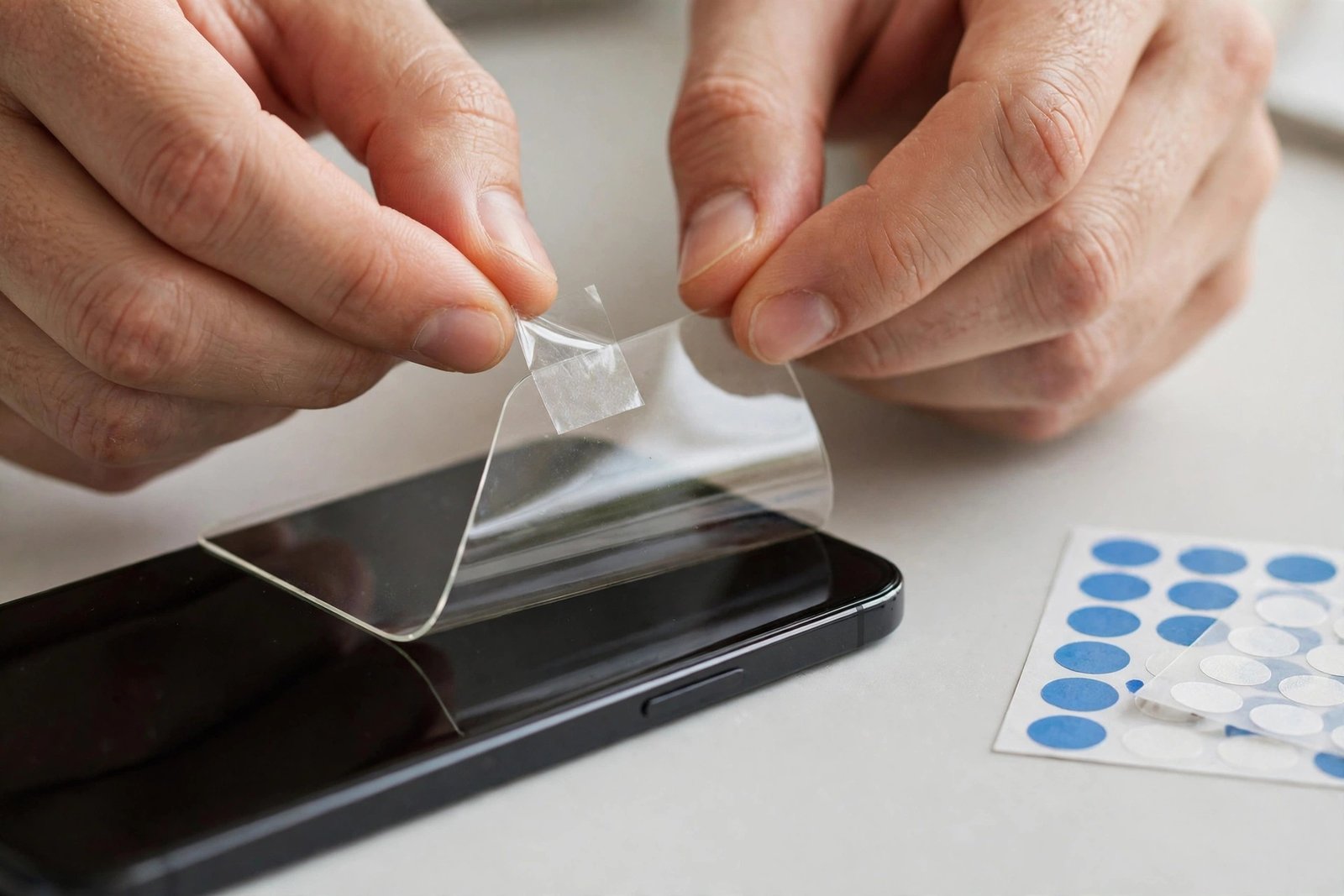
Inspect the sticky side under a bright light, tilting it so specks show in the reflection. To remove one, don’t wipe, rub or pick at it — dab. Press a dust-removal sticker, or a loop of ordinary tape wrapped sticky-side-out around two fingers, straight onto the speck and lift it straight off again. The speck transfers to the stronger tape, and the protector’s own adhesive is left undisturbed.
Work through the surface speck by speck, using a fresh bit of tape each time so you’re not pressing the last particle back on. Then give the phone screen itself a quick sticker pass as well — it has been sitting exposed while you worked. Resist any urge to wash the sticky side under a tap or wipe it with a cloth; water and fibres both ruin adhesive, and a washed protector is a dead one.
Step 3: Reseat It Quickly and Press It Home
Refit the way you fitted it the first time, only faster: line up the top cut-outs, lower from one edge so contact spreads in a travelling line, and don’t hover or make mid-air adjustments — hesitation is when dust lands. If your protector came with hinge stickers or you taped a hinge earlier, use it; a repeatable landing matters even more the second time.
Once down, press firmly in the centre and then out along each edge, and give the adhesive half an hour before the case goes back on. Judge the result honestly under the light: a refit with one or two tiny, dust-free bubbles is a success. They will settle over the next day, exactly as they would on a brand-new install.
- A refit gets one attempt. If it lands badly a second time, the adhesive has had enough — fit the spare rather than lifting it a third time.
- Check the edges after an hour, not immediately. Freshly reseated edges sometimes relax and lift slightly once the case goes back on; catch it early and press them down again.
The Honest Limits of a Refit
Even a perfect refit is not quite a fresh install. Each lift weakens the adhesive a little, particularly at the corner you lifted from, so a refitted protector may lift at that corner again weeks later, or show a faint halo where the bond is thinner. Touch sensitivity and clarity are unaffected — the difference is purely in how long the bond lasts.
Treat a successful refit as buying time rather than a permanent state. If the edges start to creep, the corner lifts for a second time, or dust has crept under a border, that’s the protector telling you it is done. Fit the fresh one from the pack, enjoy the clean start, and remember that the refit still saved you from walking around unprotected in the meantime.
Frequently Asked Questions
How many times can I reapply the same protector?
Realistically, once — a single quick, clean refit straight after lifting. A second lift multiplies the dust and weakens the adhesive past the point where the pane will sit flat. If the first refit fails, reach for the spare protector rather than trying a third landing.
I got a fingerprint on the sticky side. Is it ruined?
Probably, if the fingerprint is in the middle — skin oil breaks the adhesive and leaves a permanent cloudy print that shows through on the screen. A light touch at the very edge is often survivable, since it sits outside the display area. Try the refit and judge it under the light; you’ll see immediately whether it matters.
Can I wash a protector and refit it later?
It’s a popular myth, but no. Water leaves mineral spots and weakens the adhesive unevenly, and drying it without collecting dust is nearly impossible outside a clean room. A protector that has been washed usually goes back on cloudy and lifts within days. Tape-dabbing is the only cleaning a sticky side should ever get.
A refit done quickly, cleanly and once can be indistinguishable from a fresh install. Dab, don’t wash; move fast, not frantically — and know the moment to admit the spare has earned its turn.