

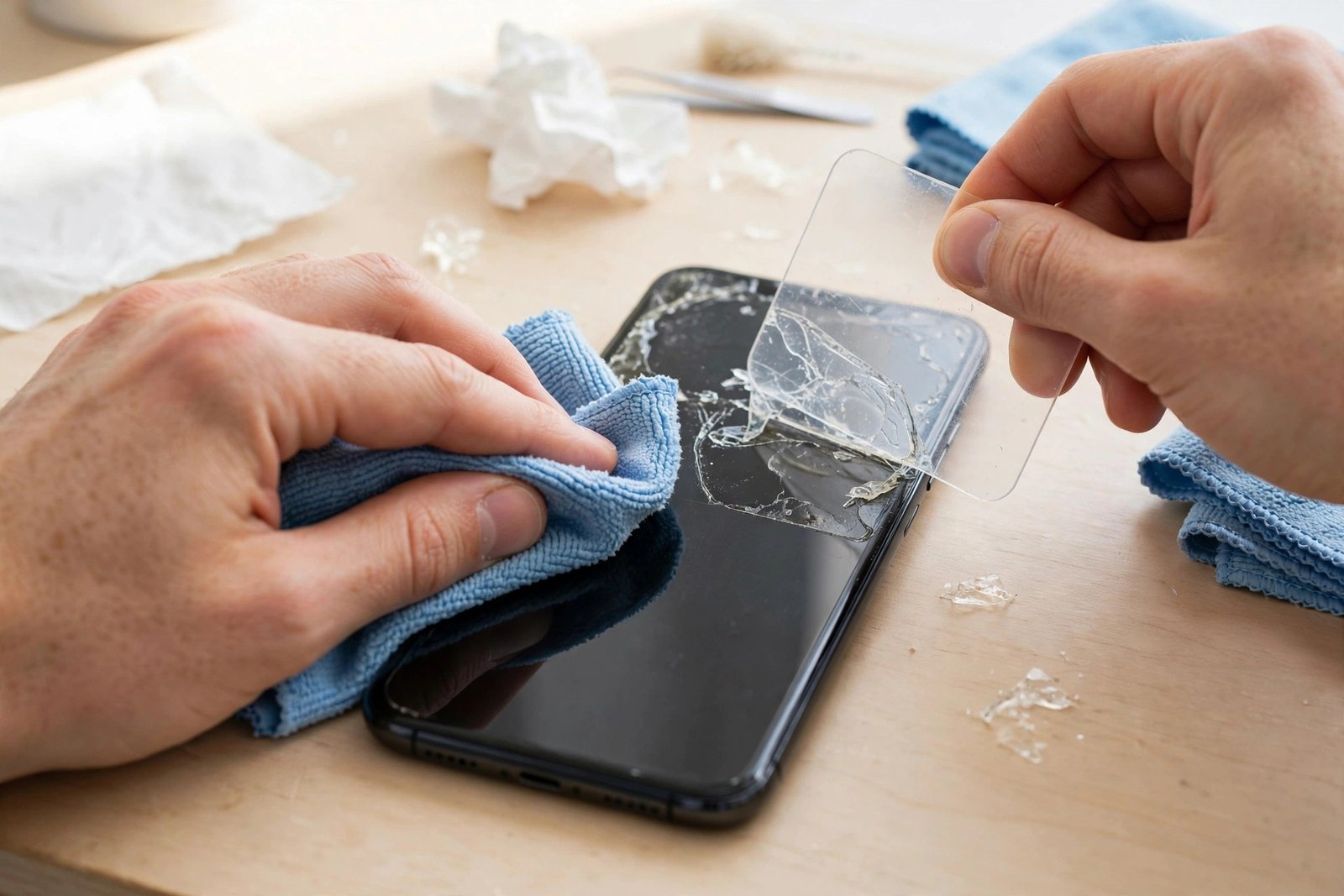
You peel off an old screen protector expecting a clean display underneath, and instead the screen feels tacky, looks smeared, and collects dust faster than ever. That sticky film is adhesive residue left behind by the protector, and the good news is that it almost always comes off with patience and the right gentle methods.
The risk is rushing in with the wrong solvent or tool and damaging the screen’s oleophobic coating — the invisible layer that repels fingerprints. This guide works through the safest methods first, from mildest to strongest, so you stop as soon as the residue is gone.
Key Takeaways
- Start with warmth and a microfibre cloth — many residues soften and wipe away with no chemicals at all.
- Sticky tape pressed and lifted repeatedly picks up thin adhesive films surprisingly well.
- A plastic card or plastic scraper lifts thicker residue without scratching glass.
- Use isopropyl alcohol sparingly and carefully, following your phone maker’s guidance — never flood the screen.
- Never use acetone, nail polish remover or harsh solvents; they can strip the oleophobic coating.
- Clean fully before fitting a new protector, or the residue will trap bubbles and weaken adhesion.
Start With Warmth and a Cloth
Warm a clean microfibre cloth under a warm tap, wring it out thoroughly so it is damp rather than wet, and lay it over the screen for a minute or two. The gentle heat softens most protector adhesives. Then wipe in small circles with light pressure, checking your progress under a bright light held at an angle, which makes remaining residue easy to spot.
Repeat the warm-cloth cycle a few times before reaching for anything else. Fresh residue from a recently removed protector often clears completely at this stage. If the protector was on for years or was a cheap one with aggressive glue, you will likely see the residue thin out even if it does not vanish — that still makes the next steps much easier.
The Tape Trick and Plastic Scrapers
For a thin, evenly spread sticky film, ordinary sticky tape works remarkably well. Wrap a strip around two fingers with the sticky side out, press it firmly onto the residue, and lift. Each press pulls a little adhesive away with it. Work across the whole screen, replacing the tape as it loses tack. This method adds no moisture and no chemicals, so it is completely safe for the coating.
Thicker, gummy patches respond better to gentle mechanical lifting. Hold a plastic card — an old bank card or a plastic scraper — at a shallow angle and push slowly through the residue, wiping the collected glue onto a cloth as you go. Plastic is softer than screen glass, so it will not scratch, but never substitute a metal blade or knife, which can gouge both the glass and its coating in one slip.
- Work in good light and tilt the phone as you check. Residue that looks gone face-on often shows clearly at an angle — and any you miss will show up as bubbles under the next protector.
Using Isopropyl Alcohol Carefully
If warmth, tape and scraping leave stubborn patches, a small amount of isopropyl alcohol on a microfibre cloth is the usual next step. Major phone makers generally advise that a cloth lightly moistened with 70% isopropyl alcohol may be used to wipe device exteriors, but you should check your own manufacturer’s current guidance first and follow it. The key words are lightly moistened — the cloth should never drip, and liquid must not be allowed to pool near speaker grilles, buttons or seams.
Wipe the residue with the dampened section of cloth, then immediately buff with a dry section. Use the minimum number of passes needed: repeated heavy alcohol use can gradually wear the oleophobic coating, making the screen attract fingerprints more easily over time. Never reach for acetone, nail varnish remover, bleach-based cleaners or abrasive powders — these can permanently damage the coating and cloud the glass.
Preparing the Screen for a New Protector
Once the stickiness is gone, give the screen a final clean exactly as you would before any installation: a once-over with a fresh, dry microfibre cloth, then a dust-removal sticker across the whole surface. Run a fingertip lightly over the glass — it should feel uniformly slick. Any remaining tacky patch will prevent the new protector’s adhesive from wetting out properly and will show as a cloudy bubble that never settles.
Fit the new protector promptly after cleaning, ideally in a low-dust room, so airborne particles do not settle on your freshly prepared screen. If you are not fitting one straight away, put the phone in a clean case or cover the screen with the cloth, because a freshly cleaned screen attracts dust surprisingly quickly. Prices for cleaning kits and protectors vary widely, so there is no need to buy anything elaborate — the methods above use items most homes already have.
- Removing the old protector slowly at a low angle, rather than ripping it off, leaves noticeably less residue behind — peel from one corner and keep the protector folded back on itself as you go.
Frequently Asked Questions
Will adhesive residue damage my screen if I leave it?
It will not harm the glass itself, but it attracts dust and grit, and gritty particles dragged across the screen by your finger can cause fine scratches. It also makes touch feel unpleasant and smears easily. It is best removed promptly with the gentle methods above.
Can I use hand sanitiser or household glass cleaner instead?
It is better not to. Hand sanitisers contain moisturisers and fragrances that leave their own film, and many household glass cleaners contain ammonia or other additives that phone makers advise against. A lightly alcohol-moistened microfibre cloth, used as your manufacturer directs, is the controlled option.
Why did my protector leave so much glue behind?
Age, heat and adhesive quality are the usual causes. Protectors left on for years, phones regularly left in hot cars, and budget protectors with thick glue layers all tend to leave more residue. Premium protectors with quality silicone adhesive usually peel away almost cleanly.
Residue removal is a patience game: warmth, tape and gentle wiping clear nearly every screen, and saving the stronger options for last keeps your display’s coating exactly as it should be.


