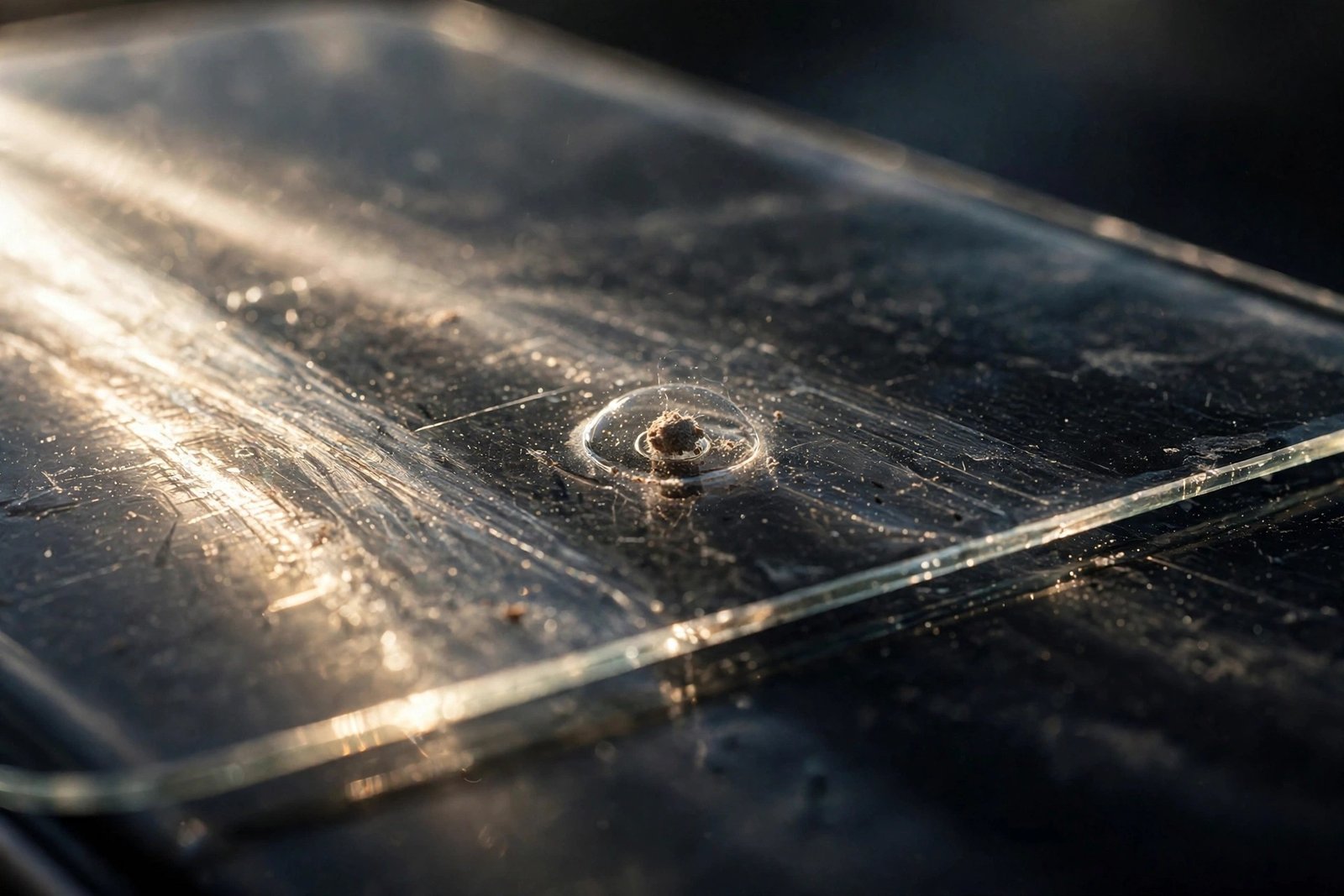
A single speck of dust trapped under a screen protector is usually just annoying — a tiny bubble with a dot in the middle that stares back at you every time the screen lights up. But can it actually damage the phone screen underneath? The honest answer has two parts: soft dust, almost certainly not; hard grit, yes — left in place, a trapped grain genuinely can scratch the glass over time.
This guide explains which particles are dangerous and which are harmless, how pressure and movement turn a speck into an abrasive point, why it matters more under rigid tempered glass than under film, and how to remove a speck safely instead of making things worse.
Key Takeaways
- Ordinary household dust and fibres are soft — under a protector they are a cosmetic nuisance, not a threat to the screen.
- Sand and grit are the danger: the quartz in sand is harder than phone glass, so a trapped grain can scratch it.
- Damage happens through pressure and movement — the particle concentrates force onto a tiny point and grinds as things shift.
- Rigid tempered glass makes a trapped speck worse, because the glass can’t flex around the particle.
- Never push a speck out by pressing — pressing is exactly what causes the damage. Lift the corner with tape and dab the speck away instead.
Not All “Dust” Is Equal
Most of what floats around your home — skin flakes, fabric fibres, pollen, general household dust — is soft organic material. Trapped under a protector, a fibre or flake simply sits there, cushioned by the adhesive. It looks dreadful, especially the little halo bubble that forms around it, but it cannot cut into glass that is far harder than it is.
Mineral grit is a different story. Sand is largely quartz, and quartz rates 7 on the Mohs hardness scale — harder than the glass used in phone screens, which sits around 6 (it picks up scratches from materials of that level, with deeper grooves from harder ones). A grain of sand, a fleck of road grit from a pocket, or debris from a building site or workshop can therefore do what dust cannot: it can bite into the surface. This is also why “my screen scratched in my pocket” stories so often trace back to grit rather than keys or coins, which are too soft to be the culprit.
How a Trapped Speck Scratches the Screen
The mechanism is simple physics: pressure is force divided by area. When something presses on your phone — a thumb swiping firmly, the phone squeezed in a tight pocket, a bag resting against it — most of that force spreads harmlessly across the whole screen. But where a hard particle is trapped, the load funnels through that one tiny point. The grain becomes, in effect, a very small, very hard stylus pressed against the glass.
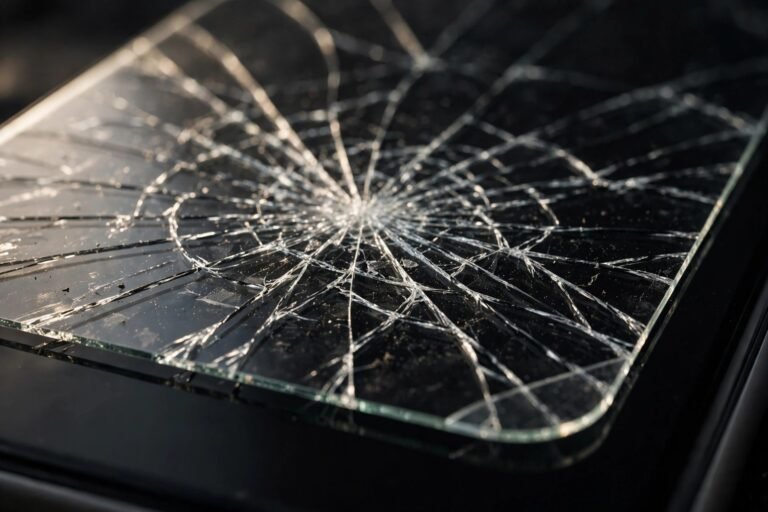
Add movement and the problem compounds. Every small shift — the phone flexing in a pocket, the protector settling, everyday vibration — drags that pressure point a fraction of a millimetre. Repeated over days and weeks, it can grind a faint scratch or a small frosted pit into the screen exactly where the speck sits. It is a slow process, not an overnight one, but it is real — and the maddening part is that the damage happens invisibly, under a protector you fitted to prevent scratches in the first place.
- Fitting a protector after the beach, a run, or a day on a work site? Clean the screen twice and work slowly. Grit gets onto screens and into pockets in exactly those situations, and sealing a grain underneath undoes the whole point of the protector.
Why One Speck Matters More Under Tempered Glass
A flexible film protector can deform slightly around a particle, spreading the contact a little. Tempered glass cannot — it is rigid, so it bridges over the speck, which is why you see that characteristic bubble halo around it: the glass is tented up on a single point. That point carries concentrated pressure whenever anything presses on the protector, and it is also a weak spot for the protector itself, which is more likely to crack from an impact that lands there.
There is a second, slower problem at the edges. A speck near the border can stop the protector sealing flat, leaving a microscopic gap. That gap breathes in more dust and grit over the following weeks, so one speck quietly becomes a dirty edge — and a cluster of particles near the edge is much harder to rescue than a single one in the middle.
How to Remove a Speck Safely
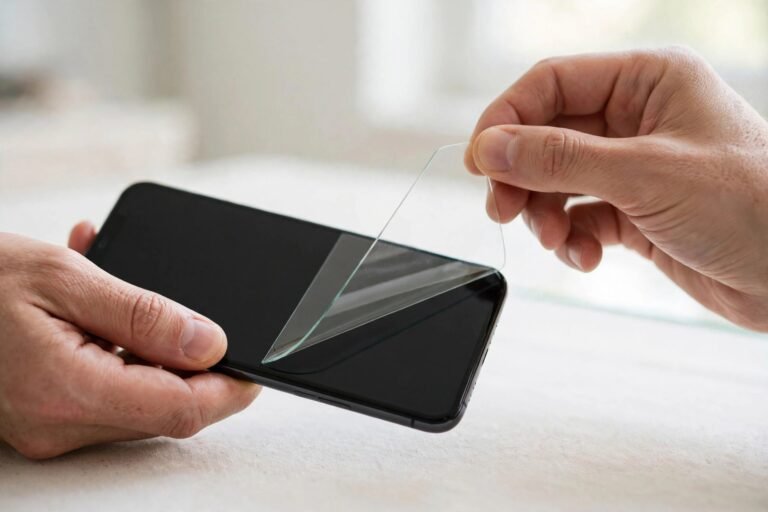
The golden rule: never try to squeeze the speck out by pressing or rubbing the protector. Dragging a hard grain across the glass under pressure is the exact grinding action you are trying to avoid. Instead, use the tape-lift method. Wash your hands, work somewhere calm and dust-free — a steamed-up bathroom is ideal — and stick a piece of tape to the protector’s nearest corner to lift it just enough to reach the speck.
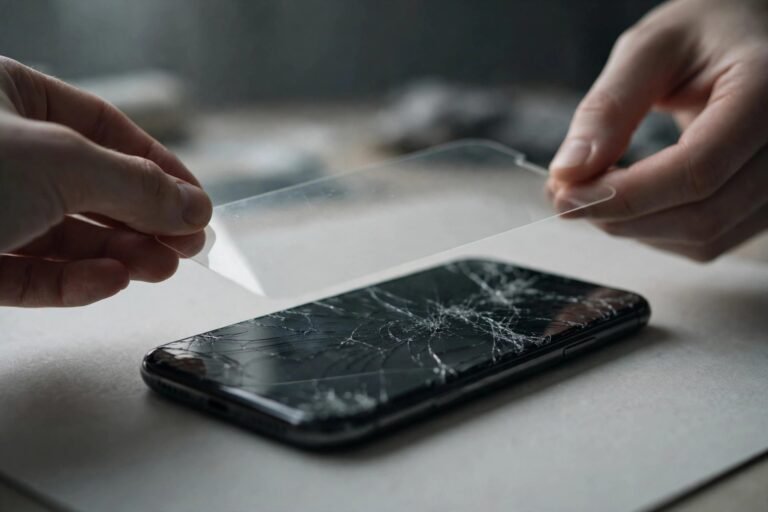
Dab the speck with a dust-removal sticker, either off the screen or off the protector’s sticky side, whichever it is clinging to. Lower the protector back down slowly and let the adhesive re-seal. If the particle won’t budge, or the protector is already cracked, take the protector off completely and inspect the bare screen under angled light before deciding whether a fresh protector will hide any mark — fitting a new glass protector often makes very fine scratches far less visible, because its adhesive fills them optically.
- Judge a trapped speck by feel and origin, not just looks. If it appeared after a beach day or it feels gritty when the protector comes off, treat it as hard grit and get it out promptly. A soft fibre that’s been sitting harmlessly for a week can wait until you have time to do the job properly.
Frequently Asked Questions
Can dust under a protector scratch the screen quickly?
Not overnight. The damage is a gradual grinding process that needs a hard particle, pressure, and movement over time. A soft speck may never mark the screen at all; a grain of sand left for months under a phone that lives in a tight pocket is the realistic risk.
There’s a bubble with a speck in the middle — will pushing it to the edge help?
No. Pushing drags the particle across the glass under pressure, which is how scratches happen. Lift the nearest corner with tape, dab the speck off with a dust sticker, and lay the protector back down instead.
Should I replace the whole protector because of one speck?
Only if the tape-lift rescue fails, the protector is cracked, or the speck is clearly hard grit that won’t lift cleanly. For ordinary soft dust, one careful rescue attempt usually settles it — just don’t keep lifting and refitting repeatedly, as each attempt invites more dust in and weakens the adhesive.
A speck of dust under your protector is mostly an eyesore — but treat hard grit with respect. Get it out gently and promptly, and the protector goes back to doing its one job: keeping the real scratches away from your screen.