
Your iPad leads a quieter life than your phone — it lounges on the sofa and rides around in a bag rather than rattling around a pocket full of keys. So it’s a fair question: does an iPad actually need a screen protector? The honest answer is that it depends on how you use it — and on what you expect the glass itself to survive.
Apple builds iPads with toughened, ion-strengthened glass that resists shattering far better than the glass of a decade ago. But “shatter resistant” and “scratch proof” are two very different things, and that’s where most iPad owners get caught out. Let’s break it down.
Key Takeaways
- iPad glass resists shattering, not scratching — hardened glass still scratches when it meets anything harder than itself, like sand or grit.
- Apple Pencil users benefit most — a protector shields against nib wear and opens up paper-like drawing textures.
- Travel and kids raise the risk — bags, zips, and small hands are the classic scratch culprits.
- Tempered glass is the sweet spot — it keeps the display crisp and the Pencil feeling natural.
- A good case helps but doesn’t replace one — folio covers protect the screen in your bag, not while you’re using it.
- A protector is cheap insurance — replacing a scratched display costs far more than a sheet of glass.
How Tough Is an iPad Screen, Really?
Apple fits every iPad with chemically strengthened glass, which makes it far harder to crack or shatter from an impact than ordinary glass — an iPad can survive a tumble off the sofa without drama. But hardness against scratching is a different property, measured on the Mohs scale, and no consumer display glass scores high enough to be truly scratch-proof.
The number one enemy of iPad screens isn’t keys or coins — it’s grit. Sand and everyday dust contain tiny quartz particles (around 7 on the Mohs scale), harder than display glass (around 6). A single grain trapped between your iPad and a bag lining can leave a permanent scratch, and these micro-scratches accumulate over the years, catching the light annoyingly in sunshine.
In short: the glass is tough against drops and fragile against grit. If your iPad mostly sits on a desk at home, the bare glass is probably fine; if it travels or gets handed around, the scratch risk is very real.
How You Use Your iPad Matters Most
You draw or take notes with an Apple Pencil
Apple Pencil nibs are soft plastic, so a fresh nib won’t gouge your screen — but nibs wear down, developing a flatter, rougher edge. Combined with grit on the display, months of daily sketching can leave faint micro-scratches; many digital artists report exactly this after a year or two of heavy use. A protector gives the nib a sacrificial surface to wear against.
There’s a bonus for artists: matte, paper-like films add a toothy texture that makes the Pencil feel more like pen on paper. The trade-off is a slight softening of the display — text and fine detail look a touch grainier. For illustrators, it’s usually worth it; for everyone else, clear glass is the better pick.
Your iPad travels a lot
Tossing the iPad into a backpack or tote is where most scratches happen — zips, bag hardware, pens, and grit all conspire against an exposed screen. A folio case protects the screen while it’s stowed, but the moment you open it on a train tray table, the display is on its own. If your iPad leaves the house regularly, a protector earns its keep.
Kids use your iPad
Children are a special category of risk: toy cars, crayons, and enthusiastic tapping with random objects — plus frequent drops. A tempered glass protector won’t make an iPad child-proof, but it adds meaningful scratch and minor-impact protection for very little money: about the cheapest peace of mind in parenting tech.
What a Screen Protector Actually Does — and Doesn’t
A protector is a sacrificial layer: it takes the scratches so your display doesn’t have to. Tempered glass, at around 0.3mm thick with a 9H hardness rating, resists exactly the grit scratches that mark bare displays, and can absorb minor knocks — sometimes cracking itself while the screen beneath survives. That’s the protector doing its job.
What it can’t do is make your iPad indestructible: a hard corner drop can still crack the display beneath an intact protector, since the shock travels straight through. And no protector hides existing scratches — fit one early in the iPad’s life for the best result.
- Before fitting, hold your iPad at an angle under a bright light to spot existing micro-scratches.
- Fit the protector in a steamy bathroom — the humidity pulls dust out of the air, making bubbles far less likely.
Tempered Glass or Film on an iPad?
Both types work, but they suit different priorities.
Tempered glass — the best all-rounder
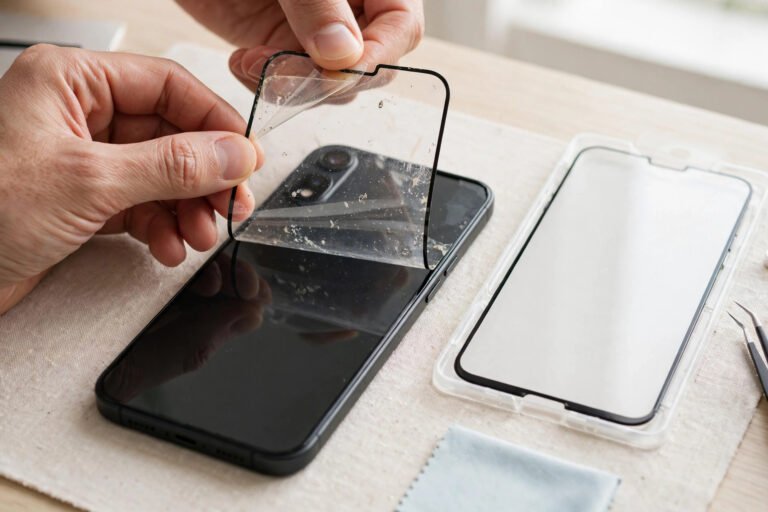
Clear tempered glass is the default recommendation for most iPad owners: it’s optically excellent, feels like the original glass under finger and Pencil, and offers the best scratch and minor-impact protection. Fitting a large sheet bubble-free takes patience, but most kits include an alignment frame that makes it straightforward.
PET film — thin and cheap
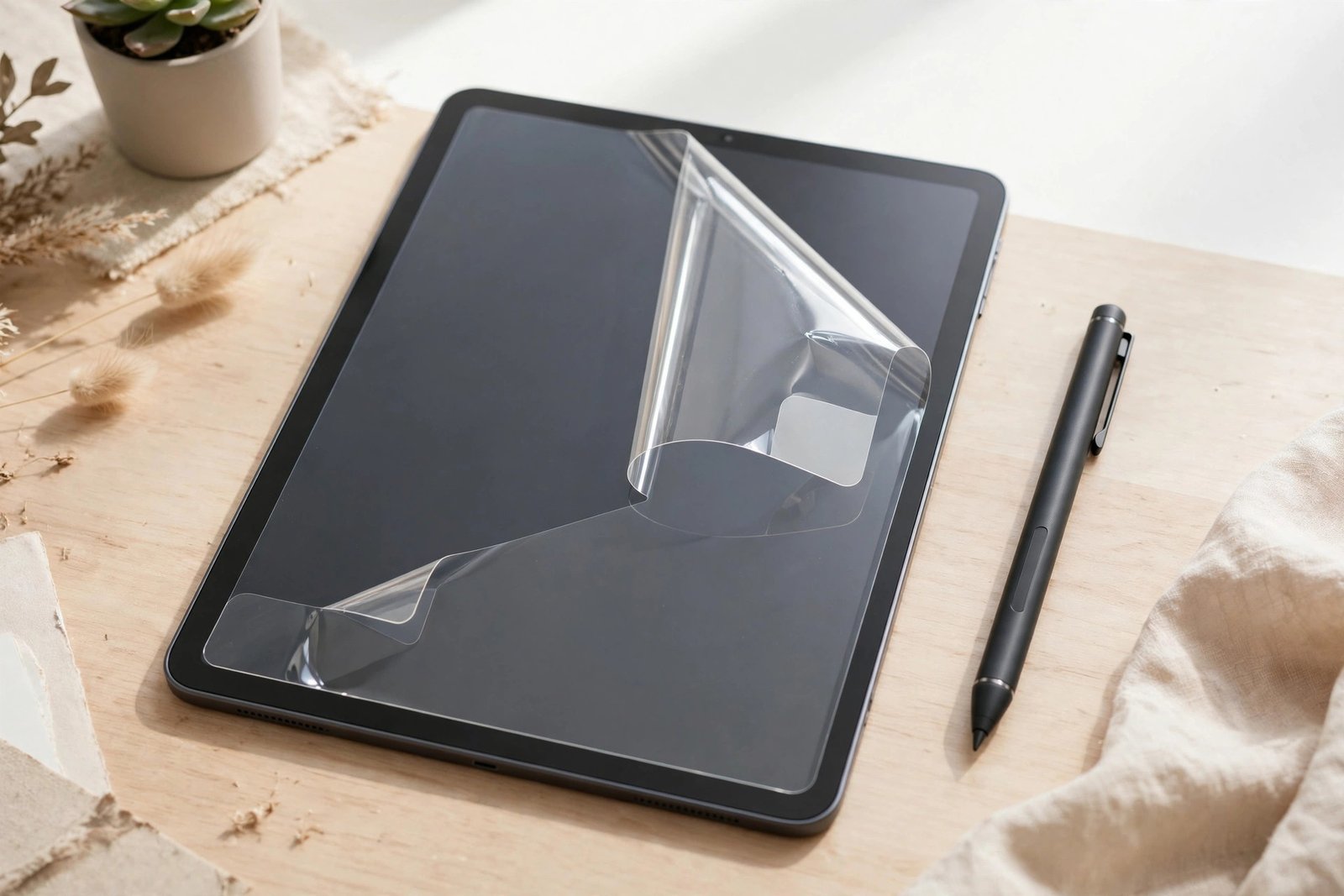
Plastic film is thinner, lighter, and much cheaper — and more forgiving to fit on a big 11 or 13-inch display. The downsides: it scratches easily itself, offers no impact protection, and can look slightly hazy. It makes sense as a stopgap, or for a device that mostly stays docked at a desk.
Matte and paper-like finishes
Matte protectors cut glare and fingerprints and give the Pencil that paper feel artists love. The cost is clarity: the textured surface diffuses light, softening text and dulling colours slightly, with a faint grain on white backgrounds. If you draw for hours a day, the trade is worth it; if you mostly watch films and read, clear glass wins.
Do You Still Need One If You Have a Case?
A folio or keyboard case protects the screen while the iPad is closed and carried — but not while you’re using it, which is when Pencil wear, desk grit, and stylus drops happen. Many owners sensibly run both: a case for transport, a protector for everything else.
One caveat: tight-fitting cases can lift a glass protector’s edges. Look for “case friendly” protectors, cut slightly smaller so the case lip doesn’t catch them.
Frequently Asked Questions
Will a screen protector affect how the Apple Pencil works?
No — the digitiser reads through glass without issue, so a 0.3mm protector makes no measurable difference to tracking, pressure, or palm rejection. The only change is feel: matte films add friction that artists like, while clear glass feels identical to the bare screen.
Will it make my display look worse?
Quality clear tempered glass is optically neutral — you won’t notice it’s there. Cheap films can add haze, and matte finishes soften sharpness by design, so spend a little more if display quality is your priority.
Does fitting a protector void my warranty or AppleCare+?
No — Apple doesn’t consider a protector a modification, and service staff simply remove it before any repair. Note that AppleCare+ covers accidental damage but not cosmetic scratches, so a protector still saves you money.
My screen is already scratched — is it too late?
Not at all — a protector stops new scratches and can make shallow marks less noticeable. Just clean the screen meticulously first, so you don’t trap dust over the damage.
For most iPad owners, a screen protector is a small, one-time purchase that protects a device you’ll keep for years. Fit one early and let the glass take the scratches instead of your display.