
A screen protector is a sacrificial layer — it takes the damage so your screen doesn’t have to. But that only works while the protector itself is still intact. Keep a cracked, peeling, or worn-out protector on your phone and you’re carrying a false sense of security: the next drop hits a shield that’s already broken.
So when should you replace your screen protector? The answer depends on the type you own, how you use your phone, and — most importantly — the warning signs below. This guide walks you through exactly what to look for and how often a replacement is due.
Key Takeaways
- Replace immediately if the protector is cracked, chipped, or has sharp edges — it can no longer absorb impact properly.
- Peeling edges, lifting corners, and trapped dust mean the adhesive has failed and protection is compromised.
- Deep scratches that catch your fingernail weaken the surface and scatter light, hurting both strength and clarity.
- Tempered glass typically lasts 6–12 months of daily use; film protectors wear out faster at 3–6 months.
- Touch problems, rainbow shimmer, or a cloudy look are all signs the protector has reached the end of its life.
How Long Does a Screen Protector Last?
There is no fixed expiry date, but material science gives us a rough range. Tempered glass protectors generally hold up for 6 to 12 months of normal daily use before micro-scratches and edge wear accumulate. PET and TPU film protectors are softer, so they show wear sooner — expect 3 to 6 months before they start looking tired.
Heavy users — construction workers, parents of toddlers, anyone who tosses their phone into a bag with keys — will burn through protectors faster. If you baby your phone and keep it in a dedicated pocket, a good glass protector can last well over a year. The calendar matters less than the condition, which brings us to the signs.
7 Signs It’s Time to Replace Your Screen Protector
1. It’s cracked or chipped
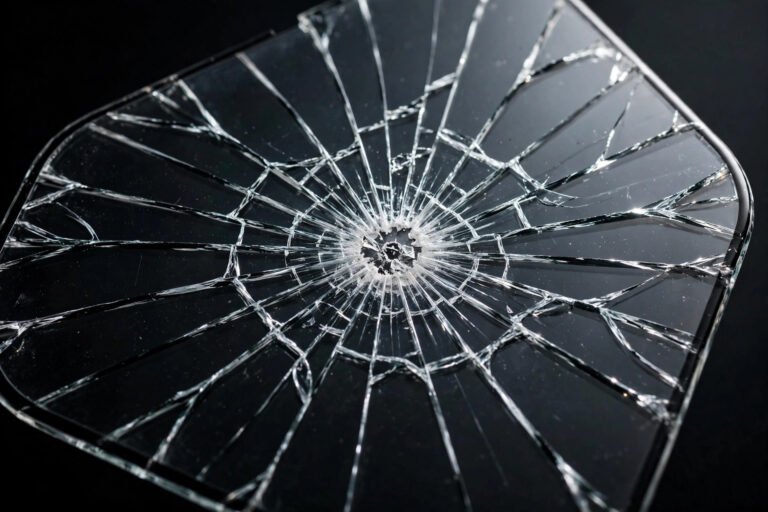
This is the obvious one, and the most urgent. A cracked protector has already spent its structural integrity absorbing one impact. A second hit lands on weakened glass, and the crack lines act as stress concentrators — the protector can shatter further instead of spreading the force. Replace it the same day if you can.
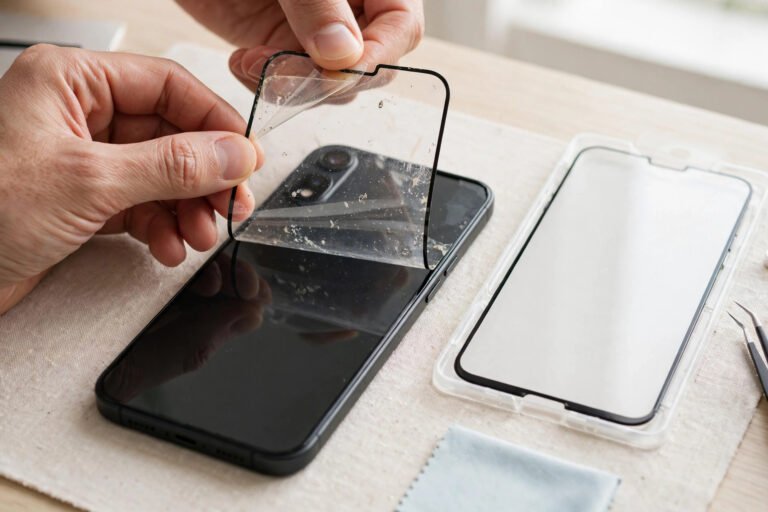
2. The edges are peeling or lifting
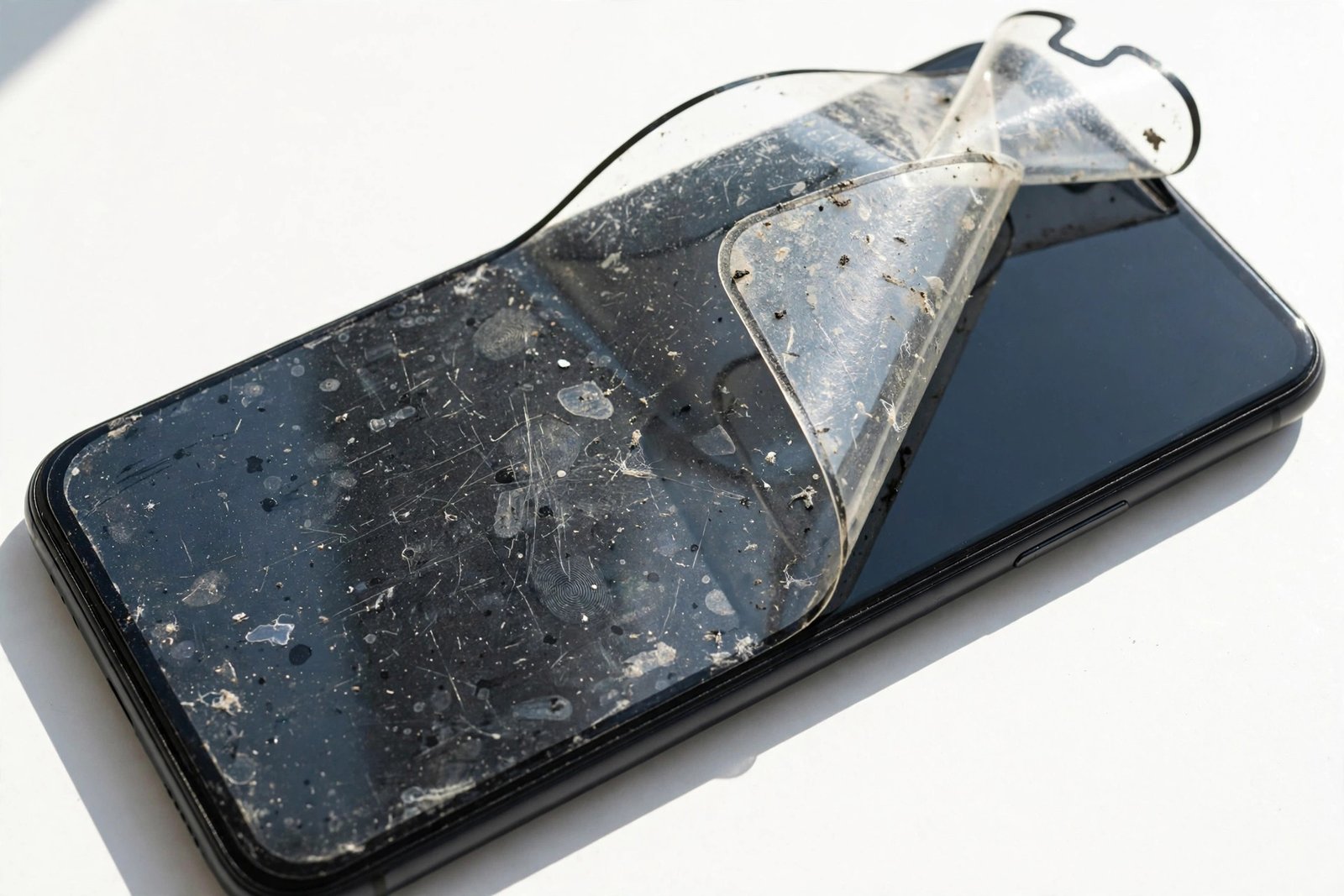
When corners lift or edges peel away from the screen, two things go wrong at once: dust and grit work their way underneath (scratching the real screen), and the protector loses the full-surface bond that lets it distribute impact. A lifting edge also catches on pockets and cases, which only makes the peeling worse.
3. Scratches you can feel with a fingernail
Light surface marks are cosmetic and normal. But run your fingernail across the protector: if it catches in a groove, that scratch is deep enough to weaken the glass and scatter light. Deep scratches also become glare hotspots in sunlight. One or two is fine to live with; a web of them means replacement time.
4. Touch response has changed
If taps feel less responsive, swipes stutter, or your under-display fingerprint reader suddenly struggles, the protector may be delaminating — the adhesive layer separating microscopically from the screen. This creates tiny air gaps that interfere with capacitive touch. A fresh protector usually restores full responsiveness instantly.
5. It looks cloudy, hazy, or rainbow-tinged
The oleophobic (oil-repelling) coating on every protector wears off with months of finger contact and cleaning. Once it’s gone, the surface holds onto skin oils and looks permanently smudgy no matter how often you wipe it. A rainbow shimmer under bright light is another telltale sign the coatings have broken down.
6. Bubbles that weren’t there before
New bubbles appearing months after a clean install signal adhesive failure — often from heat cycles (a hot car dashboard is the classic culprit) or moisture working under an edge. Unlike install-day bubbles, these won’t smooth out on their own.
7. Sharp or rough edges
Run a finger along the protector’s perimeter. If you feel roughness, tiny chips, or anything sharp, the edge seal is compromised. Beyond the cut risk to your fingers, a chipped edge is where the next crack will start.
- Do the fingernail test monthly: drag your nail lightly across the protector. If it glides smoothly, you’re fine. If it catches in scratches or you feel chips at the edges, order a replacement.
- Keep a spare protector in a drawer. Multi-packs cost little more than singles, and having one ready means you replace a cracked protector the same day instead of “next week”.
Does a Cracked Screen Protector Still Protect Your Phone?
Partially — but far less than you think. A cracked tempered glass protector can still stop scratches from reaching your screen, because the glass layer is physically still there. What it can no longer do reliably is absorb impact. The crack has already released the internal tension that gives tempered glass its strength, so the next drop concentrates force along the fracture lines instead of spreading it.
There’s also a secondary risk people forget: cracked glass sheds microscopic shards. Those tiny fragments can work between the protector and your screen, scratching the very display you’re trying to protect. A cracked protector left on for weeks often does more cosmetic harm than no protector at all.
What Happens If You Ignore a Worn-Out Protector?
The most common outcome is simply a false sense of security — you handle your phone carelessly because you believe it’s protected, and the one drop that matters lands on a compromised shield. Screen repairs cost anywhere from £100 to £300+ depending on the phone; a replacement protector costs a tenth of that.
Less dramatically, a worn protector degrades your daily experience: hazy coatings make the display look dull, peeling edges collect pocket lint, and delamination causes phantom touches. Your £1,000 phone ends up feeling like a £200 one because of a £10 consumable.
Frequently Asked Questions
Can I keep using a protector with a small crack in the corner?
A tiny corner chip is the least urgent damage, and you can live with it briefly — but order a replacement now. Corner damage spreads: one more knock and the crack runs across the whole protector. Don’t wait for that.
How often should I replace my screen protector even if it looks fine?
If it genuinely looks and feels new, there’s no need to replace on a schedule. But give it an honest inspection every few months — coating wear is invisible until you compare it against a fresh protector. Most people find 9–12 months is the practical limit for glass.
Is it safe to remove a cracked protector myself?
Yes, with one precaution: cover the cracked protector with clear packing tape first, then lift a corner and peel slowly. The tape holds the shards together so nothing scatters or scratches your screen on the way off.
Should I replace the protector or just remove it?
Replace it. Modern phone screens scratch more easily than marketing suggests — keys, sand, and grit in pockets will mark bare glass within weeks. Running without any protector while you “decide” is how screens get damaged.
A screen protector is the cheapest insurance your phone has. Inspect it monthly, replace it at the first real sign of damage, and never let a cracked shield trick you into thinking you’re still protected.