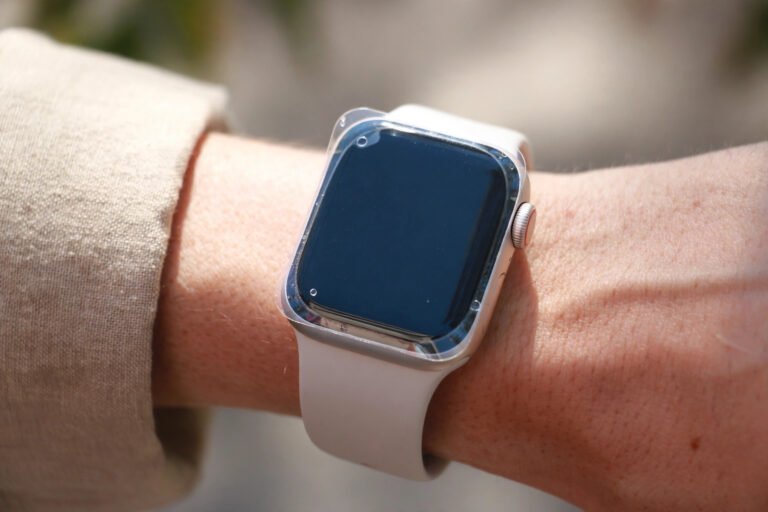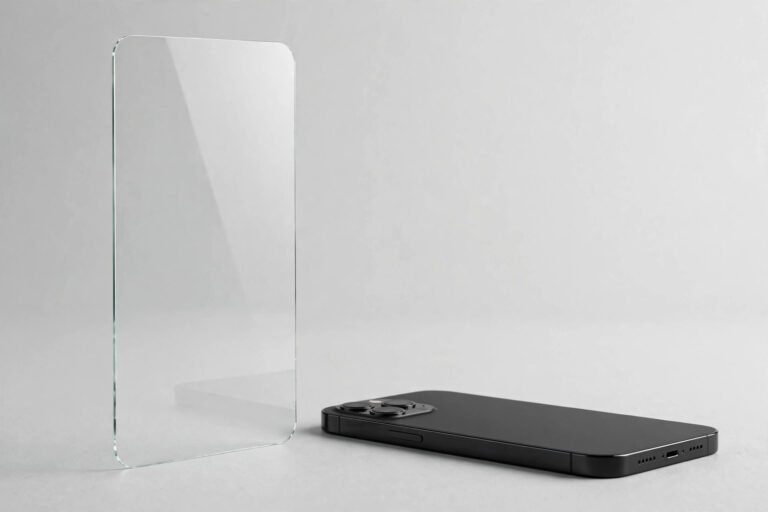

A screen protector is a sacrificial layer — it absorbs the scratches, drops and scuffs so your phone’s display doesn’t have to. But no protector lasts forever. Sooner or later it becomes so cracked or scratched that it ruins your viewing experience. Replacing it is quick, cheap and easier than the first install.
Below is the complete process: recognising when a replacement is due, removing the old protector safely (including shattered glass), cleaning off sticky residue, and fitting the fresh one bubble-free. You will only need tape, a microfibre cloth and your new protector.
Key Takeaways
- Replace when it’s cracked, peeling or deeply scratched — a damaged protector can let glass fragments work their way underneath and scratch the very screen it was protecting.
- Cover cracked tempered glass with packing tape first — it holds every shard in place so nothing scatters or cuts your fingers.
- Lift intact protectors with tape or a fingernail — a slow, low-angle peel brings tempered glass off in one sheet.
- Clean off all adhesive residue — old adhesive trapped under the new protector causes bubbles and lifting edges.
- Removal won’t damage the screen or its coating — the adhesive is deliberately weaker than both.
- Never reuse a removed protector — the adhesive is spent and dust is already on the sticky side.
How to Tell It’s Time for a Replacement
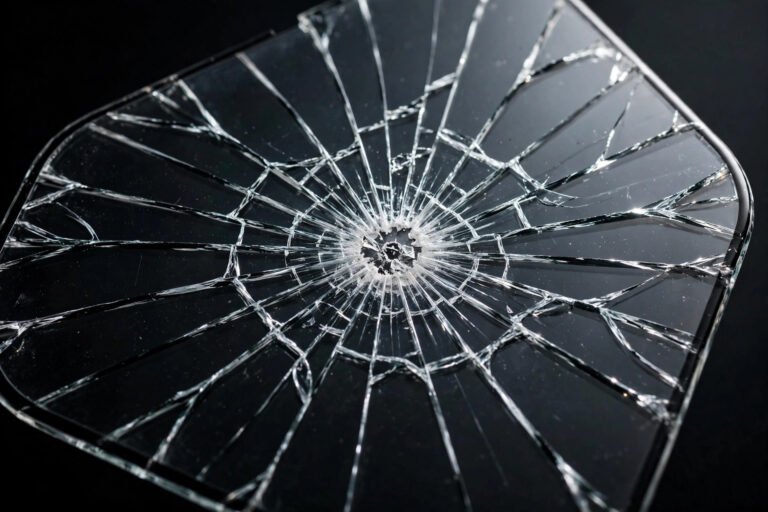
The obvious sign is a crack. Tempered glass is designed to shatter on impact, soaking up energy that would otherwise reach your display. A single hairline crack might look cosmetic, but every crack weakens the whole sheet — the next drop concentrates force along those fault lines instead of being absorbed.
Less obvious signs matter too: edges that keep lifting and collecting lint (once the seal breaks, dust migrates underneath), scratches deep enough to scatter light in bright sunshine, and a surface that looks hazy no matter how often you wipe it.
Don’t wait until it falls apart completely. A cracked protector’s sharp edges catch on pockets and sleeves, and tiny glass fragments can work their way between the protector and the screen, scratching the display you bought it to protect. When in doubt, swap it out.
Removing an Intact Protector
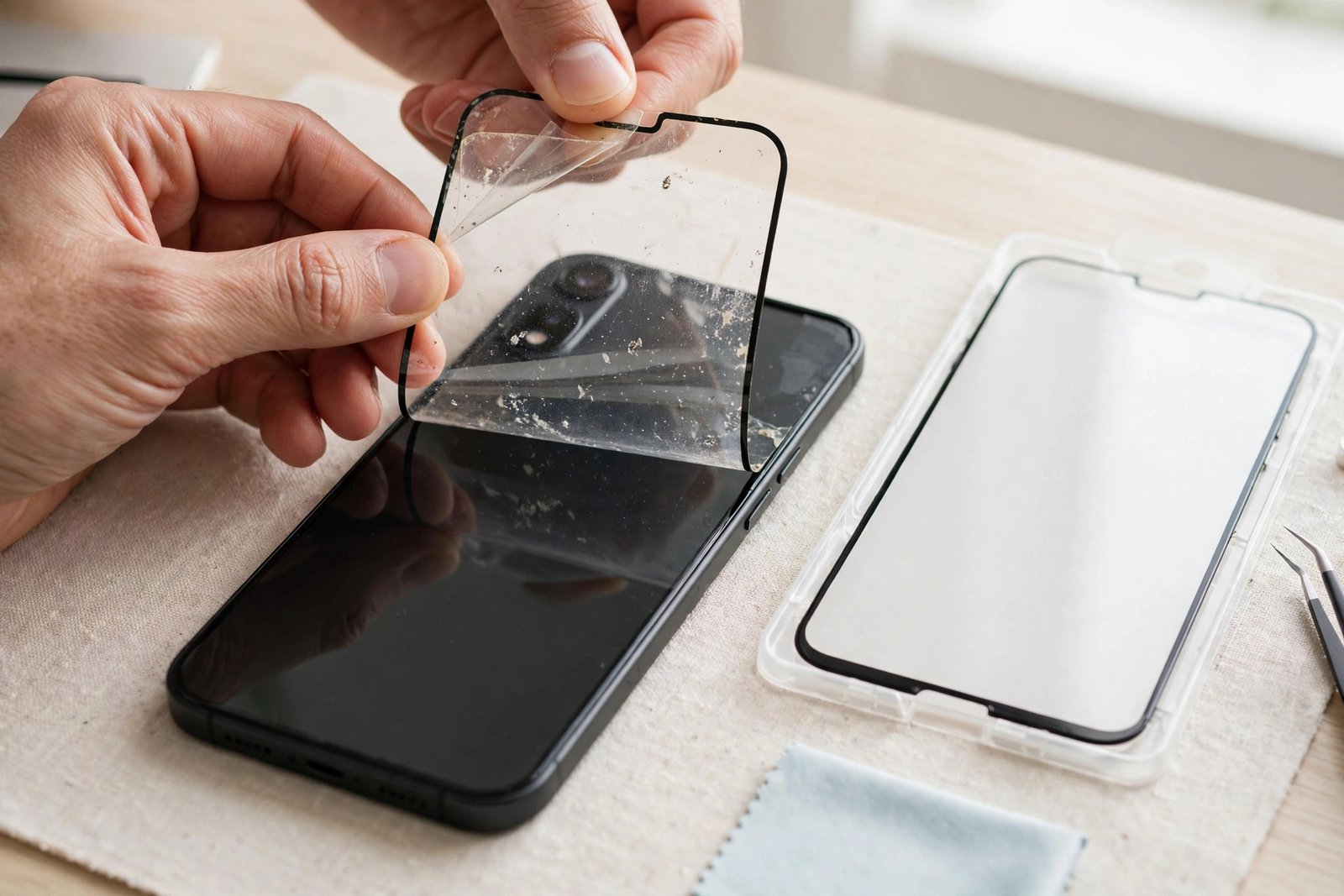
If your old protector is uncracked — just scratched, peeling or past its prime — removal is straightforward. Warm it slightly with a hairdryer on low for 20–30 seconds to soften the adhesive, then stick a strip of strong tape, such as packing or duct tape, to one corner and pull gently upward at a low angle.
Alternatively, work a fingernail under a corner — the edge nearest the charging port usually lifts easiest — and peel slowly across the screen. Keep the angle shallow, close to the screen’s surface, rather than pulling straight up; this puts less stress on the adhesive and leaves less residue behind.
- If a corner won’t budge, don’t force it with a metal tool — slide a plastic card or a guitar pick under the edge instead.
- Peel slowly. A rushed yank snaps film protectors in half and leaves more glue behind.
Removing a Cracked Protector Safely
Shattered tempered glass deserves respect. Before you touch it, lay strips of packing tape or clear parcel tape over the entire cracked surface, overlapping each strip slightly. This pins every fragment in place so nothing scatters or sticks to your fingers — and it stops loose shards from scratching the display as you peel.
Once taped, lift a corner with a fresh strip of tape and peel the whole sheet away in one go, keeping it flat so fragments stay stuck. Wrap it in paper straight away — never drop loose cracked glass into an open bin. Then check the bare screen for stray slivers.
Cleaning Off Adhesive Residue
Most of the time the screen underneath is pristine — the protector took everything. But you may find a thin film of adhesive or a faint outline where it sat. Wipe the whole screen with the wet wipe from your new protector’s kit, then buff it dry with a microfibre cloth.
For stubborn spots, dampen a corner of the microfibre cloth with a little isopropyl alcohol (70% or higher) and rub gently in circles. Avoid household cleaners, window spray or anything abrasive — they can strip the oleophobic coating that keeps your screen smudge-resistant. Finish by pressing the dust-removal sticker across the whole screen so the surface is perfectly clean before the new install.
Installing the Fresh Protector
With the old protector gone and the screen spotless, installation is a quick recap: align, peel, drop. If your new protector includes an alignment tray, snap it on first. Otherwise, practise hovering it over the screen to line up the speaker cutout and edges before peeling the backing.
Peel the backing, hold the protector by the edges only, lower it from the aligned edge and let it settle — don’t press yet. Tempered glass self-adheres from the centre outward; film needs a squeegee or credit card pushed from the centre to the edge. Small bubbles often fade within 24–48 hours as the adhesive cures.
Give the adhesive 15–30 minutes to set before putting your case back on, so a tight case doesn’t nudge the protector out of position.
- Do the install in a steamy bathroom — the humidity pulls dust out of the air, and airborne dust is the main cause of trapped bubbles.
- If you spot a dust speck under the new protector, lift the nearest corner with tape, dab the speck with a dust-removal sticker, and lay the protector back down.
What to Do With the Old Protector
A removed protector is not reusable, so don’t keep it as a spare. Wrap cracked glass in paper or tape and bin it carefully so nobody gets cut; it isn’t accepted by most household recycling schemes.
Wipe down your workspace, wash the microfibre cloth, and hang on to any leftover dust-removal stickers — they come in handy for future installs.
Frequently Asked Questions
Can I reuse the old screen protector?
No. Once peeled off, the adhesive layer loses its grip and picks up dust, lint and fingerprints that you can never fully remove. Sticking it back on means weak adhesion, bubbles and lifting edges — and a protector that shifts around protects nothing.
How often should I replace my screen protector?
There is no fixed schedule — replace it when it’s damaged, not by the calendar. For most people that works out at every 6–12 months, but a protector that survives a year without a crack or a deep scratch is still doing its job. Replace it immediately if it’s cracked, peeling, or scratched badly enough to blur the display.
Will removal damage the screen or its coating?
Screen-protector adhesive is deliberately weaker than both the display glass and the oleophobic coating on top of it. Peel slowly at a shallow angle and the protector comes away cleanly. The one thing to avoid is working a metal tool or anything sharp under the edge — use a fingernail, tape or a plastic card.
What if sticky residue remains on the screen?
Wipe it with the wet wipe from your new kit, then buff dry with a microfibre cloth. For stubborn residue, a cloth dampened with isopropyl alcohol (70% or higher) lifts it without harming the screen. Never use abrasive pads, window cleaner or strong solvents such as acetone — they can damage the coating.
Think of replacement as routine maintenance, not a repair — a fresh protector every so often keeps your display looking new for the life of the phone. Slow down, tape the cracks, and the whole job takes under ten minutes.