
There’s a special kind of dread that hits when you pick your phone up off the pavement and see a crack spidering across the display. But before you start pricing up a screen repair, pause: there’s a very good chance the damage is only in your screen protector — and your actual screen is perfectly fine underneath.
Telling the two apart isn’t always obvious at a glance, because a quality protector sits almost invisibly on the glass. This guide walks you through the simple, safe tests that reveal exactly which layer is cracked — no tools or technical knowledge required.
Key Takeaways
- Run the fingernail test — drag a fingernail gently across the crack. If it catches, the crack is in the top layer: your protector.
- Feel for the protector’s edge — a thin ridge around the screen’s border confirms a protector is fitted, and cracks that stop at that line are in the protector.
- Check for screen symptoms — black blotches, bright lines, dead pixels, or dead touch zones mean the screen itself is damaged; a protector can’t cause those.
- Peeling it off is the definitive test — removing the protector is safe and instantly shows whether the screen underneath is intact.
- A cracked protector means it did its job — tempered glass is designed to crack sacrificially, absorbing the impact so your screen doesn’t have to.
Why It Can Be Hard to Tell
Modern tempered glass protectors are typically just 0.3mm thick and cut to sit edge-to-edge on your display. Once fitted, they become practically invisible — many people genuinely forget they have one on. When a crack appears, light refracts through both layers in almost the same way, so a fracture in the protector can look exactly like a fracture in the screen.
After a drop, you expect the worst — but if you had a decent protector fitted, the odds are strongly in your favour. Tempered glass is meant to be the thing that breaks. Let’s prove it, starting with the quickest check.
The Fingernail Test (Quickest Check)
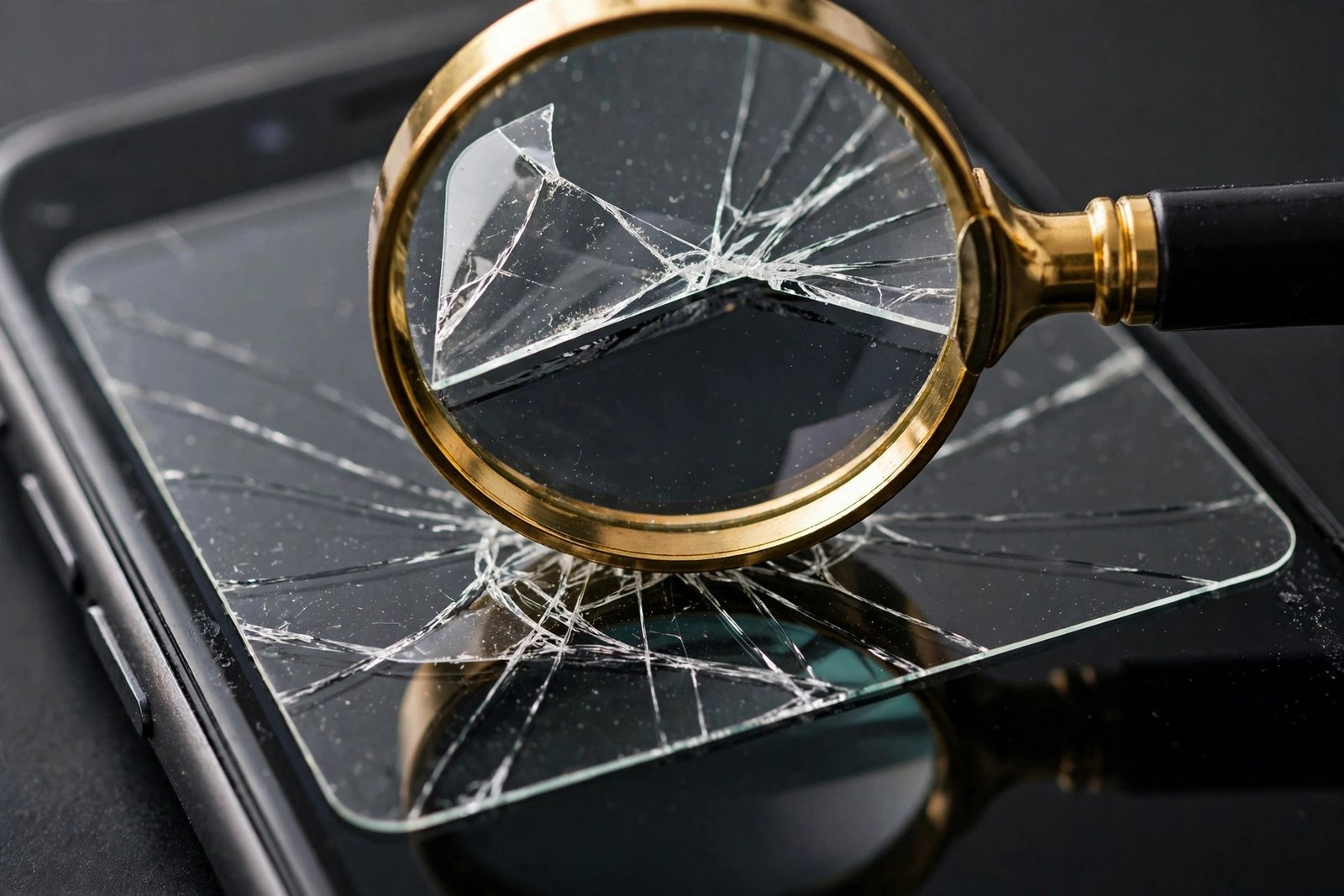
This is the classic test, and it takes about five seconds. Run the edge of a fingernail gently across the crack, perpendicular to the fracture line. If your nail catches or clicks as it passes over the crack, the fracture is in the topmost layer — your screen protector. A crack in the actual display glass sits flush and smooth, so your nail glides straight over it without catching.
Be gentle — you’re feeling for a ridge, not scraping. For a fine hairline, try a couple of angles; very thin protector cracks can be subtle. A catch anywhere along the line confirms it’s the protector.
- Do the fingernail test in bright, angled light — tilt the phone so light rakes across the surface. Cracks and ridges show up far more clearly than under flat overhead lighting.
- Wipe the screen with a microfibre cloth first. Smudges and fingerprints can mimic hairline cracks and give you a false scare.
Feel for the Protector’s Edge
Run your fingertip slowly around the very edge of the display, where the screen meets the bezel. If a protector is fitted, you’ll feel a faint but definite ridge or lip — that’s the thickness of the glass sitting on top of the screen. No ridge at all likely means there’s no protector, and the crack is in the screen itself.
Now look at where the crack ends. A fracture in the protector will often stop abruptly at the protector’s edge or at a cutout for the camera or speaker. A crack in the actual screen tends to run right to the physical edge of the display glass, uninterrupted.
Study the Crack Pattern
Typical protector damage
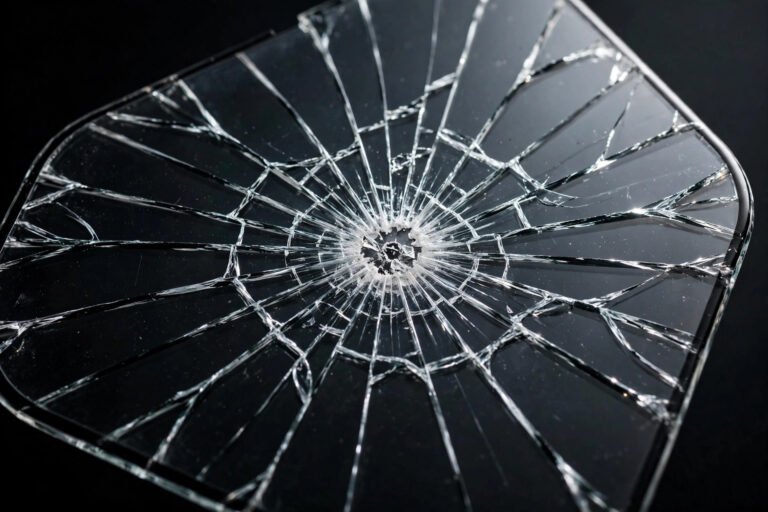
Protector cracks usually look like a spiderweb radiating from a single impact point, or one clean hairline fracture. The display underneath keeps working perfectly — colours stay vivid, brightness is even, and touch responds normally. There are no dark patches, no coloured streaks, and no distortion in the image itself.
Typical screen damage
When the actual display is cracked, you almost always see symptoms a protector can’t produce: black or purple blotches (damaged pixels), bright white or coloured lines running vertically or horizontally, flickering, sections of the screen that stay dark, or areas where touch stops responding or registers phantom taps. If any of those are present, the screen itself is damaged — even if the protector is cracked too.
The Definitive Test: Peel the Protector Off
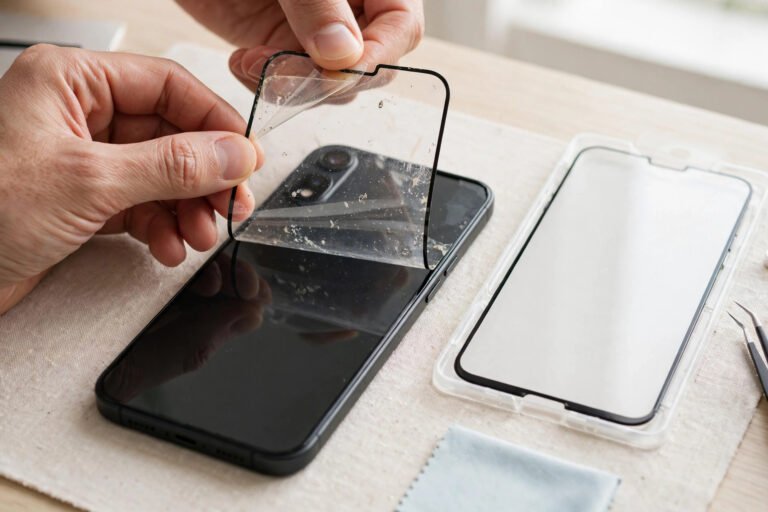
If the tests above leave any doubt, just remove the protector. This is completely safe for your screen: slide a fingernail (or the corner of a piece of sticky tape) under one corner and peel slowly and evenly. The adhesive is designed to release cleanly, and peeling a protector cannot damage the display glass beneath it.
Once it’s off, the answer is immediate. A flawless screen underneath means the protector took the full hit — the best possible outcome. If the crack or the display symptoms are still there with the protector removed, then unfortunately the screen itself is damaged and needs professional repair. If the protector is badly shattered, lay strips of packing tape over it before peeling to keep the fragments together.
What to Do Next
If only the protector cracked: it did exactly what you paid for. Peel it off and fit a replacement soon — until then your screen is unprotected, and a second knock could reach the display. Don’t leave a cracked protector on for weeks.
If the screen itself is cracked: back up your data first, while the phone still works — display damage can worsen suddenly. Then get a repair quote from the manufacturer or a reputable repair shop. You can keep using a cracked screen in the short term, but avoid pressing hard on the damaged area, and keep it away from moisture, since the fracture compromises the phone’s water resistance.
Frequently Asked Questions
Can a cracked screen protector damage my screen?
No — it just sits on top of the display and exerts no force that could harm the screen. The real risk is leaving it on: a shattered protector won’t stop the next drop, and loose edge shards could scratch the screen when you peel it off. Replace it promptly.
Will the crack spread if I keep using the phone?
A crack in a tempered glass protector can slowly spread over days or weeks, especially with heat or pressure. A crack in the actual screen can also spread, and display symptoms tend to get worse rather than better. Either way, don’t ignore it — a small piece of clear packing tape over the crack is a reasonable temporary hold, not a fix.
I can see a line but my nail doesn’t catch — what is it?
It could be a very fine protector crack, a deep scratch in the screen’s coating, or occasionally a crack in the display glass itself. Clean the screen thoroughly and check for the protector’s edge ridge. If you’re still unsure, the peel test settles it: whatever remains after the protector is off is in the screen.
Does a cracked protector mean I need a better one?
Not necessarily. A protector that cracks while the screen survives is a protector that worked. Any quality tempered glass protector would have done the same — that’s the entire design principle. Just replace it with another decent tempered glass one, and consider pairing it with a case that has a raised lip for the best everyday protection.
Nine times out of ten, that scary crack is just your protector taking the bullet. Run the fingernail test, check the edge, and when in doubt, peel it off — your screen is probably fine.