

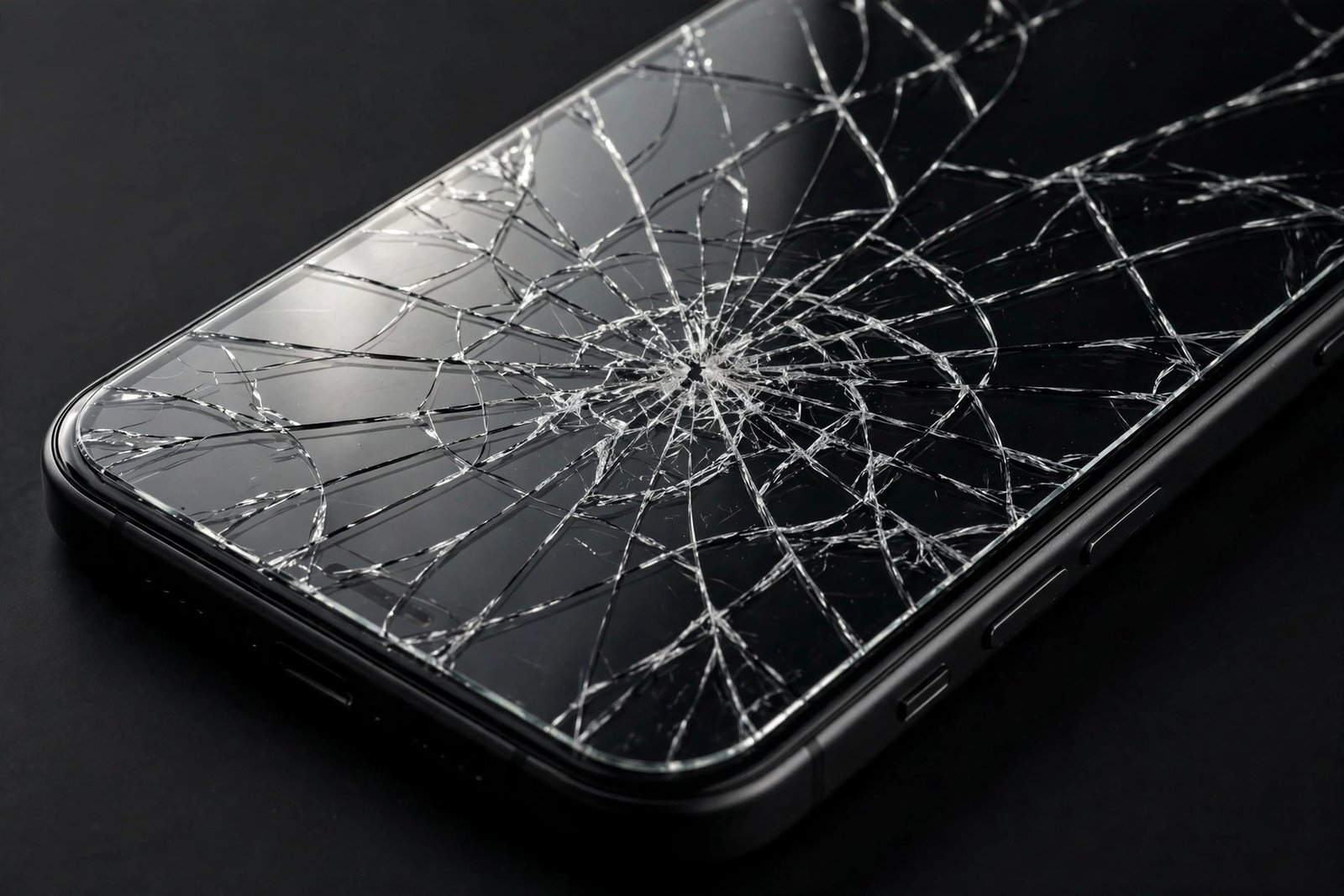
You drop your phone, pick it up with a wince, and find the screen protector cracked but the display underneath apparently fine. Relief — followed quickly by a nagging question: could those cracks in the protector now damage the screen they were meant to save? It is a fair worry, because a fractured sheet of glass sitting directly on your display does not look safe.
The short answer is reassuring but not unconditional: a cracked protector very rarely damages the display beneath it, yet there are specific situations where leaving it in place becomes genuinely risky. This guide explains what a cracked protector can and cannot do to your screen, the warning signs that it has turned from shield into hazard, and exactly when replacement becomes urgent.
Key Takeaways
- A cracked tempered glass protector almost never scratches or cracks the display beneath it — the adhesive layer keeps fragments bonded in place.
- The real risk is not screen damage but lost protection: a fractured protector cannot absorb a second impact.
- Loose, lifting shards at the edges are the one scenario that can scratch the display — remove or replace the protector if fragments are moving.
- Deep cracks with raised, sharp edges can cut fingers and snag on pockets; cover with tape as a stopgap.
- When in doubt, replace promptly: a new protector costs little, and a compromised one protects nothing.
Why a Cracked Protector Usually Harms Nothing
Tempered glass protectors are bonded to the display with a full-surface silicone adhesive layer. When the glass fractures, that adhesive does something crucial: it holds the fragments in place, like the laminate in a car windscreen. The cracked pieces do not grind against the display beneath them, because there is no relative movement — everything stays glued exactly where it broke. In the overwhelming majority of cases, you can use a cracked protector for days with zero effect on the actual screen.
This is also why the display beneath so often survives the original drop unscathed. The protector absorbed the impact energy by fracturing — that was its designed job — and the adhesive kept the failure contained. The crack pattern you see is evidence of protection working, not of damage spreading.
The Scenarios Where Risk Appears
Risk enters through movement. If a crack reaches the edge of the protector and a fragment starts lifting — peeling up slightly, shifting when you press it — that loose shard now has an edge that can move against the display. Grit trapped under a lifting fragment makes it worse: a hard particle dragged across the screen by a shifting shard can leave a genuine scratch. If you can feel a fragment move under your fingertip, the protector has crossed from “cracked but stable” to “actively hazardous.”
Missing chunks are the other warning sign. If a piece of the protector has fallen out entirely, the display is exposed at that spot — and the broken perimeter around the gap has sharp, unsupported edges. Pressing on that area, or catching it on fabric, can lever a shard against the bare display. A protector with a hole in it should be treated as an emergency, not an inconvenience.
- The fingernail test tells you everything: run a fingernail gently across the cracks. If everything feels flat and stable, the protector is holding together. If you feel edges catching, lifting, or shifting, replace it immediately — that movement is what scratches screens.
Pressure Points and the Second Drop
There is a subtler mechanism worth knowing about. A cracked protector no longer distributes force evenly: the fracture lines are weak points, and a second impact near an existing crack concentrates stress rather than spreading it. The display beneath is tougher than the protector, so it usually still survives — but the margin of safety is much thinner than with an intact protector. Think of it as driving on a spare tyre: it works, but you should not push your luck.
This is the strongest argument for prompt replacement, and it has nothing to do with the cracks damaging the screen directly. A fractured protector is a spent shield. Every day you carry it is a day your display is effectively unprotected against the next drop — which, by Murphy’s law, tends to arrive exactly when you are still deciding whether to bother replacing the protector.
What About Cuts and Splinters?
Tempered glass is designed to break into relatively blunt, cube-like fragments rather than long sharp shards — that is part of the safety engineering. Even so, a badly cracked protector can have raised edges along the fracture lines that feel rough and can catch skin. Small glass splinters at the extreme edges are possible, particularly where the crack meets the protector’s perimeter. This is a finger-safety issue rather than a screen-safety issue, but it is another reason not to live with a cracked protector for weeks.
As an immediate stopgap, cover the cracked protector with clear packing tape: it holds everything flat, smooths the sharp edges, and prevents fragments from lifting until the replacement arrives. It looks inelegant, but it is genuinely effective — and far better than peeling the protector off and going without.
- When you peel off the old cracked protector, tape over it first — one layer of packing tape across the whole surface. Then lift from a corner slowly. The tape keeps every fragment attached to the sheet instead of scattering tiny shards across your desk (or your fingers).
Frequently Asked Questions
Can a cracked screen protector scratch my screen?
Only if fragments are loose and moving. A stable cracked protector — everything flat, nothing shifting — cannot scratch the display because the adhesive holds all fragments immobile. Run the fingernail test: flat means safe, shifting means replace now.
Is it safe to keep using my phone with a cracked protector?
Yes, in the short term, as long as the cracks are stable and no pieces are missing. The phone is fully usable. But treat it as temporary: the protector can no longer absorb another impact, so order a replacement and fit it within days, not weeks.
Should I remove a cracked protector immediately?
Not necessarily — a stable cracked protector still shields against scratches and light knocks, which is better than a bare screen while you wait for the replacement. Remove it only if fragments are lifting, pieces are missing, or sharp edges are cutting your fingers. Otherwise, tape it and replace on schedule.
A cracked protector is a hero with a spent shield: it saved your screen once, and it almost certainly harmed nothing in the process. Thank it, tape it, and replace it — because the next drop deserves a fresh defender.


