

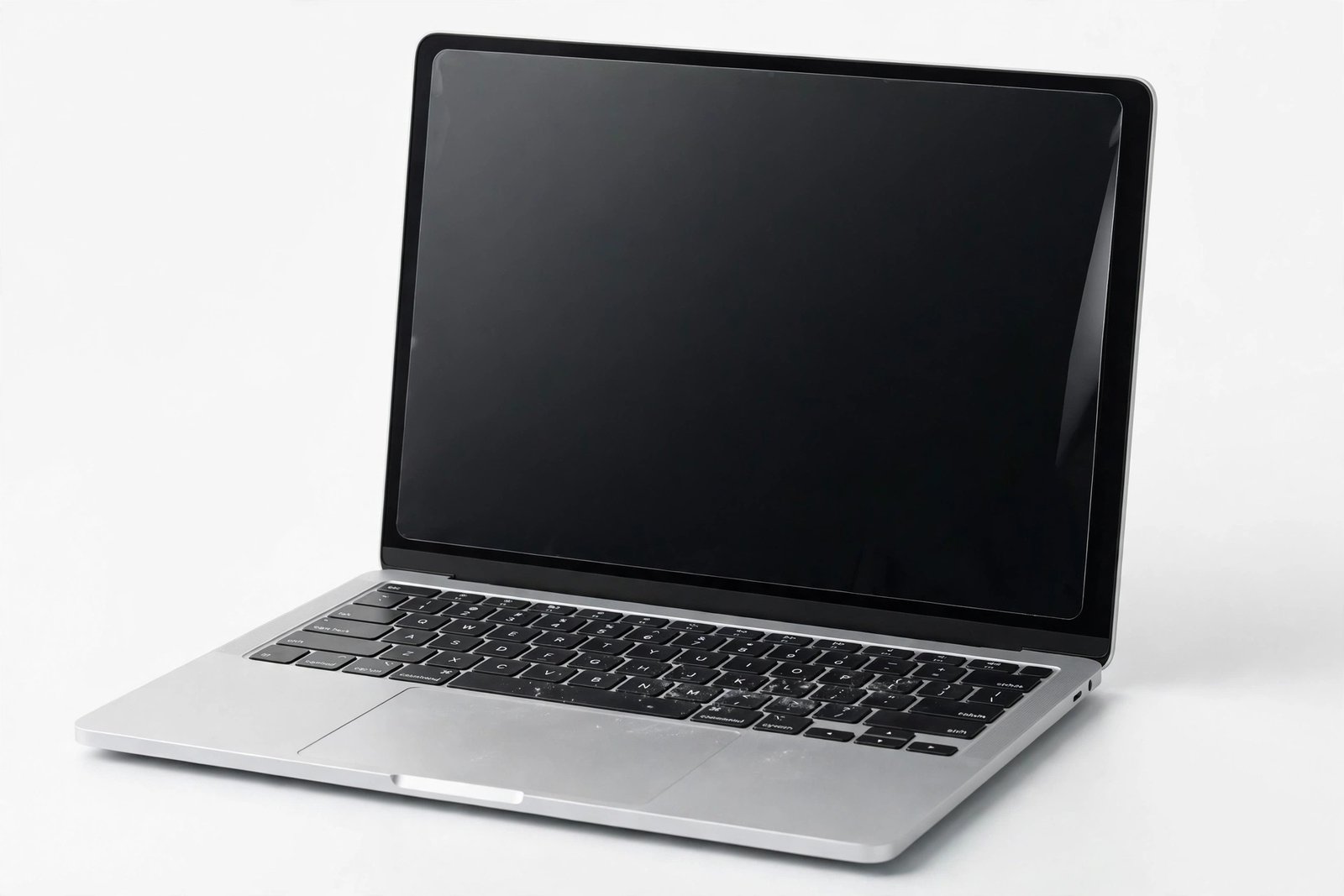
MacBook screens are beautiful, expensive, and — famously — delicate. Anyone who has owned one for a while has seen the faint ghost of keyboard keys etched into the display, or heard the horror stories about the anti-reflective coating wearing off. So the question arises naturally: should you put a screen protector on a MacBook, the way you would on a phone?
The answer is more nuanced than for phones, because laptop displays live a different life: no pockets, no drops onto concrete, but their own unique hazards. This guide weighs what MacBook screens actually need protection from, what a protector does to the display experience, and when the trade-off is — and is not — worth it.
Key Takeaways
- MacBook displays face different threats than phones: keyboard marks, palm oils, and cleaning damage — not drops and pocket grit.
- The biggest real risk is keyboard imprinting: keys and trackpad oils transferring to the screen when the lid closes.
- A screen protector can slightly reduce display clarity and may interfere with the lid closing fully on some models.
- For most users, a microfibre cloth between keyboard and screen when closed is simpler and safer than a permanent protector.
- Consider a protector if you transport the MacBook daily in a bag or work in dusty environments.
What Actually Threatens a MacBook Display
Unlike a phone, a MacBook display never meets keys in a pocket or concrete in a fall. Its enemies are slower and more domestic. The number one culprit is keyboard transfer: when you close the lid, the keys — carrying finger oils, dust, and microscopic debris — press lightly against the display. Over months, this leaves the familiar ghostly outline of the keyboard etched into the screen, and in worse cases it wears the anti-reflective coating, creating permanent dull patches where the coating has been polished away by key contact.
The second threat is cleaning damage. MacBook displays have a delicate anti-reflective coating that is easily damaged by the wrong cleaner — alcohol-based sprays, ammonia-based glass cleaners, and abrasive cloths can strip or streak it. Ironically, many coating-damage horror stories come from overzealous cleaning, not from neglect. The third, rarer threat is pressure damage: stacking heavy objects on a closed MacBook in a bag, which can crack or bruise the panel.
What a Screen Protector Does on a Laptop
A screen protector on a MacBook is almost always a thin PET film rather than tempered glass — glass thick enough to matter would interfere with the lid closing. The film sits between the display and the keyboard, absorbing the oils and micro-abrasion that would otherwise reach the coating. In that narrow job, it works: keyboard ghosting appears on the cheap replaceable film instead of the expensive display.
The costs are real, though. Even the best films slightly reduce clarity — a faint haze, a touch less contrast, occasional rainbow interference patterns. On a display you bought partly for its colour accuracy and sharpness, that is a meaningful sacrifice. Thicker films can also prevent the lid from closing fully or put pressure on the hinge, and some users report the film peeling at the edges from the heat of the display over time.
- The lid-close test matters more than any review: after fitting a film, close the lid slowly and watch for resistance or bowing. If the lid does not close as flat as before, the film is too thick for your model — remove it rather than forcing the hinge over thousands of open-close cycles.
The Simpler Alternative Most People Should Use
For the keyboard-transfer problem — the main thing a MacBook protector defends against — there is a simpler, zero-compromise solution: a thin microfibre cloth laid over the keyboard before closing the lid. It absorbs the oils, cushions the key contact, and costs almost nothing. Apple itself has historically included such cloths with some displays, which tells you something about the officially preferred approach. The cloth introduces no haze, no adhesion risk, and no lid-closure issues.
Combine the cloth with correct cleaning habits — a barely-damp microfibre cloth, no sprays directly on the screen, no alcohol or ammonia — and you have addressed the two biggest MacBook display threats without putting anything permanent on the panel. This is the setup most careful MacBook owners actually use, and it preserves the display exactly as Apple intended it to look.
When a Protector Makes Sense
There are users for whom a film protector is the right call. If you commute daily with the MacBook loose in a bag alongside chargers, notebooks, and the general chaos of a backpack, the display faces more abrasion risk than a desk-bound machine. If you work in dusty environments — workshops, construction offices, fieldwork — airborne grit settles on the keyboard and transfers on lid-close. If you share the MacBook with children, whose fingers arrive at the screen with jam, sand, and mysterious sticky substances, a sacrificial film is cheap peace of mind.
In these cases, choose a high-quality matte or clear PET film cut precisely for your exact MacBook model and year — display dimensions and camera notches vary between generations, and a wrong-size film is worse than none. Replace it when it hazes or peels, typically every year or so.
- Never use a camera-cover sticker on a MacBook with a screen protector — the combined thickness at the top bezel is the most common cause of cracked displays from lid pressure. If you want camera privacy, use the built-in indicator trust or a purpose-made ultra-thin slider, and test lid closure carefully.
Frequently Asked Questions
Will a screen protector damage my MacBook display?
A quality film will not damage the display — but a poor one can. Cheap adhesives can leave residue on the anti-reflective coating when removed, and overly thick films can stress the hinge or crack the panel via lid pressure. Buy a reputable brand cut for your exact model, and remove it carefully if you ever take it off.
Do MacBooks need screen protectors for the keyboard marks?
They need something against keyboard transfer — but a microfibre cloth between keyboard and screen when closed handles it with zero optical compromise. A permanent film protector is the heavier-duty alternative for high-risk environments.
Can I use a tempered glass protector on a MacBook?
Not practically. Tempered glass is too thick — it would prevent the lid from closing properly and risk hinge or panel damage. MacBook protectors are thin films by necessity. If a listing offers “tempered glass for MacBook,” treat it with scepticism and check the thickness specification.
For most MacBook owners, the answer is a microfibre cloth, not a screen protector. Save the film for hard-travelled machines and chaotic environments — and keep the display looking the way Apple made it.


