

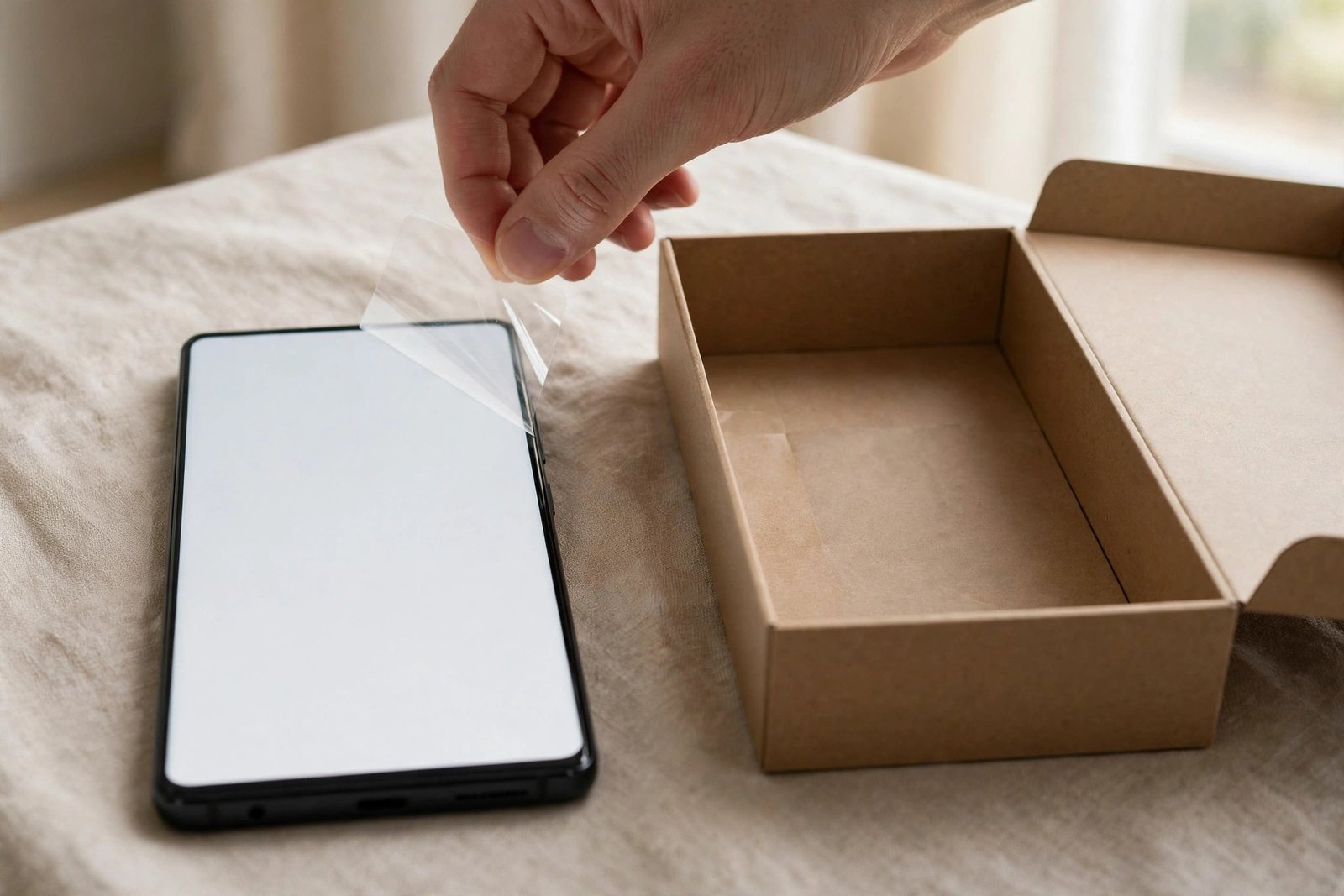
Unbox a Samsung Galaxy S24 Ultra and, like many buyers, you may pause at the shiny film covering that huge flat display and wonder whether Samsung has already done you a favour and fitted a screen protector at the factory. Other phones sometimes arrive with protection applied, so it is a fair question to ask before you peel anything off.
In most regions, the answer is no. The Galaxy S24 Ultra does not come with a proper, keep-it-on screen protector pre-applied, and there is no protector included separately in the box. What covers the screen from new is a thin transit film for shipping only. This guide explains what you actually get, why Samsung takes this approach, and how to choose a protector that works with the S24 Ultra’s ultrasonic fingerprint sensor.
Key Takeaways
- In most regions, the S24 Ultra has no pre-applied screen protector — only a removable transit film for shipping.
- There is no spare protector in the box; contents are essentially the phone, cable and SIM tool, though bundles can vary by retailer.
- The display uses Corning Gorilla Armor, which improves durability and reduces reflections, but it can still scratch and crack.
- If you add a protector, choose one stated to be compatible with ultrasonic fingerprint sensors, and re-register your fingerprints afterwards.
- The S24 Ultra’s flatter display makes fitting glass easier than on earlier curved Ultra models.
- Fit protection early — ideally on day one — while the screen is pristine and free of micro-scratches.
What You Actually Get in the Box
Samsung’s flagship packaging has been minimal for several generations, and the S24 Ultra follows that pattern. Expect the phone, a USB-C cable, a SIM ejection tool and paperwork. There is no charger, no case and no screen protector. Retailer or carrier bundles occasionally add extras, and practice has varied a little between markets in the past, so if your box contents surprise you it is worth checking — but as supplied by Samsung in most regions, screen protection is something you arrange yourself.
The film on the display when you first lift the phone out is there to prevent scuffs between the factory and your hands. It typically has a tab for easy removal and lacks the precise fit, hardness and lasting adhesive of a real protector. It scratches quickly, clouds the view of the screen and is likely to affect the fingerprint sensor’s performance if left in place. Treat it as packaging: helpful until the moment you set the phone up, and no substitute for protection after that.
Gorilla Armor: Tough, but Not a Protector
Part of Samsung’s reasoning is confidence in the glass itself. The S24 Ultra introduced Corning Gorilla Armor as its cover material, promoted for improved drop and scratch resistance alongside a noticeably less reflective surface that helps the screen stay readable in bright light. In everyday terms, it is genuinely tough glass, and many owners use the phone without a protector and see little wear for a long time.
Tough, though, is not invulnerable. Sand and grit remain harder than any phone glass and can leave fine scratches, a hard drop onto concrete can still crack a display, and repair costs for a flagship screen are typically high relative to the modest, variable cost of a protector. There is also a subtle point about the anti-reflective surface: a protector covers it, so a glossy protector can undo some of the reflection benefit, while matte protectors change the feel and clarity in their own way. Choosing protection involves weighing those trade-offs, not just adding it automatically.
- If you love the S24 Ultra’s low-reflection screen, look for a protector that advertises anti-reflective or low-glare properties. A standard glossy protector can make the display noticeably more reflective than the bare glass underneath it.
Choosing a Protector That Works with the Fingerprint Sensor
The S24 Ultra unlocks with an ultrasonic fingerprint sensor under the display. Ultrasonic sensors read your fingerprint through the protector using sound waves, and while the technology is generally more tolerant than optical sensors, thick or poorly bonded glass can still slow it down or cause failed reads. The safe route is to choose a protector the maker explicitly describes as compatible with ultrasonic fingerprint unlocking, and to avoid very thick glass with an air gap at the sensor area.
Fitting technique matters just as much. Any dust or bubble over the sensor area can interfere, so clean meticulously and ensure the adhesive spreads fully across the centre of the screen. Afterwards, delete your old fingerprints and register them again with the protector in place, pressing a little more firmly than usual, and enable the touch sensitivity setting in the display options if your software offers one — it is designed to help touches register through a protector. Done this way, most owners find unlocking stays quick and reliable.
Fitting Day-One Protection
The S24 Ultra made life easier for protector fitting by moving to a much flatter display than the strongly curved screens of earlier Ultra models. Flat glass sits down cleanly, seals at the edges more reliably and is less prone to lifting in a case. A protector with an alignment frame still helps — the phone is large, and lining up a big sheet of glass by eye alone invites a crooked result — but the process is more forgiving than it used to be.
Plan the timing as you would with any new phone. Leave the transit film on until you are ready to set up, then remove it, clean the screen with the kit wipes, and fit the protector in a low-dust room before your case goes on. Film protectors remain a valid alternative if you prefer the thinnest possible layer or have had sensor trouble with glass, though they generally offer less impact protection. Whichever you pick, fitting it while the Gorilla Armor is still flawless gives the neatest, longest-lasting result.
- After fitting any protector, re-register your fingerprints from scratch rather than relying on the prints you enrolled on bare glass. It takes two minutes and is the single most effective fix for slow or unreliable unlocking through a protector.
Frequently Asked Questions
Is the film on my new S24 Ultra a screen protector?
No. It is a transit film applied to guard the display during shipping and handling. It is not designed for continued use, marks easily and should be removed during setup, whether or not you replace it with a proper protector.
Does the S24 Ultra need a protector if it has Gorilla Armor?
It does not strictly need one, and Gorilla Armor is among the toughest phone glasses available. However, it can still be scratched by grit and cracked by a hard fall. A protector is inexpensive insurance by comparison, particularly if you keep phones for several years or resell them.
Will a tempered glass protector break the fingerprint sensor?
Not if you choose well. Pick glass stated to support ultrasonic fingerprint sensors, fit it without bubbles over the sensor area, and re-register your fingerprints afterwards. Most compatibility problems come from thick, poorly bonded protectors rather than from glass as a material.
Your S24 Ultra arrives protected only for its journey to you — remove the transit film, decide how much risk you are comfortable with, and if you fit glass, fit sensor-friendly glass while that Gorilla Armor is still flawless.


