

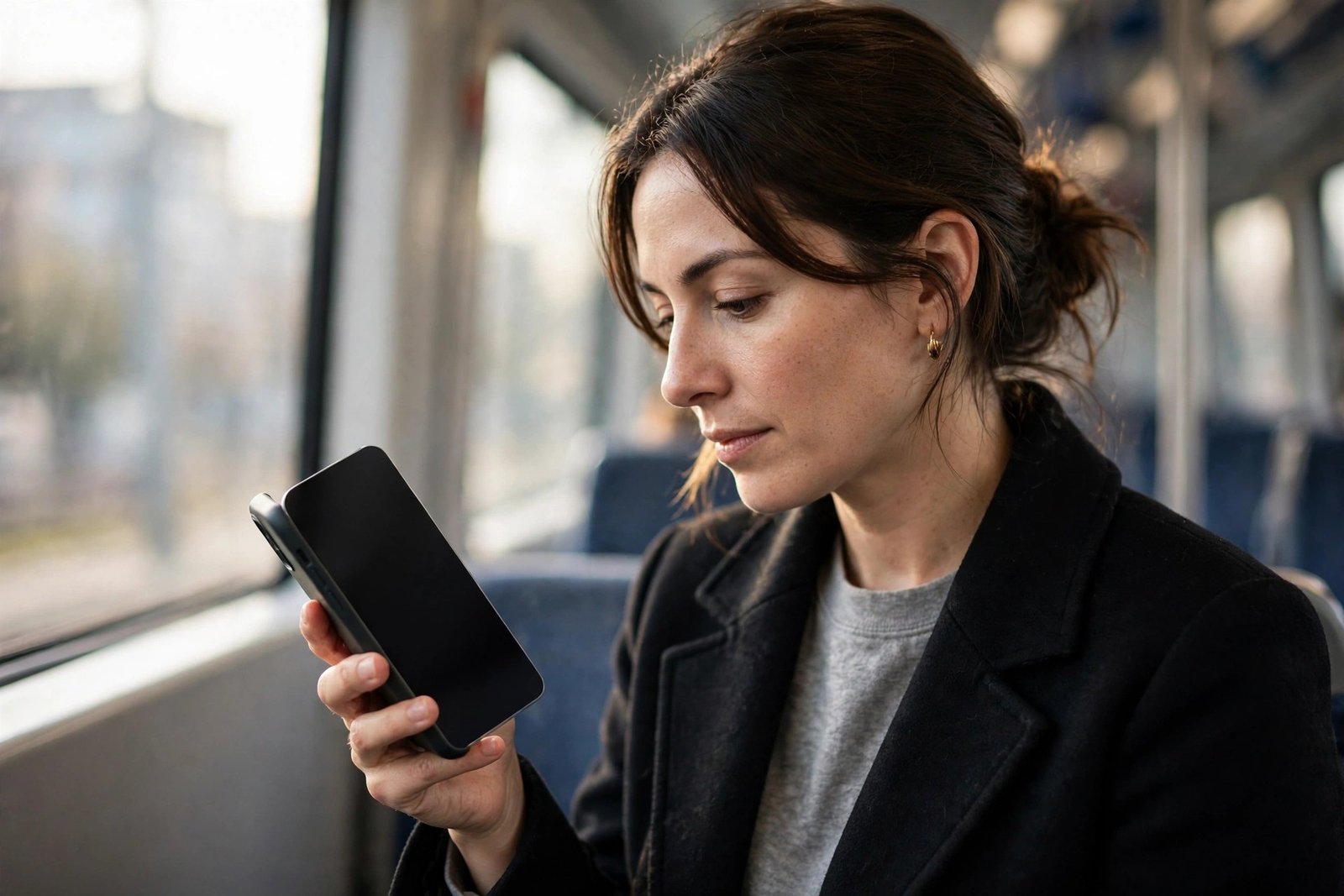
You’re on a train, banking app open, when you notice the passenger beside you reading your screen almost as comfortably as you can. The accessory designed to stop exactly that is the protector often described as the one that “blocks side view” — properly known as a privacy screen protector. Look at your phone straight on and the display appears normal; view it from an angle and it fades to black.
A privacy protector is not simply tinted plastic, and it does not work by darkening your screen with a grey coating. Inside it sits a precision light filter, adapted from the privacy screens long used on office and laptop monitors. This guide explains how that filter works, what it costs you in brightness and everyday convenience, and who genuinely benefits from fitting one.
Key Takeaways
- A privacy screen protector uses a micro-louvre filter — thousands of microscopic vertical slats — to block side views while staying clear from the front.
- Most narrow the clear viewing zone to roughly 60 degrees in total, about 30 degrees either side of centre, though the exact figure varies by product.
- The filter absorbs some light even from the front, so the display looks dimmer and you will usually turn brightness up, using a little more battery.
- Two-way privacy blocks views from the left and right; four-way versions also block views from above and below, which matters when the phone is held sideways.
- Privacy glass guards against visual snooping only — it is no substitute for a strong passcode and sensible screen habits.
How the Micro-Louvre Filter Works
Picture a set of miniature venetian blinds standing upright inside the protector. The slats — called louvres — are made from an opaque material embedded in the film or glass at extremely fine intervals, far too small to see individually. Light travelling straight ahead passes through the gaps between the slats and reaches your eyes almost unimpeded. Light trying to leave the screen at a sideways angle strikes a slat instead and is absorbed, so anyone off to the side sees a darkened or completely black display.
Because the louvres in a standard protector run vertically, a two-way privacy protector blocks views from the left and right while leaving the view from above and below largely open. That arrangement suits a phone held upright in portrait orientation, which is how most people read messages, email and banking apps. Four-way protectors add a second set of horizontal louvres, extending the protection to landscape viewing — handy if you watch video or play games in public — at the cost of slightly restricting the front view as well.
The Trade-Off: Brightness and Sharing
No filter is entirely free. Even when you look at the screen dead-on, a portion of the light is absorbed by the louvres, so a privacy protector makes the display noticeably dimmer — rather like turning the brightness down a few notches. Most people compensate by running higher brightness, which draws more power across a full day. In bright sunlight, the combination of a privacy filter and an already modest screen can make content genuinely harder to read outdoors.
There is a second, more social drawback: sharing your screen becomes awkward. Showing a photograph to a friend means handing the phone over or huddling close, because two people cannot comfortably sit inside the narrow clear zone at once. Some protectors also introduce a faint shimmer or patterned texture at certain angles, and cheaper filters can soften text sharpness slightly. None of this makes the phone unusable, but it is worth knowing before you commit.
- Before a long day out, check your screen at full brightness in daylight with the protector fitted. If it is already marginal, a privacy protector will make outdoor reading noticeably harder — and keep your auto-brightness on so the phone can compensate when you step outside.
Who Actually Needs One?
Commuters are the classic users: anyone who banks, messages or works on crowded trains and buses, where a stranger’s eyes are inches from the screen for long stretches. The same applies if you handle sensitive information in public or shared spaces — work messages, medical or financial details, confidential documents — or if you simply dislike the feeling of being read over. For these users, the dimming trade-off is a small price for genuine peace of mind.
If your phone rarely leaves your home or a private office, the balance usually tips the other way: you pay the brightness penalty every day for protection you seldom need. It is also worth being clear about the limits. A privacy protector does nothing against cameras pointed at your screen, against malware, or against someone standing directly behind you inside the clear viewing zone. It solves one specific, common problem — casual shoulder-surfing — and solves it well.
- Pair a privacy protector with your phone’s built-in settings: a short auto-lock time and hidden notification previews on the lock screen. Visual privacy works best as a package, not a single accessory.
Frequently Asked Questions
Does a privacy screen protector work in landscape mode?
A standard two-way protector only blocks side views while the phone is upright. Rotate it to landscape and the blocked directions become top and bottom, so someone sitting beside you can see the screen again. If you regularly watch video or game in public, choose a four-way privacy protector, which restricts the view from all four sides.
Will it affect touch, Face ID or my fingerprint reader?
Touch response is normally unaffected, and face unlock works because the relevant areas of the protector are left clear. In-display fingerprint readers are the one area to check: some thicker tempered glass can make optical or ultrasonic sensors less reliable. Compatibility varies by phone model, so check the protector is listed as suitable for your device and re-register your fingerprints after fitting.
Is a privacy protector much darker than a normal one?
Noticeably, yes. Even from directly in front, the filter absorbs a share of the light, so the display looks dimmer and colours can appear a touch flatter than with a clear protector. Most owners adapt within a day or two and simply run a higher brightness setting, accepting the small extra battery use as the cost of privacy.
A privacy protector will not stop a determined snoop with a camera, but for the everyday problem of strangers reading your messages over your shoulder, it is a simple and effective answer — provided you can live with a slightly dimmer screen.


