Few things make a phone look grubby faster than a screen full of fingerprints. You wipe it on your sleeve, it looks clear for about ten seconds, and then the smudges are back — catching the light every time you tilt the phone. The frustrating part is that the screen underneath is usually perfectly clean. The marks are sitting on the surface of the protector itself, in a thin film of skin oil that builds up with every touch.
The good news is that fingerprint smudging is one of the easiest screen protector problems to manage. It comes down to understanding why some protectors show prints far worse than others, cleaning the surface the right way, and being honest about what can — and cannot — be done when a protector turns into a smudge magnet. This guide covers all three.
Key Takeaways
- Fingerprints show because skin oil sits on the surface; a healthy oleophobic coating makes oil bead up instead of smearing, which is why new protectors look cleaner for longer.
- Clean with a dry microfibre cloth first — it lifts most fingerprints without any liquid at all.
- For stubborn grease, use a cloth very slightly dampened with plain water, then buff dry straight away.
- Avoid solvents, strong alcohol cleaners and paper towels — they strip the coating that resists fingerprints and can scratch the surface.
- A worn coating cannot truly be restored at home; refresh products may help temporarily, but replacing the protector is the only full reset.
- Small habits — clean hands, a clean cloth, and a case with a raised lip — noticeably reduce how fast smudges build up.
Why Fingerprints Show Up So Clearly
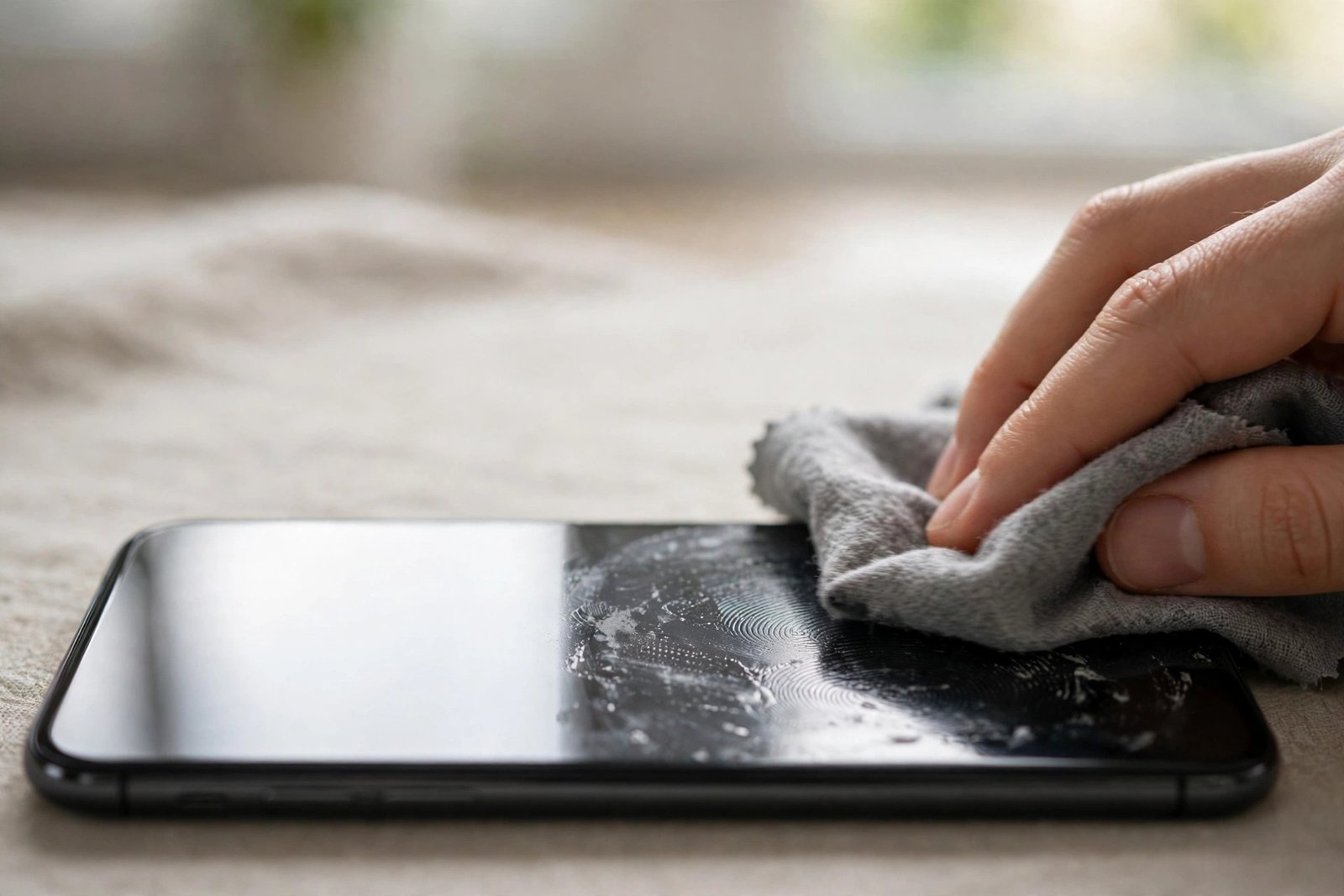
Every touch transfers a tiny amount of natural skin oil onto the glass. On a bare, untreated surface that oil spreads into a thin, uneven film. Light reflects off the film differently from the clean glass around it, so each print appears as a pale smudge, especially on a dark or switched-off screen.
Most decent tempered glass protectors are finished with an oleophobic coating — literally “oil-fearing”. The coating makes oil bead up into tiny droplets rather than spread, so fingerprints stay fainter, feel smoother under your thumb, and wipe away easily. The catch is that the coating is a surface treatment, not part of the glass itself. It wears away gradually through friction, cleaning and everyday use, fastest in the areas your thumb sweeps most. That is why a protector that shrugged off smudges when new can look permanently greasy a year later, even though the glass itself is undamaged. Very cheap protectors may start with a thinner coating — or none at all — and show prints heavily from day one.
The Right Way to Clean Fingerprints Off
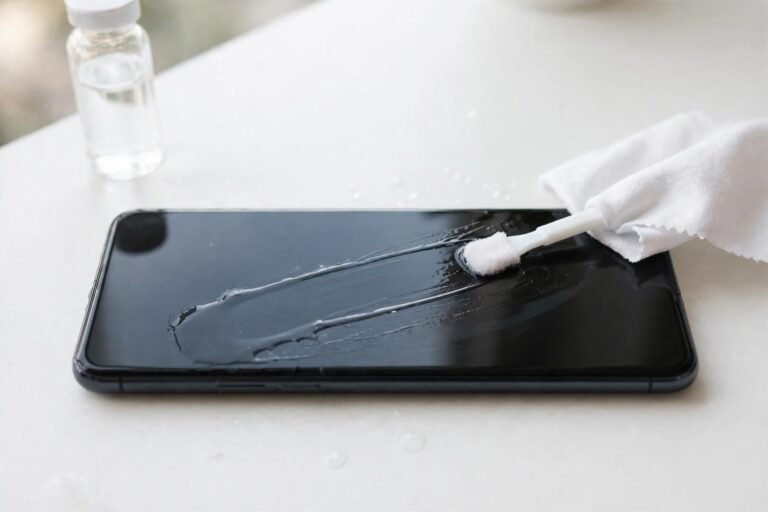
Start dry. A clean microfibre cloth used on its own removes the great majority of fingerprint oil — use light pressure and small circular strokes, working across the whole screen. Brushing harder does not clean better; it just drags grit around. If a greasy film survives the dry pass, breathe on the screen or dampen one corner of the cloth with a little plain water so it is barely moist, wipe again, and immediately buff with the dry part of the cloth so no water marks dry in place.
Your cloth matters more than your technique. A microfibre cloth that has been collecting dust in a car door pocket for months mostly redistributes grime. Wash your cleaning cloths regularly with a small amount of detergent, skip fabric softener (it leaves a residue that smears), and let them air-dry. Keep one cloth for the phone only, stored somewhere clean, and replace it when it starts to feel coarse.
- Clean the screen little and often — a ten-second dry wipe each day stops oil building into the stubborn film that needs a deep clean. A quick wipe also takes far less effort than rescuing a heavily smeared screen.
What Not to Use
It is tempting to reach for whatever is under the sink, but several common cleaners make fingerprint problems worse. Solvents and strong alcohol-based cleaners can break down the oleophobic coating, so the screen smudges faster after every clean. One cautious wipe with a lightly alcohol-based product is unlikely to ruin a protector, but repeated use will shorten the coating’s life — plain water is the safer default. Household glass cleaners often contain ammonia and detergents that leave their own filmy residue. And paper towels, tissues and clothing are all poor choices: paper products contain fibres coarse enough to leave fine scratches in the surface over time, while sleeves and shirt tails carry abrasive dust and simply move the oil around.
Can You Restore the Slick, Print-Resistant Feeling?
Honestly: not fully. The factory coating is applied under controlled conditions, and once it has worn away there is no home treatment that permanently rebuilds it. You will find aftermarket oleophobic refresh kits and coating wipes sold for exactly this problem. Used exactly as their makers direct, they can restore some of the smooth, oil-shedding feel for a while — but experiences vary, the effect is temporary, and it will wear off again with use. Treat them as a stopgap rather than a cure, and check the product’s current instructions and terms before buying, since formulations and claims differ.
The only complete reset is a new protector, which starts again with a fresh, full coating. If your current protector is otherwise intact, there is no urgency — smudging is a cosmetic annoyance, not a failure of protection. But if you find yourself cleaning the screen several times a day just to read it comfortably, replacement is a reasonable and relatively inexpensive fix.
- Moisturisers, sunscreen and cooking oils are fingerprint accelerants. After applying hand cream or handling food, wash and dry your hands before using the phone — it makes a bigger difference to smudging than any cleaning product.
Frequently Asked Questions
Why does my protector attract fingerprints more than when it was new?
Because its oleophobic coating has worn down. The coating that made oil bead up and wipe away easily thins with months of swiping, cleaning and pocket friction — usually fastest in the centre of the screen where your thumb works most. The glass itself has not changed; only the surface treatment has faded.
Is it safe to clean my protector with alcohol wipes?
Occasionally, gently, it is unlikely to cause immediate harm — but it is a poor habit. Alcohol and solvent cleaners degrade the oleophobic coating, so frequent use leaves the protector smudging worse than before. For everyday fingerprint removal, a dry microfibre cloth or one barely dampened with water does the job without the downside.
How often should I clean my screen protector?
Whenever the smudges start to bother you — for most people a quick dry wipe once a day keeps on top of it. There is no harm in wiping little and often with a clean microfibre cloth. Deeper cleans with a slightly damp cloth are only needed when dry wiping stops shifting the greasy film.
Fingerprints are a coating problem, not a dirt problem: clean gently with a clean cloth, keep solvents away, and when the slick feeling is gone for good, a fresh protector is the honest fix.