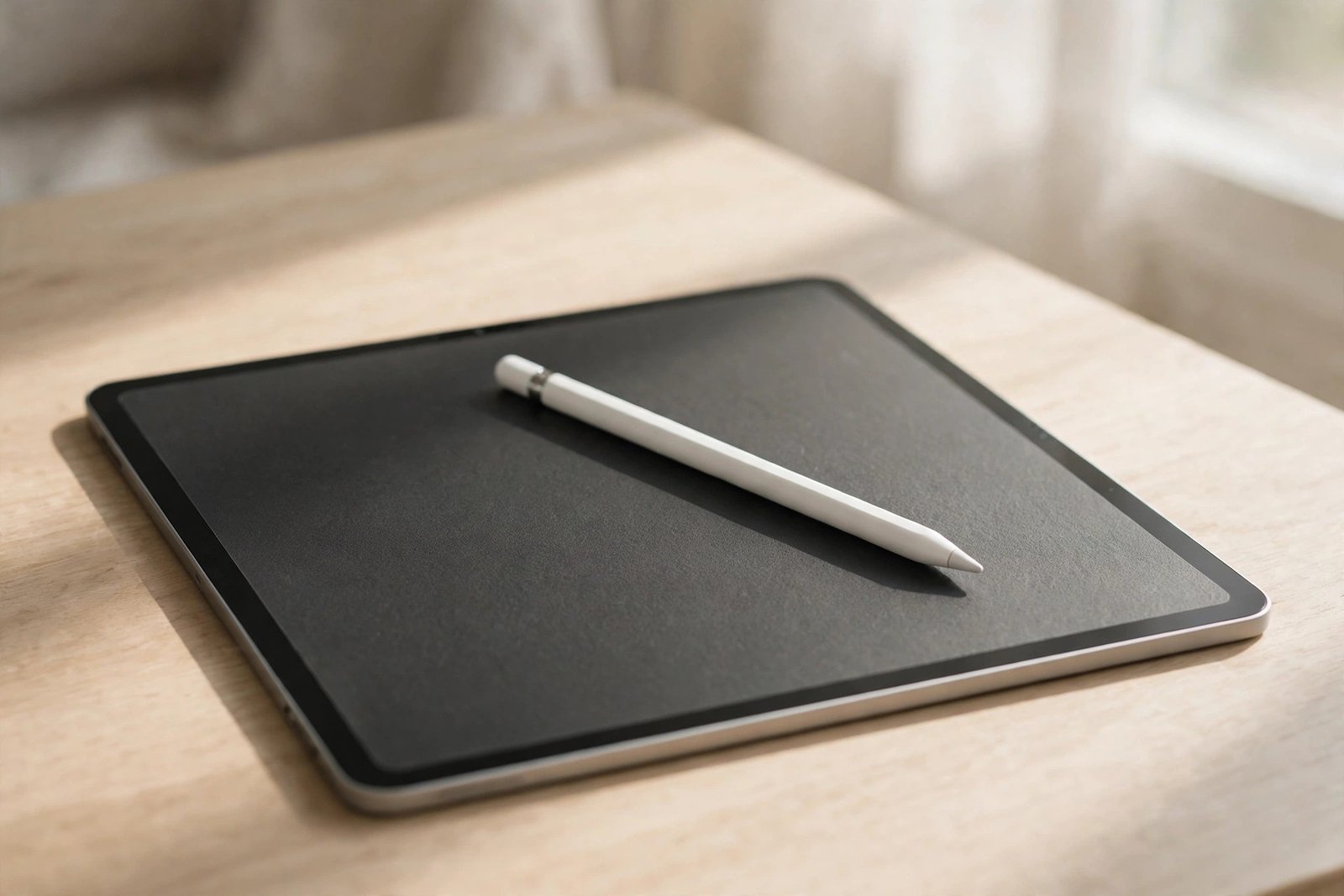
Paper-like screen protectors promise the best of both worlds: the scratch protection of a film with a textured surface that makes a stylus feel like a pencil on paper. But that lovely scratchy feedback comes from friction — and friction has a cost. If you sketch, annotate or take handwritten notes every day, you may have noticed your Apple Pencil nib looking shorter, rougher or oddly polished after a few weeks on a matte protector.
So, does a paper-like screen protector ruin an Apple Pencil? The honest answer is that it does not damage the Pencil itself, but it accelerates wear on the replaceable nib far faster than a smooth glass screen would. Understanding how that wear happens — and how much of it you can prevent — helps you decide whether the paper feel is worth the trade-off for the way you work.
Key Takeaways
- Paper-like protectors do not damage the Apple Pencil body or its electronics — the wear is confined to the plastic nib.
- The matte texture works like very fine sandpaper, gradually grinding the soft nib down as you draw and write.
- Heavy daily sketchers may wear a nib down in weeks rather than months; light note-takers will notice far less wear.
- A worn nib feels scratchy and imprecise, and in extreme cases can expose the harder core underneath, which can mark the protector.
- You can slow wear with lighter pressure, nib covers and rotation — but you cannot eliminate it entirely.
- Nibs are consumables designed to be replaced, so budget for spares if you commit to a textured protector.
How Paper-Like Texture Wears a Nib Down
A bare tablet screen is polished glass — almost frictionless. An Apple Pencil nib gliding across it barely abrades at all, which is why a nib used only on glass can last a very long time. A paper-like protector deliberately changes that equation. Its surface is covered in microscopic peaks and valleys that grip the nib, producing the resistance and faint scratching sound that mimics pencil on paper.
Every stroke across that texture shaves a tiny amount of plastic off the nib’s tip. One stroke does nothing measurable, but drawing involves thousands of strokes, often with the nib tilted at an angle that concentrates wear on one side. Over time the rounded tip flattens, develops a rough edge, or wears down to a noticeably shorter point. The harder you press — and textured surfaces tempt people to press harder to “feel” the line — the faster it goes.
What Worn-Out Nibs Look and Feel Like
Wear usually announces itself through feel before you spot it visually. Lines may start to feel grainy or scratchy rather than smooth, fine strokes become less predictable, and the Pencil may seem to skip or catch slightly on detailed work. If you hold the nib up to the light, a healthy tip is smoothly rounded; a worn one looks flattened, lopsided or rough, sometimes with a tiny sharp rim around the edge.
Left too long, a badly worn nib can expose the firmer material beneath the soft outer layer. That matters for two reasons: precision suffers, because the contact point is no longer the shape the Pencil was designed around, and the exposed edge is more likely to scuff or groove the protector itself. Checking your nib every couple of weeks — a ten-second job — prevents both problems.
- Run a fingertip gently over the nib: if it feels rough or sharp rather than smooth and rounded, swap it before your next long session.
- Keep a spare nib in your pencil case — replacing a worn tip takes seconds and instantly restores that precise, controlled feel.
How to Slow Nib Wear on a Matte Protector
You cannot stop friction doing its work, but you can meaningfully slow it. The biggest lever is pressure: modern styluses are pressure-sensitive, so a lighter touch still produces a full line, and easing off can dramatically extend nib life. Many drawing apps also let you soften the pressure curve, so you reach full opacity or thickness without bearing down.
Nib covers and sleeves are another option — thin caps that sit over the tip and take the abrasion instead, though they slightly alter the feel and add a whisper of distance between nib and screen. Rotating the Pencil in your grip between sessions spreads wear around the tip rather than grinding one facet flat. Finally, keep the surface clean: dust and grit trapped on a textured protector act as extra abrasive, so a quick wipe with a microfibre cloth before a session genuinely helps.
When the Trade-Off Is Worth It — and When It Isn’t
For illustrators and keen handwriters, the control a paper-like surface gives is often worth a steady supply of nibs. The friction steadies strokes, makes fine line work feel deliberate, and reduces the slippery, skating sensation of a nib on glass. If you draw for hours daily, treat nibs the way a guitarist treats strings: a routine running cost of the feel you prefer.
If, on the other hand, you mostly tap, scroll and annotate occasionally, the calculus flips. You would pay the wear cost without gaining much, and a smooth tempered glass or glossy film protector will keep your nibs lasting far longer while preserving the screen’s clarity. Some people split the difference with a removable magnetic matte protector that clips on for drawing sessions and comes off for everything else — worth considering if your usage is genuinely mixed.
- If you try a paper-like protector, photograph your nib on day one — comparing it a month later shows your personal wear rate far better than anyone else’s estimate.
- Buying nibs in multipacks works out cheaper, and you’ll never be caught mid-project with a scratchy tip.
Frequently Asked Questions
Can a worn nib damage my screen protector?
Yes, it can. Once a nib wears down to a rough or sharp edge, it can score fine lines into a matte protector and make the surface feel uneven. That is why checking and replacing nibs promptly protects both the nib’s performance and the protector itself.
How long does a nib last on a paper-like protector?
It depends entirely on how much you draw and how hard you press. Someone sketching for several hours a day may see noticeable wear within a few weeks, while a light note-taker might go many months. There is no fixed lifespan — inspect the tip regularly and replace it when it looks flattened or feels scratchy.
Does a paper-like protector affect Pencil accuracy or charging?
No. The protector sits on the screen surface and does not interfere with the Pencil’s pairing, pressure sensitivity, tilt detection or magnetic charging. The only real-world effects are the added friction, a slight softening of screen sharpness, and the faster nib wear described above.
A paper-like protector will not ruin your Apple Pencil — it will simply ask more of its nibs. If the paper feel transforms your drawing or handwriting, keep spares handy and enjoy it; if it doesn’t, smooth glass is the kinder surface.