Removing a screen protector should be the easiest part of owning one, but rushing it can leave sticky residue, scattered glass shards, or a scratched screen underneath. Whether you are swapping a cracked protector for a fresh one or simply going without, the method matters more than strength. A slow, low-angle peel with a little preparation protects both your hands and your device.
This guide covers tempered glass and plastic film protectors on phones, tablets, and watches. The core technique is the same for all of them, with a few important differences for cracked glass and for film that has been in place for a long time. Take five unhurried minutes, work on a clean surface, and you will get a clean removal with no drama.
Key Takeaways
- Start from one corner and lift slowly at a low angle — never pull straight up or yank.
- Cover cracked glass with tape first so loose shards stay together as you peel.
- Warmth helps: gentle heat from a hairdryer on low softens stubborn adhesive without forcing it.
- Film and glass behave differently — film stretches and clings, glass lifts in one rigid sheet.
- Clean residue afterwards with a microfibre cloth and a little isopropyl alcohol, not household solvents.
- Work over a soft surface so the device cannot slide or drop while you apply pressure.
Before You Start: Prepare the Surface
Wash and dry your hands, then lay the device face-up on a clean microfibre cloth or towel. You will need a fingernail, a plastic card such as an old loyalty card, clear sticky tape, and a fresh microfibre cloth for cleaning up. Avoid metal tools, knives, and coins — they concentrate pressure in one spot and can mark the screen or the frame if they slip. If the protector is tempered glass and it is cracked, do not skip the tape step described below.
Turn the device off if the screen is badly cracked — it stops accidental taps and makes cracks and residue easier to see against a dark display. Remove the case too, as case lips often overlap the protector edge.
How to Lift the Corner and Peel Safely
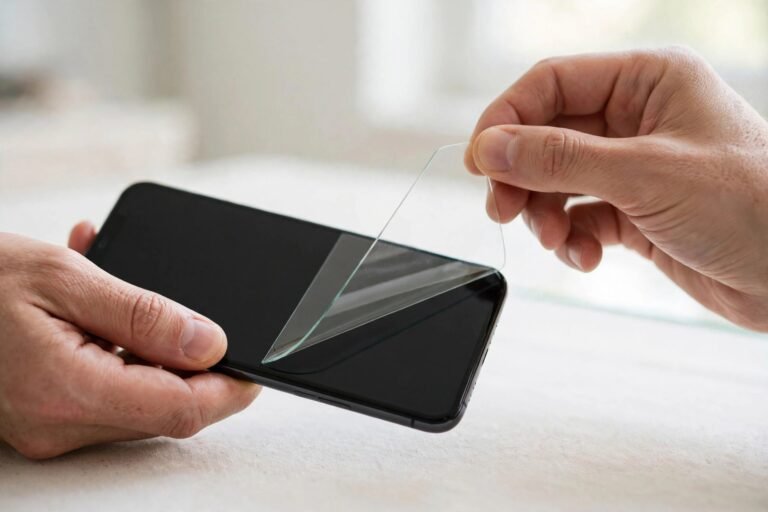
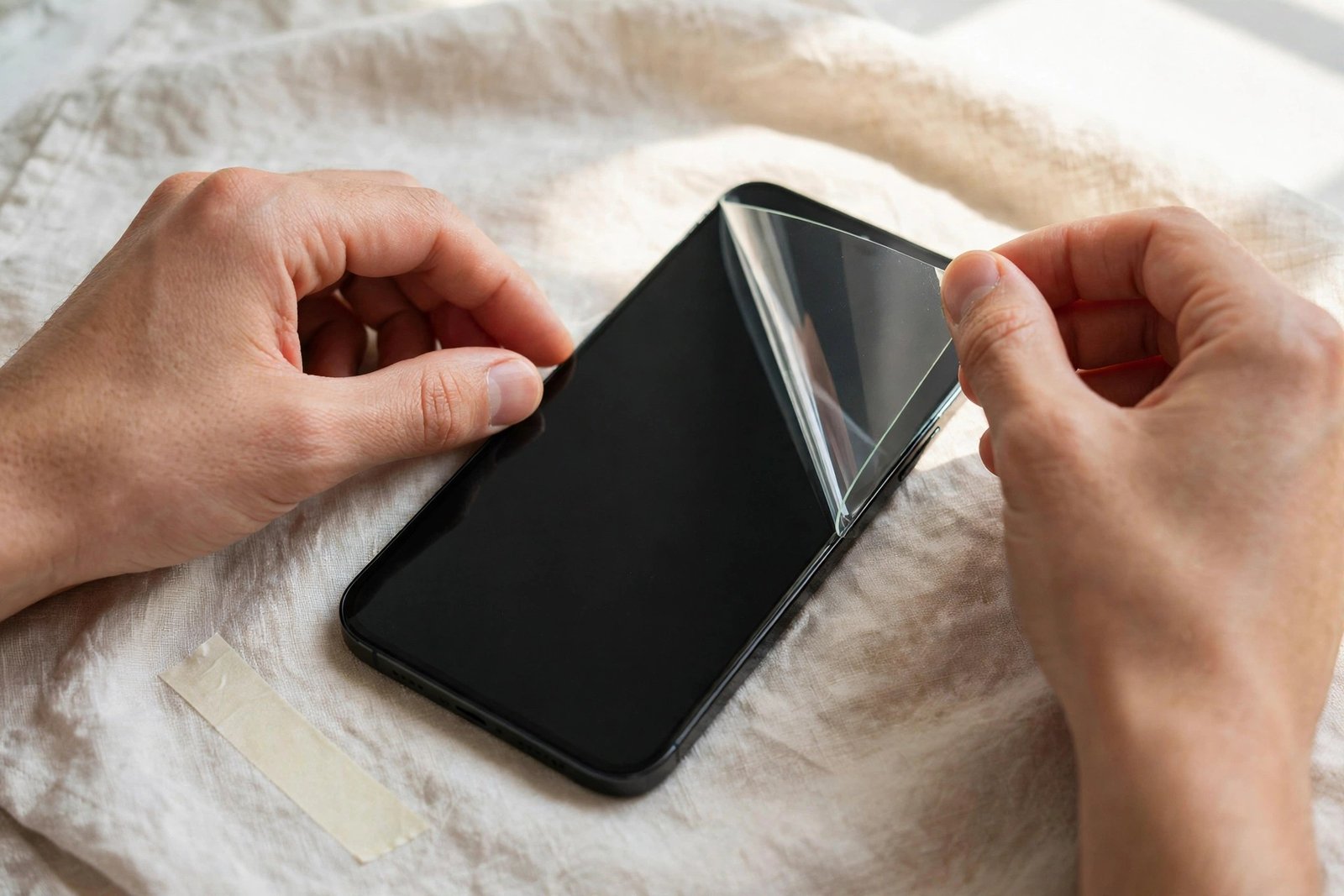
Pick the corner that is already lifting, if there is one. Otherwise start with a top corner, which is usually easiest to reach. Slide your fingernail gently under the edge, or work the thin edge of a plastic card into the seam between protector and screen. You only need to raise the corner by a millimetre or two. If it will not budge, do not force it — apply warmth instead. Hold a hairdryer on its lowest heat setting about 15 centimetres away for 15 to 20 seconds, moving it constantly, then try the corner again. The adhesive softens noticeably and the corner usually gives way.
Once the corner is up, keep the protector low and almost flat against the screen as you peel. Think of folding it back on itself rather than lifting it away. Move slowly, a centimetre at a time, and let the adhesive release at its own pace. Pulling at a steep angle or rushing puts uneven stress on the glass, which is when tempered glass flexes and snaps, and it can leave larger patches of adhesive behind. If you meet strong resistance halfway across, pause, add a little more gentle warmth, and continue. Patience here is the whole technique.
- If your fingernail cannot get under the edge, press a strip of strong sticky tape onto the corner and lift with the tape — it grips the protector without digging at the screen.
- For a protector that has been on for over a year, work in stages: warm, lift a little, warm again. Aged adhesive releases unevenly and rewards patience.
Removing a Cracked Glass Protector
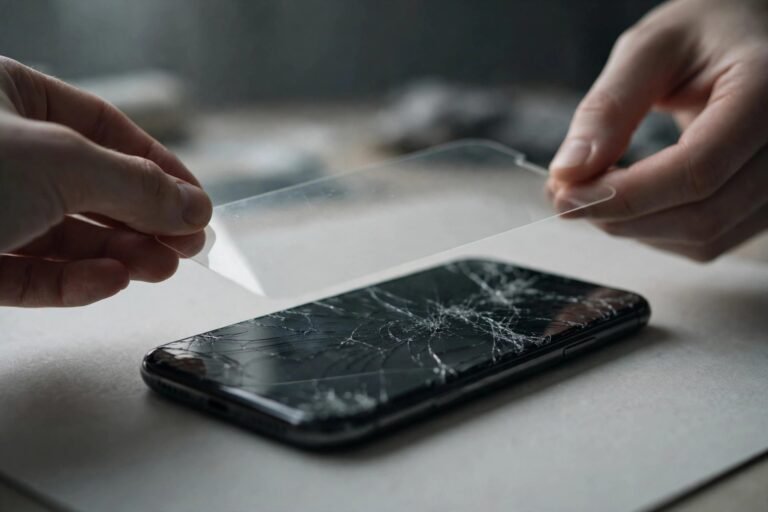
Cracked tempered glass needs one extra precaution. Before you lift anything, lay strips of clear packing tape across the entire protector, pressing them down gently so they contact as much of the fractured surface as possible. The tape holds the fragments together as one sheet, so shards do not scatter across your desk or stick to your fingers. Then lift a corner and peel exactly as described above, keeping the whole piece low and slow. Small fragments occasionally stay behind; pick them off individually with tape rather than scraping.
Dispose of the removed glass straight away, wrapped in paper or the tape itself. Check your fingertips and the surface under a bright light — tiny splinters are easy to miss. In most cases the screen underneath is undamaged, because the protector absorbed the impact. If you can still feel a crack with a fingernail after cleaning, it may be in the display itself.
Glass vs Film: What Changes
Tempered glass is rigid, so once the corner is up it usually comes away in one piece, leaving little residue. Plastic film is flexible and behaves more like cling film: it stretches, folds back on itself, and clings to the screen through a combination of adhesive and static. Expect a film removal to feel slower and peel in a less predictable line. Film also leaves residue more often, particularly around the edges where it has been pressed by a case. Hydrogel-style protectors are the stretchiest of all and may come away in sections — peel each section from its own nearest corner rather than dragging across the screen.
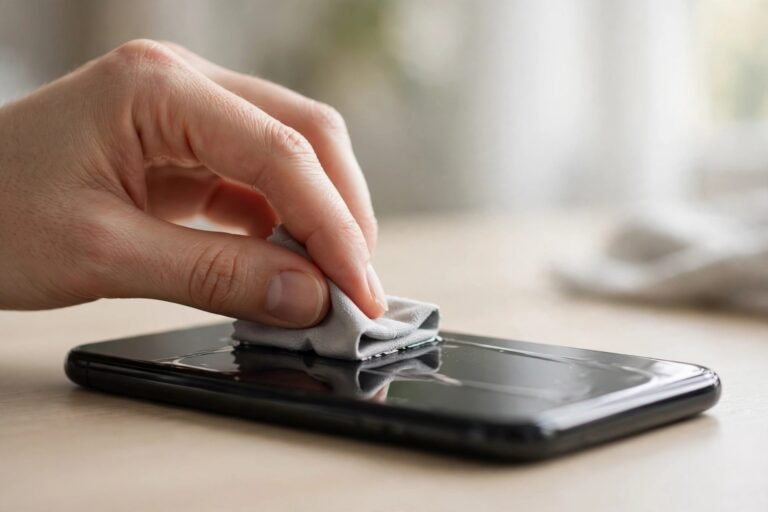
After removal, clean the bare screen properly before fitting a replacement. Wipe with a dry microfibre cloth first. For sticky patches, dampen — do not soak — the cloth with a small amount of isopropyl alcohol and rub gently in circles until the residue lifts, then buff dry. Avoid window cleaner, acetone, and abrasive pads, which can harm oleophobic coatings. Hold the screen at an angle to the light to confirm it is fully clean and dry before applying anything new.
- Residue that will not shift with alcohol usually yields to warmth plus a plastic card used at a shallow angle — never a metal scraper.
- Photograph the bare screen before fitting a new protector. If there was hidden damage underneath, you will have a clear record of its condition.
Frequently Asked Questions
Will removing a screen protector damage my screen?
Almost never, if you lift slowly from a corner at a low angle. Protector adhesive is designed to release cleanly. Damage stories almost always involve metal tools, excessive force, or yanking a cracked protector without taping it first. If a protector was fitted with a liquid adhesive cured under UV light, as some curved-screen protectors are, removal takes more patience and gentle warmth, but it still comes off by the same slow-peel method.
How do I get sticky residue off after removal?
Start dry: roll a piece of sticky tape over the patch and lift — it picks up most fresh residue. For stubborn patches, use a microfibre cloth lightly dampened with isopropyl alcohol and rub in small circles. Give it a few passes rather than pressing harder. The screen should feel smooth and squeak slightly under a clean dry cloth when the residue is gone.
Can I reuse a screen protector after taking it off?
Generally, no. Once removed, the adhesive collects dust and loses its even coating, so a refitted protector almost always shows bubbles and lifting edges. Tempered glass may also have invisible stress fractures from the peel. Treat protectors as single-use items and fit a fresh one — most packs include two or three for exactly this reason.
Slow corner, low angle, tape on cracks, and no metal tools — follow those four rules and any protector will come off cleanly, leaving the screen underneath exactly as you left it.