Every screen protector eventually reaches a crossroads. It is scratched, lifting at the corners, clouding your view of the screen — or maybe it still looks fine and you are simply wondering whether you need it at all. Taking it off is easy; deciding whether you should is the part worth thinking through, because the moment it comes off, your screen starts collecting the damage the protector was absorbing for it.
This guide walks through the situations where removal genuinely makes sense, the ones where the protector should stay put, and what going bare-screen actually risks day to day — so you can make the call with clear eyes.
Key Takeaways
- Remove a protector that is cracked, chipped or lifting — a damaged protector protects poorly and can trap grit against the screen.
- Selling or trading in the phone is a legitimate reason to remove it, but a tidy, intact protector rarely hurts the price — a wrecked one can.
- If you have no replacement ready, leave the old protector on until the new one is in your hand — even a scruffy protector beats a bare screen.
- Touch problems are worth investigating, but check your phone’s touch-sensitivity settings first before blaming the protector.
- Going protector-free mainly risks accumulated micro-scratches from grit, keys and pockets — damage that is permanent and shows up under bright light.
- A case with a raised lip helps against face-down drops but does nothing against scratches — it is not a substitute for a protector.
When Taking It Off Makes Sense
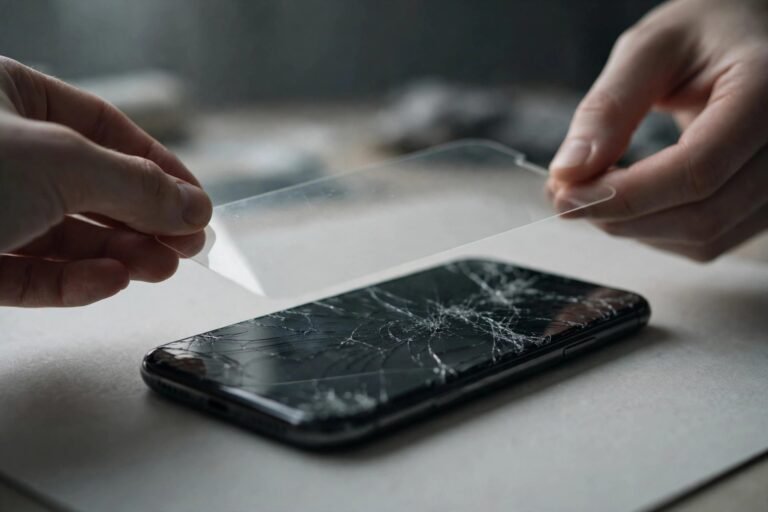
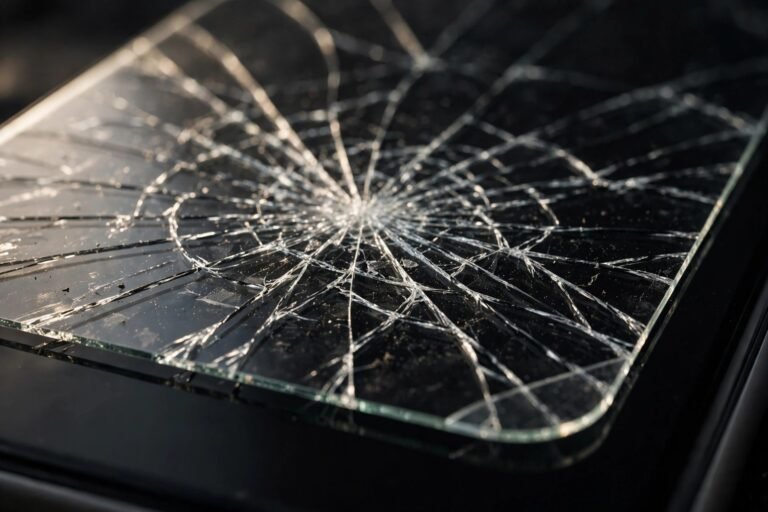
The clearest case is damage. A cracked or chipped protector has already spent its protective value: the cracks can harbour grit, the edges can feel sharp, and the broken layer no longer spreads impact the way an intact one does. Peel it off and replace it. The same goes for a protector that is lifting badly at the edges — a lifting edge is a dirt funnel, funnelling abrasive particles underneath where they are held against the glass.
Cleaning underneath is another fair reason. If moisture, dust or a spill has crept beneath the protector, it will not clear itself; removing the protector, cleaning the screen properly and fitting a fresh one is the only real fix. And if you are selling or trading in the phone, decide on condition: an intact, clear protector presents well and proves the screen beneath is pristine, while a battered one makes buyers suspect the worst. Either present it well or remove it and show the unmarked glass.
Finally, some people simply change strategy — moving to a chunky rugged case with a covered front, or deciding they prefer the feel of bare glass. That is a preference, not a mistake, as long as it is chosen knowing the trade-off described below.
- If your reason for removing the protector is reduced touch response, check for a “touch sensitivity” or “screen protector mode” setting in your phone’s display settings first — enabling it often fixes the problem without removing anything.
When You Should Leave It On
If the protector is intact, clear and fully adhered, it is doing its job quietly. Curiosity is a poor reason to remove it: a removed protector almost never goes back on well. Tempered glass adhesive is designed for one application, and refits usually trap dust and leave edges that will not seal. Assume removal is permanent, and only do it when you mean it.
Timing matters too. If your replacement protector is still in the post, wait. A worn protector that looks tired is still a barrier between your screen and the world; the few days until the new one arrives are exactly when a bare screen would collect a scratch you’ll stare at for the life of the phone. Remove the old one only when the new one is open on the table in front of you.
What Going Protector-Free Actually Risks
Modern phone glass is genuinely tough, and it is fair to say a careful owner may never crack a bare screen. The realistic risk is not dramatic breakage — it is slow, permanent cosmetic damage. The most common culprit is grit: a single grain of sand in a pocket or bag is harder than the glass surface treatments and can score a visible scratch in one slide. Keys and coins are usually softer than the glass itself, but the grit that travels with them is not.
These micro-scratches accumulate invisibly at first, then reveal themselves as a hazy web under bright light or sunshine. They cannot be polished out, they are yours forever, and they are the first thing a buyer or trade-in inspector notices. There is also the drop question: a protector is not a guarantee against cracks, but on a face-down landing onto a rough surface it can be the difference between a cracked sacrificial layer and a cracked screen. Going without means accepting both risks with no buffer at all.
- If you do take the protector off, photograph your screen in bright light beforehand. Having a dated record of an unmarked screen is surprisingly useful for warranty queries, insurance claims and resale disputes later.
If You Decide to Remove It
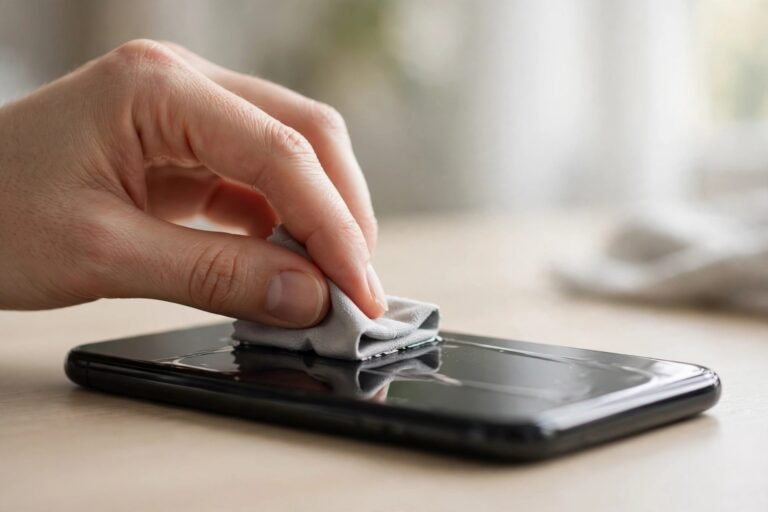
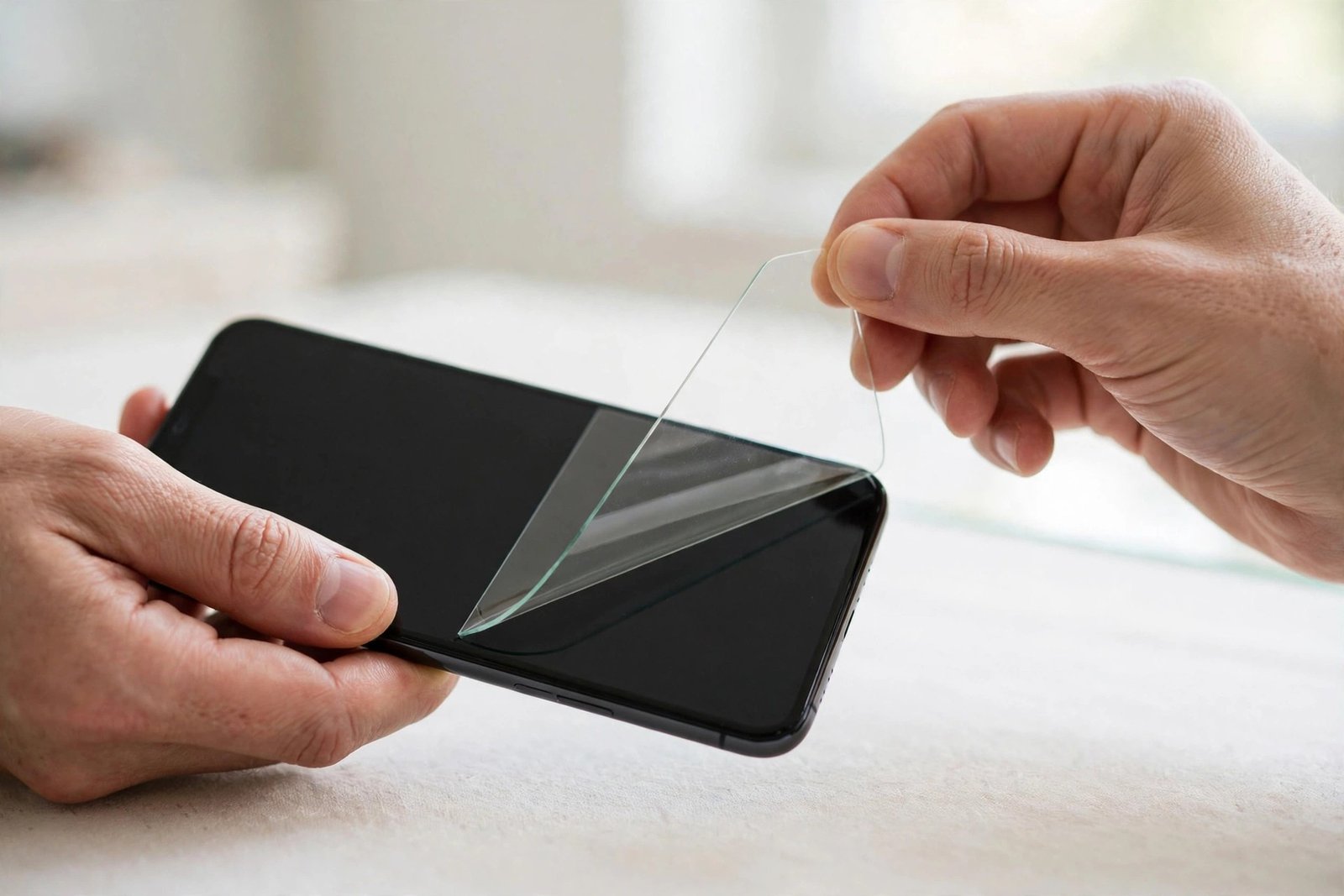
Lift one corner with a fingernail or the edge of a piece of tape and peel slowly, keeping the protector as flat as you can. If it is cracked glass, cover it with packing tape first so the shards stay together, and dispose of it straight away — cracked tempered glass has genuinely sharp edges. Once it is off, clean the screen with a microfibre cloth to lift adhesive residue and dust, and fit the replacement promptly: every minute the bare screen sits on a table or slides into a pocket is unprotected time.
Frequently Asked Questions
Will taking the protector off damage my screen?
Almost never, if you peel slowly from a corner. Protector adhesives are designed to release cleanly from glass. The risk comes from levering with metal tools or forcing a cracked protector that splinters — use tape and patience instead. Any sticky residue left behind wipes away with a microfibre cloth.
Can I take it off temporarily and put it back on?
Realistically, no — especially with tempered glass. The moment the adhesive side is exposed, it collects dust, and the bond is never as even the second time. Film protectors are slightly more forgiving if stored sticky-side against their original backing sheet immediately, but treat any removal as final and have a fresh protector ready.
My phone has tough modern glass. Do I still need a protector?
That is a judgement call, not a technical one. Tougher glass mainly improves crack resistance; day-to-day scratch resistance has improved far less, and grit remains harder than any phone glass surface. If pristine resale value matters to you, a protector is cheap insurance. If you accept cosmetic wear as patina, going without is a legitimate choice — just make it deliberately.
Take the protector off when it is damaged, when you are preparing the phone for sale, or when you have consciously chosen the bare-glass life — and in every other case, let a sound protector keep doing its quiet, sacrificial work until its replacement is in your hand.