Wipe-on liquid screen protectors are meant to vanish into your display. When one goes wrong, it does the opposite: cloudy patches, a smeary rainbow sheen, odd tide-lines where the coating has worn away in some spots and not others. At that point most people want the whole thing off and a fresh start. So how do you remove a liquid screen protector that has failed? Mostly by understanding what it is doing on your screen — and avoiding the drastic fixes that cause more damage than the cloudy coating ever did.
This guide covers why failed liquid protection looks the way it does, the removal myths that circulate online, what genuinely takes the layer off, and how to start again cleanly once it is gone.
Key Takeaways
- A failed liquid protector usually means uneven wear — the layer has rubbed through in high-friction areas while surviving at the edges.
- Recoating over a failed layer rarely fixes it; fresh liquid over patchy residue tends to seal in the unevenness.
- Strong solvents and abrasive pads are the commonest cause of worse damage — they attack the screen’s own coatings, not just the liquid layer.
- The layer is microscopic, so “removal” really means wearing or polishing it down evenly until the surface is uniform again.
- Before fitting any new protection, the old layer must be fully gone and the glass degreased, or bubbles and patchy adhesion follow.
What a Failed Liquid Protector Looks Like
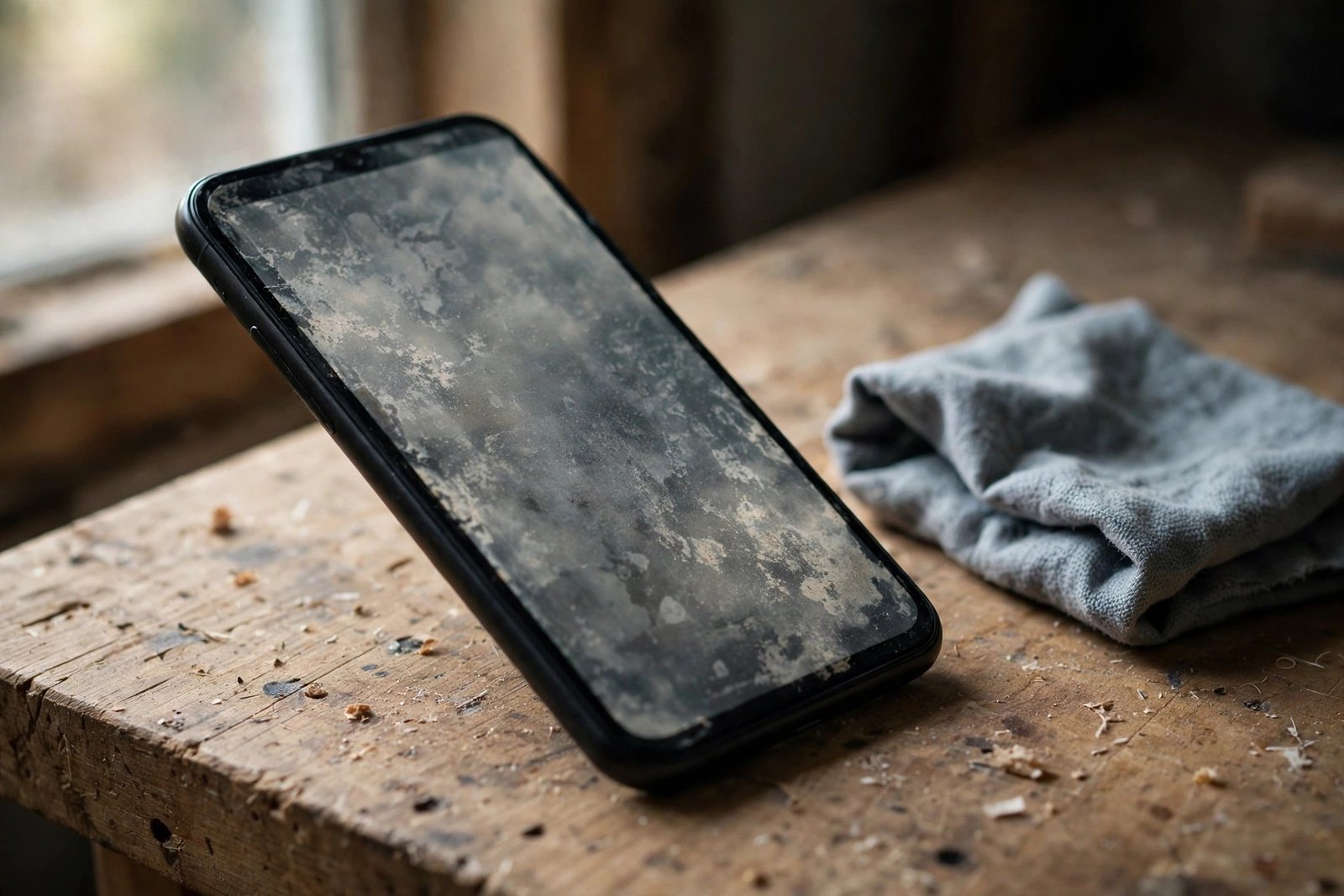
These products leave a layer of cured material only microns thick. Because your thumb does not touch every part of the screen equally, the layer does not wear evenly. The middle of the display — the scrolling and swiping zone — thins first, while the corners and the strip near the earpiece keep their coating for months longer. The boundary between coated and uncoated glass catches light differently, holds grease differently, and that is what you see as cloudiness, streaks or a faint map-like patchiness.
A second common complaint is a greasy look that cleaning never quite shifts. That is often not the coating at all, but oils and residue sitting at different rates on coated versus worn areas. The key diagnostic: genuine coating failure does not move or change when you clean the screen, while surface grime does.
The Myths: Recoating, Solvents and Magic Erasers
Myth one: just apply another coat. Fresh liquid needs a clean, uniform surface to cure properly. Applied over a patchy, partly worn layer with trapped oils in the low spots, it cures unevenly and can lock the visible patchiness in rather than levelling it out. At best you get a brief improvement that fails again in the same pattern.
Myth two: a strong solvent will strip it. The cured layer is a glass-like material; household solvents do not dissolve it. What acetone, aggressive degreasers and similar chemicals can dissolve are the things around it — the screen’s oleophobic coating, frame adhesives, plastic trim. Myth three: scrub it off. Melamine “magic eraser” sponges and scouring pads are abrasives. They will indeed remove the layer — along with the factory coatings — and can leave the glass micro-scratched and hazy in raking light.
- Before concluding the coating has failed, do a thorough two-stage clean: a barely damp microfibre cloth, then a dry one, under bright light. A surprising share of “cloudy coating” is dried residue that shifts with proper cleaning.
- Take a photo of the patchiness. If it looks identical after a week of use, it is wear; if it changes, you are chasing dirt, not coating.
What Actually Takes the Layer Off
There are two honest routes. The slow one is even wear: keep using and cleaning the phone normally, and the surviving areas of coating gradually thin down to meet the worn ones, after which the visible patchiness fades with it. You can encourage uniformity simply by cleaning the whole screen evenly rather than dabbing at the bad patch.
The fast route is professional polishing. A repair shop with a glass-polishing machine and fine optical compounds can take the surface down by the few microns needed to remove the layer completely and uniformly — the same process used to refurbish scratched displays. It is the only method that gives you a genuinely clean slate in one visit, and it also removes the oleophobic coating, which the shop should warn you about.
Starting Fresh Once It Is Gone
Whether the layer wore away or was polished away, the reset point is the same: bare, clean glass. Degrease it thoroughly with a microfibre cloth — any remaining oil or polishing compound will undermine whatever goes on next. Then decide, with the benefit of experience, what replaces it. If you choose tempered glass this time, leftover residue is a classic cause of edges that will not stick and bubbles that will not settle, so cleanliness matters more than speed. If you choose liquid again, apply it to the whole screen in one careful session, and let it cure fully before the phone goes back into a pocket.
- Fit the replacement protection the same day the old layer comes off — freshly polished or fully worn glass is at its most vulnerable while it waits.
- Whatever you apply next, keep a note of the date. Liquid layers fail gradually and invisibly; a diary note beats guessing from memory months later.
Frequently Asked Questions
Can I remove it with vinegar or baking soda paste?
Neither is effective on the cured layer, and baking soda is a mild abrasive that can dull the screen’s own finish if you scrub with it. Mild household acids and pastes belong in the kitchen, not on a display you look through all day.
The cloudiness is only at the edges. Is the coating failing?
Edge-only cloudiness is often the reverse of failure: the edges keep their coating longest because thumbs rarely reach them, so they can look different from the worn centre. Residue collecting against a case lip is another common cause — remove the case and clean around the border before concluding anything.
Can I put tempered glass over a half-worn liquid layer?
Usually yes, once the screen is scrupulously cleaned. The layer is far too thin to affect the glass sitting flat. Persistent bubbles are almost always dust, grease or a slightly warped sheet of glass — not the old coating — so troubleshoot those first.
A failed liquid protector is an eyesore, not an emergency. Resist the solvents and scouring pads, let wear or a professional polisher restore an even surface, and your fresh start will last longer than the first attempt did.