

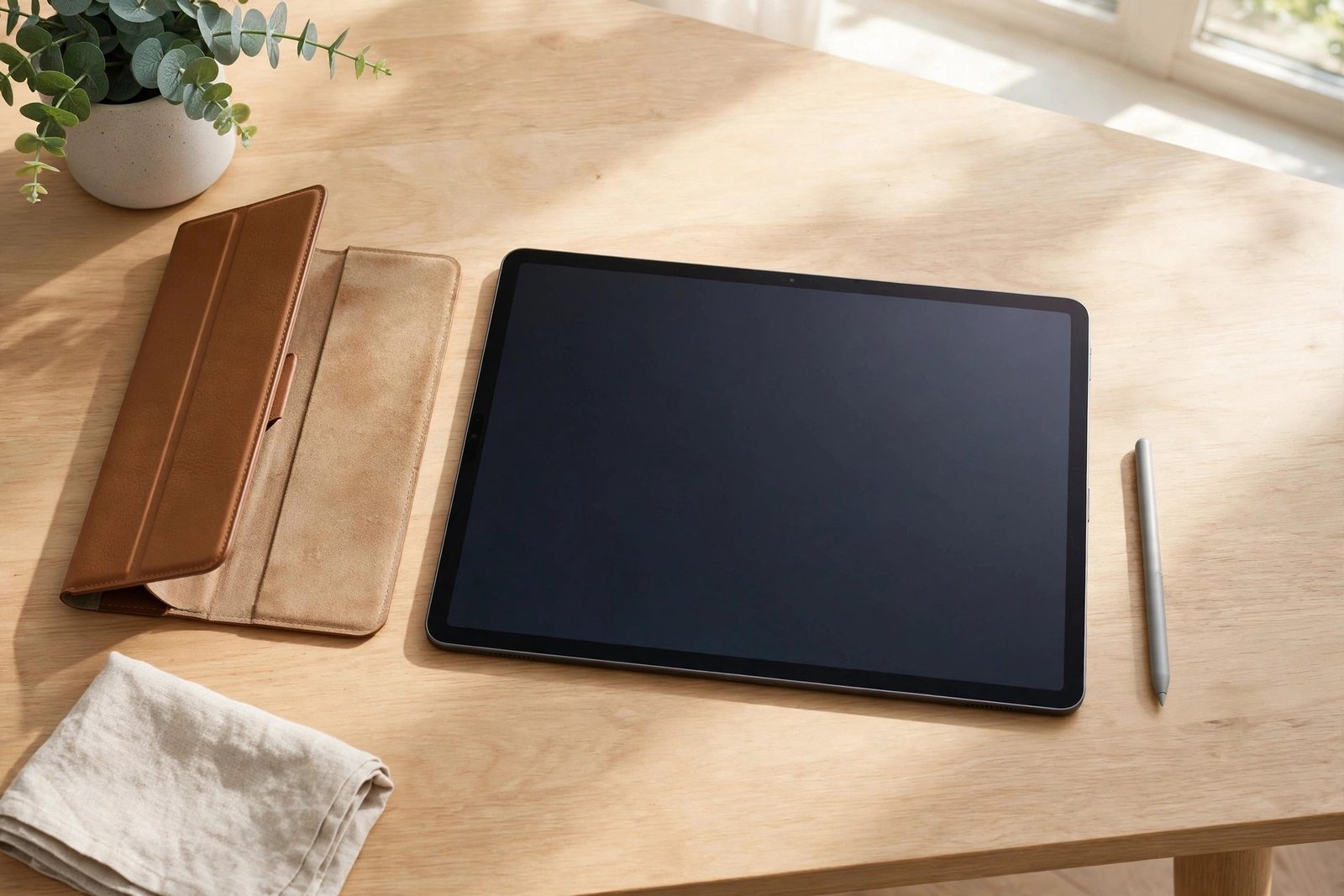
The iPad Pro has a huge, beautiful — and expensive — laminated display. Whether it needs a screen protector depends less on the tablet itself and more on how you use it: an iPad Pro that lives on a desk in a folio case faces very different risks from one that is drawn on daily with an Apple Pencil and thrown into a work bag.
This guide weighs up the real risks — scratches, Pencil use, case marks, glare — so you can decide whether a protector is sensible insurance for your iPad Pro, an unnecessary extra, or something in between: a specialist film bought for feel rather than protection.
Key Takeaways
- An iPad Pro kept in a folio or keyboard case and used indoors may genuinely not need a protector — the cover already shields the screen.
- Apple Pencil users are the strongest candidates: grit trapped under the Pencil tip can scratch the display over time.
- Dirt and debris caught between a case cover and the screen can cause fine scratches when the cover shifts.
- Paper-feel and matte protectors are often bought for drawing feel and glare reduction, not impact protection — and they slightly reduce screen sharpness.
- iPad Pro screens are costly to repair, so for travel, work sites, and shared or children’s use, a protector is cheap peace of mind.
- Tempered glass adds the most impact protection but can add reflections and a small gap that some Pencil users notice.
The Case Against: Why Many Owners Skip One
Unlike a phone, an iPad Pro is rarely carried loose in a pocket with keys and coins. Most live in a folio case, a keyboard case, or a sleeve, which means the screen is covered whenever it is not in use. The display glass itself is reasonably scratch-resistant against everyday contact, and the laminated panel sits slightly recessed behind the aluminium frame’s edge in normal handling.
There are downsides to adding a protector, too. Any extra layer can add reflections to an otherwise excellent anti-reflective display, budget films can dull its colour and sharpness slightly, and a poorly fitted glass protector on such a large screen is a magnet for trapped dust. If your iPad Pro is essentially a desk or sofa device in a good case, skipping a protector is a perfectly rational choice.
The Case For: Pencil, Grit, and Real-World Use
The Apple Pencil changes the calculation. The Pencil tip itself will not scratch the screen, but grit or dust trapped between the tip and the glass can — and because Pencil strokes repeat over the same areas thousands of times, fine scratching can build up in the drawing zone. Artists and heavy note-takers are the group most likely to benefit from a sacrificial layer.
Cases are not a complete answer either. Sand, crumbs, or grit that get inside a folio cover get pressed against the screen every time the cover closes, and can leave marks as the cover shifts in a bag. Add travel, outdoor work, or children into the picture, and the risk rises further — while the cost of an iPad Pro screen repair is high enough that a modestly priced protector looks like sensible insurance by comparison.
- Whatever you decide about a protector, wipe the screen and the inside of your case cover regularly. Most “mystery scratches” on iPads come from grit trapped under the cover, not from use.
- Check and replace worn Apple Pencil tips — a damaged tip can mark the screen and will ruin a protector quickly.
Choosing a Type: Glass, Matte, or Paper-Feel
Tempered glass offers the best scratch and impact protection and keeps the display looking closest to bare glass. On a screen this size, choose a protector with an alignment frame — freehand alignment over 11 or 13 inches is genuinely difficult. Note that glass adds a little thickness, which a small number of Pencil users feel as a slightly larger gap between tip and line.
Matte film trades a little sharpness for much-reduced glare, which suits bright offices and classrooms. Paper-feel protectors go further, adding texture that mimics drawing on paper and gives the Pencil more control; the trade-offs are a visible softening of the display, slightly faster Pencil tip wear, and a texture some people find unpleasant for video and reading. Buy paper-feel for the feel, not because it protects better — it does not.
The Balanced Verdict
Desk-bound iPad Pro in a folio case, no Pencil, careful owner: a protector is optional, and many owners go years without one and without a mark. Pencil-heavy use, travel, work environments, shared devices, or children: fit one — glass for maximum protection, matte or paper-feel if glare or drawing feel matters more to you than absolute clarity.
Either way, the decision should be deliberate. The iPad Pro’s screen is its most expensive component and the part you look at all day; protecting it is cheap, but so is keeping a bare screen safe with a good case and clean habits. Choose based on your actual routine, not worst-case anxiety.
- If you are undecided, start with a low-cost film protector. If you forget it is there, you have your answer cheaply; if reflections or feel bother you, you have lost very little by trying.
Frequently Asked Questions
Will the Apple Pencil scratch my iPad Pro screen?
The Pencil tip itself is softer than the glass and will not scratch it. Scratches happen when grit or dust is trapped under the tip and dragged across the screen, or when a worn, damaged tip is used. Keeping the screen clean and replacing worn tips removes most of the risk, with or without a protector.
Does a screen protector affect Apple Pencil performance?
Pressure sensitivity and tilt work through glass and film protectors on the iPad Pro. Paper-feel protectors deliberately add friction, which most artists prefer for control, while very thick glass can make the tip feel marginally further from the on-screen line. In practice, most users adapt within minutes.
Can a keyboard case scratch the iPad Pro screen?
It can leave marks if grit gets trapped between the keys or cover and the display, and the closed case presses it in during transport. Wiping both surfaces before closing and keeping the case clean prevents nearly all of it. A thin film protector adds a sacrificial layer if your iPad travels in a bag every day.
Your iPad Pro does not automatically need a protector — but the moment a Pencil, a commute, or a child enters the picture, it probably does.


