

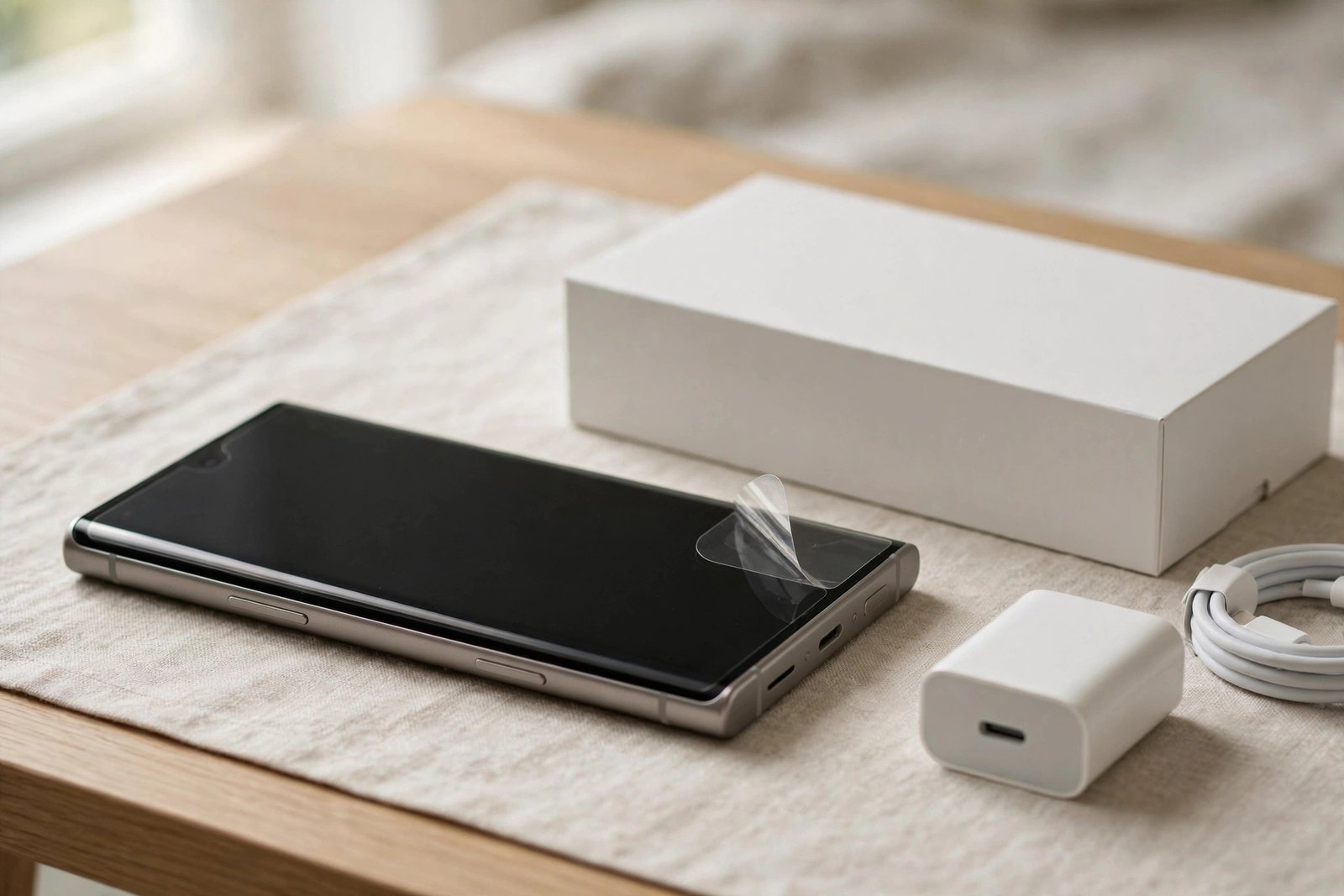
OnePlus has a longer history than most brands of looking after your screen before you even ask. For years, many OnePlus phones left the factory with a protector already applied, which is why buyers of the OnePlus 11 often ask the question the other way round: not whether they should buy protection, but whether the phone in their hand already has it.
In most markets, the OnePlus 11 did generally ship with a screen protector pre-applied — a thin film fitted at the factory. It is a genuinely useful extra, but it is a basic film rather than heavy-duty glass, and practice has varied by region, so it is worth knowing how to check your own phone and when you might want to upgrade what is already there.
Key Takeaways
- The OnePlus 11 generally shipped with a pre-applied film protector in most markets, continuing OnePlus’s long-standing practice.
- Availability varied by region and retailer, so check your own phone — a factory film is not guaranteed everywhere.
- The pre-applied layer is a basic plastic film: good against light scratches, but it marks easily and offers limited impact protection.
- You can use the film as everyday protection for as long as it stays in good condition — there is no need to remove it straight away.
- Upgrading to tempered glass is possible, but the 11’s curved screen makes glass fitting trickier than on flat displays.
- Do not fit a second protector over the factory film — remove the film first, or touch and fingerprint performance may suffer.
What OnePlus Typically Includes
OnePlus built a reputation among enthusiasts partly through small, owner-friendly touches, and a factory-fitted protector was one of them long before this model. With the OnePlus 11, buyers in most markets found a film already applied neatly to the curved display, aligned in a way that would be difficult to achieve at home. Box contents otherwise generally included the phone, its fast-charging kit and cable in many regions, although the exact bundle — like the pre-applied film itself — was not identical in every country.
That regional variation is the honest caveat. Carrier versions, different sales territories and later production runs do not always match, and unboxing reports from different countries have not always agreed. So rather than relying on what a review unit in another market included, the reliable approach is to check the phone you actually own. If it came with the film, you will be able to see and feel it once you know what to look for.
How to Tell If Yours Is Fitted
A factory film is fitted so neatly that many owners never notice it. Look closely at the front camera area and the edges of the display under a bright light: a film usually reveals a fine outline around the camera cut-out and a barely visible edge line where it ends just short of the frame. Run a fingernail very gently towards the edge of the screen; a film gives a slight catch or step that bare glass does not.
Behaviour is another clue. Film feels a touch less slick than glass, picks up fine scratches and scuffs faster than the display underneath would, and can develop small marks around the fingerprint area over time. If your screen seems to scratch surprisingly easily for a flagship, you are almost certainly marking the film rather than the glass — which is, of course, exactly what the film is there for.
- Distinguish the factory film from packaging: a transit film has a pull tab and loose edges and is meant to come off, while a factory protector has no tab, precise cut-outs and firmly sealed edges. If it has a tab, it is packaging — remove it.
Is the Factory Film Good Enough?
For everyday scratch protection, yes, for many people it is. The film guards the display against keys, coins and the grit that causes most real-world screen wear, and it preserves the phone’s slim feel and the in-display fingerprint sensor’s performance, since it is thin and fully bonded. As long as it remains smooth and firmly attached, there is no urgency to replace it, and plenty of owners keep the factory film for the life of the phone.
Its limits are equally clear. Plastic film scuffs visibly over months of use, which can make the display look tired even though the glass beneath is perfect, and it provides only modest help in a drop compared with tempered glass. If the film starts peeling at an edge, clouds over, or gathers scratches that annoy you, that is the natural moment to replace it — either with a fresh film, which is inexpensive and forgiving to fit, or with glass if you want the firmer, smoother feel and stronger protection.
Replacing It: the Curved-Screen Challenge
The OnePlus 11’s display curves at both sides, and that shape is the main difficulty when upgrading. Flat tempered glass cannot follow the curve, so glass protectors for this phone use curved edges and sometimes adhesive only around the border, which can reduce touch sensitivity in the middle if the fit is poor. Other designs use a glue-and-light curing process to bond the glass fully; these can work very well but are less forgiving to install. Film protectors, being flexible, follow the curve naturally and are the simpler home fitting.
Whichever route you take, remove the factory film first — peel it slowly from one corner — then clean the screen thoroughly before fitting the replacement. Never stack a new protector over the old film: two layers dull the display, can confuse the fingerprint sensor and rarely adhere properly. After fitting glass, re-register your fingerprints and give the adhesive time to settle before judging sensitivity. Take your time, too; on a curved screen, a patient fitting is the difference between invisible protection and a week of lifted edges.
- If you are fitting curved glass at home, warm hands and a dust-free room matter even more than usual — the edges must seal in one attempt, because lifting and repositioning curved glass usually breaks the edge seal and the protector will creep loose within days.
Frequently Asked Questions
How can I be sure my OnePlus 11 has a protector fitted?
Check around the front camera and screen edges under bright light for a fine film outline, and feel for a slight edge step with a fingernail. A fitted factory film has no pull tab and precise cut-outs. If the layer has a tab, it is packaging film and should be removed.
Should I remove the pre-applied film and fit glass straight away?
There is no need to. The factory film gives perfectly serviceable scratch protection, so most owners are better off using it until it scuffs or peels. Upgrade when the film’s condition bothers you, or sooner only if you specifically want the drop protection and feel of tempered glass.
Can I put a tempered glass protector over the factory film?
No — remove the film first. Stacking protectors traps a soft layer between the glass and the screen, which dulls clarity, often upsets the in-display fingerprint sensor and prevents proper adhesion. Peel the film off, clean the screen, then fit the glass to the bare display.
OnePlus likely did you a small favour at the factory — enjoy the film while it is fresh, and when it finally scuffs, replace it patiently, respecting the curve that makes this screen both lovely and a little tricky.


