

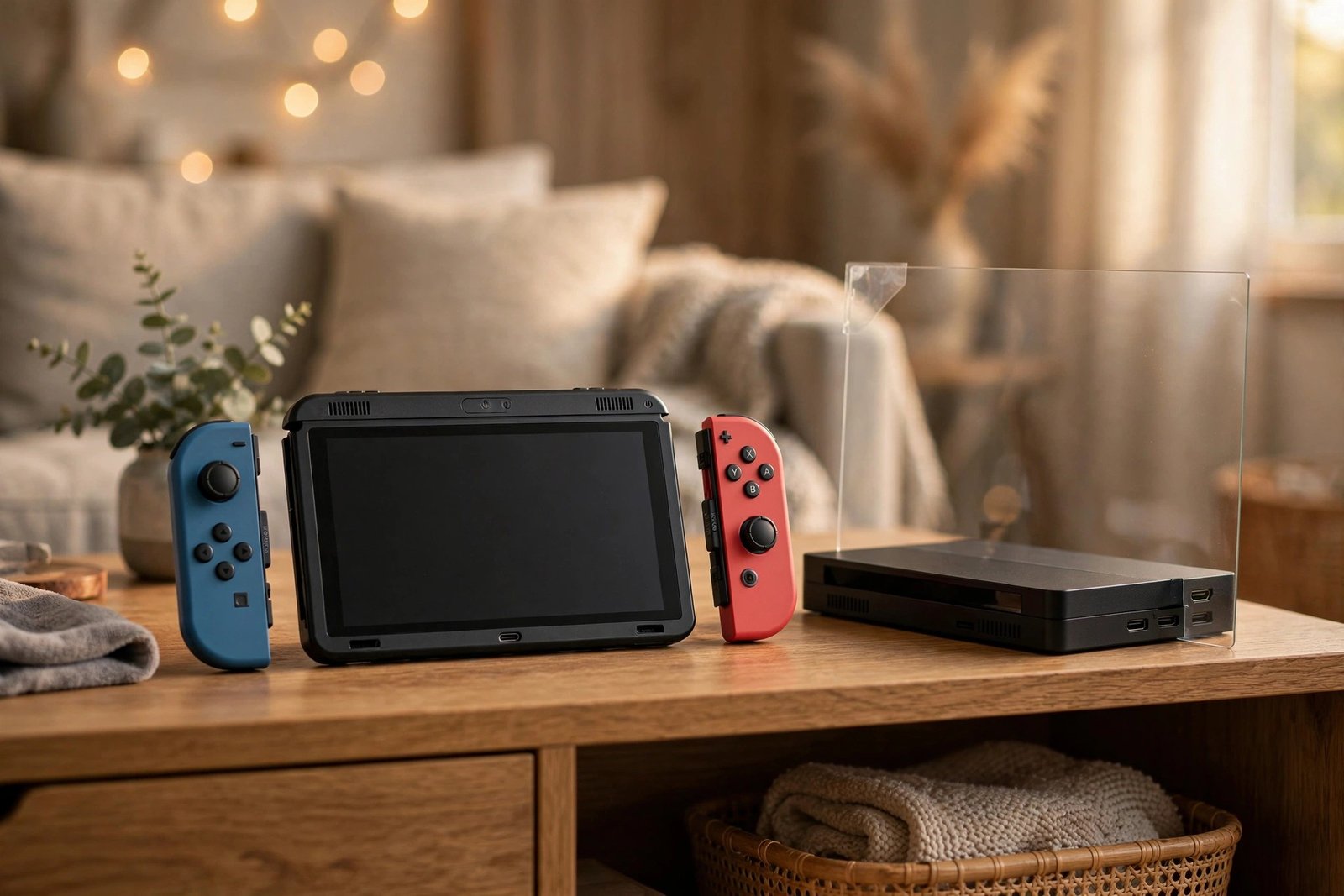
Most games consoles live safely on a shelf, but the Nintendo Switch leads a double life — docked under the TV one moment, rattling around in a bag the next. That lifestyle raises a question few other consoles face: does its screen need a protector? For the original Switch, the answer is an unusually clear yes — because its screen has an Achilles heel that glass-screened devices don’t share.
The original Switch’s display is finished with a plastic layer rather than glass, and plastic scratches far more easily — sometimes without the console ever leaving the house. This guide explains why the Switch is a special case, why tempered glass is the protector of choice for it, and how the advice differs for the OLED model.
Key Takeaways
- The original Switch screen has a plastic outer layer, which scratches much more easily than the glass on phones and tablets.
- Scratches can happen inside the dock — sliding the console in and out can rub the screen against the dock’s interior over time.
- Tempered glass is the recommended protector for the Switch: it guards the plastic surface and restores a smooth, glass-like feel for touch controls.
- A protector is close to essential if the Switch is used by children or carried without a case.
- The Switch OLED has a glass screen and a larger 7-inch display, so it needs a different, model-specific protector — but still benefits from one.
- Fit the protector before the screen picks up scratches; unlike glass, scratched plastic cannot be polished back to clarity at home.
Why the Original Switch Screen Is Different
Pick up a phone and you’re touching glass. Pick up an original-model Switch and the outermost layer of its 6.2-inch display is plastic. Nintendo’s reasoning was sound: plastic doesn’t shatter, which matters for a device handed to children and carried everywhere. The trade-off is hardness. Plastic sits far below glass on the scratch-resistance scale, so everyday hazards that a phone screen would shrug off — grit in a bag, a fingernail, sliding across a table, wiping with a less-than-clean cloth — can leave permanent marks on a Switch screen.
Owners noticed this early in the console’s life: screens developing fine scratches despite careful handling, with marks sometimes appearing in patterns along the lower corners. Once plastic is scratched, there is no practical home fix — polishing compounds that (sometimes) work on other materials tend to make plastic cloudier. Prevention really is the only cure, which is why the protector advice for this device is so much stronger than for a phone.
The Dock Problem
The most surprising scratch source never leaves your living room: the dock itself. The Switch slides into its dock from above, guided by rails, and the screen faces the dock’s inner front surface as it goes in and out. Any dust or grit lodged in the dock gets dragged across that plastic screen with every docking, and a slightly hurried or angled insertion increases the contact. Over months, this can produce the vertical scuff lines some owners report near the screen’s lower edges.
A tempered glass protector solves this completely, because the thing rubbing against the dock is now replaceable glass rather than your actual screen. It also helps to keep the dock’s interior dust-free and to lower the console in gently and straight. But even careful owners can’t control every grain of dust — the protector is the reliable line of defence.
- Fit the protector before you start using the dock regularly, and wipe both the screen and the dock’s inner front edge with a microfibre cloth every so often. Most “mystery scratches” on Switch screens trace back to grit in the dock.
Why Tempered Glass Suits the Switch
For phones, glass versus film is a genuine debate. For the Switch, tempered glass wins on almost every count. It provides a hard sacrificial surface the plastic screen lacks, it feels dramatically better under the finger for touch-based games, and because the Switch screen is perfectly flat — no curved edges — glass protectors fit it neatly and completely, without the edge-bonding issues that affect curved phone displays. Film protectors are better than nothing and slightly cheaper, but they mark up nearly as easily as the plastic beneath them.
Two practical notes when fitting one. First, standard Switch tempered glass is thin enough that the console still docks normally for the overwhelming majority of users — docking clearance concerns were largely a story of the console’s earliest dock revisions and unusually thick protectors, so buy a standard thickness from a reputable brand. Second, the Switch gets warm in use, and warmth helps adhesive settle: fit the protector, then let the console sit (or play docked for a while) and minor edge bubbles often finish bonding on their own.
What About the Switch OLED (and Lite)?
The Switch OLED is a different situation in degree, not in kind. Its larger 7-inch OLED panel is glass — with an anti-scatter film layer — so it resists everyday scratching far better than the original’s plastic. It can still be scratched by grit and hard knocks, and it docks and travels the same way, so a protector remains a sensible, inexpensive precaution; just be sure to buy the OLED-specific size, as original Switch protectors are too small for its larger, slimmer-bezelled screen.
The Switch Lite, meanwhile, shares the original’s weakness: its smaller screen is also plastic-surfaced, and as a purely handheld device it arguably lives a rougher life. It needs its own model-specific protector, and for a Lite the case for fitting one is every bit as strong as for the original Switch. In short: plastic-screen models — protector essential; OLED — protector recommended; and in all cases, the exact model size matters.
- Pair the protector with a simple carry case for travel. The protector guards the screen; the case guards everything else — and together they cover the two ways Switches actually get damaged: scratches in transit and knocks in bags.
Frequently Asked Questions
Will a tempered glass protector stop my Switch docking properly?
With a standard-thickness protector from a reputable brand, almost certainly not. The dock has a small amount of clearance, and normal Switch glass protectors sit well within it. If docking feels tight, check the protector is centred and fully seated rather than slightly skewed.
My Switch screen is already scratched. Will a protector help now?
Yes, partially. Fitting tempered glass over light scratches often makes them much less visible, because the adhesive fills the fine grooves and the new surface refracts light evenly — and it stops the damage getting worse. Deep scratches will still show through faintly, but most owners find the improvement well worth it.
Does a protector affect touchscreen response or the picture?
No — tempered glass is optically clear and the Switch’s capacitive touchscreen reads through it without issue. If anything, most users prefer the feel: glass glides under the finger where the bare plastic surface can feel slightly draggy.
A plastic screen that lives in bags and slides in and out of a dock is a screen that will scratch — a sheet of tempered glass, fitted early, is the simplest upgrade a Switch owner can make.


