

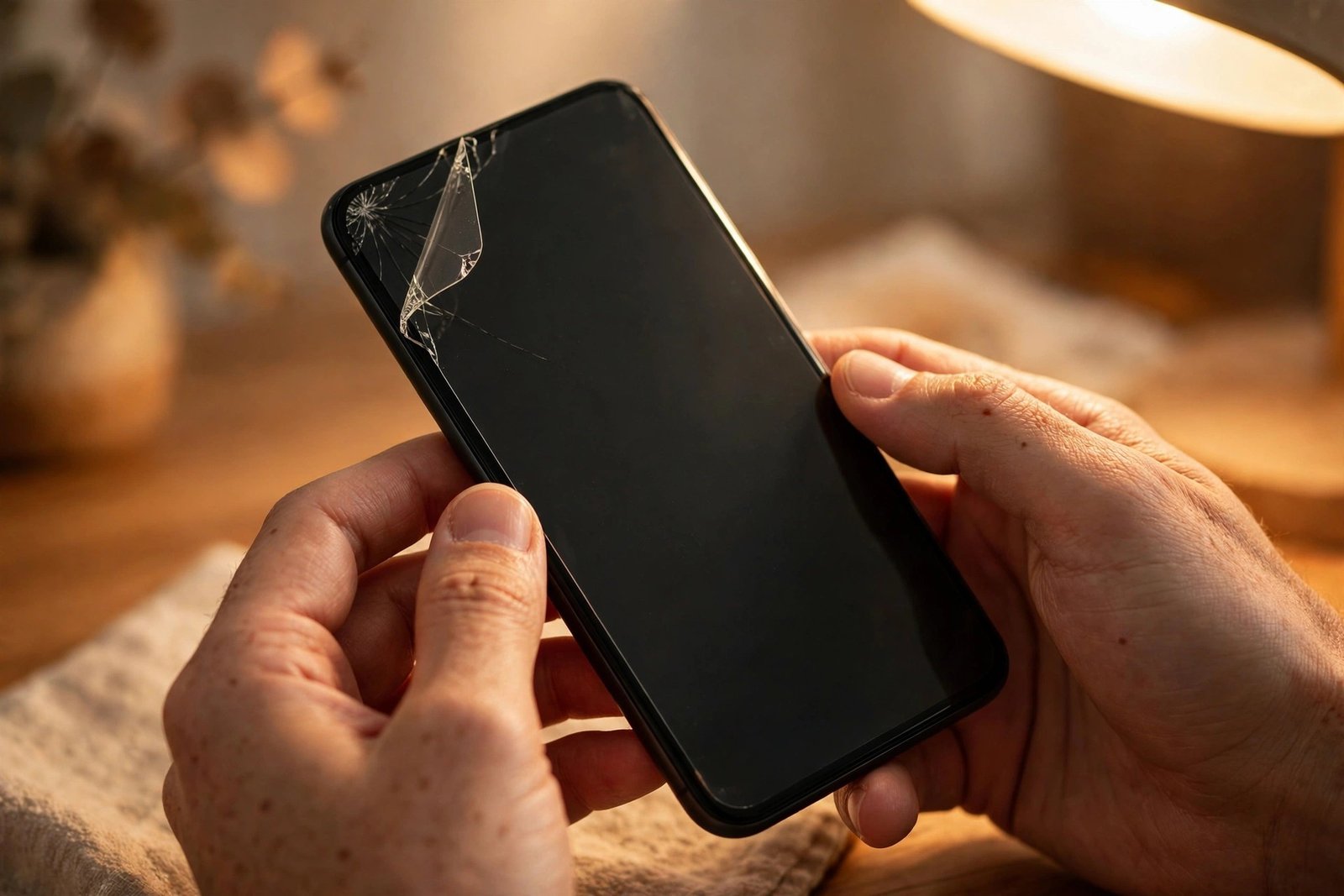
“How often should I change my screen protector?” is usually asked by someone staring at one that looks… fine, mostly. A bit smudgy, maybe a nick in one corner. Is it due a change? The satisfying answer is that there is no fixed schedule — and anyone who gives you one (“every six months!”) is guessing. Protectors are replaced on condition, not on dates.
This guide gives you the method instead of a number: a two-minute inspection routine that tells you whether your protector still earns its place, the situations where you replace it immediately, no inspection needed, and the signs that — despite looking imperfect — mean you can safely keep going.
Key Takeaways
- Replace on condition, not calendar — a clean, intact protector can serve for well over a year.
- A two-minute monthly inspection under a bright lamp catches every problem that matters.
- Any crack — even hairline — means replace now. A cracked protector has spent its strength.
- After a hard drop onto a corner, replace the protector even if it looks unmarked.
- Smudges, faint scratches, and a worn coating are cosmetic — annoying, but not urgent.
Why Condition Beats the Calendar
Two protectors fitted on the same day can be in completely different states a year later. One phone lives on a desk and in a handbag’s soft pocket; the other rides in a work van, gets dropped on gravel, and shares a pocket with tools. A calendar rule would have you replace the pampered protector far too early and the battered one far too late.
What actually matters is whether the protector can still do its two jobs: absorb the next impact and stay sealed flat against the screen. A protector that is intact, unchipped, and fully adhered does both perfectly, whatever its age. A month-old protector with a corner crack does neither reliably. Judge the object in front of you, not the date on the receipt.
The Two-Minute Inspection Routine
Once a month — while the kettle boils is fine — take the phone somewhere brightly lit. Turn the screen off and tilt the phone slowly under the light. Look first at the corners and edges: chips, nicks, and lifting live there. Then scan the centre for cracks, deep scratches, cloudy patches, and dust that has crept underneath. Finish by running a clean fingertip across the surface; it should glide evenly.
Then make one of three calls. All clear: nothing found — carry on. Cosmetic only: smudging, faint surface scratches, fingerprints lingering — the protector protects fine; change it whenever the grubbiness starts to annoy you. Structural: any crack, chip that catches your nail, lifting edge, or dust working in underneath — book the replacement for this week, because protection is already compromised.
- Inspect straight after any drop, not just monthly — damage is easiest to spot while you still remember which corner hit the ground.
- A lifting edge that springs back every time you press it is being pushed by your case; sort that first or the new protector will lift too.
Replace Immediately: Cracks and Big Drops
Two events skip the queue entirely. The first is any crack. Tempered glass protects by sacrificing itself: the fracture is the absorbed impact. Afterwards the pane is weaker everywhere, its fragments can shift and scratch the screen beneath, and the next drop meets a protector with nothing left to give. Hairline cracks count — they spread quietly and fail without warning.
The second is the hard drop that somehow left no mark — phone bounced off a corner onto concrete, protector apparently perfect. Glass can carry invisible stress fractures from such an impact, and a pane that looks flawless may have already spent much of its strength. Protectors are cheap and screens are not: after a genuinely hard fall, a fresh protector is the rational, inexpensive call.
When You Can Safely Keep Going
Plenty of wear looks worse than it is. A coating that has worn slick-in-places, faint scratches visible only under a lamp, a film protector with light surface marking, one tiny edge scuff on the bezel area rather than over the display — none of these reduce impact protection in any meaningful way. If you can live with the looks, the protector can live with the work.
Even small bubbles deserve a mention: a bubble that has been stable for weeks is a cosmetic flaw, not a growing failure. The exception is a bubble that keeps enlarging or an edge that lifts further each day — that signals adhesive failure in progress, and the inspection rule applies: structural problems get replaced, stable blemishes get tolerated.
- Keep a spare protector at home. Most “I’ll change it soon” protectors stay on for months simply because the replacement is never to hand.
- Photograph any damage you decide to tolerate. Comparing next month shows instantly whether it is stable or spreading.
Frequently Asked Questions
Is there any maximum time a protector should stay on?
As a rough outer limit, inspect more carefully once a glass protector passes eighteen months — adhesive can yellow or weaken and edges tire with age. But if it still passes the inspection cleanly, there is no rule that forces a change. Film protectors rarely pass inspection beyond about six months of daily use.
My protector has one tiny chip on the corner. Change it?
If the chip sits on the bezel area, the glass beneath is smooth, and the edge is not lifting, you can monitor it. If the chip catches your fingernail, sits over the display, or the corner has started to lift, change it — chips are where cracks begin, and a lifting corner only travels one way.
Should I change the protector when I get a new case?
Not automatically — but a new case is a natural moment to check fit. Some cases have tighter lips that press on protector edges and start them lifting within days. Fit the case, use the phone for a couple of days, then inspect the edges; if they are being prised up, switch to a case-friendly protector rather than fighting it.
Change your protector when its condition says so — cracked, chipped, lifting, or dropped hard — and it will always be ready for the one moment it exists for.


