

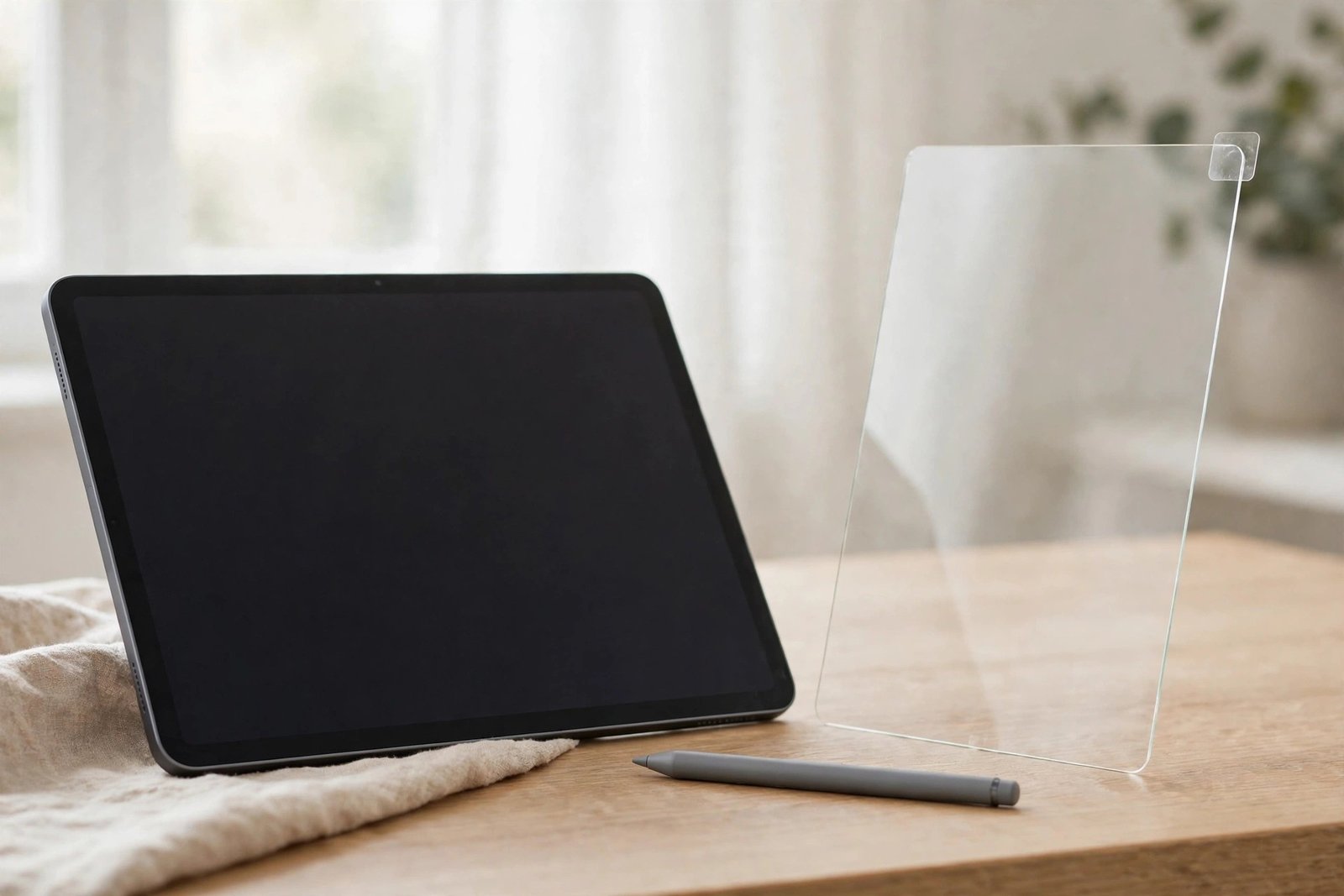
The iPad Pro is a bigger screen-protection decision than any phone. The display is huge, expensive to repair, and — for many owners — it’s a drawing surface as much as a viewing screen, which means a protector changes not just how protected the screen is, but how the Apple Pencil feels every single time you use it. Add in Apple’s optional nano-texture glass on some configurations, and “should I fit one?” deserves a more careful answer than a simple yes or no.
This guide works through who genuinely benefits from a protector on an iPad Pro, the real differences between glass and matte options for Pencil users, the important nano-texture caution, and why your case and cover habits might already be doing the job.
Key Takeaways
- Pencil users have the most at stake — a protector changes the drawing feel, and grit trapped under a Pencil tip can scratch an unprotected screen.
- Matte (“paper-like”) protectors add tooth and control for drawing and writing, at the cost of some screen clarity and faster Pencil tip wear.
- Tempered glass keeps the display looking its best and still protects well, but the Pencil feels slipperier on it.
- Do not fit a protector over nano-texture glass without checking Apple’s current guidance first — Apple advises against it, and the answer may change.
- A good case or folio that covers the screen in transit removes much of the everyday risk a protector guards against.
- Shared, child-used, or workplace iPads benefit most; a desk-bound iPad used by one careful adult benefits least.
The Case For a Protector
The strongest argument is the Pencil itself. When you draw or write, the Pencil tip presses against the screen thousands of times a session. If a single grain of grit gets trapped between tip and glass, it can carve a scratch across the display before you notice — and unlike a phone, which mostly faces fingertips, an iPad Pro’s screen is constantly being worked on with a hard point. A protector turns that risk into a non-event: the sacrificial layer takes the scratch, and you replace the layer, not the screen.
There’s also the simple economics of a very large, costly display and the way iPads live: slid into bags against chargers and keys, passed around households, used by children, propped in kitchens. If any of that sounds familiar, a protector is cheap peace of mind. If your iPad Pro lives on a desk stand, is used by you alone, and travels in a padded sleeve inside a folio, the honest case for one is much weaker.
Glass vs Matte for Pencil Users
Tempered glass is the clarity-first choice. Colours, contrast, and sharpness stay closest to the bare display, which matters for photo and video work, and the surface is durable and easy to clean. The trade-off is feel: the Pencil glides on glass with very little friction, which many artists find slippery and harder to control for fine line work, and it produces a slightly noisier tap.
Matte protectors — the paper-like style — add a fine texture that gives the Pencil something to bite into. Strokes feel more controlled, handwriting neater, and glare is reduced in bright rooms. In exchange you give up a little of that pristine display: fine grain can soften text and add a faint sparkle to whites, and the texture wears Pencil tips noticeably faster, so budget for replacement tips if you draw daily. Many Pencil-heavy users consider that an excellent trade; media-first users usually don’t.
- If you split your time between drawing and watching video, consider a removable magnetic matte protector — paper feel when you draw, bare glass when you don’t, with no adhesive involved.
- Whatever you choose, wipe the screen and check the Pencil tip before long drawing sessions; a worn, sharp tip is itself a scratch risk.
The Nano-Texture Caution
Some iPad Pro configurations offer nano-texture display glass, an etched matte finish built into the glass itself. Apple advises against applying screen protectors to nano-texture glass, and also specifies particular care when cleaning it. Technologies and guidance both evolve, so treat this as a firm instruction to check Apple’s current guidance for your exact model before fitting anything — not as a detail to skim past. If your iPad Pro has the standard glass finish, this caution doesn’t apply and the choice is entirely yours.
What Your Case Already Does
Protectors guard against two things: scratches during use and accidents in transit. A folio or cover case already handles most of the transit risk by keeping the screen covered whenever the iPad is closed or carried, and a keyboard case does the same while adding a stand. If your iPad is always either in use by you or closed inside a cover, the remaining exposure is mainly the grit-under-Pencil scenario and the occasional knock — which is why cover users who don’t draw much can reasonably skip a protector, and cover users who draw daily usually still fit one.
- Fitting a protector to an 11- or 13-inch screen is a two-person, no-rush job: use the steamy-bathroom trick, an alignment frame if one is included, and expect it to take longer than any phone install.
- Check protector thickness against your case — some tight folio and keyboard cases press on glass protector edges and lift them.
Frequently Asked Questions
Does a screen protector affect Apple Pencil responsiveness?
Any protector adds a fraction of distance between Pencil and display, but in practice pressure sensitivity and tilt work normally through both glass and matte protectors. What changes is feel, not function: more glide on glass, more drag on matte. Magnetic removable versions can occasionally shift slightly during vigorous strokes, so check the fit if precision matters.
Will a matte protector ruin my iPad Pro’s display quality?
“Ruin” is too strong — but it does change it. Matte texture diffuses light, which softens fine detail slightly and can add grain over text and images. Media professionals who grade colour often avoid it for that reason; note-takers and illustrators usually prefer the trade. If you’re unsure, a removable magnetic matte sheet lets you test the feel without committing.
I don’t use a Pencil. Do I need one at all?
Probably not, provided you use a cover or folio and carry the iPad in a padded compartment. Without a Pencil, the main threats are bag scratches and drops, and a good case addresses both more completely than a thin sheet of glass. The exception is a shared or child-used iPad, where a protector remains a sensible, inexpensive safeguard.
For the iPad Pro, the question isn’t really about the screen — it’s about the Pencil. Draw every day and a protector earns its place; watch, read, and type under a good cover, and you can happily go without.


