Ask about screen protectors on a phone and the answer is easy. Ask about one on a MacBook Pro and you start an argument. Laptop owners are genuinely divided: some swear a protector saved their display, others blame protectors for damaging the very coating they were meant to preserve. Both camps have a point, because a laptop screen lives a completely different life from a phone screen — it is rarely touched, never pocketed, but closed against a keyboard thousands of times in a space with almost no clearance.
This guide lays out the honest state of the debate — the anti-reflective coating question, the tight lid tolerances, what a protector genuinely helps with, and the alternatives — then gives a verdict based on how you actually use your machine.
Key Takeaways
- MacBook displays carry a delicate anti-reflective coating that some owners report damaging when adhesive protectors are removed — the reports are anecdotal but persistent.
- The closed lid leaves almost no gap between screen and keyboard, so thick protectors can pick up key marks and add pressure to the panel.
- A laptop’s real screen enemies are grit during cleaning, keyboard contact and bag pressure — not drops and pockets.
- A sleeve, careful cleaning and a keyboard cloth prevent most of the damage a protector would, with none of the risk.
- If you do fit one, choose the thinnest, low-tack type, check it does not dim the webcam, and remove it slowly and rarely.
The Anti-Reflective Coating Question
MacBook Pro displays are finished with an anti-reflective coating that is far softer and more delicate than the glass beneath it. Years ago, some machines suffered a widely reported fault in which that coating wore away in patches — often in the shape of the keyboard — and ever since, owners have been wary of anything that touches the screen’s surface. Against that background, adhesive protectors make people nervous: the fear is that when the protector eventually comes off, its adhesive could lift or mark the coating with it.
To be fair to both sides: there is no settled evidence that modern, low-tack protectors routinely strip coatings, and many owners use them for years without incident. But the reports of damaged coatings after removal are persistent enough — and a display replacement costly enough — that the risk cannot be waved away either. The reasonable middle position is that the danger is not the protector being on the screen; it is the protector coming off, especially if it is peeled quickly, often, or after years of heat cycling in a warm lid.
Tight Tolerances: Keyboard Marks and Lid Pressure
A modern MacBook Pro is engineered thin, and when the lid closes, the display sits extremely close to the keyboard and trackpad — close enough that oils from the keys can transfer faint marks onto an unprotected screen as it is. Anything you add to the screen’s surface consumes part of that tiny clearance. A thick glass protector — a category that barely exists for laptops, and for good reason — would press against the keys; even a film adds a layer the hinge tolerances never allowed for, and in a stuffed bag, pressure on the lid is transmitted straight through it.
This is why laptop protectors are almost always thin films rather than glass, and why the sensible advice, if you fit one at all, is to choose the thinnest available and to stop cramming the laptop into overfilled bags. It is also why the humble keyboard cloth — a microfibre sheet laid over the keys before closing — exists: it addresses the contact problem directly without anything sticking to the display.
- Most screen scratches on laptops happen during cleaning — grit wiped across the surface with a dry cloth. Shake the cloth out, use a fresh one, and barely press.
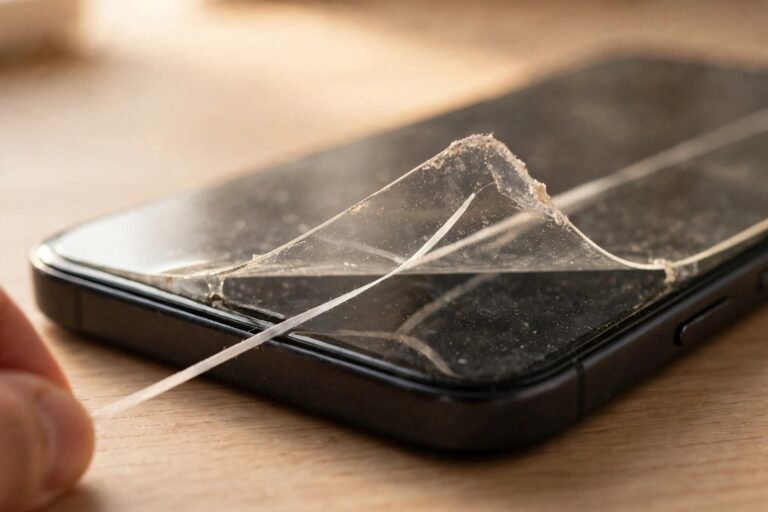
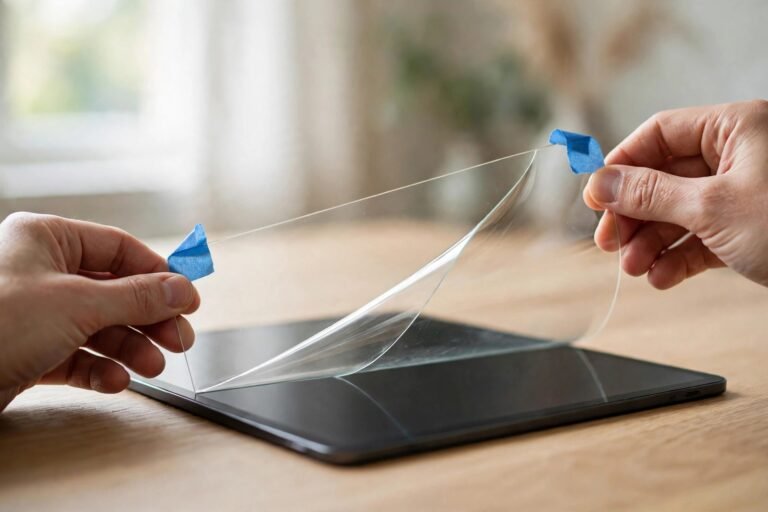
- If you use a protector, peel it off slowly, at a low angle, in a warm room — cold, brittle adhesive is the kind most likely to mark a coating.
What a Protector Genuinely Helps With
Stripped of the controversy, a film protector does offer real, if modest, benefits. It takes the hairline scratches that come from cleaning and from keyboard contact, so the display underneath stays unmarked — valuable if you are particular about condition or plan to sell the machine on. Matte versions cut glare noticeably, which matters if you work beside bright windows or under harsh office lighting, though they slightly soften the display’s celebrated sharpness. And for machines used in workshops, classrooms or by children, a film is a cheap sacrificial layer between an unpredictable environment and an expensive panel.
There are annoyances to weigh. Films can dull the image slightly, cheap ones can look orange-peely at an angle, and any protector that covers the webcam area without a proper cutout can soften or haze your camera image on calls. Ambient light sensors and True Tone can also be thrown off by films that tint or diffuse the light reaching them.
The Verdict by Use Case
For most owners, the balanced answer is: skip the adhesive protector, and protect the screen by habit instead. Carry the MacBook in a padded sleeve, clean the display gently with a clean microfibre cloth, keep drinks and desk grit away from it, and lay a keyboard cloth over the keys if yours picks up marks. That routine covers the realistic risks without introducing the coating question at all.
Fit a thin, low-tack film if your situation is unusual: the machine works in a dusty or shared environment, children use it, you are determined to keep the panel flawless for resale and accept the small removal risk, or glare is a daily problem a matte film would solve. In those cases the benefits are concrete and the risk is one you have chosen knowingly — which is a very different thing from sticking one on out of phone habit.
- Before buying any film, confirm it has a precise webcam cutout and is sold for your exact screen size and model year — near enough is not near enough at laptop tolerances.
- Whatever you decide, never use household glass cleaner or paper towels on the display; a barely-damp microfibre cloth is the whole cleaning kit a MacBook screen needs.
Frequently Asked Questions
Will a screen protector damage my MacBook’s coating?
It might, but the risk is concentrated at removal rather than during use, and it is debated rather than proven. Thin, low-tack films removed slowly and rarely give the fewest problems. If the possibility of coating damage would genuinely worry you, the sleeve-and-careful-cleaning route avoids the question entirely.
Does a protector affect the webcam or True Tone?
It can. A film that runs over the webcam without a cutout may soften or haze the picture, and tinted or strongly matte films can slightly alter the light reaching the ambient sensor that True Tone relies on. Choosing a film with a proper camera cutout and neutral clarity avoids both issues.
What is the alternative if I don’t use a protector?
A three-part habit: a padded sleeve for transport, a microfibre keyboard cloth laid over the keys before closing if your screen picks up marks, and gentle cleaning with a clean, barely-damp microfibre cloth. Together they address the real risks — contact, transport pressure and cleaning grit — with nothing adhered to the display at all.
On a MacBook Pro the protector debate is a genuine judgement call: most owners are better served by a sleeve and good habits, and only unusual use makes a thin film worth its small, real risks.