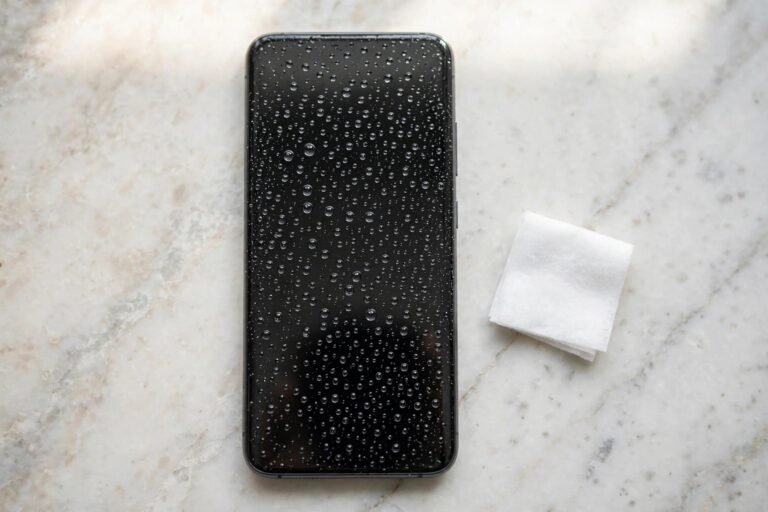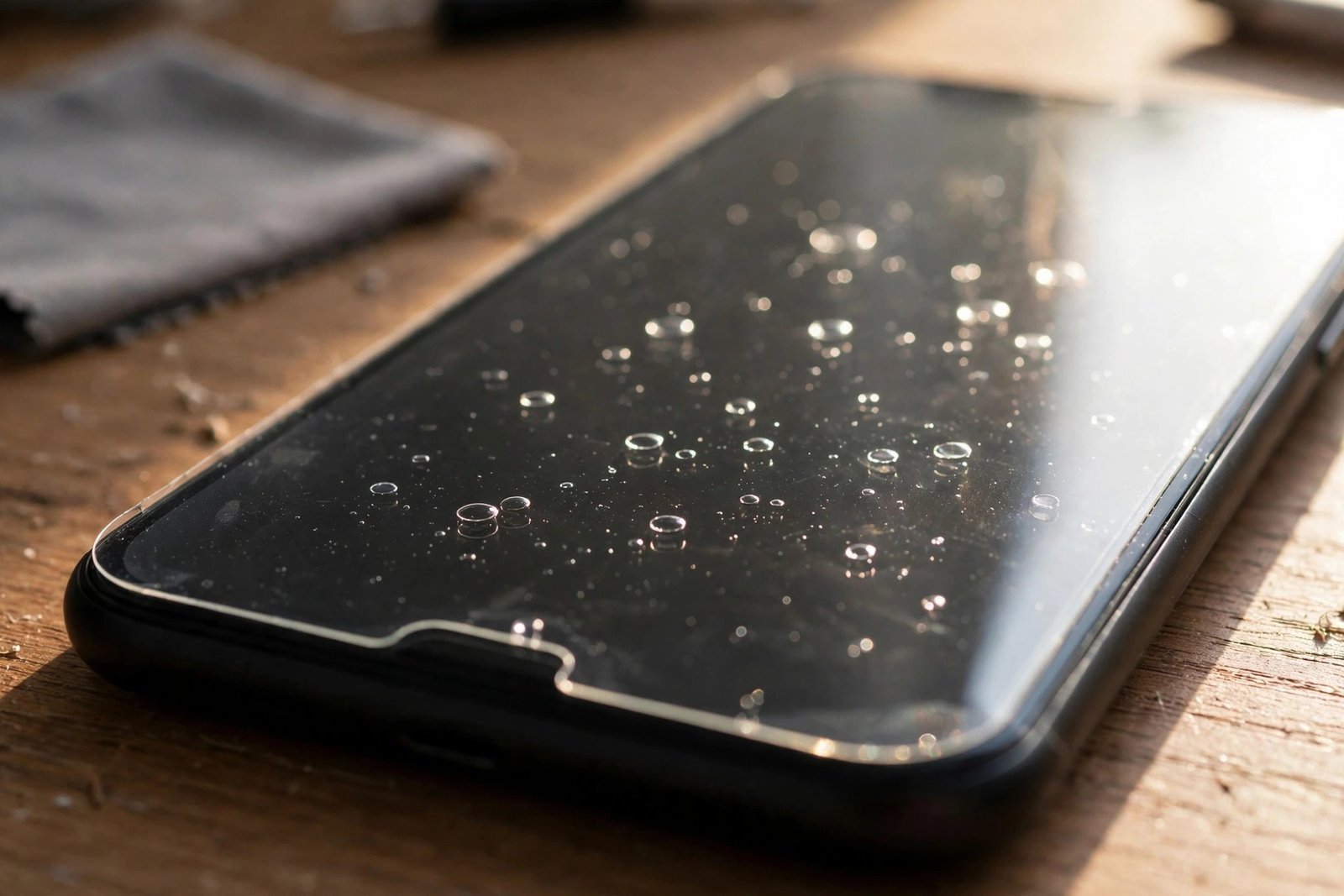
Few things are more irritating than finishing a careful screen protector installation and spotting bubbles staring back at you. The natural question is whether to leave them alone or start again. The honest answer is that it depends entirely on what kind of bubble you have: plain trapped air often disappears on its own, while a bubble with dust at its centre will still be there in six months.
Learning to tell the two apart saves you from both mistakes — ripping off a protector that would have settled perfectly, and patiently waiting for a dust bubble that can never heal. This guide explains how long to wait, how to identify each type, and the point at which intervening is genuinely worth it.
Key Takeaways
- Dust-free air bubbles often settle within 24–48 hours as the adhesive continues to flow and cure.
- A bubble with a visible speck at its centre contains dust and will never disappear on its own.
- Edge bubbles and centre bubbles behave differently — edge bubbles can be pushed out, centre dust bubbles cannot.
- Wait a full two days before judging a fresh install, unless a bubble is large, growing, or over the camera.
- Film protectors settle more slowly than glass and may need gentle squeegee help after the first day.
- Intervene once, gently — repeated lifting weakens adhesive and invites more dust in.
Why Some Bubbles Disappear on Their Own
Most modern protectors use a silicone-based adhesive layer that does not reach its final bond instantly. Over the first day or two, that layer keeps flowing at a microscopic level, gradually filling tiny air pockets and gripping the glass more evenly. Small bubbles — especially the faint, hazy patches often seen near the centre of a fresh install — shrink as the trapped air is absorbed into the adhesive or migrates out to the edges. Warmth helps the process slightly, which is why a phone carried in a pocket sometimes looks better by the evening than it did at breakfast.
This settling effect has limits. It applies to small bubbles, a few millimetres across, with nothing solid inside them. A large bubble holds too much air to absorb, and a dust bubble has a physical tent-pole holding it open — adhesive cannot fill space a speck is occupying. Expect improvement over 24 to 48 hours, not miracles. If a bubble looks identical after two days, it has reached its final state.
How to Tell an Air Bubble from a Dust Bubble
Turn the screen off and hold the phone under a bright light at a shallow angle. A pure air bubble looks like a smooth, even blister: the reflection bends uniformly, the centre is clear, and the bubble often changes shape slightly when you press near it. You may also be able to push it slowly towards the nearest edge with a fingertip — air moves; dust does not.
A dust bubble looks different. There is a tiny bright or dark dot at its centre, and the bubble forms a neat halo around that dot, like a miniature fried egg. Pressing does nothing except perhaps flex the glass. The halo size corresponds roughly to the size of the particle, so a surprisingly large bubble can be caused by a speck you can barely see. Lint fibres create elongated bubbles rather than round ones, but the principle is the same: if you can see something at the centre, time will not fix it.
- Take a close-up photo of each bubble on day one. Comparing photos on day two tells you objectively whether a bubble is shrinking, instead of relying on memory.
- Check bubbles with the screen both on and off — dust specks are far easier to spot against a dark, powered-off display under angled light.
When to Intervene — and When to Leave Well Alone
Leave the protector alone for the first 24 hours unless a bubble sits over the front camera, blocks a sensor, or is large enough to lift an edge. Fiddling early disturbs adhesive that is still curing and often makes things worse. After 24 hours, you can help remaining air bubbles along: wrap a plastic card in a microfibre cloth and push from just behind the bubble towards the closest edge in one slow, firm stroke. Work on one bubble at a time and do not saw back and forth.
For a dust bubble, the only fix is the tape-lift method: lift the nearest corner with sticky tape just far enough to expose the speck, dab it away with a dust-removal sticker, then lay the protector back down smoothly. Every lift risks new dust, so it is worth doing only for bubbles in the middle of the display that genuinely bother you. A small dust bubble near a corner is often best simply lived with.
Glass vs Film: Different Timelines
Tempered glass settles fastest because its rigid sheet sits flat and its adhesive self-levels. Most glass bubbles that will vanish do so within the first day. Film traps more air and releases it more slowly; give it a full 48 hours and expect to squeegee a few stragglers out. Edge lifting on curved screens is a separate fit problem, not trapped air, and waiting will not solve it.
One honest caveat: very cheap protectors sometimes use adhesive that never cures evenly, leaving a permanent faint haze. If every bubble looks the same after 48 hours, the protector itself is likely the problem, and a replacement is the realistic fix.
- A tight case fitted too soon can prise up a protector edge and create new bubbles overnight — wait 15–30 minutes after fitting, and check the corners after the first case fitting.
- If several dust bubbles appear in a line, the dust was probably on the screen before fitting, not introduced during it. A full re-clean and fresh protector beats repeated tape lifts.
Frequently Asked Questions
How long should I wait before removing a bubbly protector?
Give it a full 48 hours. That is long enough for the adhesive on both glass and film protectors to finish its initial cure and for every bubble that can settle to do so. If bubbles remain after two days and they bother you, then intervene with the push-out or tape-lift method, or fit a fresh protector. Removing a protector within the first few hours because of small hazy bubbles wastes a protector that would very likely have cleared.
Can bubbles damage my screen or affect touch?
No. Bubbles are cosmetic. A large bubble can create a slight air gap that makes taps feel marginally less direct, and a bubble over the selfie camera can soften photos, but neither harms the display. Dust trapped under a protector also does not scratch the screen in normal use, because the particle is held still by the adhesive rather than grinding back and forth — another reason a small peripheral dust bubble is safe to leave alone.
Why did new bubbles appear a day after a perfect install?
Usually because something is lifting an edge: a tight case pressing on the protector, a pocket or bag flexing the phone, or a protector that is fractionally too large for a curved screen. Check whether the new bubbles all start from the same edge — that pattern points to lifting rather than trapped air. Pressing the edge down firmly for 30 seconds may reseat it; if it keeps recurring, a case-friendly, slightly smaller protector is the lasting answer.
Give a fresh install two days, learn to spot the speck at the centre of a dust bubble, and intervene once, gently, only where it counts — most bubbles you worry about on day one will not be there on day three.