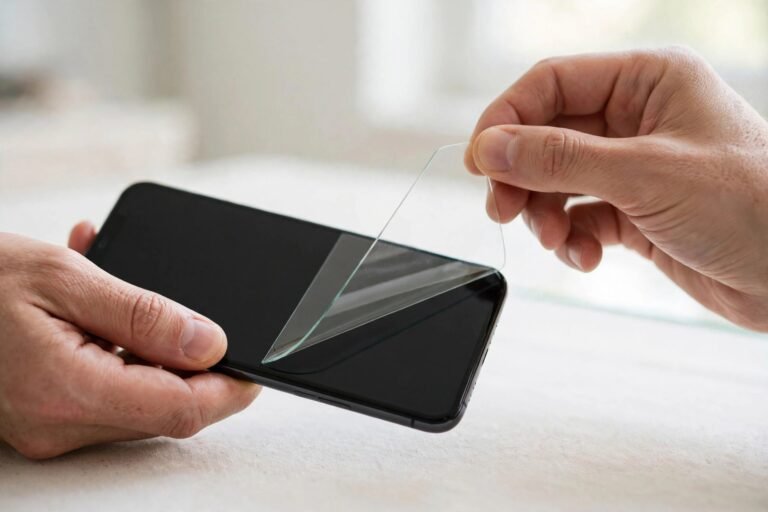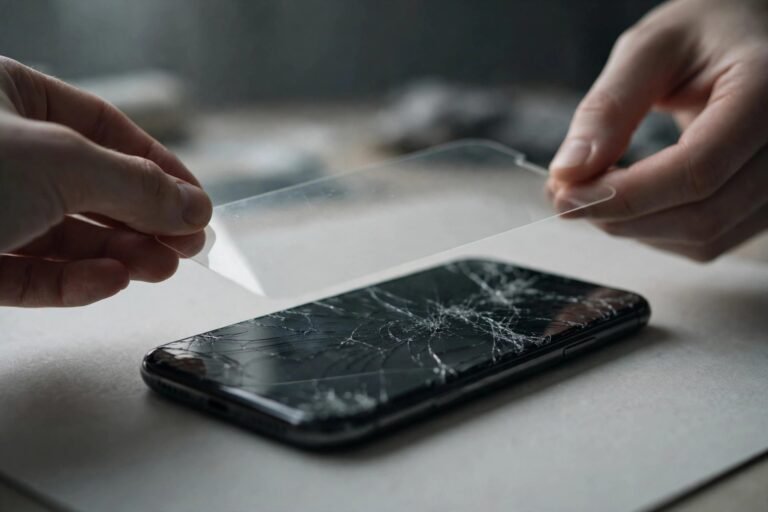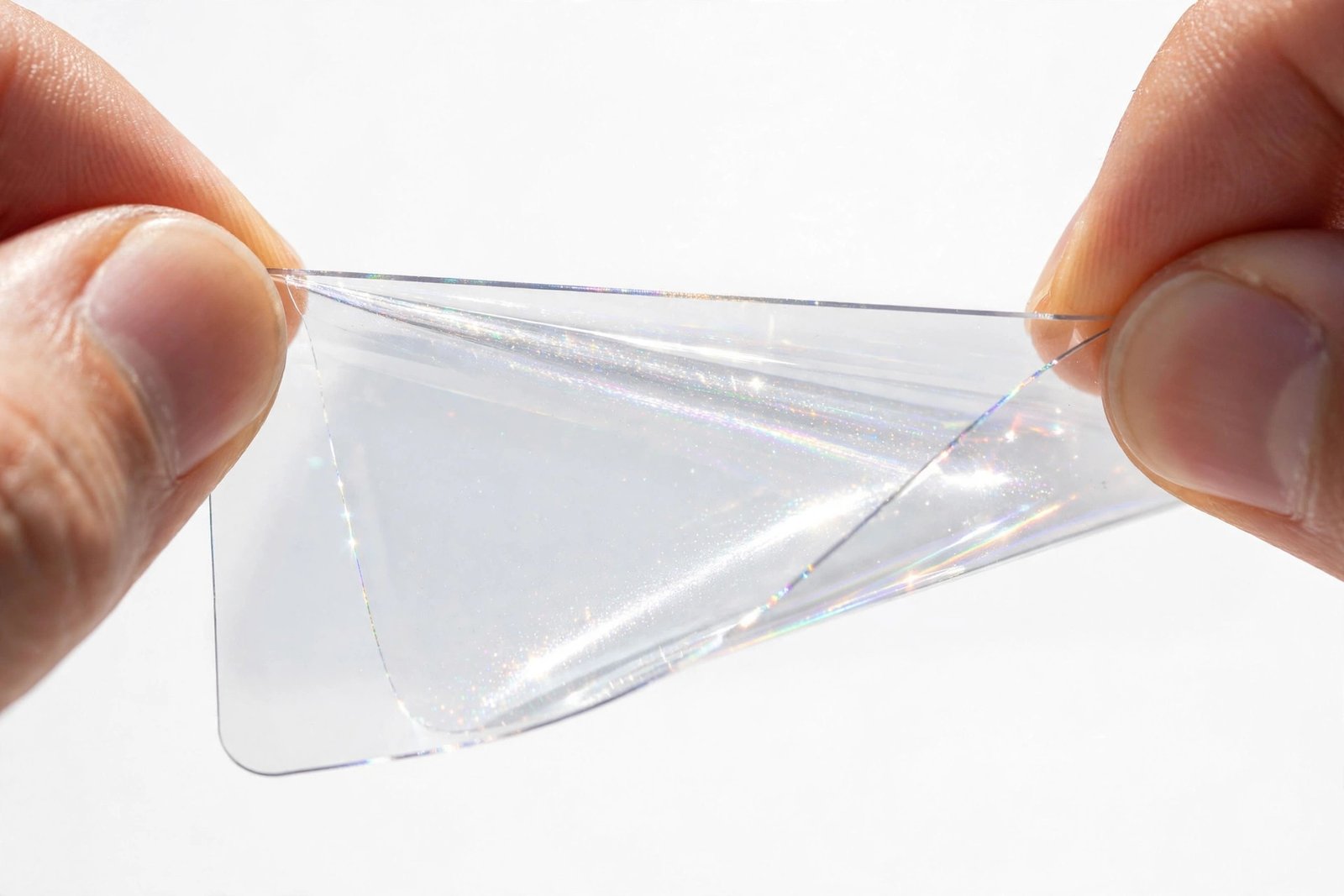
You peeled your screen protector off to reposition it, and now the sticky side has picked up dust, fingerprints, or mysterious pocket fluff. Binning it feels wasteful — so how to clean screen protector sticky side without ruining it? Sometimes you can. The trick is knowing which methods preserve the delicate adhesive and which ones destroy it for good.
The adhesive on a screen protector is a thin silicone or acrylic layer designed to bond once, cleanly. Harsh cleaning — soap, vigorous wiping, blasts of tap water — usually kills it. But a couple of gentle techniques can genuinely rescue a dusty protector. Here’s what works, what to avoid, and when to admit defeat and use a fresh one.
Key Takeaways
- Never wipe the sticky side with a cloth — wiping grinds dust in and smears oils across the adhesive.
- The tape-lift method is the safest fix for dust and lint on any protector type.
- A lukewarm water rinse works for PET/TPU film only — never for tempered glass.
- Always air-dry; towels and hairdryers damage the adhesive.
- If edges won’t stick down after cleaning, replace the protector — a lifting edge funnels more dirt underneath.
- Prevention beats rescue: handle protectors by the edges and work in dust-free air.
Why the Sticky Side Is So Hard to Clean
Screen protector adhesive isn’t glue in the familiar sense — it’s a pressure-sensitive silicone layer only microns thick, engineered to wet out against perfectly smooth glass. The moment dust, fibres, or fingerprint oils land on it, they embed in that soft layer. Unlike a hard surface, you can’t just wipe the contamination away, because wiping drags particles across the adhesive, scratching micro-channels into it and spreading oils wider.
That’s also why a protector that’s been repositioned twice often never sticks properly again. Each lift-and-replace cycle collects more airborne dust and weakens the bond. Cleaning can recover a lightly contaminated protector, but it can’t rebuild adhesive that’s been fundamentally compromised.
What Never to Do
Before the methods that work, the ones that don’t — because the wrong rescue attempt finishes the job the dust started. Never use soap or detergent: surfactants leave an invisible film that permanently kills adhesion. Never use alcohol wipes or solvents on the sticky side; they dissolve the silicone layer itself. Never wipe with any cloth, microfibre included — cloth fibres shed, and the wiping motion grinds particles in.
Never blast it under a running tap either. Mains water pressure drives minerals into the adhesive, and hard-water spots become permanent bumps under the protector. And never speed things up with a hairdryer or radiator — heat softens and distorts the adhesive unevenly, guaranteeing bubbles later.
Method 1: The Tape-Lift (Safest for All Types)
This is the method professionals reach for first, and it works on tempered glass and film alike. Take a strip of fresh, clean clear tape — or better, one of the dust-removal stickers from the protector’s box — and dab it straight down onto the dusty area, then lift straight off. The tape’s adhesive is stronger than the dust’s grip on the protector but gentler than the protector’s own adhesive, so contamination transfers to the tape without disturbing the silicone layer.
Work in small sections, using a fresh piece of tape each time — reusing a dusty piece just redeposits what you lifted. Dab, don’t drag: dragging stretches the protector’s adhesive and can create thin spots that later show as bubbles. For a fingerprint smudge on the sticky side, several patient dabs usually lift the oils enough to restore a usable bond.
- The dust-removal stickers included in most protector boxes are ideal — they’re formulated to leave zero residue, unlike some household tapes.
- If you must use household tape, avoid masking tape and anything labelled “extra strong” — both can leave their own residue behind.
Method 2: The Lukewarm Rinse (Film Protectors Only)
For PET or TPU film protectors with widespread contamination, a careful rinse can work. Hold the film by the edges under a gentle stream of lukewarm water — not hot, not blasting — sticky side down, letting water sheet across it. If needed, use clean fingertips (no nails) to lightly sweep the surface. No soap, ever. The goal is to float dust off, not scrub it off.
Shake off the excess water and prop the film vertically somewhere dust-free to air-dry — a steamy bathroom after the shower is ideal, since the humidity has pulled airborne dust down. Don’t touch the sticky side until it’s completely dry, which takes 15–30 minutes. The film can then be reapplied like new.
Don’t try this on tempered glass. Glass protectors rely on full-surface dry adhesion, and water that creeps toward the edges or gets trapped rarely dries evenly — you’ll trade dust for permanent cloudy patches and lifting edges. For glass, stick to the tape-lift method.
Drying: The Step Everyone Rushes
However you cleaned it, air-drying is the only safe finish. Patting with any towel — even a clean microfibre — reintroduces lint at the worst possible moment, and heat from a hairdryer warps the adhesive. Prop the protector vertically so water runs off rather than pooling, and give it the full 15–30 minutes. If you can still see water beading, it’s not ready.
While it dries, prepare the phone screen itself: a perfectly clean screen is pointless if the protector goes back onto a dusty one. Clean the display, do the dust-sticker pass, and only then bring the dry protector over.
When Cleaning Won’t Save It
Some protectors are beyond rescue, and recognising it saves you a frustrating reinstall. Replace it if: the edges won’t stick down flat after cleaning and keep lifting within minutes; the adhesive looks cloudy or has visible scratches and thin spots; fingerprints were pressed hard into the sticky side (oils driven deep don’t lift with tape); or the protector has been removed and reapplied more than a couple of times.
A compromised protector is worse than none at all — lifting edges act as funnels, channelling fresh dust underneath and eventually onto the bare screen area. Protectors are cheap; a scratched display isn’t.
Frequently Asked Questions
Can I use water on a tempered glass protector’s sticky side?
It’s not recommended. Water rarely dries evenly on rigid glass adhesive and often leaves cloudy patches or weak spots that become bubbles. Use the tape-lift method for glass — save the rinse technique for flexible film protectors only.
Why did my protector lose stickiness after one reposition?
Most likely it picked up invisible dust or fingerprint oils during the lift. Even clean-looking hands transfer oils. The tape-lift method can often recover it if the contamination is light — but each repositioning cycle weakens the bond a little, so aim to place it right the first time.
Can I use alcohol wipes on the adhesive side?
No. Alcohol is fine for cleaning the phone screen before installation, but on the sticky side it dissolves the silicone adhesive layer itself. Once that layer is damaged, no amount of drying will bring the tack back.
How do I stop dust getting on it in the first place?
Handle the protector by the edges only, peel the backing film at the last possible moment, and work in still, humid air — a bathroom after a hot shower is the classic trick. Keep the sticky side facing down and covered whenever it’s not going straight onto the screen.
Gentle and patient wins: dab with tape, rinse only film, air-dry everything — and know when a fresh protector is the cheaper option.