
A screen protector is one of the cheapest accessories you can buy for a phone, tablet, or laptop — yet what it actually does is widely misunderstood. Some treat it as a magical shield that makes a screen indestructible; others see it as pointless plastic that ruins how a display looks. The truth sits somewhere in between, and it’s more interesting than either extreme.
In plain English, a screen protector is a sacrificial layer. It sits on top of your display and takes the daily punishment — scratches, grime, and minor knocks — so the glass underneath doesn’t have to. This guide explains each of those jobs in plain English — and where the protection honestly ends.
Key Takeaways
- A protector’s main job is scratch defence — keys, sand, and grit damage screens far more often than drops do.
- Tempered glass absorbs impacts by cracking itself, sparing the display underneath from the full force.
- Oleophobic coatings keep fingerprints light, but no protector stays smudge-free forever.
- Privacy, anti-glare, and blue-light protectors each add one real function — don’t pay for features you won’t use.
- No protector makes a screen unbreakable, waterproofs a phone, or replaces a case — know the limits.
Job 1: Defence Against Scratches
This is the job a screen protector does best, and the one that matters most. Modern phone glass is tough against a single sharp blow, but it loses a slow war against everyday abrasion. Keys in the same pocket, grit on a tabletop, sand from a beach day — these leave hairline scratches that accumulate until the screen looks hazy under sunlight.
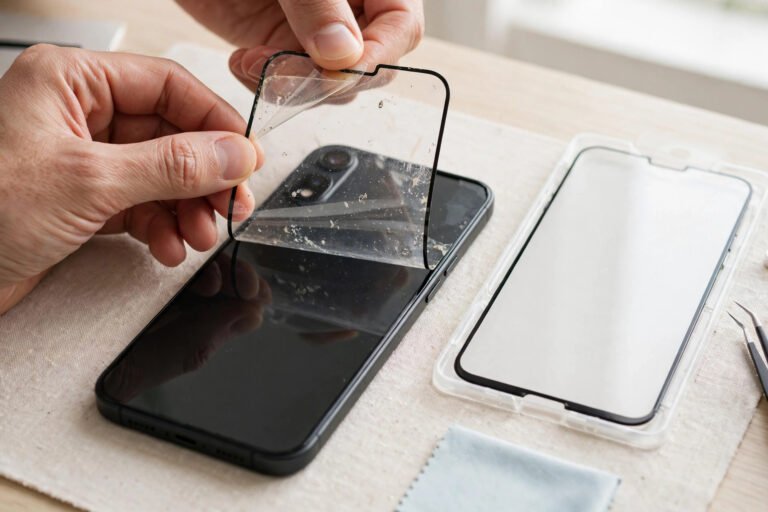
A protector takes that abuse instead. Scratches land on the replaceable layer, and when it looks worn, you peel it off and fit a fresh one for a fraction of the cost of a screen repair. Tempered glass protectors resist scratching better than film because the glass surface is harder, while PET and TPU films still do a perfectly good job against the light, daily stuff — keys, coins, zips.
Job 2: Absorbing Impacts
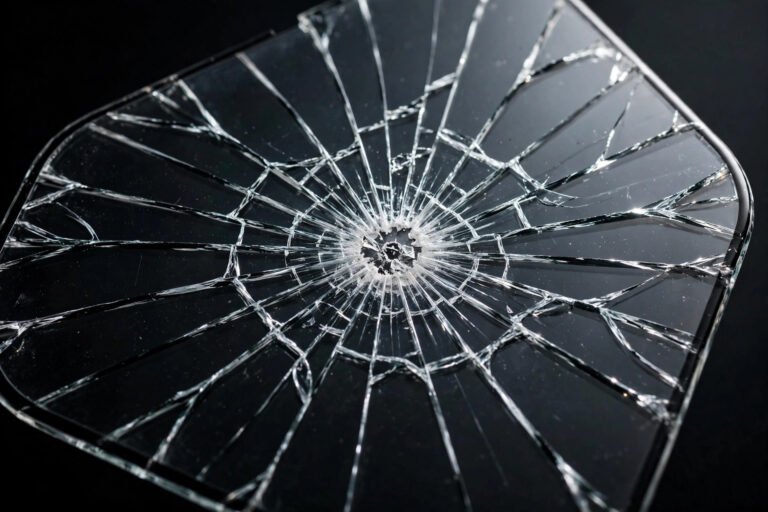
When your phone hits a hard floor, the protector’s second job kicks in. Tempered glass is manufactured under internal tension: it is strong against everyday pressure but designed to shatter into small, blunt fragments when the force exceeds its limit. That isn’t a flaw — it’s the mechanism. The energy of the impact goes into breaking the protector rather than into your display.
Think of it like a crumple zone in a car. A cracked protector after a drop is the product working exactly as intended: the layer destroyed itself to spare the screen beneath. Film protectors (PET and TPU) behave differently — they don’t crack, but they offer little impact absorption by comparison. Tempered glass is doing far more protective work.
- Once a protector has taken a hard hit, replace it promptly — a fractured layer has spent its protection.
Job 3: Resisting Smudges and Fingerprints
Every quality protector carries an oleophobic coating — a microscopically thin layer that repels the oils from your fingertips. This is what makes a new screen feel silky and easy to wipe clean, and why fingerprints bead up instead of smearing. It’s the same coating manufacturers put on the display itself, just on the replaceable layer instead.
Be realistic about it, though: the coating wears off with use, typically over several months of swiping and cleaning. When fingerprints stop wiping off easily, the coating has worn through — fitting a fresh protector restores that slippery feel instantly.
Job 4: Specialist Functions — Privacy, Anti-Glare, and Blue Light
Beyond the basics, some protectors add a dedicated extra function. Privacy filters use microscopic louvres in the layer to narrow the viewing angle, so the person next to you on the train sees a dark screen while you see it normally. Anti-glare or matte protectors scatter reflections with a textured surface, making the screen readable in bright light at the cost of slightly softened sharpness. Blue-light filtering protectors add a tint that cuts a portion of high-energy visible light.
Each involves a trade-off: privacy screens dim the display, matte finishes soften sharpness, and blue-light tints shift colours. Choose one only if you need that specific function — otherwise a plain clear protector gives the truest picture.
What a Screen Protector Does Not Do
Honesty matters here, because overblown claims are everywhere. A screen protector does not make your screen unbreakable. A hard enough drop, especially onto a corner or a sharp stone, can still crack the display underneath — the protector only reduces the odds, and mostly against face-down impacts. It does not waterproof your phone, add any water resistance, or seal anything.
It also won’t save a phone from bending or damage to the back and frame — it covers one surface only. And it guarantees nothing: treat it as cheap insurance that improves your odds, not as a warranty.
- A protector covers the glass; a case covers the corners, back, and frame — most careful owners use both.
The Main Types and Which Job Each Does Best
There are four common types. Tempered glass is the all-rounder: best scratch resistance, best impact absorption, and the most like the naked screen in feel and clarity. PET film is the thin, cheap classic — good light scratch protection, barely noticeable, but no meaningful impact help. TPU film is a flexible, slightly rubbery plastic that self-heals minor marks and wraps curved edges well. Liquid screen protectors are wipe-on nano coatings that add a slick, scratch-resistant layer at a molecular level, but they can’t absorb impacts the way a physical layer can.
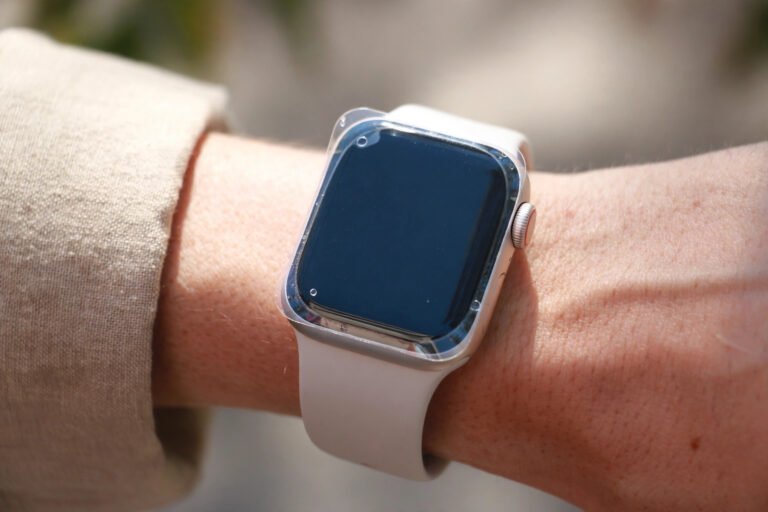
For most people, tempered glass is the sensible default: it does every core job well. Choose PET or TPU if you want the thinnest possible feel or basic scratch cover on a budget. Liquid coatings suit devices where no physical protector fits well, like some smartwatches — just understand their limits.
Frequently Asked Questions
Does a screen protector stop the screen from cracking?
It reduces the risk, especially with tempered glass, which absorbs impact energy by cracking itself. But it can’t stop every crack — a severe drop, a corner hit, or landing on a sharp object can still break the display. Think of it as a seatbelt: it greatly improves your odds, it doesn’t make crashes harmless.
Does a screen protector affect screen clarity or touch sensitivity?
A quality clear protector is barely noticeable: modern tempered glass transmits around 99% of light, and touch response stays normal. Cheap or poorly fitted protectors can look hazy or dull the touch slightly — and matte/privacy variants always trade some sharpness for their special function.
Do I still need a phone case if I have a screen protector?
Yes, ideally. They protect different things: the protector guards the glass surface against scratches and face-down drops, while a case absorbs corner impacts, protects the back and camera lenses, and adds grip. Most cracked screens come from corner strikes that no flat protector can fully absorb — that’s the case’s job.
How often should a screen protector be replaced?
Replace it when it’s cracked, deeply scratched, or won’t stay clean anymore. For most users that’s every 6–12 months for glass, sooner for film.
A screen protector is humble, cheap insurance: it won’t make your phone indestructible, but it quietly takes the scratches, smudges, and small knocks that would otherwise age your display long before its time.