The Kindle Paperwhite has one job it does brilliantly: a glare-free, paper-like screen you can read in bright sunlight. That raises an obvious question — if the screen is already matte and tough enough for daily reading, does a Kindle Paperwhite need a screen protector at all, and could adding one actually spoil the thing it does best?
The short answer: most Paperwhite owners do not need one, especially if the device lives in a cover. But the full answer depends on how and where you read — a Paperwhite that travels in a beach bag faces risks a bedside one never will. Here is the balanced verdict by use case.
Key Takeaways
- The Paperwhite’s matte, anti-glare screen is its main attraction — a glossy protector can undo that by adding reflections.
- Most scratch risk happens in bags and during transport, and a flip cover or sleeve eliminates almost all of it.
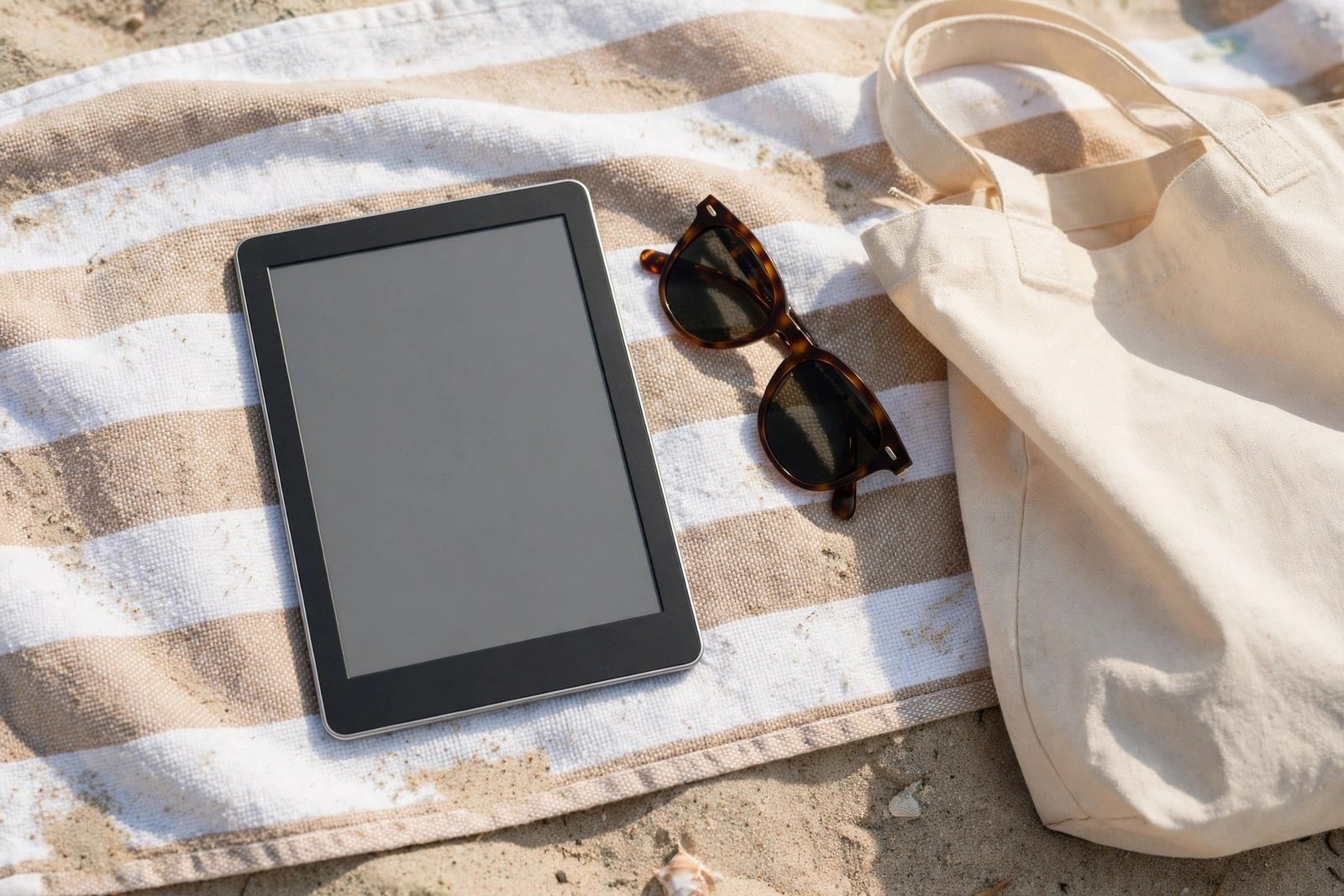
- Sand is the Paperwhite’s worst enemy — beach and outdoor readers are the strongest candidates for a protector.
- If you fit one, choose a matte film cut for your exact Paperwhite generation — screen sizes and bezels differ between models.
- A protector adds very little impact protection on an e-reader; it guards against scratches, not drops.
- Home readers with a cover can confidently skip one and enjoy the screen exactly as designed.
Why the Paperwhite Screen Is Different
An E Ink display is not phone glass. The Paperwhite’s screen has a matte finish engineered to scatter light rather than reflect it, which is why the page looks like paper and stays readable outdoors. Recent generations have a flush-front design — the screen sits level with the bezel under a single surface layer — while older models had a recessed screen. Either way, the surface is built for fingertips, not styluses, and it has no laminated glass panel to crack in the phone sense.
That design means the classic reasons for a protector are weaker here. There is no expensive glass slab to shatter, no constant pocket abrasion on a daily commute for most owners, and no pen dragging grit across it. The realistic enemy list is short: hard objects in a bag, grit and sand, and the occasional careless moment.
The Glare Problem: Protectors Can Make Things Worse
The most common regret among Paperwhite owners who fit a protector is choosing a clear or glossy film. It turns the matte screen into a mildly reflective one, bringing back window and lamp reflections the Paperwhite was designed to eliminate, and it can make the text look very slightly less crisp. Indoors under soft light you may never notice; in the bright conditions where the Paperwhite shines, you will.
If you decide you want a protector, this is why the advice is always the same: matte film only, cut precisely for your Paperwhite’s generation. A matte film preserves the anti-glare character while adding a sacrificial layer against scratches. Even then, expect a small change in texture under your fingers and a very slight softening of the page — the unavoidable tax any added layer charges.
- Before buying a protector, check which Paperwhite generation you own in the device settings — screen size changed between generations, and a film for the wrong model will overhang or fall short.
- If you read outdoors a lot, test any film in bright light first. That is where a poor protector shows itself.
The Verdict by How You Read
Bedside and home reading, with a cover: skip the protector. Your device is open only while you read and covered the rest of the time; there is very little left for a film to protect against, and you keep the screen exactly as designed. Commuting and travel: the cover still does most of the work — add a matte film if the Paperwhite rides loose in a bag with keys, chargers, and coins, or if it is handled by children.
Beach, pool, and outdoor reading: this is the protector’s best case. Sand is harder than the Paperwhite’s surface and gets everywhere — in bags, on towels, on fingers — and a single grain dragged across the screen can leave a permanent mark. A matte film turns that into a replaceable, low-cost layer, and the waterproofing of recent Paperwhite models does nothing against abrasion. Second-hand or shared devices: a film is also sensible if the device changes hands often and you want to keep the screen presentable for resale.
If You Fit One: Getting It Right
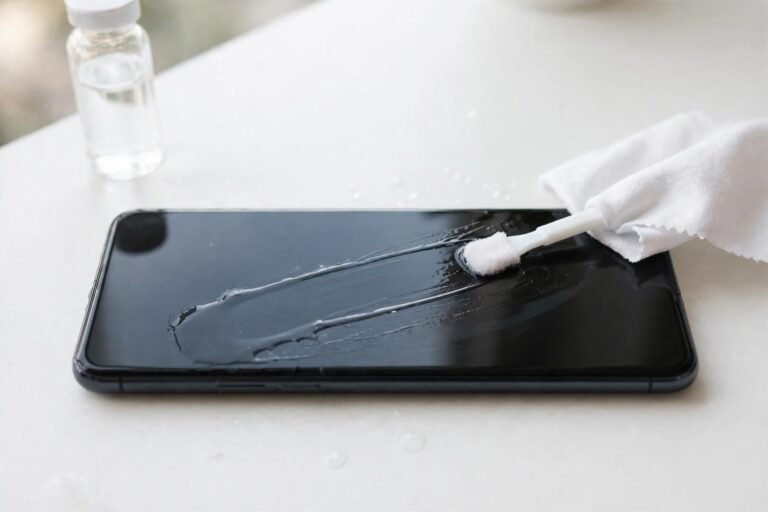
Fitting a film to an e-reader follows the same rules as any protector: clean the screen meticulously, work in a dust-free room (a steamy bathroom helps), and align from one edge. Because the Paperwhite screen is matte, trapped dust is easier to spot before you commit — take advantage of that and inspect under a lamp first. Buy a multi-pack if you can; large films are easy to misalign on the first attempt.
And keep expectations honest: the film is there to take scratches, not to armour the device. A dropped Paperwhite needs a cover with a padded front and luck, in that order — no film meaningfully changes the outcome of a fall onto concrete.
- A simple sleeve or flip cover protects better than any film for the journey, and nothing at all while you read. Spend on the cover first; add a matte film only if your reading life is genuinely rough on the device.
Frequently Asked Questions
Can a Kindle Paperwhite screen get scratched?
Yes. The matte surface is durable for reading but not scratch-proof — sand, grit, keys, and other hard objects in a bag can mark it, and scratches on an E Ink screen are permanent. Transport in a cover prevents the overwhelming majority of them.
Will a screen protector make my Paperwhite harder to read in sunlight?
A glossy or clear protector can — it adds reflections the matte screen was designed to avoid. A matte protector preserves the anti-glare behaviour and is the only type worth fitting to a Paperwhite, though even a matte film softens the page very slightly.
Does a protector affect the Paperwhite’s waterproofing?
No — waterproofing on recent models is a property of the device’s seals, not the screen surface, and a film does not change it. Just make sure the screen is fully dry before fitting a protector, as trapped moisture under a film causes bubbles and cloudy patches.
For the Paperwhite, the cover is the protector — add a matte film only if sand, bags, or small hands are a regular part of your reading life.