Here is the scenario: you have lifted your screen protector to fix a bubble, reposition it, or rescue an install that went slightly crooked — and now the sticky side is flecked with dust, fibres and one very visible hair. Can you clean the back of a screen protector and still get a good refit? Sometimes, yes — but only with one technique, only for certain kinds of contamination, and with honest expectations. The adhesive side of a protector is the least forgiving surface you will ever try to clean.
This guide covers the only method that works — dabbing with dust-removal stickers or tape — explains why water, cloths and fingers all make things worse, and helps you judge when cleaning the back is worth attempting at all, for glass and for film.
Key Takeaways
- The only safe way to clean a protector’s sticky side is dabbing with a dust-removal sticker or clean tape — never wiping, rinsing or scrubbing.
- Fingers are the worst tool: skin oil transfers instantly to adhesive and permanently ruins its grip in that spot.
- Water and cloths damage adhesive — cloth sheds fibres into it, and moisture degrades the bonding layer, especially on tempered glass.
- This rescue works for a few visible specks, not wholesale contamination. A back covered in dust is beyond saving.
- Film protectors tolerate the attempt better than tempered glass, whose adhesive layer is more delicate and one-shot by design.
- Work immediately, somewhere steamy, and lower the protector back down within minutes — every second exposed collects more dust.
Why the Sticky Side Is So Unforgiving
A protector’s adhesive is engineered to bond to one thing — a perfectly clean glass screen — by making complete, even contact with it. That same stickiness makes it a magnet for everything else. The instant the back is exposed to air, airborne dust begins settling on it; anything that touches it, however briefly, transfers whatever it carries. And unlike a hard surface, you cannot wipe it clean afterwards, because the adhesive holds on to contamination rather than releasing it.
This is why the back of a protector is cleaned by lifting things off it, never by rubbing across it. Every wiping motion drags particles sideways through the adhesive, smearing oil and embedding fibres. Dabbing, by contrast, lets a stronger adhesive — the sticker’s — pull individual particles straight out without disturbing the rest of the layer.
- Before you lift a protector for any reason, lay out your dust stickers first and work in a steamy bathroom. Preparation made before the adhesive is exposed is worth more than any rescue attempted after it.
The Only Method: Dab, Don’t Wipe
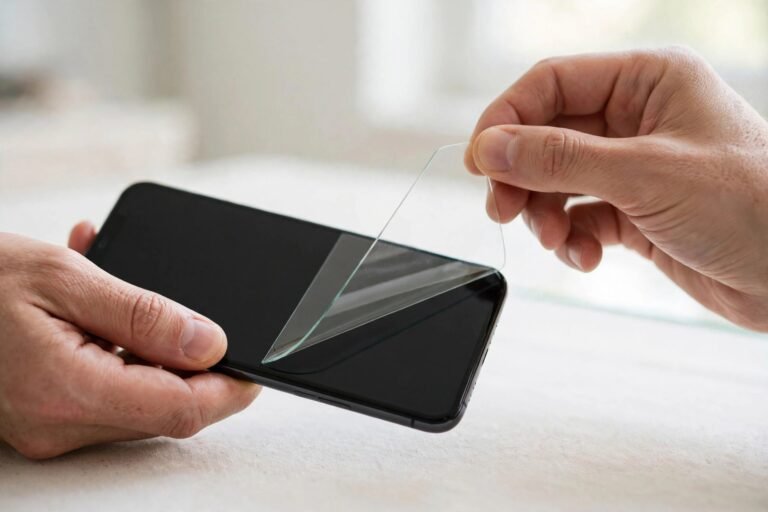
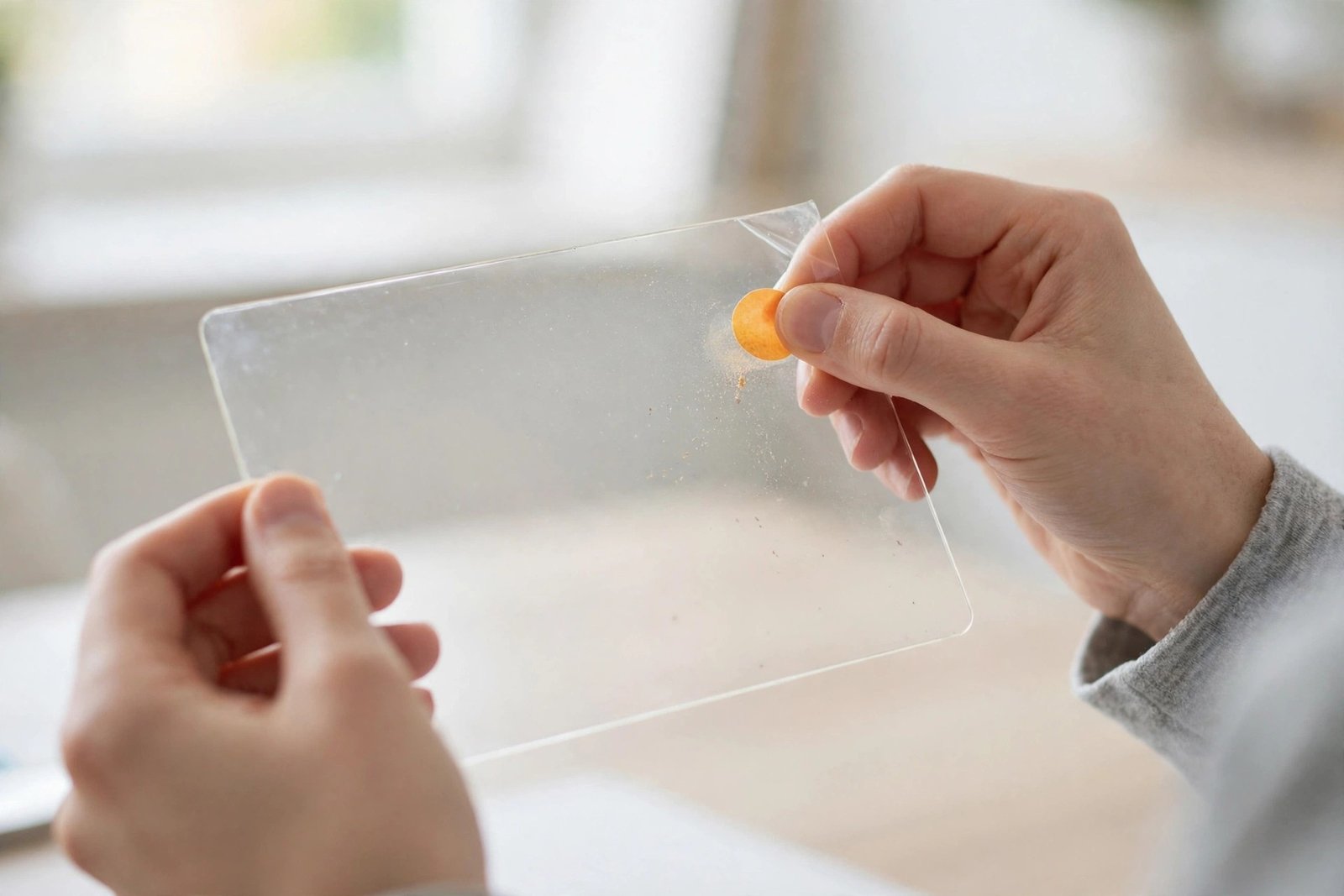
Hold the protector by its edges, adhesive side up, in good light. Take a dust-removal sticker — the large sticky sheets included in most protector kits — or a length of clean sticky tape, and press it lightly onto a dusty area of the back. Lift it straight off. The particle transfers to the sticker. Repeat across the surface, working methodically and using a fresh section of sticker as each part loads up with debris.
For a single stubborn speck, the edge of a piece of tape touched precisely onto it is more accurate than a full sticker. Inspect as you go by tilting the protector under the light — specks show up as bright points against the adhesive. When the back looks clear, stop. Every additional dab is another chance to add dust, so the goal is good enough to refit, not laboratory clean.
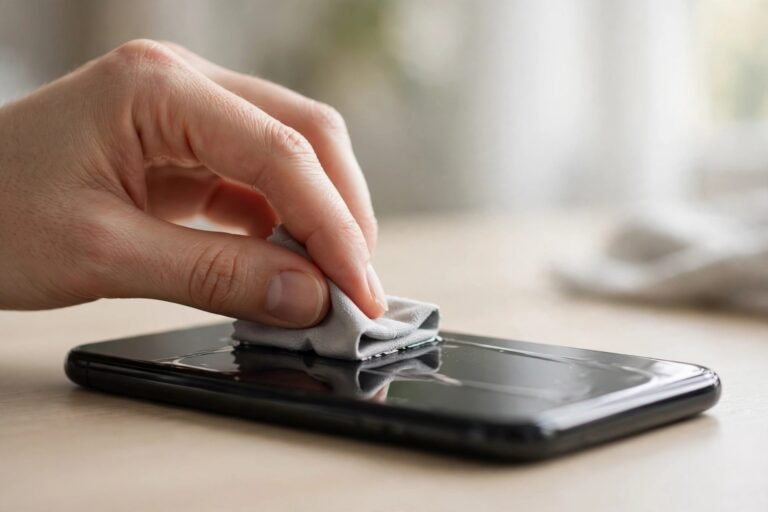
Then refit immediately. Clean the phone screen itself first with the normal wipe-and-sticker routine, align the protector, and lower it once, decisively. Press from the centre outward and give the adhesive a few minutes before judging the result.
What Never to Use — and Why
Fingers: the oils in your skin bond to the adhesive and destroy its grip in exactly the shape of your fingerprint, leaving a permanent cloudy patch that will never seal. Cloths and tissues: they are made of fibres, and fibres are precisely what you are trying to remove — a single wipe can embed hundreds. Water: rinsing feels intuitive but moisture works into the adhesive layer, weakening it and leaving mineral traces as it dries; on tempered glass, whose adhesive is a thin cured silicone-style layer, water can cloud it permanently. Solvents and sprays: these attack the adhesive itself. If any of these have already happened, be honest with yourself about the refit’s chances.
- If you must set a lifted protector down for a moment, rest it sticky-side up, balanced on its edges — never place the adhesive face-down on any surface, and never drape it over anything. Face-down contact contaminates the whole back at once.
Glass vs Film, and When to Give Up
Tempered glass is the harder rescue. Its adhesive layer is delicate, designed for a single application, and peeling the glass up often slightly disturbs the layer itself — so even a perfectly dust-free back may not reseal evenly. If the glass came off minutes ago and has only one or two specks, dabbing them off and refitting straight away often works. If it has been off for hours, or was set down sticky-side anywhere, temper your expectations sharply.
Film protectors are more forgiving: their adhesive tolerates lifting better, and if you pressed the film back onto its original backing sheet immediately after removal, the back may need no cleaning at all. Film that has been handled freely is still a long shot — it stretches as well as contaminates.
The honest cut-off: if the back shows more specks than you can count at a glance, visible smearing, or a fingerprint, no amount of dabbing will restore it. Every trapped particle becomes a permanent bubble with a visible centre. At that point a fresh protector from the multi-pack is not a defeat — it is the correct tool, and it is what the spares were for.
Frequently Asked Questions
Can I wash the back of a screen protector with water?
It is sometimes suggested for film protectors, and a gentle rinse can float off loose dust — but it is a last resort, not a method. Water weakens and can cloud the adhesive, and drying the back without attracting fresh dust is extremely difficult. For tempered glass, keep water away entirely. The dabbing method is safer in every case.
How do I clean the back while the protector is still half-fitted?
If only one corner is lifted to rescue a bubble, do not try to clean the whole back. Lift just enough to reach the offending speck, dab it away with the corner of a dust sticker or tape, and press the protector back down. The less adhesive you expose, the less there is to contaminate — minimal lifting is itself a cleaning strategy.
The back has a fingerprint on it. Is it ruined?
Almost certainly, yes, in that spot. Skin oil does not dab off like dust — it smears into the adhesive and that area will not bond again, leaving a permanent unsealed patch shaped like the print. If the fingerprint is at an edge, you may judge the refit acceptable; if it is central, a fresh protector is the realistic answer.
Clean the back of a protector the way you would handle flypaper: touch it only with something stickier, dab rather than wipe, and work fast. A few specks can be rescued — a contaminated back cannot, and knowing the difference saves you an hour of bubbles.