It is a fair question, because the logic that makes a screen protector an obvious buy for a phone does not transfer neatly to a laptop. Your MacBook Air M2 is not dragged out of a pocket fifty times a day, nobody presses its screen with a thumb, and when you are not using it, the display hides safely inside a closed clamshell. So does it need a protector at all — or could fitting one cause more harm than it prevents?
The short answer is that most MacBook Air M2 owners do not need a screen protector, and there are specific, well-documented reasons to think twice before sticking anything to that display. This guide gives the balanced picture: why laptop screens face different risks from phone screens, the genuine problems protectors can create on this machine, and the simpler habits that protect the screen without adhesive.
Key Takeaways
- The MacBook Air M2 screen is not a touchscreen and spends its downtime protected inside a closed lid — the two main reasons phone screens get scratched barely apply.
- The real risks on this machine are keyboard marks and damage to the delicate anti-reflective coating, not everyday scratches.
- The gap between the keyboard deck and the closed display is extremely tight; anything adding thickness or pressure can work against the screen.
- Apple’s own guidance has long cautioned against leaving objects on the keyboard deck before closing the lid — check Apple’s current support guidance before fitting anything.
- A microfibre cloth laid over the keyboard when travelling, plus gentle cleaning, covers most of the real-world risk with no adhesive involved.
- If you work in a genuinely dusty, gritty or shared environment, a protector becomes more defensible — fit and removal then need extra care.
Why MacBook Screens Rarely Need a Protector
Phone screens get scratched because phones live hard lives: loose in pockets and bags with keys and coins, face down on tables, swiped constantly. A laptop display lives a sheltered life by comparison. It is only exposed while you are sitting in front of it, nothing rubs across it during normal use — the M2 Air has no touchscreen to invite contact — and the moment you finish working, the lid closes and the aluminium shell takes the knocks instead.
That is why the most common phone-screen injuries — pocket scratches, sand abrasion, swipe wear — are rare on laptops. The realistic enemies of a MacBook screen are different: oils transferring from the keyboard when the lid is closed, being packed in an overstuffed bag that presses the lid against the keys, and well-meaning cleaning with the wrong cloth. A stick-on protector addresses none of those particularly well.
The Real Risks a Protector Can Create
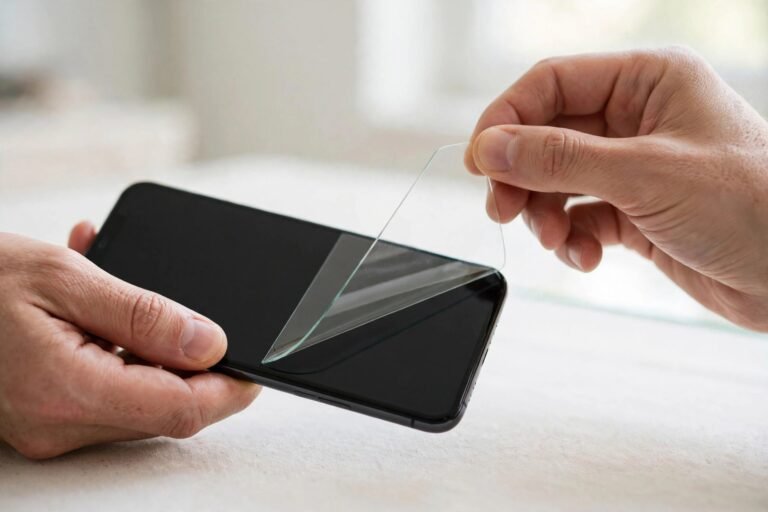
Modern MacBook displays carry a delicate anti-reflective coating, and it is the coating — not the glass — that is fragile. Adhesive protectors bond directly to that coating. If a protector is later removed, or shifts and is reapplied, there is a risk of the adhesive pulling at the coating and leaving marks or patchy delamination. Cleaning a coated screen with harsh chemicals can damage it too, which is why gentle handling matters more here than on a phone.
Clearance is the second issue. Apple designs its laptops with a very small gap between the keyboard deck and the display when the lid is shut, and the company has consistently advised against leaving anything — camera covers, palm rest covers, even paper — on the deck before closing, because the pressure can damage the screen. A protector is thin, but on a machine built to such tight tolerances it is still an added layer in a space that was not designed for one, and it can increase the pressure that transfers keyboard shapes onto the display. Advice and tolerances can change between models and over time, so check Apple’s current support pages for your exact machine before deciding.
- Those faint keyboard outlines you sometimes see on a MacBook screen are usually oil transferred from the keys, not scratches. They wipe off with a soft, slightly damp microfibre cloth — and they are a sign to clean the keyboard more often, not to buy a protector.
What to Do Instead
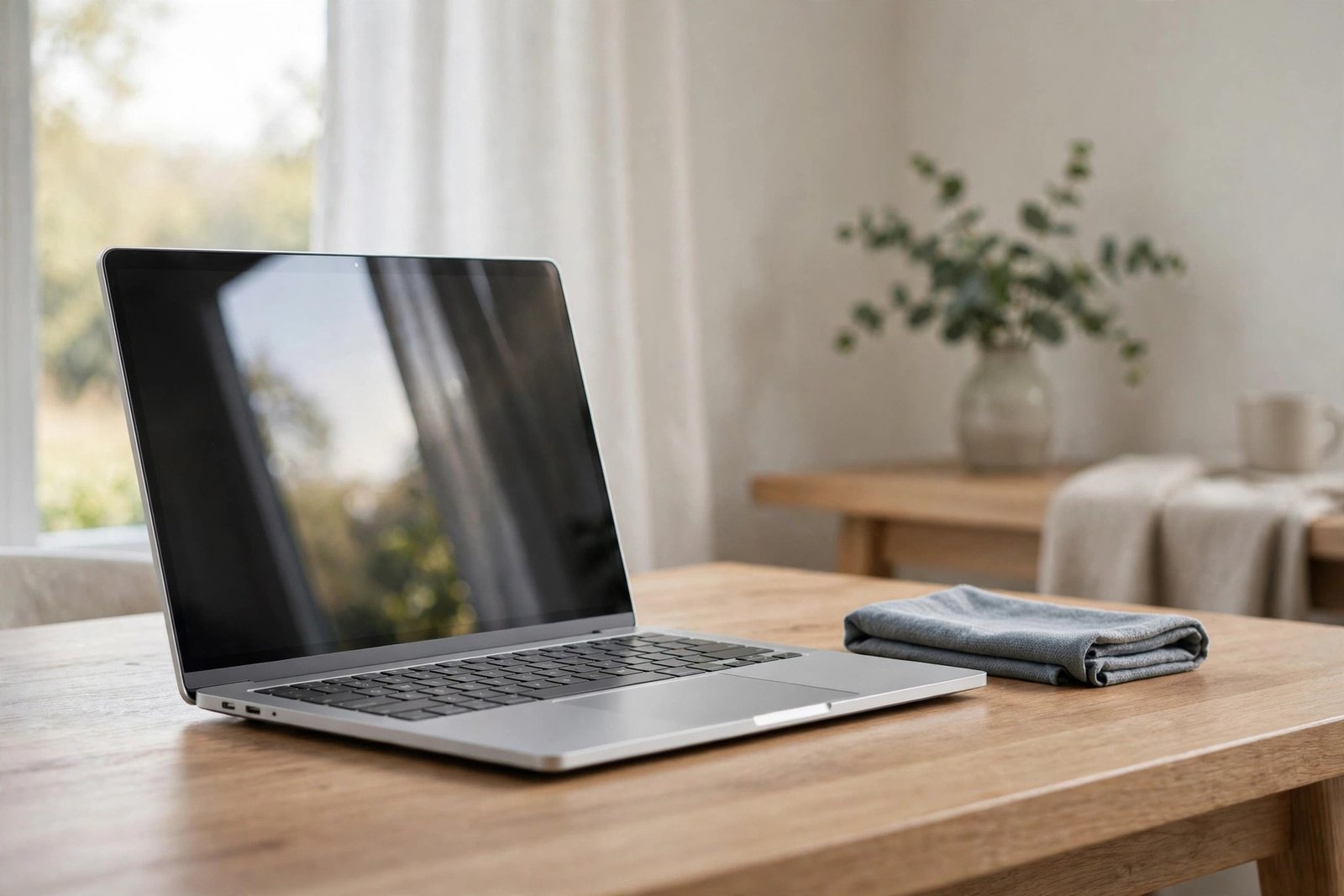
The simplest protection needs no adhesive at all. When you travel with the laptop, lay a thin microfibre cloth over the keyboard before closing the lid — it stops oil transfer and cushions the screen against key contact in a compressed bag, and because it is removed before use, it never presses on the display while you work. Just remember it is there and take it out when you open the machine.
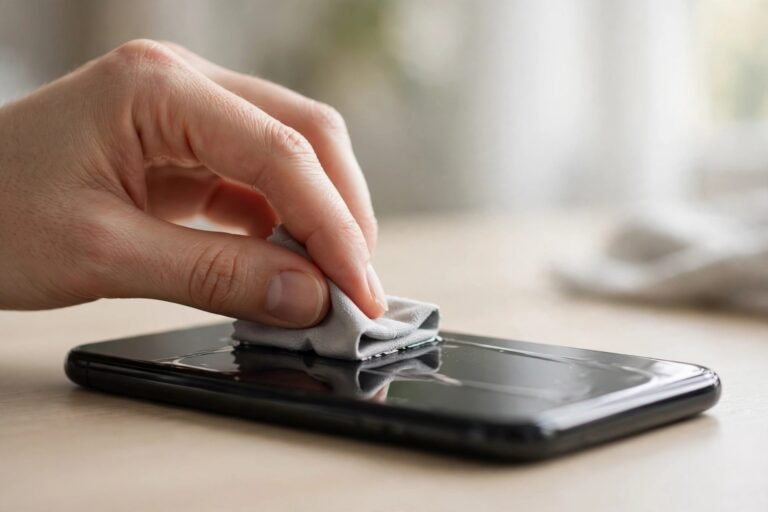
For cleaning, follow the conservative route: power down, use a soft, lint-free cloth, dry for dust or very slightly dampened with water for marks, and avoid household glass cleaners and solvents unless the manufacturer of your specific machine confirms they are safe — check current guidance, as recommendations are updated. Carry the laptop in a padded sleeve, avoid stacking heavy items on the closed lid, and never use the keyboard deck as a shelf for your phone.
- If privacy is your real concern in cafés and open offices, consider a removable magnetic privacy filter rather than a permanent adhesive protector — it attaches for the sessions that need it and comes off without touching the coating. Check compatibility and current product details before buying.
Frequently Asked Questions
Will a screen protector stop keyboard marks on my MacBook Air M2?
Only partly, and it trades one problem for another. The marks are mostly skin oil from the keys pressing lightly against the display in a closed, warm laptop; they clean off. A protector might intercept the oil, but it adds thickness in a very tight gap and its adhesive sits on the anti-reflective coating. A microfibre cloth over the keyboard when travelling solves the same problem with none of those downsides.
Can removing a screen protector damage the MacBook’s screen coating?
It can. The anti-reflective coating is a delicate surface layer, and adhesive being peeled away can pull at it, particularly if the protector has been on a long time or is removed quickly. This risk is one of the main reasons protectors are a harder sell on MacBooks than on phones. If a protector is already fitted and you want it off, slow, gentle removal is essential — and if you are in any doubt, having it removed professionally is the cautious option.
Is there any situation where a protector makes sense on the M2 Air?
Yes — the verdict is “usually unnecessary”, not “never”. If the laptop is used in a workshop, building site, classroom or other environment with airborne grit, shared users or careless handling, a physical layer of protection becomes much more reasonable. In a normal home or office life, careful handling and a keyboard cloth deliver the protection without the coating and clearance risks.
For the MacBook Air M2, the screen’s sheltered life means habits protect it better than adhesive does — keep it clean, cushion it in transit, and save the protector for the phones that actually live dangerously.