Something catches your eye — a faint line across the glass that you don’t remember being there this morning. Is it a crack, a scratch, or just a hair sitting on the screen? With modern protectors cut so precisely and glass so clear, a hairline crack can be genuinely hard to confirm, and the answer matters: a scratch is cosmetic, but a crack means the protector has spent its strength and needs replacing.
The good news is that cracks and scratches behave differently, and three simple tests — with light, with your fingernail, and against a dark background — will tell you which one you’re looking at in under a minute. Here’s how to run each check and read what it tells you.
Key Takeaways
- Raking light is the best revealer — tilt the phone under a lamp and hairline cracks flare into bright, sharp lines.
- The fingernail test separates the two: a crack catches your nail as it crosses; a surface scratch usually doesn’t.
- Check against a dark or black background — cracks scatter light and glow; scratches stay faint.
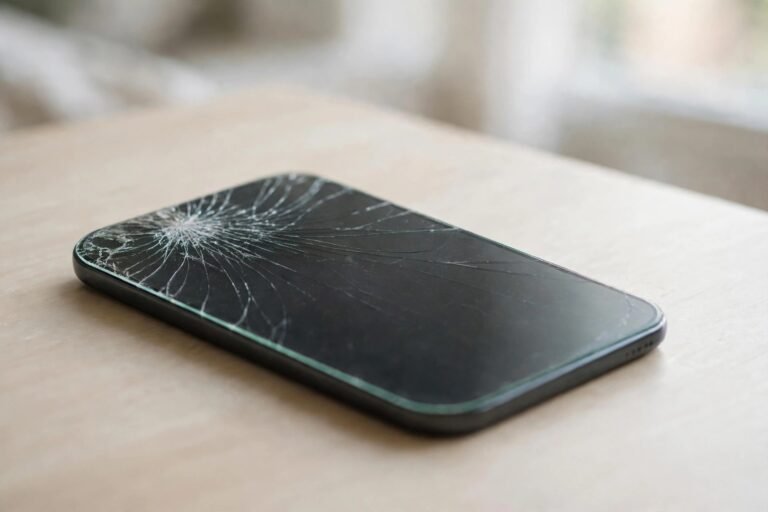
- Cracks branch, radiate and run edge to edge; scratches are shorter, random and stay on the surface.
- A crack almost always has an origin point — a chip or impact spot, usually on an edge or corner.
- If the line catches your nail, branches, or starts at the edge, treat it as a crack and plan a replacement.
Test 1: Raking Light
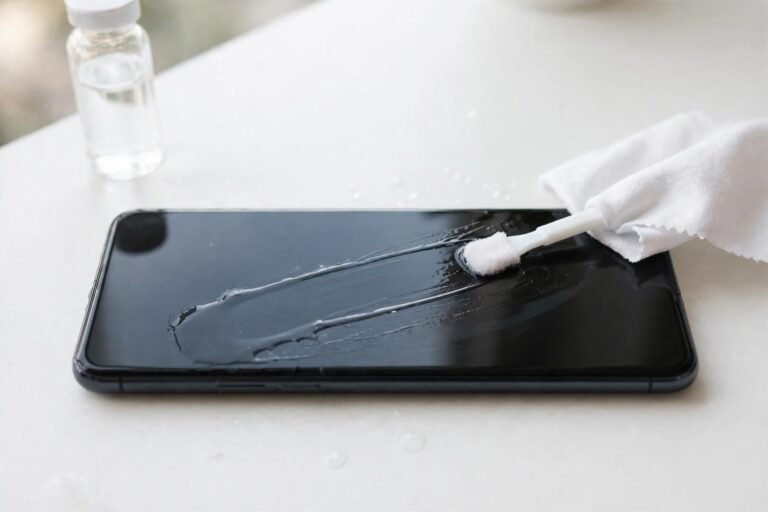
Start by cleaning the screen with a microfibre cloth — dust and smears create false lines that vanish the moment you wipe, and a surprising number of “cracks” turn out to be a hair or a dried splash mark. Then take the phone to a bright, single light source: a desk lamp or a window on a bright day. Turn the screen off, and tilt the phone slowly so the light rakes across the surface at a shallow angle.
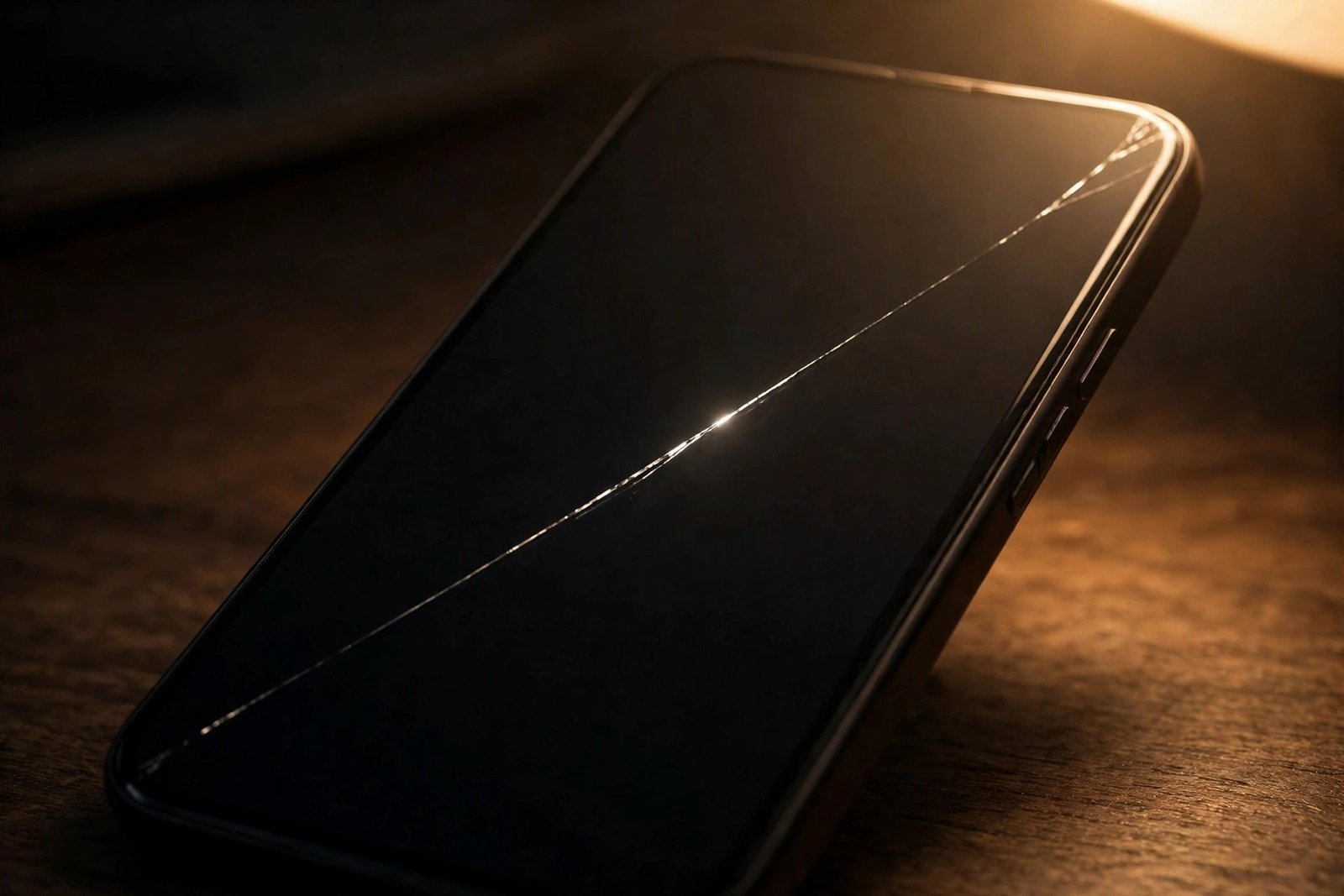
A crack interrupts the full thickness of the glass, so its internal faces catch and reflect light. As you tilt, a crack flares up as a bright, sharp, almost silvery line that stays visible across a range of angles. A scratch, being only a surface groove, shows at fewer angles and looks duller. Rotate the phone 90 degrees and tilt again — genuine cracks remain obvious from both directions.
Test 2: The Fingernail Catch
Drag a clean fingernail very lightly across the line, perpendicular to it, using almost no pressure. Because a crack is a fracture running through the glass, its edges sit at microscopically different heights, and your nail will catch or click as it crosses — a tiny snag you can feel clearly. A typical surface scratch is a shallow groove worn into the top layer, and your nail usually glides over it with little or no catch.
Run the test at two or three points along the line, and from both directions. One catch could be a deep scratch or a speck of grit; a consistent catch at every crossing point is a crack’s signature. Use the lightest touch you can — you’re feeling for a ridge, not trying to prise anything open, and pressing hard on a real crack can encourage it to spread.
- Follow the line to its end. If it runs all the way to the edge of the protector, or branches like a river delta on a map, it’s a crack — scratches don’t behave that way.
- Look for the origin: a tiny chip or starburst at one end of the line, usually on a corner or edge, confirms an impact crack.
Test 3: The Dark Background Check
Display something dark on the screen — a black image, a dark-mode app, or simply the lock screen in a dim room — and examine the line again. A crack scatters the light travelling through the glass, so against darkness it often glows as a fine bright thread, sometimes with a faint rainbow shimmer along its length. Scratches stay comparatively dull and grey.
This check is also the best way to survey the whole protector at once. With the screen dark and the phone tilted under your lamp, sweep your eyes across every corner and edge. Hairline cracks that were invisible in normal use stand out clearly, including ones you weren’t looking for — a protector can be cracked in a corner you rarely glance at.
Crack or Scratch? The Quick Comparison
Put the tests together and a clear picture emerges. Cracks run long, often edge to edge; they branch or fork; they start at an edge, corner, or impact point; they flare brightly in raking light and glow against dark screens; and they catch a fingernail along their length. They may also spread slowly over days as the glass flexes in your pocket. Scratches sit on the surface; they’re usually shorter, single, and randomly oriented from keys, grit, or wiping; they catch light weakly; your nail passes over them; and they stay exactly the same size forever.
One honest caveat: a very deep scratch and a very fine hairline crack can feel similar, and a crack in a film protector looks different again — film tears rather than fractures, showing a lifted, slightly ragged flap. If you’ve run all three tests and you’re still unsure, err on the side of treating it as a crack. A protector is inexpensive; the screen underneath it is not.
- Take a photo of the line today and compare it in a few days — a mark that has grown or branched is a crack, full stop.
- If the suspect line is only visible with the screen on and shows as coloured fringing, suspect the display itself, not the protector, and get it checked.
Frequently Asked Questions
How can I tell if the crack is in the protector or the actual screen?
Check the feel and the edges. Damage confined to the protector usually starts and ends within the protector’s outline, and you can feel its step at the protector’s edge. The surest test is removal: peel the protector off (over a bin, in case it shatters) and inspect the bare screen with the raking-light test. If the line is gone, it was the protector — and it did its job.
Can a hairline crack get worse if I leave it?
Yes. Everyday flexing, pocket pressure, and temperature changes all encourage cracks to creep and branch. A hairline in the middle of the screen may stay stable for a while, but one connected to an edge tends to travel. Either way, the protector’s protective strength in that area is already spent, so replacement is a matter of when, not if.
Does a scratch in the protector matter?
Barely. A scratch is surface wear — annoying to look at in bright light, but the protector beneath it is intact and still able to absorb impacts. Many people run a scratched protector for months. Replace it when the scuffing bothers you or the coating wears enough that fingerprints smear, not out of urgency.
Light, a fingernail, and a dark screen: three checks, one minute, no guessing. Once you know whether it’s a crack or a scratch, you’ll know whether to act today or simply carry on.