The back of a screen protector — the adhesive side — is the one surface you are always told never to touch. Yet sometimes you have to deal with it: you have lifted a corner to fish out a speck of dust, or peeled a protector up to reposition it, and now there are fingerprints, lint, and grit stuck to the very side that must sit flawlessly against your screen. Can that back be cleaned, and actually reused?
Yes — if the contamination is light and you clean it the right way. The adhesive layer can be rescued with nothing more than tape and patience, but the wrong cleaning attempt will ruin it permanently. This guide covers when a refit makes sense, the tape-dab method that works, the substances that must never go near the sticky side, and how to tell when a protector’s back is beyond saving.
Key Takeaways
- Clean the back only during a refit — dust removal or repositioning within minutes of lifting.
- Tape dabbing is the one safe method: a dust sticker or tape loop lifts specks without harming adhesive.
- Never use water, soap, or solvents on the adhesive side — they break the bond down permanently.
- Work on one small area at a time and lower the protector again as soon as you can.
- A back covered in lint, hair, or fingerprint smears is finished — use the spare from the pack.
When the Back Actually Needs Cleaning
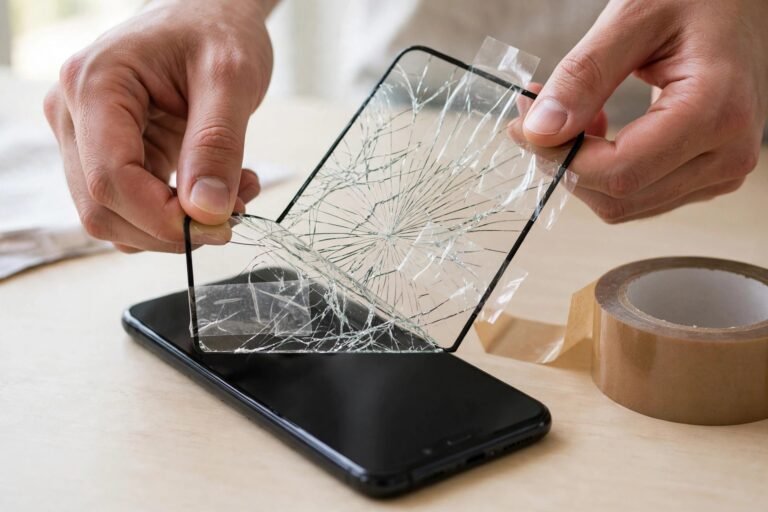
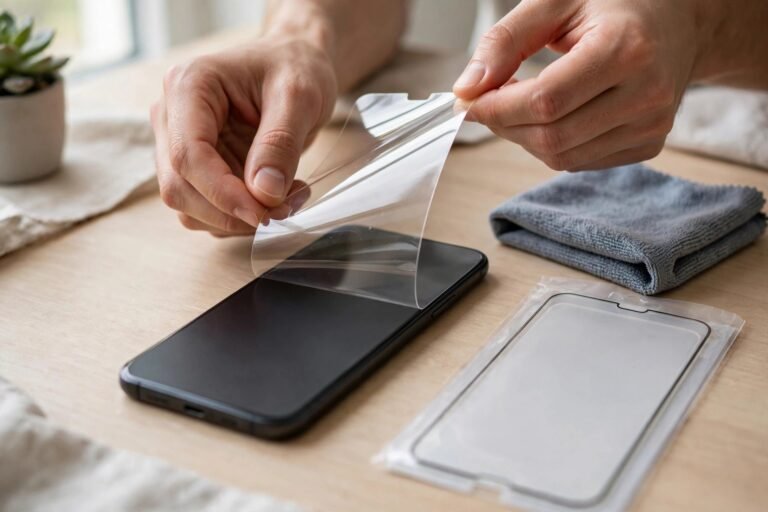
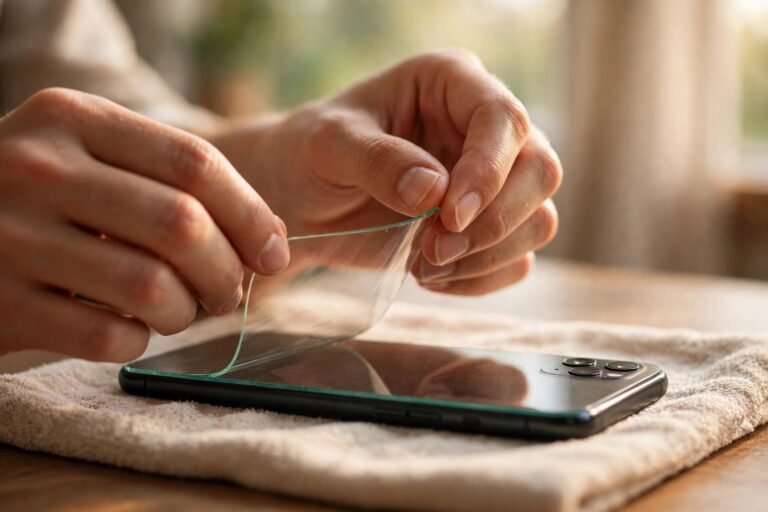
There are really only two situations. The first is mid-install dust removal: a speck got trapped, you lift the nearest corner with tape, and the underside — protector side, screen side, or both — needs the speck dabbed away before you lower it again. The second is repositioning: the protector landed crooked within the first minute, you have lifted it fully, and its back has picked up a fingerprint at the edge or a few specks from the air.
Notice what both situations share: the protector has been off the screen for seconds or minutes, not days. A protector that has sat adhesive-side-up on a desk for an afternoon has collected more contamination than any cleaning method can fix. Time exposed is the enemy — the longer the back is open to the room, the worse your odds.
The Tape-Dab Method, Step by Step
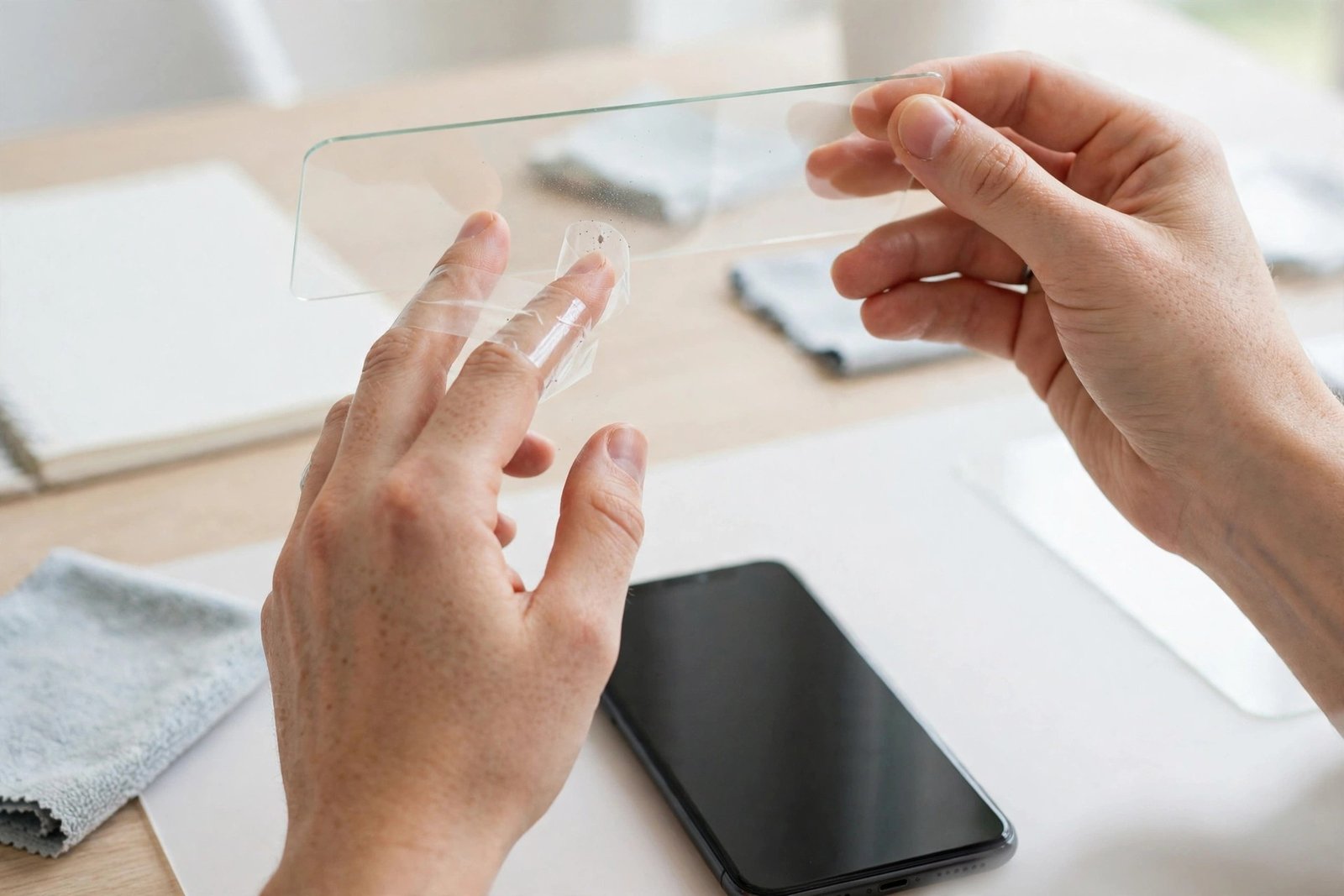
Hold the protector by its edges, adhesive side facing you, over the phone so any dislodged dust falls away from the screen rather than onto it. Take a dust-removal sticker — or wrap a loop of ordinary tape, sticky side out, around two fingers — and press it lightly and squarely onto the contaminated spot. Lift straight off. The speck transfers to the tape because the tape’s grip is stronger than its hold on the adhesive layer.
Work speck by speck, using a fresh section of tape for each one so you are never pressing yesterday’s dust back onto the glass. Never rub, wipe, or drag anything across the back: a dragging motion smears the adhesive, grinds grit into it, and leaves streaks that will show as rainbows under the display. When the back looks clean at a raking angle under the light, lower the protector immediately and press from the lift point outward.
- Dab the screen as well as the protector before lowering — half of all “protector dust” is actually sitting on the display.
- If you must set the protector down, rest it adhesive side up on its own backing sheet, never on a table, cloth, or — worst of all — paper.
What Never to Use on the Adhesive Side
Water is the big one people reach for, and it is a mistake. Rinsing the back may look like it washes dust away, but it leaves the adhesive cloudy, weakened, and prone to spotting, because the sticky layer is not designed to get wet. Soap and detergents are worse, leaving a residue film that guarantees bubbles. Alcohol wipes and solvents partially dissolve the adhesive itself — the protector may still stick afterwards, but unevenly and weakly.
Cloths belong on the list too. Microfibre feels gentle, but on the back it sheds fibres straight into the adhesive and smears oils rather than lifting them. Compressed air simply redistributes specks and can drive grit harder into the layer. The rule is simple: the only thing that touches the sticky side is tape, applied flat and lifted straight off.
Knowing When the Back Is Too Far Gone
Be honest with the inspection. If the back shows a broad fingerprint smear rather than a touch at the very edge, a scattering of lint or hairs rather than two or three specks, cloudy patches where adhesive has been disturbed, or grit you can feel as well as see — stop cleaning. Each extra dab on a badly contaminated back has diminishing returns, and the refit will show bubbles and rainbows no matter how carefully you lower it.
This is precisely the situation multi-packs exist for. A fresh protector costs little; an afternoon of squinting at a flawed install costs more. One partial exception: film protectors tolerate a rescue slightly better than glass because their adhesive layer is more forgiving — but “slightly” is the operative word, and the same honesty test applies.
- Judge the back under raking light with the screen’s reflection — contamination that looks trivial face-on glows when angled.
- A refitted protector that shows one faint speck afterwards is still a success. Perfection is not the standard; invisible-in-normal-use is.
Frequently Asked Questions
I touched the sticky side with a fingertip. Is it ruined?
Not necessarily. A single brief touch at the edge often leaves a print that sits outside the visible display area and causes no problem at all. A print in the middle is harder: dab it gently with tape, which lifts some of the oil, then decide by the honesty test — if the smear still shows clearly, use a fresh protector.
Can I wash a film protector’s back and reuse it?
It is sometimes suggested for cheap film, but results are poor even there: water leaves the adhesive streaky and weak, and the film usually goes back on with bubbles and reduced grip. Given that film protectors are inexpensive and sold in multi-packs, a fresh one is almost always the better outcome for the effort involved.
Why do bubbles appear after a refit even though the back looked clean?
Usually because dust settled on the screen while the protector was lifted, or because dabbing disturbed a small area of adhesive so it no longer sits perfectly flat. Lower the protector from the lift point and press outward slowly; if a bubble has a visible speck at its centre, it is dust, and one more careful lift-and-dab is the fix.
The back of a protector can be saved — briefly, lightly, and with tape alone. Dab the specks, lower it fast, and know the moment to reach for the spare instead.