Yes — any screen protector fitted to a phone can be removed, at home, in a couple of minutes, without damaging the screen underneath. That applies whether yours is rigid tempered glass or flexible film: both are held on by adhesives designed to let go when you peel them correctly. A protector is a consumable, not a permanent modification, and removing it is a normal part of owning one.
This guide covers the general removal picture for both protector types: the reasons people take them off, what is left behind on the screen afterwards and how to clean it, and the one thing worth knowing before you start — removal is a one-way trip for that protector.
Key Takeaways
- Both film and glass protectors remove cleanly with a corner lift and a slow peel; no solvents or special tools are needed.
- Protector adhesive is single-use — once removed, the same protector should not be refitted.
- Any residue left behind is temporary and cleans off with a cloth, a damp wipe, or gentle fingertip rolling.
- The best reasons to remove one: it is cracked, lifting, yellowed, or no longer the type you want.
- Have a replacement — or a deliberate bare-screen plan — ready before you peel, so the screen is never left unprotected by accident.
How Removal Works for Film and Glass
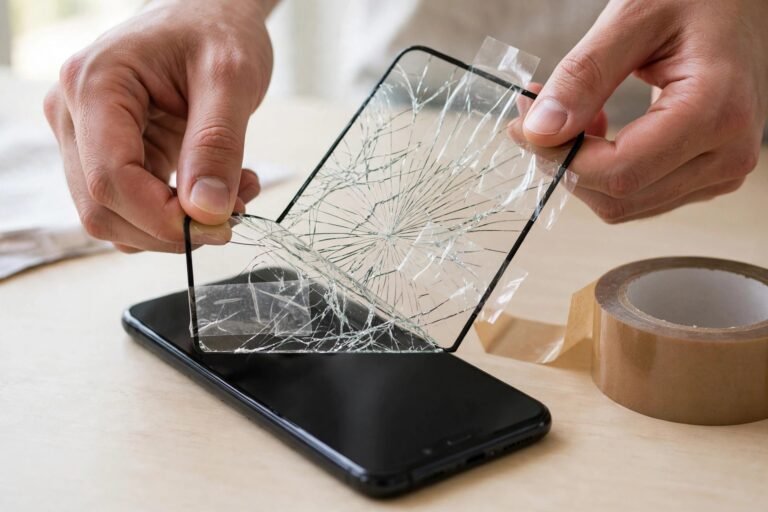
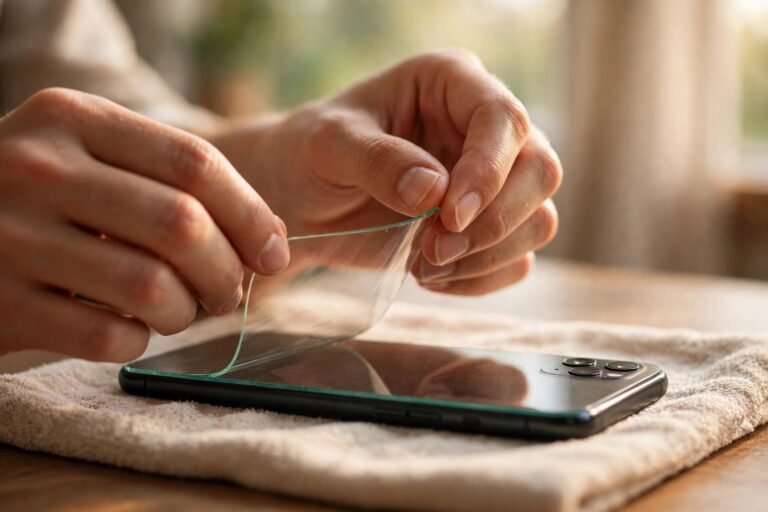
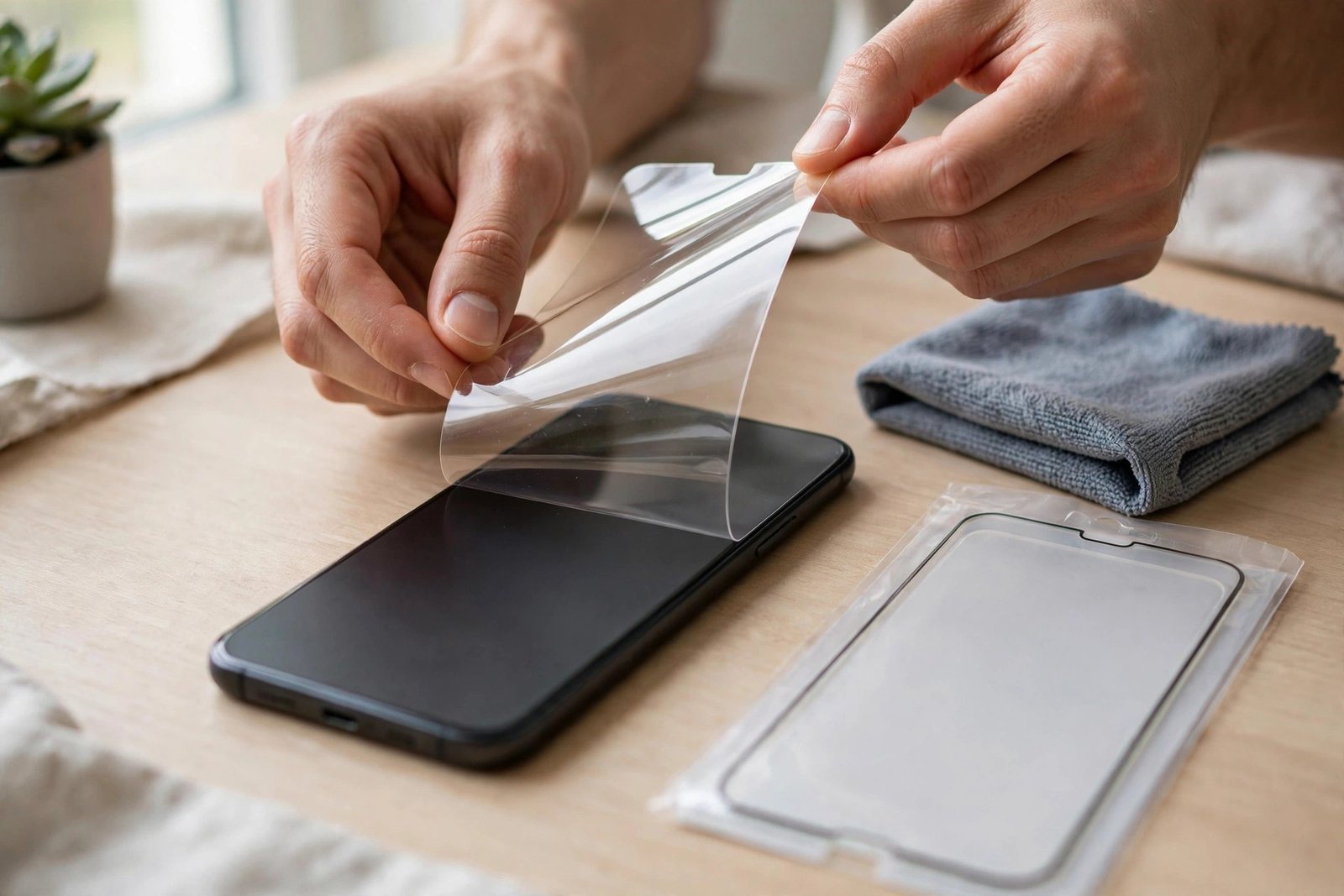
The method is the same in outline for both types. Remove the case, find the loosest corner, get a fingernail or a piece of tape under it, and peel slowly. Where they differ is in character. A film protector is flexible: it peels away in one floppy sheet, stretching slightly as it comes, and it cannot snap or shed fragments — the only care needed is keeping the tension low so it does not tear and leave a bonded strip behind. A glass protector is rigid: it lifts as a stiff pane that must be kept low and flat as it releases, because bending it is what makes it crack mid-removal.
Stubborn corners are the only common hiccup. Warmth from a phone that has been in use helps both types, and a loop of strong tape stuck to the corner makes a handle where fingernails cannot get purchase. What you should never reach for is anything metal or sharp — the screen under a protector is pristine, and a slipped blade is the one reliable way to change that during a removal.
Why Removal Means Goodbye: Single-Use Adhesive
People often peel a protector off intending to pop it straight back on — to clean underneath it, to swap a case that was lifting an edge, or to check the screen. It rarely ends well. The adhesive layer is engineered for one application. The moment it leaves the screen it picks up dust, skin oils and lint from the air and your fingers, and its tack is unevenly spent. Refit it and you get the predictable trio: sealed-in specks, bubbles that will not settle, and edges that lift within days.
So plan removal as a replacement, not a pause. If you are taking a protector off merely to inspect the screen, accept that a fresh one goes on afterwards — multi-packs exist precisely for this. The narrow exception is the first minute of a brand-new install: glass caught crooked immediately can usually be lifted once and dropped again before the adhesive sets. Beyond that window, treat every removal as final.
- Before removing a protector you are happy with, ask why. Lifting one edge to chase a bubble or a speck usually ends in a full replacement — weigh that before you start peeling.
- If you remove a protector to check for screen damage, photograph the bare screen in good light before the new one goes on; it is your only unobstructed look at it.
What Is Left Behind, and Cleaning It Up
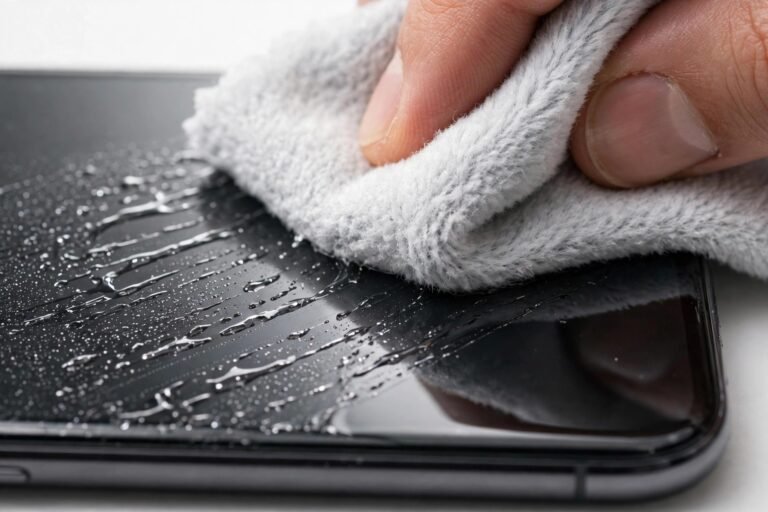
A freshly removed protector usually leaves the screen looking almost perfect — but “almost” hides a few things. You may find a faint outline where the protector sat, made of aged adhesive traces and the grime that accumulated around its edges; patches of slightly dull film where the adhesive let go unevenly; and, with older film protectors, a general tackiness. None of it is damage, and all of it cleans away.
Start dry: a clean microfibre cloth buffs most residue off. For outline marks and adhesive smears, roll them off with a fingertip — gentle friction balls the residue up so it can be flicked away — or use the wet wipe from your new protector’s kit, followed by a dry buff. Avoid household sprays and solvents; the screen has a factory fingerprint-resistant coating of its own that harsh chemicals can strip. When the glass looks uniformly glossy under a lamp, it is ready for whatever comes next.
When Removing One Makes Sense
The clear cases are damage and decay: a cracked pane that has spent its protective ability, edges lifting and trapping grit, film that has yellowed or gone cloudy, or a surface so scratched it is unpleasant to look through. Beyond that, people remove protectors to change type — glass to matte film for drawing, clear to privacy for commuting — or because they are selling or trading in the phone and want to present a flawless screen. Some simply prefer the bare-glass feel and accept the scratch risk with open eyes; that is a legitimate choice too, best paired with a case that has a raised lip.
- Time your removal for when you can fit the replacement straight away. A bare screen in a pocket “just for today” is exactly how pristine glass collects its first grit scratch.
- Selling the phone? Remove the old protector and either fit a fresh cheap one or leave the screen bare and say so — a tired, bubbled protector undersells a perfect screen.
Frequently Asked Questions
Does removing a protector leave permanent marks?
No. Anything left behind — outlines, smears, tacky patches — is adhesive residue and surface grime, and it cleans off with a cloth, a fingertip roll, or a damp wipe. The screen’s own glass and coatings are not affected by a normal removal.
How often can I change my screen protector?
As often as you like — the screen does not wear out from protector swaps. Change on condition rather than schedule: when the protector cracks, lifts, clouds or simply bothers you. Each change just needs a fresh protector and a thorough screen clean in between.
My protector tore halfway off and part is still stuck. What do I do?
This happens most often with film. Press a strip of strong tape over the remaining piece’s edge to make a handle, warm the phone through a few minutes of use, and peel the rest away slowly at a low angle. Any adhesive outline left afterwards cleans off as described above.
Removing a screen protector is safe, quick and clean — for film and glass alike. Just remember the bargain: the old one never goes back on, so peel with a fresh protector, or a clear bare-screen plan, already in hand.